

.3FR Přípona souboru
Obrázek Hasselblad 3F RAW
| Vývojář | Hasselblad |
| Popularita |
3,7 | 31 hlasů |
Co je soubor 3FR?
Soubor 3FR je digitální fotografie pořízená různými digitálními fotoaparáty Hasselblad, například modely X1D II 50C a 907X Special Edition. Ukládá obrazová data ve formátu Hasselblad 3F RAW fotoaparátu (3FR), jak je zachytil obrazový snímač fotoaparátu. Protože soubory 3FR obsahují minimálně zpracovaná obrazová data, zachovávají informace, které mohou fotografové využít k úpravě expozice, barev a dalších nastavení při následném zpracování.
Další informace
Společnost Hasselblad představila formát 3FR v roce 2006 spolu s uvedením fotoaparátu Hasselblad H2D. Starší generace fotoaparátů Hasselblad obvykle ukládaly soubory 3FR pomocí bezztrátové komprese, která zmenšuje velikost souboru při zachování kvality obrazu. Metody komprese se mohou lišit v závislosti na modelu a generaci fotoaparátu.
Kdo používá soubory 3FR?
Soubory 3FR používají především profesionální fotografové a fotografičtí nadšenci, kteří fotografují digitálními fotoaparáty Hasselblad. RAW soubory fotoaparátu, například soubory 3FR, ukládají více obrazových informací než komprimované obrazové formáty, což fotografům poskytuje větší flexibilitu při úpravách fotografií. Tato dodatečná data však často vedou k větší velikosti souborů, což může vyžadovat více úložného prostoru a ztížit sdílení souborů.
Fotografové často upravují obrázky 3FR a poté je exportují do formátů, které používají ztrátovou nebo bezztrátovou kompresi. Tento proces obvykle vytváří menší soubory, které se snadněji ukládají, sdílejí a nahrávají, přičemž si zachovávají požadovanou kvalitu obrazu pro zamýšlené použití.
Jak otevřít soubor 3FR
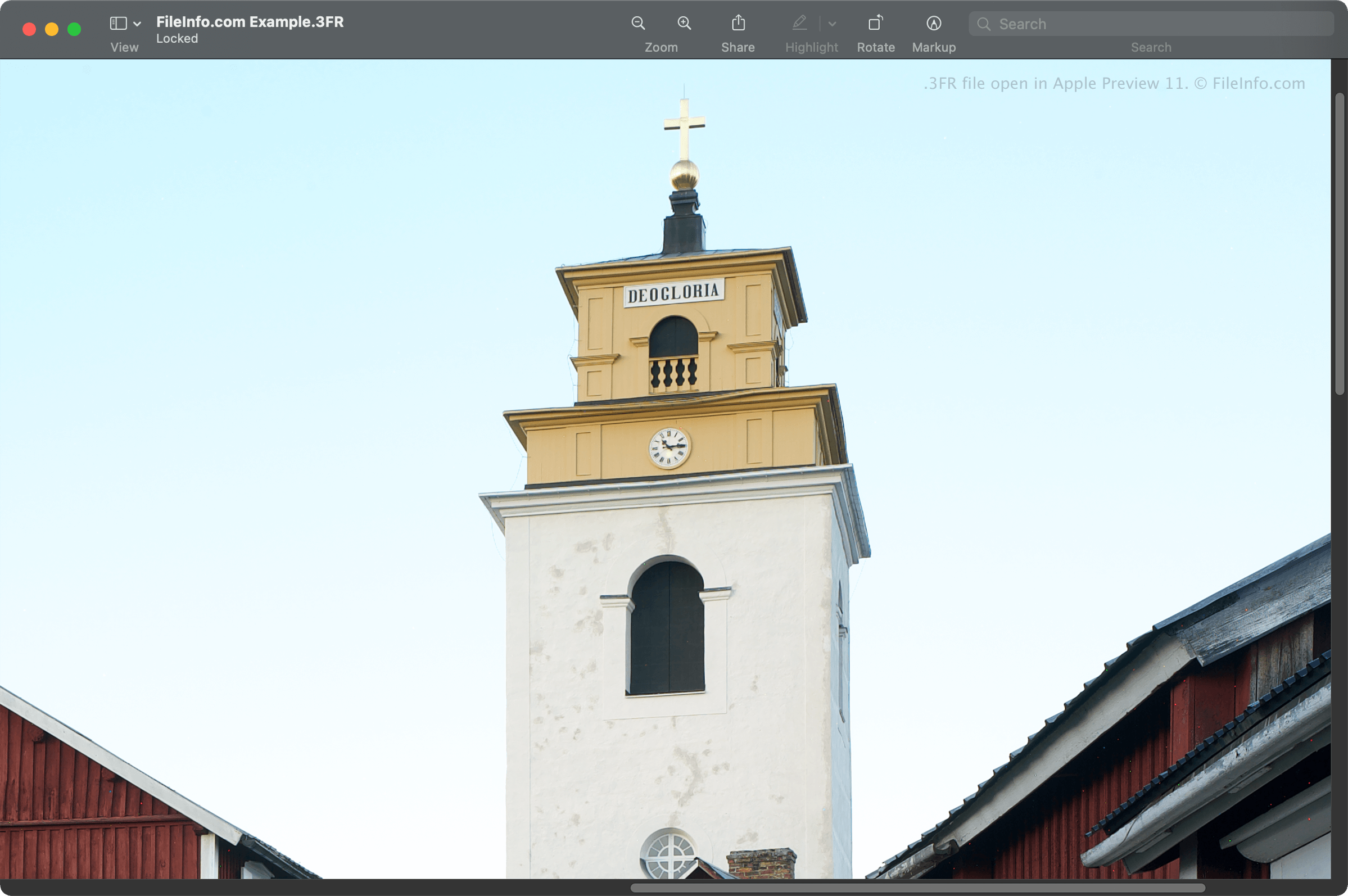
Soubory 3FR můžete otevřít v různých programech pro úpravu obrázků, včetně aplikace Hasselblad Phocus, která je bezplatná a slouží k prohlížení obrázků. Soubory 3FR můžete také otevřít v aplikacích Microsoft Photos (dodávané se systémem Windows), Apple Preview a Apple Photos (obě jsou dodávané se systémem macOS).
Mezi další editory obrázků, které podporují soubory 3FR, patří Corel PaintShop Pro, Adobe Photoshop a CyberLink PhotoDirector.
Jak převést soubor 3FR
Několik aplikací, včetně programů Adobe Photoshop, Corel PaintShop Pro a Apple Preview, dokáže převádět soubory 3FR na jiné typy souborů.
Adobe Photoshop může například převádět soubory 3FR do různých formátů, včetně následujících: