

.AIA 파일 확장자
MIT App Inventor 프로젝트
| 개발사 | MIT |
| 인기도 |
3.8 | 142 표 |
AIA 파일이란 무엇인가요?
AIA 파일은 Android 및 iOS 애플리케이션을 만들도록 초급 개발자를 가르치는 데 사용되는 웹 프로그램인 MIT App Inventor가 생성한 Zip으로 압축된 프로젝트 파일입니다. 여기에는 .BKY, SCM, YAIL 소스 코드 파일을 비롯한 여러 폴더와 파일이 포함되어 있습니다. AIA 파일은 App Inventor 프로젝트의 백업을 저장하고 다른 사용자와 공유하는 데 사용됩니다.
추가 정보
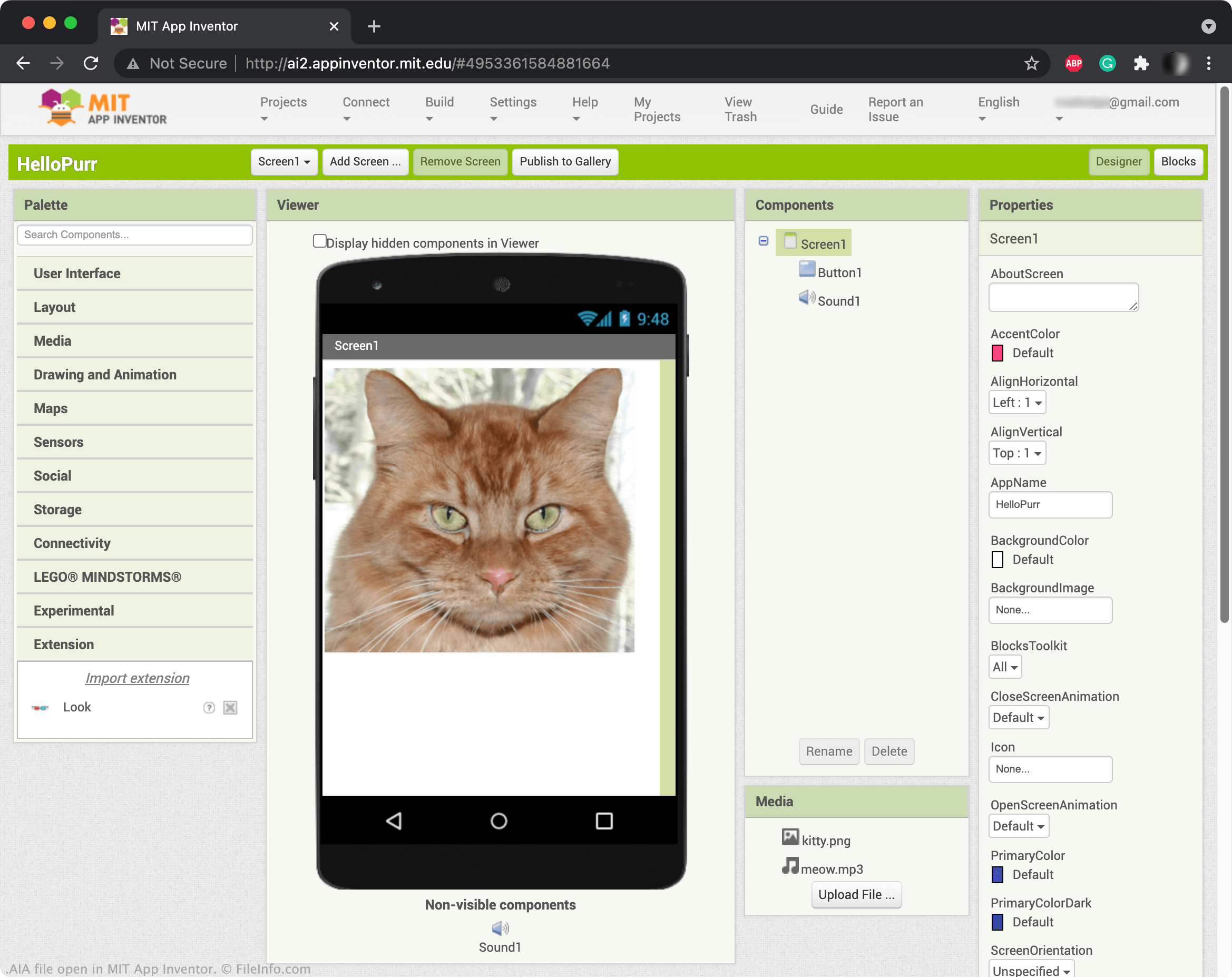
App Inventor를 사용하면 버튼, 이미지, 텍스트 상자, 슬라이더와 같은 요소를 끌어서 놓아 모바일 애플리케이션을 만들고 기능을 프로그래밍할 수 있습니다. App Inventor 프로젝트를 저장하면 일반적으로 온라인 계정에 저장됩니다. 그러나 App Inventor 프로젝트를 AIA 파일로 다운로드할 수도 있습니다. 프로젝트를 AIA 파일로 다운로드하려면 를 선택하고 를 선택합니다.
참고: App Inventor 변형 프로그램인 Kodular Creator를 사용하여 AIA 파일을 열 수도 있습니다.
AIA 파일을 여는 방법
MIT App Inventor (Web)에서 AIA 파일을 열 수 있습니다. 그러려면 를 선택합니다. 그런 다음 Import Project... 창이 나타나면 AIA 파일이 있는 위치로 이동하여 파일을 엽니다.
AIA 파일을 열거나 참조하는 프로그램
Adobe Illustrator 액션 파일
| 개발사 | Adobe Systems |
| 인기도 |
3.3 | 29 표 |
AIA 파일에는 벡터 아트워크 애플리케이션인 Adobe Illustrator에서 작업을 자동화하는 하나 이상의 기록된 액션이 포함되어 있습니다. AIA 파일에 저장되는 자동화된 작업의 예로는 그래픽을 편집하는 일반적인 단계나 이미지를 일괄 처리하는 단계가 있습니다. AIA 파일은 액션을 일반 텍스트로 저장합니다.
추가 정보
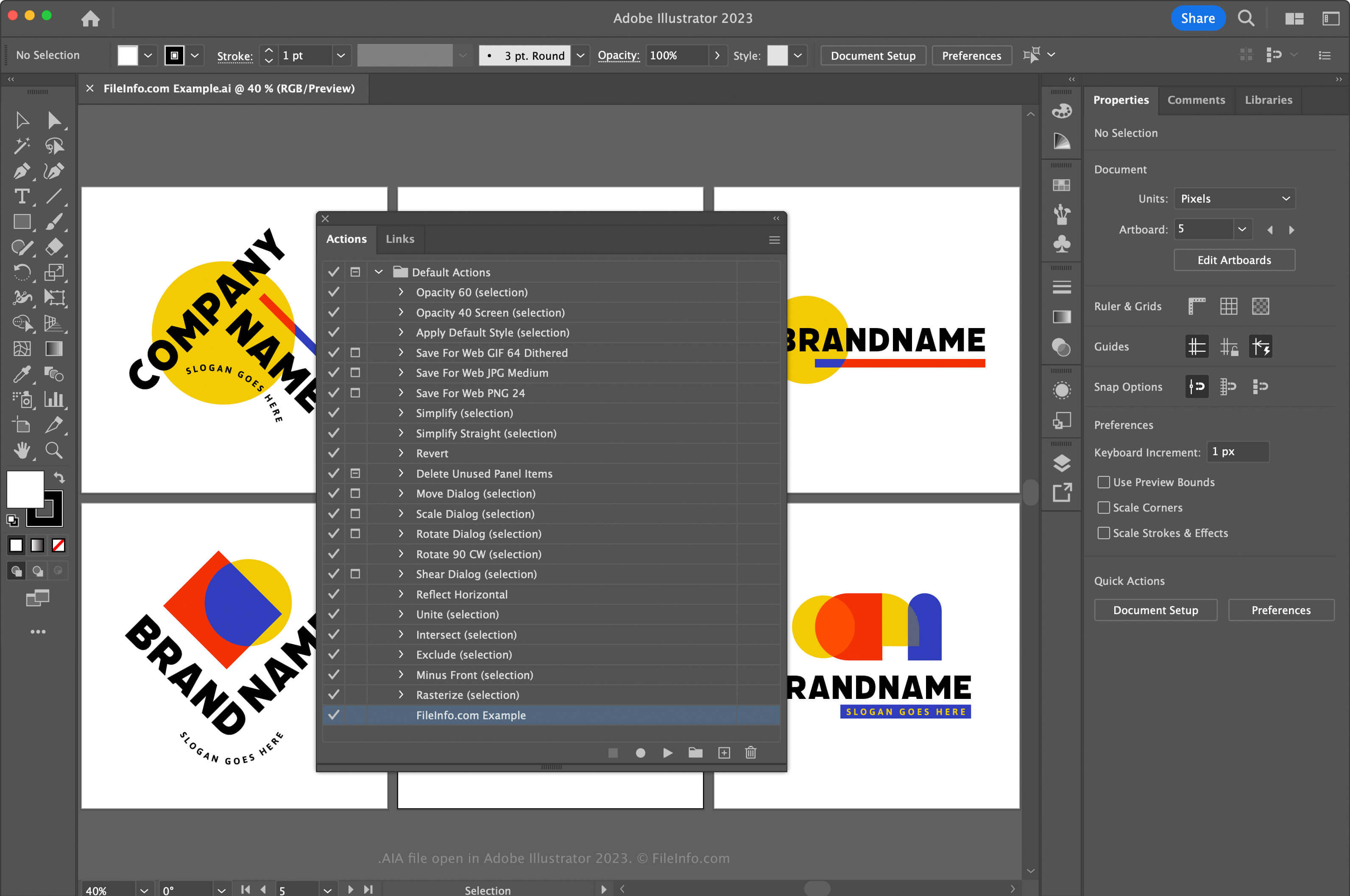
Adobe Illustrator는 업계 표준 벡터 그래픽 애플리케이션입니다. 그래픽 아티스트와 웹 디자이너는 아이콘, 로고, 웹 및 모바일 레이아웃과 같은 벡터 아트워크를 디자인하고 수정할 때 이 애플리케이션을 자주 사용합니다.
Illustrator에서는 자주 반복되는 복잡한 작업에 걸리는 시간을 줄일 수 있도록 애플리케이션에서 액션을 기록할 수 있습니다. 액션을 기록하고 AIA 파일로 저장하려면 먼저 을 선택하여 Actions 창을 열어야 합니다. 그런 다음 오른쪽 위에 있는 메뉴를 클릭하고 을 선택합니다.
macOS에서는 Illustrator가 AIA 액션 파일을 자동으로 불러오도록 다음 위치에 AIA 액션 파일을 배치합니다.
Macintosh HD/Applications/Adobe Illustrator [version]/Presets/en_US/Actions
AIA 파일을 여는 방법
Adobe Illustrator를 사용하면 Windows와 macOS에서 AIA 파일을 열 수 있습니다. AIA 파일을 열려면 을 선택하여 Actions 창을 엽니다. 그런 다음 오른쪽 위에 있는 메뉴를 클릭하고 을 선택합니다.
텍스트 편집기로 AIA 파일 열기
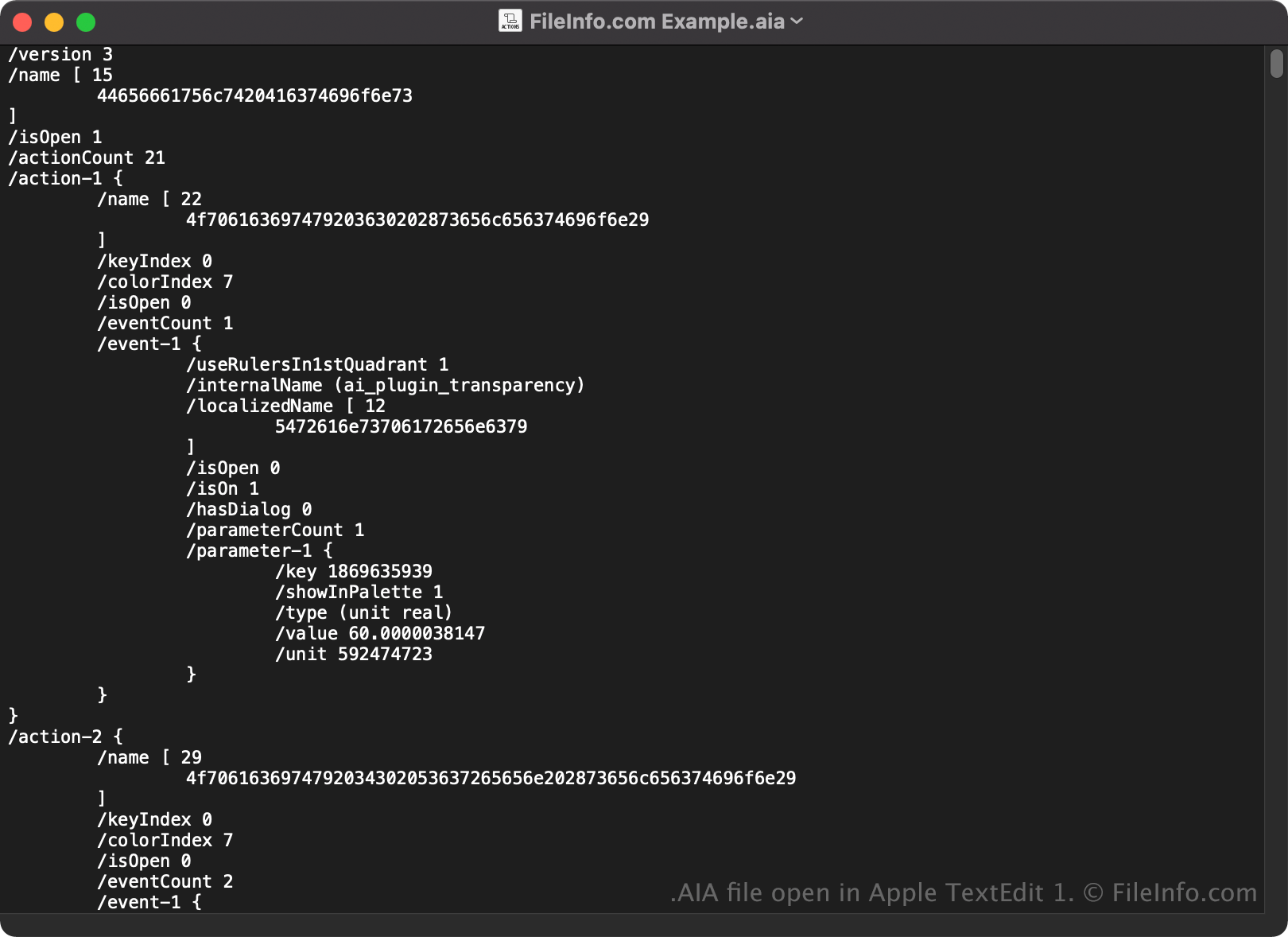
AIA 파일은 일반 텍스트로 저장되므로 Microsoft Notepad 또는 Apple TextEdit와 같은 텍스트 편집기로 열고 볼 수도 있습니다.
텍스트 편집기나 소스 코드 편집기에서 열면 AIA 파일의 속성을 수정할 수 있습니다. 그러나 파일을 잘못 편집하면 실수로 액션이 손상될 수 있습니다.