

.AIA Přípona souboru
Projekt MIT App Inventor
| Vývojář | MIT |
| Popularita |
3,8 | 142 hlasů |
Co je soubor AIA?
Soubor AIA je komprimovaný pomocí formátu ZIP projektový soubor vytvořený v programu MIT App Inventor, webové aplikaci používané k výuce začínajících vývojářů, kteří se učí vytvářet aplikace pro Android a iOS. Obsahuje několik složek a souborů včetně souborů .BKY, SCM a YAIL se zdrojovým kódem. Soubory AIA slouží k ukládání záloh projektů App Inventor a jejich sdílení s dalšími uživateli.
Další informace
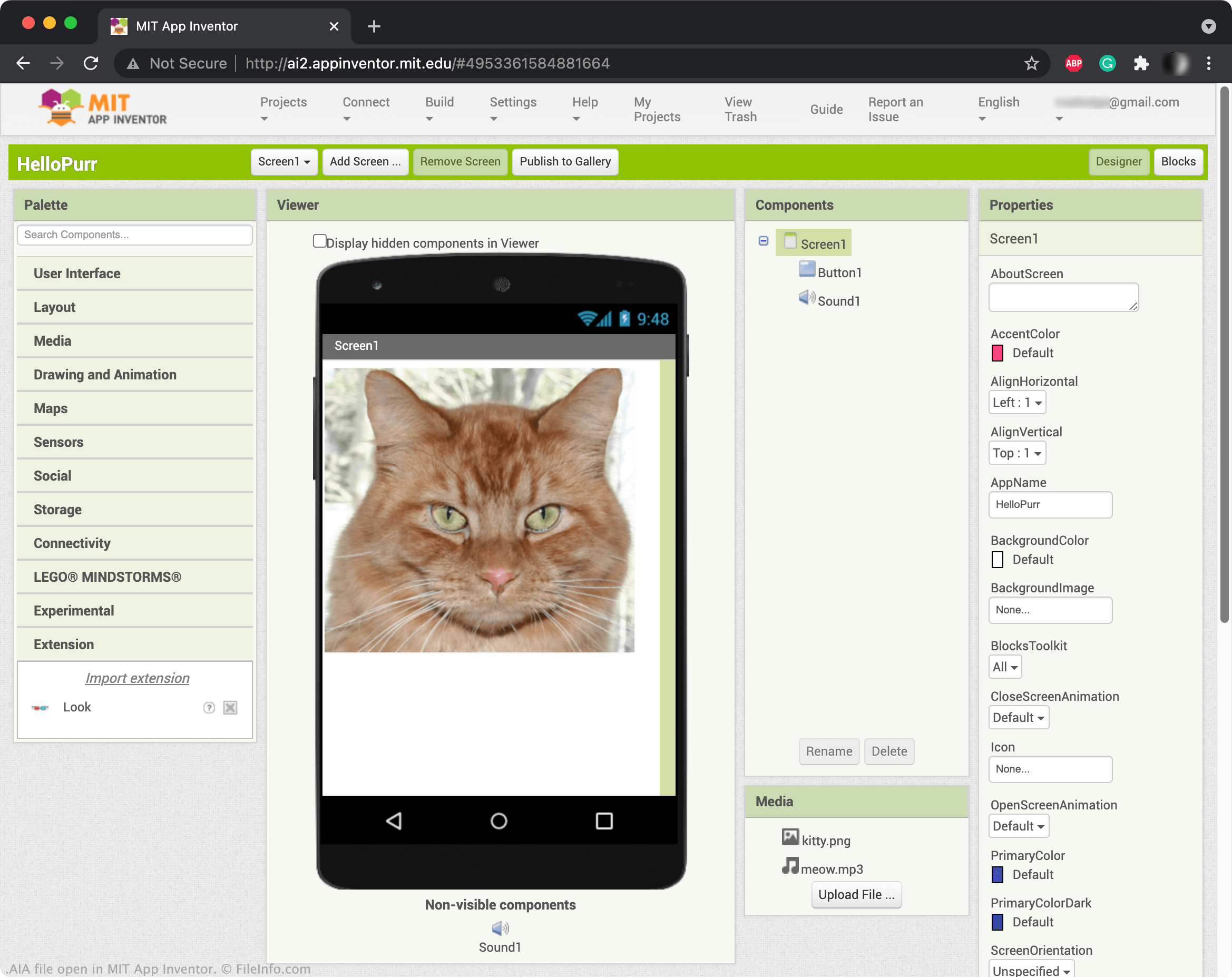
App Inventor umožňuje vytvářet mobilní aplikace přetažením prvků, jako jsou tlačítka, obrázky, textová pole a posuvníky, a programovat jejich funkce. Když uložíte projekt App Inventor, obvykle se uloží do vašeho online účtu. Projekty App Inventor však můžete také stáhnout jako soubory AIA. Chcete-li stáhnout projekt jako soubor AIA, vyberte a zvolte .
POZNÁMKA: K otevření souborů AIA můžete použít také Kodular Creator, variantu programu App Inventor.
Jak otevřít soubor AIA
Soubory AIA můžete otevřít v programu MIT App Inventor (Web). Za tímto účelem vyberte . Když se zobrazí okno Import Project..., vyhledejte svůj soubor AIA a otevřete ho.
Programy, které otevírají nebo odkazují na soubory AIA
Soubor akcí Adobe Illustratoru
| Vývojář | Adobe Systems |
| Popularita |
3,3 | 29 hlasů |
Soubor AIA obsahuje jednu nebo více zaznamenaných akcí, které automatizují úlohy v aplikaci Adobe Illustrator pro tvorbu vektorové grafiky. Mezi příklady automatizovaných úloh uložených v souborech AIA patří běžné kroky pro úpravu grafiky nebo kroky pro dávkové zpracování obrázků. Soubory AIA ukládají akce jako prostý text.
Další informace
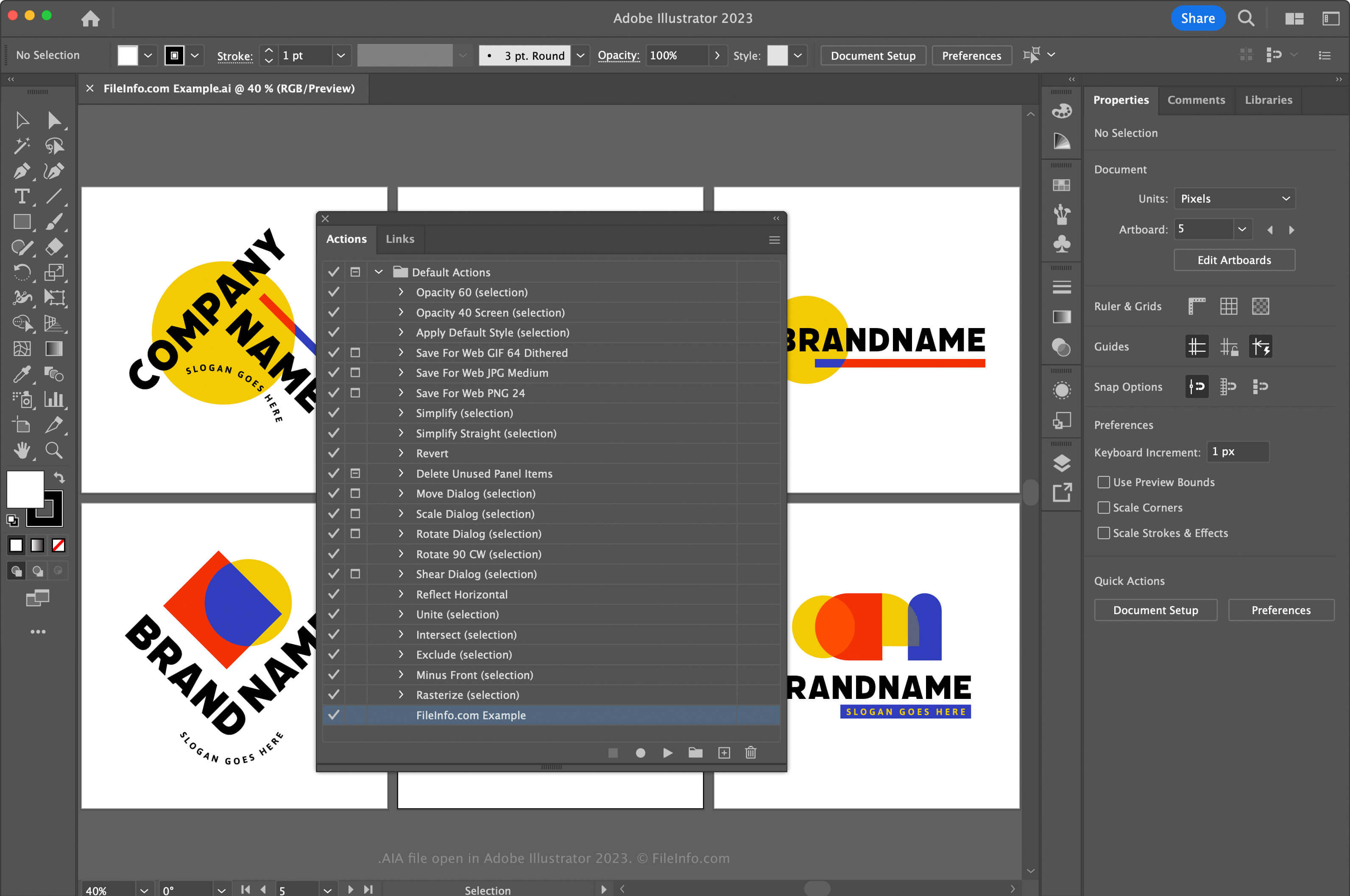
Adobe Illustrator je standardní aplikace pro vektorovou grafiku. Grafici a webdesignéři ji často používají k navrhování a úpravám vektorové grafiky, například ikon, log a rozvržení webů a mobilních aplikací.
Illustrator umožňuje zaznamenávat akce v aplikaci, abyste ušetřili čas při často opakovaných a složitých úlohách. Chcete-li zaznamenat akce a uložit je jako soubor AIA, nejprve otevřete okno Akce výběrem možnosti . Poté klikněte na nabídku v pravém horním rohu a vyberte možnost .
V systému macOS umístěte soubory akcí AIA do následujícího umístění, aby je Illustrator automaticky načetl:
Macintosh HD/Applications/Adobe Illustrator [version]/Presets/en_US/Actions
Jak otevřít soubor AIA
Soubor AIA můžete otevřít v systému Windows a macOS pomocí programu Adobe Illustrator. Chcete-li otevřít soubor AIA, otevřete okno Akce výběrem možnosti . Poté klikněte na nabídku v pravém horním rohu a vyberte možnost .
Otevření souboru AIA v textovém editoru
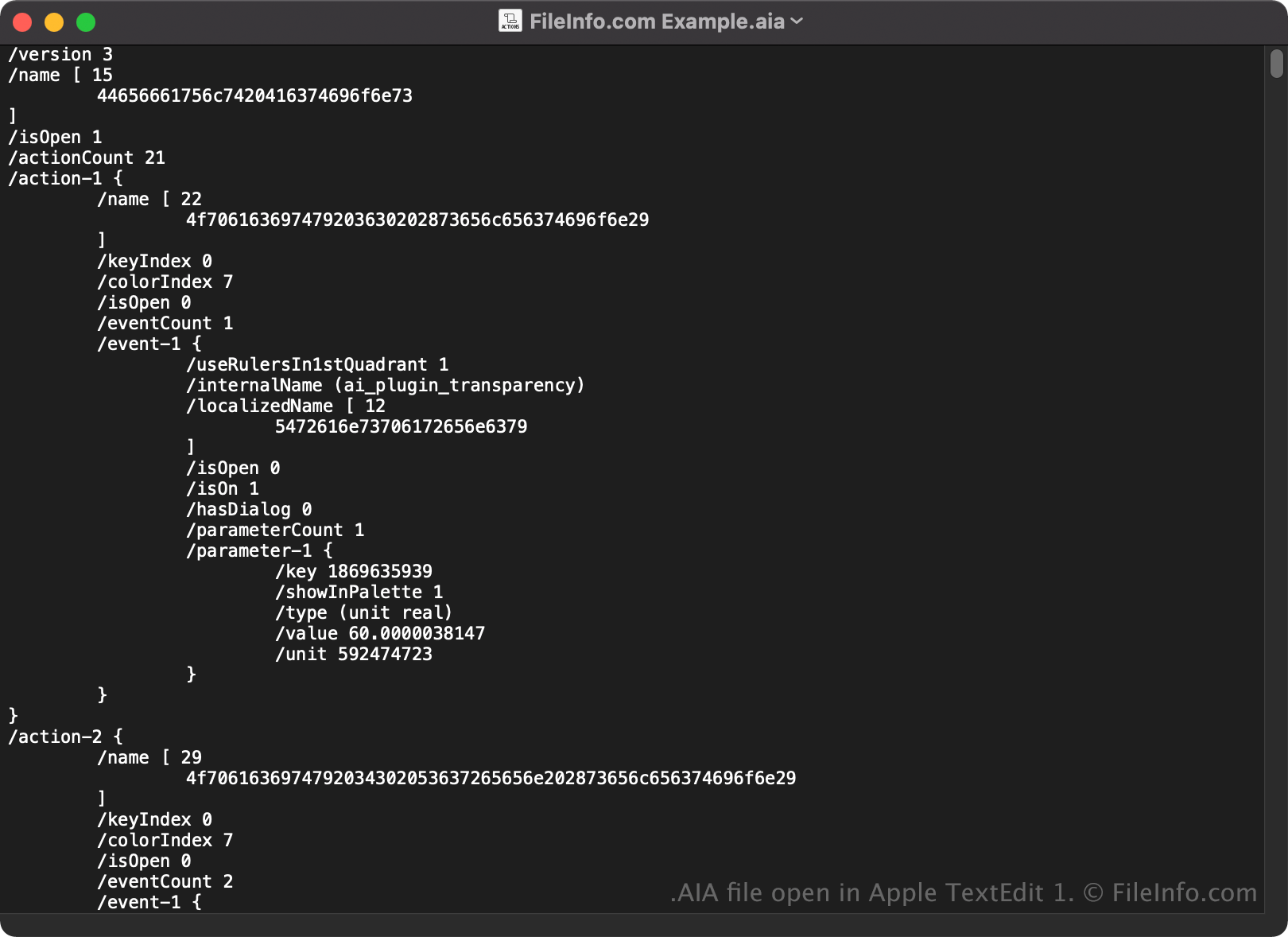
Protože se soubory AIA ukládají jako prostý text, můžete je také otevřít a zobrazit v textovém editoru, například v programu Microsoft Notepad nebo Apple TextEdit.
Po otevření v textovém editoru nebo editoru zdrojového kódu můžete upravovat vlastnosti souboru AIA. Pokud však soubor upravíte nesprávně, můžete nechtěně poškodit akce.