

.AIA ファイル拡張子
MIT App Inventorプロジェクト
| 開発元 | MIT |
| 人気度 |
3.8 | 142 票 |
AIAファイルとは?
AIAファイルは、AndroidおよびiOSアプリケーションの作成方法を初心者の開発者に教えるために使用されるWebプログラム、MIT App Inventorによって作成されたZIP圧縮プロジェクトファイルです。複数のフォルダーとファイルが含まれており、その中には.BKY、SCM、YAILのソースコードファイルがあります。AIAファイルは、App Inventorプロジェクトのバックアップを保存したり、他のユーザーと共有したりするために使用されます。
詳細情報
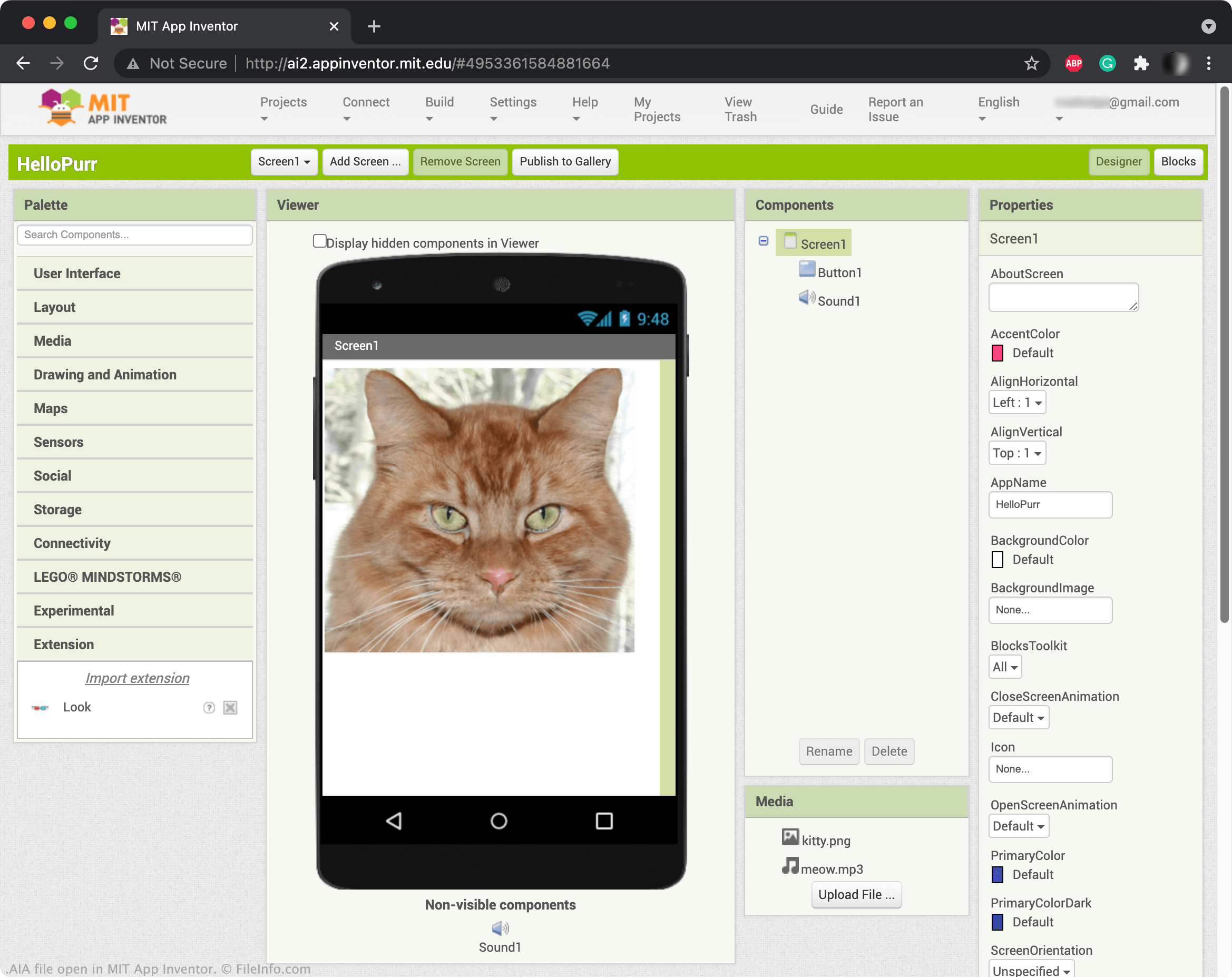
App Inventorでは、ボタン、画像、テキストボックス、スライダーなどの要素をドラッグアンドドロップして、モバイルアプリケーションを作成し、その機能をプログラミングできます。App Inventorプロジェクトを保存すると、通常はオンラインアカウントに保存されます。ただし、App InventorプロジェクトをAIAファイルとしてダウンロードすることもできます。プロジェクトをAIAファイルとしてダウンロードするには、を選択し、を選択します。
注: App Inventorの派生版であるKodular Creatorを使用して、AIAファイルを開くこともできます。
AIAファイルの開き方
AIAファイルはMIT App Inventor(Web)で開くことができます。開くには、を選択します。次に、Import Project...ウィンドウが表示されたら、AIAファイルを参照して開きます。
AIAファイルを開く、または参照するプログラム
Adobe Illustratorアクションファイル
| 開発元 | Adobe Systems |
| 人気度 |
3.3 | 29 票 |
AIAファイルには、ベクターアートワークアプリケーションであるAdobe Illustratorのタスクを自動化する、1つ以上の記録済みアクションが含まれています。AIAファイルに保存される自動化タスクの例には、グラフィックを編集する際の一般的な手順や、画像を一括処理する手順などがあります。AIAファイルはアクションをプレーンテキストで保存します。
詳細情報
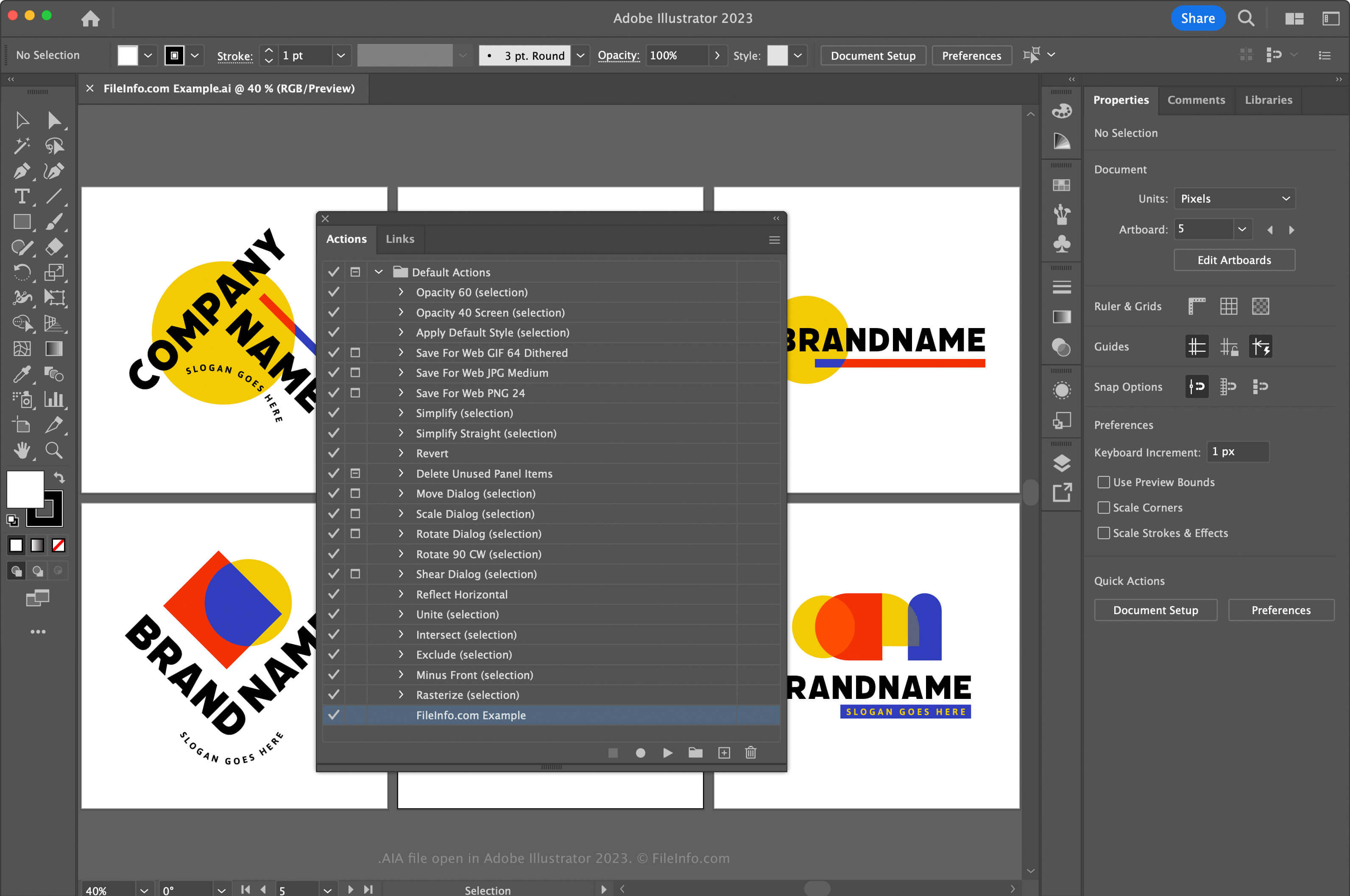
Adobe Illustratorは業界標準のベクターグラフィックスアプリケーションです。グラフィックアーティストやWebデザイナーは、アイコン、ロゴ、Webおよびモバイルレイアウトなどのベクターアートワークのデザインや編集に、このアプリケーションをよく使用します。
Illustratorではアプリケーション内のアクションを記録できるため、繰り返し行う複雑なタスクの時間を節約できます。アクションを記録してAIAファイルとして保存するには、まずを選択してアクションウィンドウを開く必要があります。次に、右上隅のメニューをクリックし、を選択します。
macOSでは、Illustratorが自動的に読み込めるように、AIAアクションファイルを次の場所に置きます。
Macintosh HD/Applications/Adobe Illustrator [version]/Presets/en_US/Actions
AIAファイルの開き方
WindowsおよびmacOSでは、Adobe IllustratorでAIAファイルを開くことができます。AIAファイルを開くには、を選択してアクションウィンドウを開きます。次に、右上隅のメニューをクリックし、を選択します。
テキストエディタでAIAファイルを開く
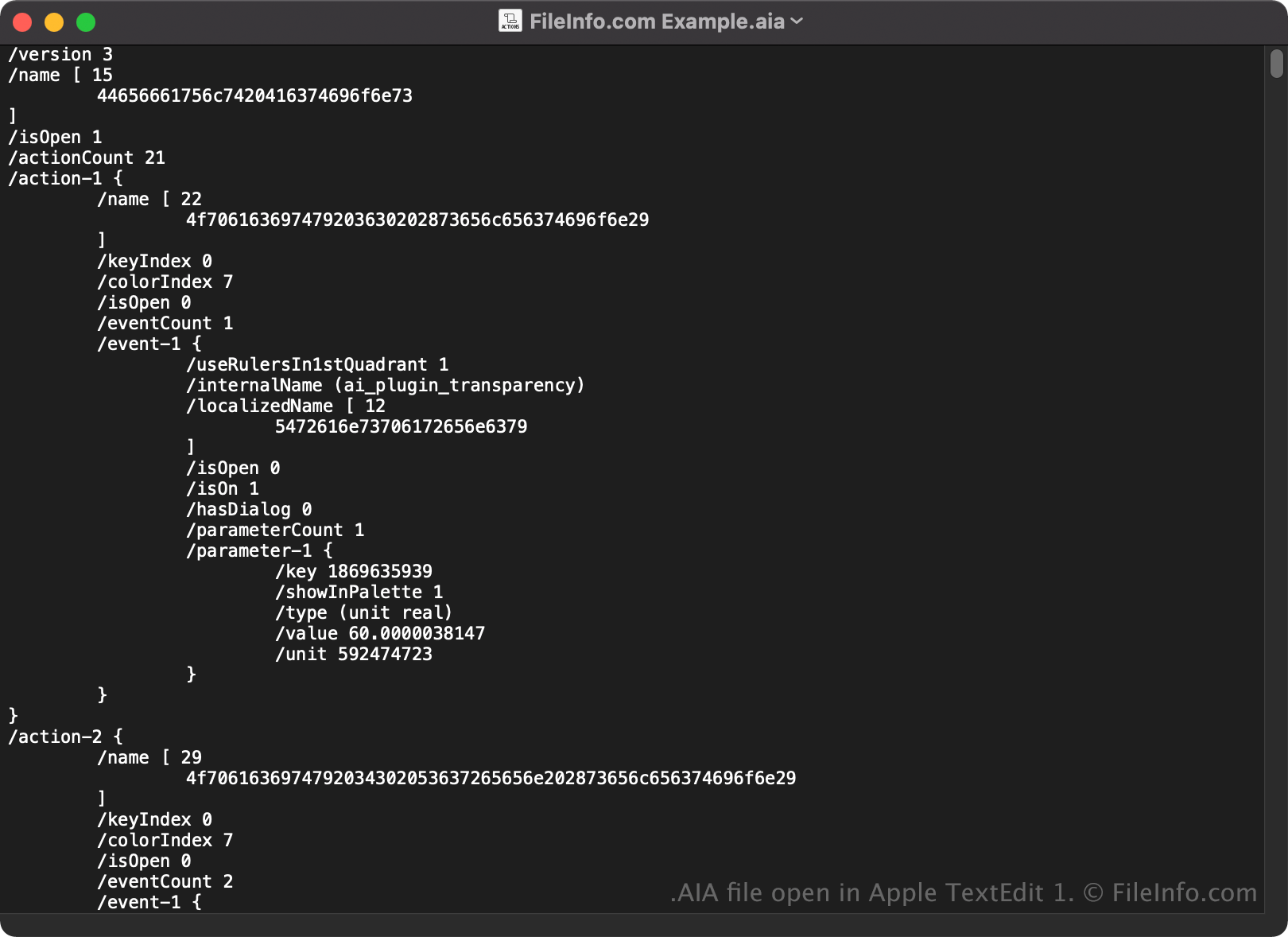
AIAファイルはプレーンテキストで保存されるため、Microsoft NotepadやApple TextEditなどのテキストエディタで開いて表示することもできます。
テキストエディタやソースコードエディタで開くと、AIAファイルのプロパティを変更できます。ただし、ファイルを誤って編集すると、アクションが意図せず破損する可能性があります。