

.AIA Extension de fichier
Projet MIT App Inventor
| Développeur | MIT |
| Popularité |
3,8 | 142 Votes |
Qu'est-ce qu'un fichier AIA ?
Un fichier AIA est un fichier de projet compressé au format Zip créé par MIT App Inventor, un programme en ligne utilisé pour apprendre aux débutants à créer des applications Android et iOS. Il contient plusieurs dossiers et fichiers, notamment des fichiers .BKY, SCM et YAIL de code source. Les fichiers AIA servent à enregistrer des sauvegardes de projets App Inventor et à les partager avec d’autres utilisateurs.
Plus d'informations
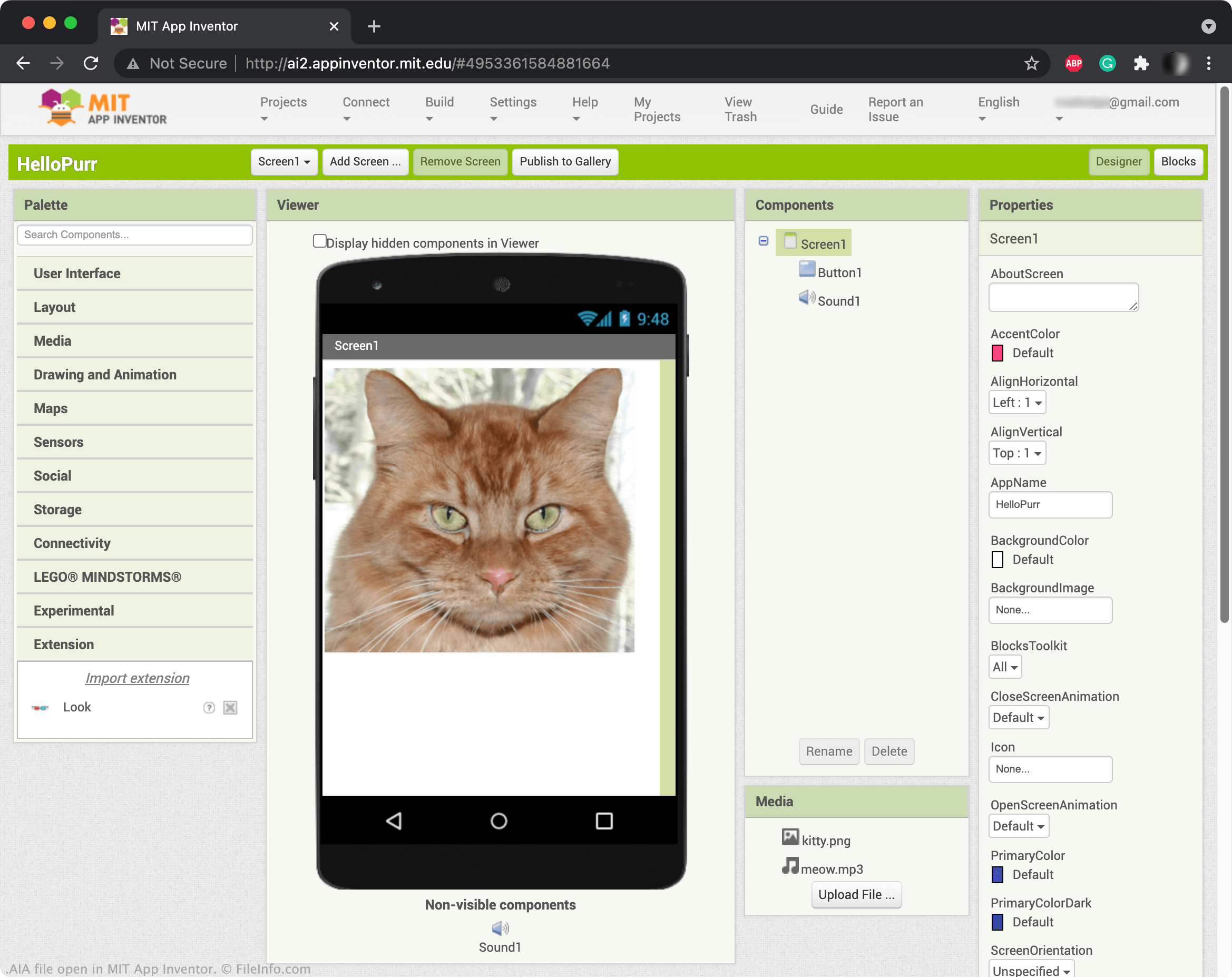
App Inventor vous permet de faire glisser et de déposer des éléments, tels que des boutons, des images, des zones de texte et des curseurs, afin de créer une application mobile et d’en programmer les fonctionnalités. Lorsque vous enregistrez un projet App Inventor, il est généralement sauvegardé dans votre compte en ligne. Cependant, vous pouvez également télécharger des projets App Inventor sous forme de fichiers AIA. Pour télécharger un projet sous forme de fichier AIA, sélectionnez , puis choisissez .
REMARQUE : Vous pouvez également utiliser Kodular Creator, une variante d’App Inventor, pour ouvrir les fichiers AIA.
Comment ouvrir un fichier AIA
Vous pouvez ouvrir les fichiers AIA dans MIT App Inventor (Web). Pour ce faire, sélectionnez . Ensuite, lorsque la fenêtre Import Project... apparaît, accédez à votre fichier AIA et ouvrez-le.
Programmes qui ouvrent ou référencent les fichiers AIA
Fichier d’actions Adobe Illustrator
| Développeur | Adobe Systems |
| Popularité |
3,3 | 29 Votes |
Un fichier AIA contient une ou plusieurs actions enregistrées qui automatisent des tâches dans Adobe Illustrator, une application de création graphique vectorielle. Les tâches automatisées stockées dans les fichiers AIA comprennent notamment les étapes courantes pour modifier un graphique ou traiter des images par lots. Les fichiers AIA enregistrent les actions en texte brut.
Plus d'informations
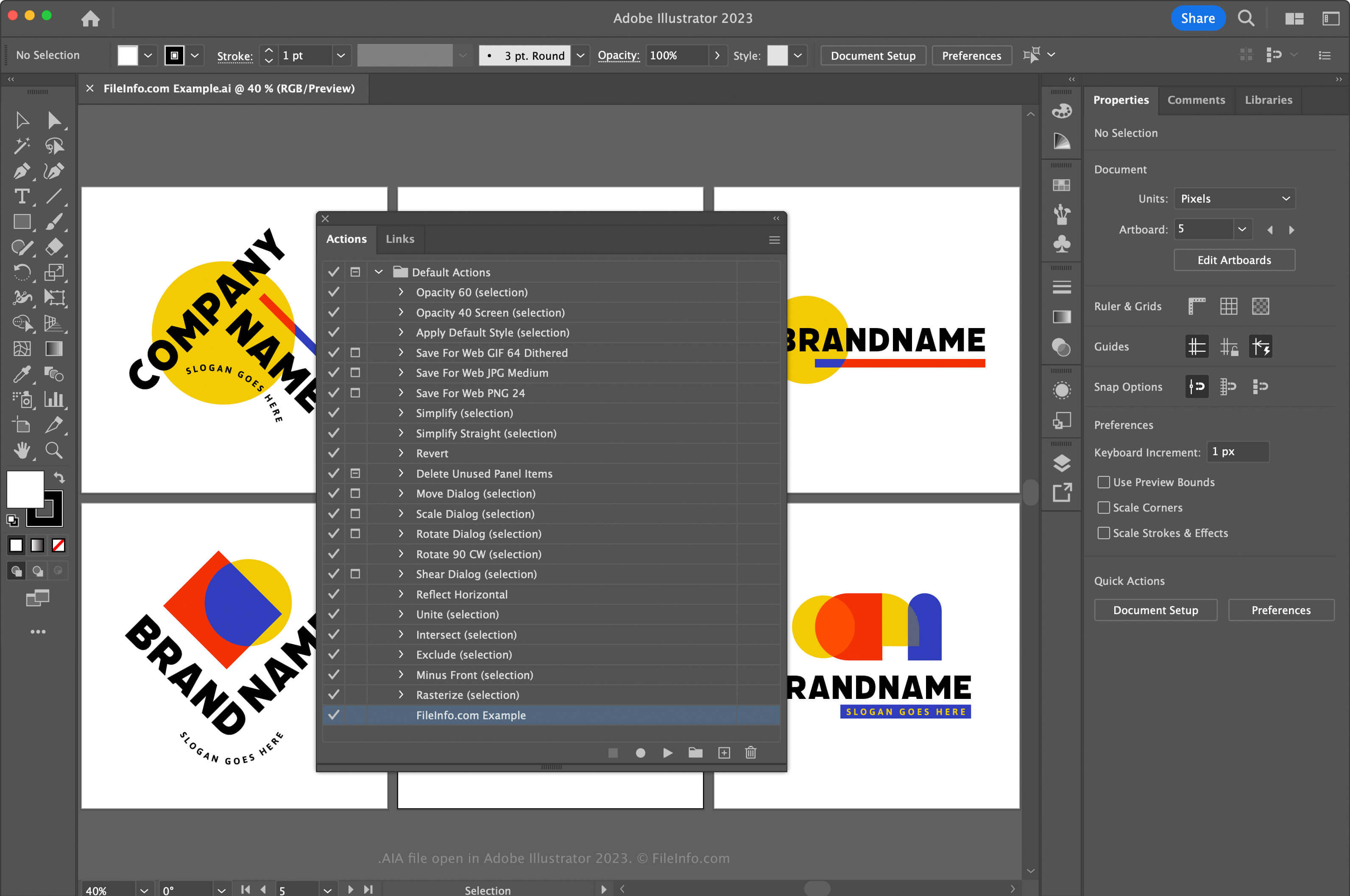
Adobe Illustrator est une application de création graphique vectorielle de référence dans le secteur. Les graphistes et les concepteurs de sites web utilisent souvent l’application pour concevoir et modifier des illustrations vectorielles, comme des icônes, des logos et des mises en page web et mobiles.
Illustrator vous permet d’enregistrer des actions dans l’application afin de vous faire gagner du temps lors de tâches complexes et répétées. Pour enregistrer des actions et les sauvegarder dans un fichier AIA, vous devez d’abord ouvrir la fenêtre Actions en sélectionnant . Cliquez ensuite sur le menu situé dans le coin supérieur droit, puis sélectionnez .
Sous macOS, placez les fichiers d’actions AIA à l’emplacement suivant pour qu’Illustrator les charge automatiquement :
Macintosh HD/Applications/Adobe Illustrator [version]/Presets/en_US/Actions
Comment ouvrir un fichier AIA
Vous pouvez ouvrir un fichier AIA avec Adobe Illustrator sous Windows et macOS. Pour ouvrir un fichier AIA, ouvrez la fenêtre Actions en sélectionnant . Cliquez ensuite sur le menu situé dans le coin supérieur droit, puis sélectionnez .
Ouverture d’un fichier AIA avec un éditeur de texte
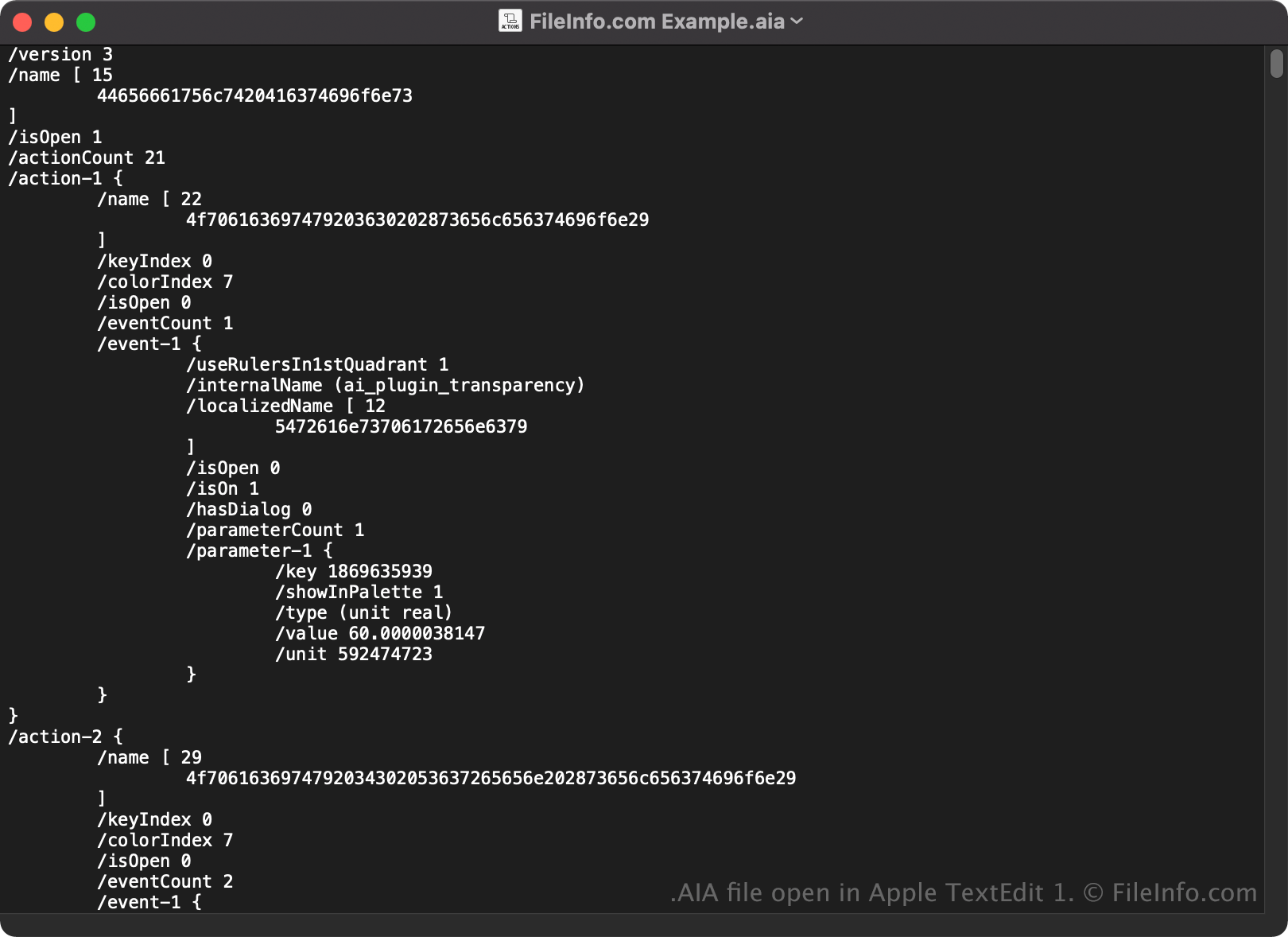
Comme les fichiers AIA sont enregistrés en texte brut, vous pouvez également les ouvrir et les consulter avec un éditeur de texte, comme Microsoft Notepad ou Apple TextEdit.
Lorsqu’il est ouvert dans un éditeur de texte ou un éditeur de code source, vous pouvez modifier les propriétés du fichier AIA. Toutefois, si vous modifiez incorrectement le fichier, vous risquez de corrompre involontairement les actions.