

.AIA Estensione file
Progetto di MIT App Inventor
| Sviluppatore | MIT |
| Popolarità |
3,8 | 142 Voti |
Che cos'è un file AIA?
Un file AIA è un file di progetto compresso in formato ZIP creato da MIT App Inventor, un'applicazione web usata per insegnare agli sviluppatori principianti a creare applicazioni per Android e iOS. Contiene diverse cartelle e file, inclusi file .BKY, SCM e YAIL di codice sorgente. I file AIA vengono usati per salvare copie di backup dei progetti di App Inventor e condividerli con altri utenti.
Maggiori informazioni
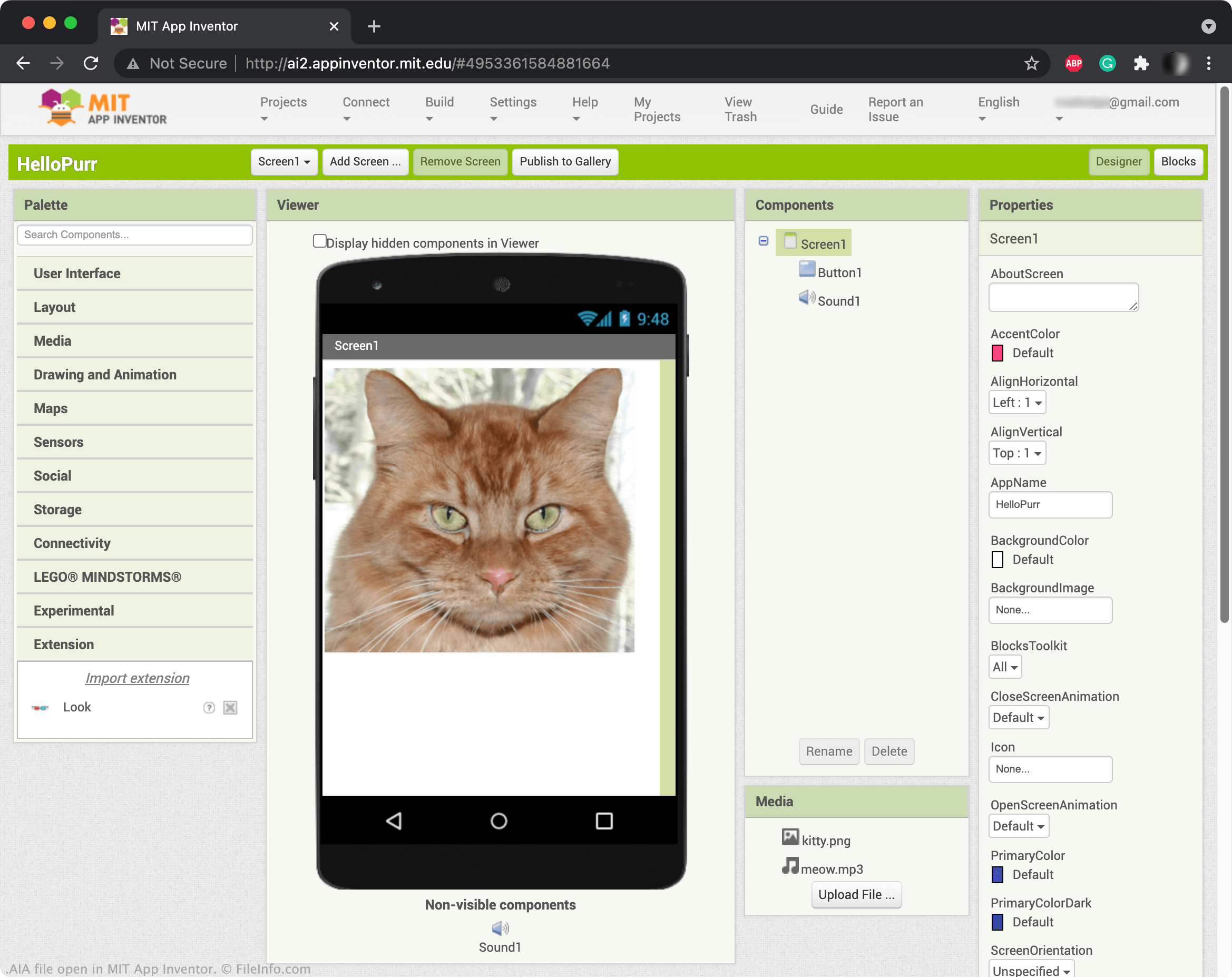
App Inventor ti permette di trascinare e rilasciare elementi, come pulsanti, immagini, caselle di testo e cursori, per creare un'applicazione mobile e programmarne le funzionalità. Quando salvi un progetto di App Inventor, in genere viene salvato nel tuo account online. Tuttavia, puoi anche scaricare i progetti di App Inventor come file AIA. Per scaricare un progetto come file AIA, seleziona e scegli .
NOTA: Puoi anche usare Kodular Creator, una variante di App Inventor, per aprire i file AIA.
Come aprire un file AIA
Puoi aprire i file AIA in MIT App Inventor (Web). Per farlo, seleziona . Quando viene visualizzata la finestra Import Project..., cerca il file AIA e aprilo.
Programmi che aprono o fanno riferimento ai file AIA
File di azioni di Adobe Illustrator
| Sviluppatore | Adobe Systems |
| Popolarità |
3,3 | 29 Voti |
Un file AIA contiene una o più azioni registrate che automatizzano attività in Adobe Illustrator, un'applicazione per la grafica vettoriale. Tra gli esempi di attività automatizzate archiviate nei file AIA figurano i passaggi comuni per modificare un elemento grafico o i passaggi per elaborare immagini in batch. I file AIA salvano le azioni in testo normale.
Maggiori informazioni
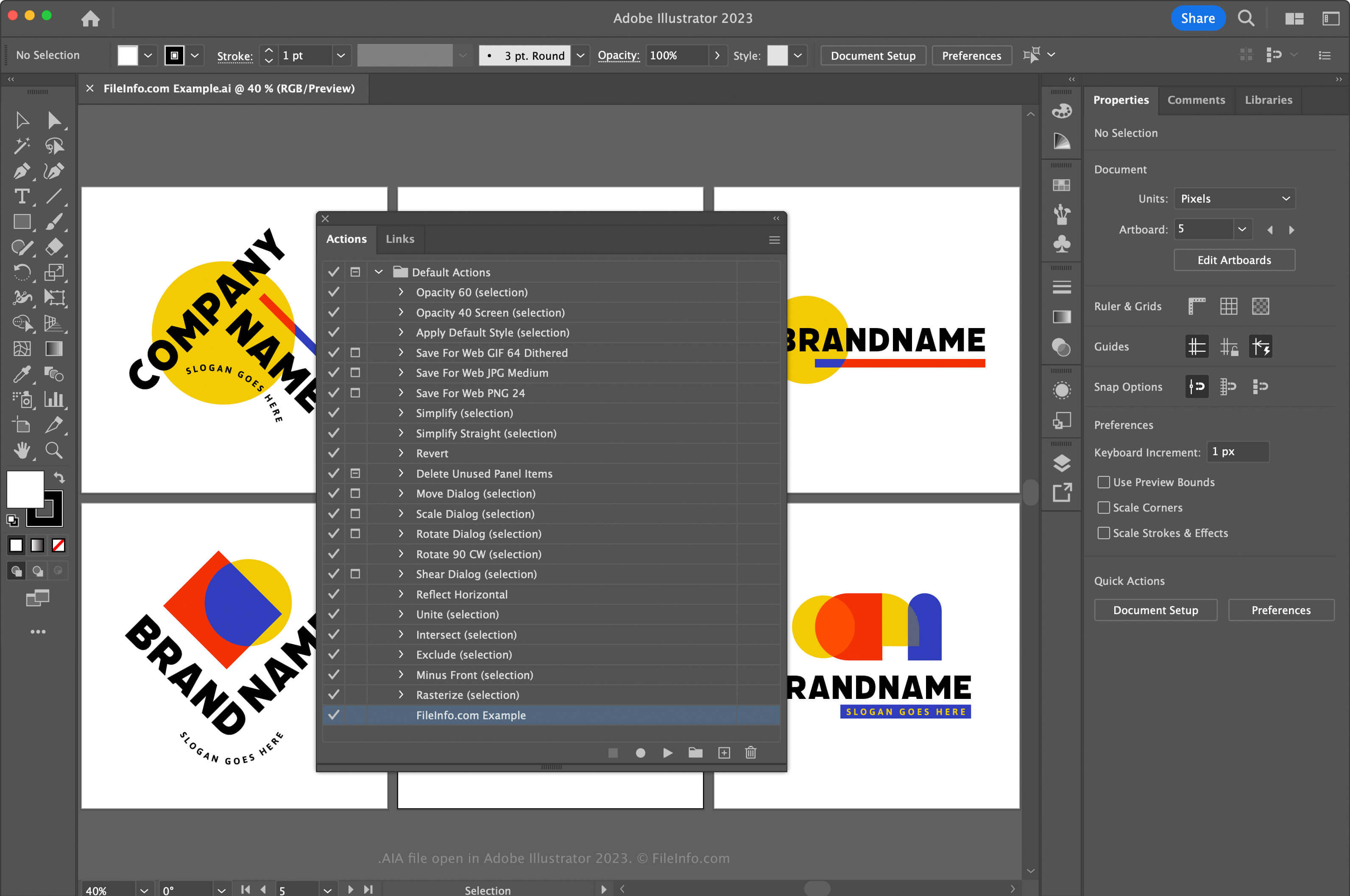
Adobe Illustrator è un'applicazione di grafica vettoriale standard del settore. Gli artisti grafici e i web designer usano spesso l'applicazione per progettare e modificare elementi grafici vettoriali, come icone, loghi e layout per il web e i dispositivi mobili.
Illustrator ti consente di registrare azioni nell'applicazione per aiutarti a risparmiare tempo nelle attività complesse e ripetute frequentemente. Per registrare azioni e salvarle come file AIA, devi prima aprire la finestra Azioni selezionando . Quindi, fai clic sul menu nell'angolo superiore destro e seleziona .
In macOS, inserisci i file di azioni AIA nel seguente percorso affinché Illustrator li carichi automaticamente:
Macintosh HD/Applications/Adobe Illustrator [version]/Presets/en_US/Actions
Come aprire un file AIA
Puoi aprire un file AIA con Adobe Illustrator in Windows e macOS. Per aprire un file AIA, apri la finestra Azioni selezionando . Quindi, fai clic sul menu nell'angolo superiore destro e seleziona .
Apertura di un file AIA con un editor di testo
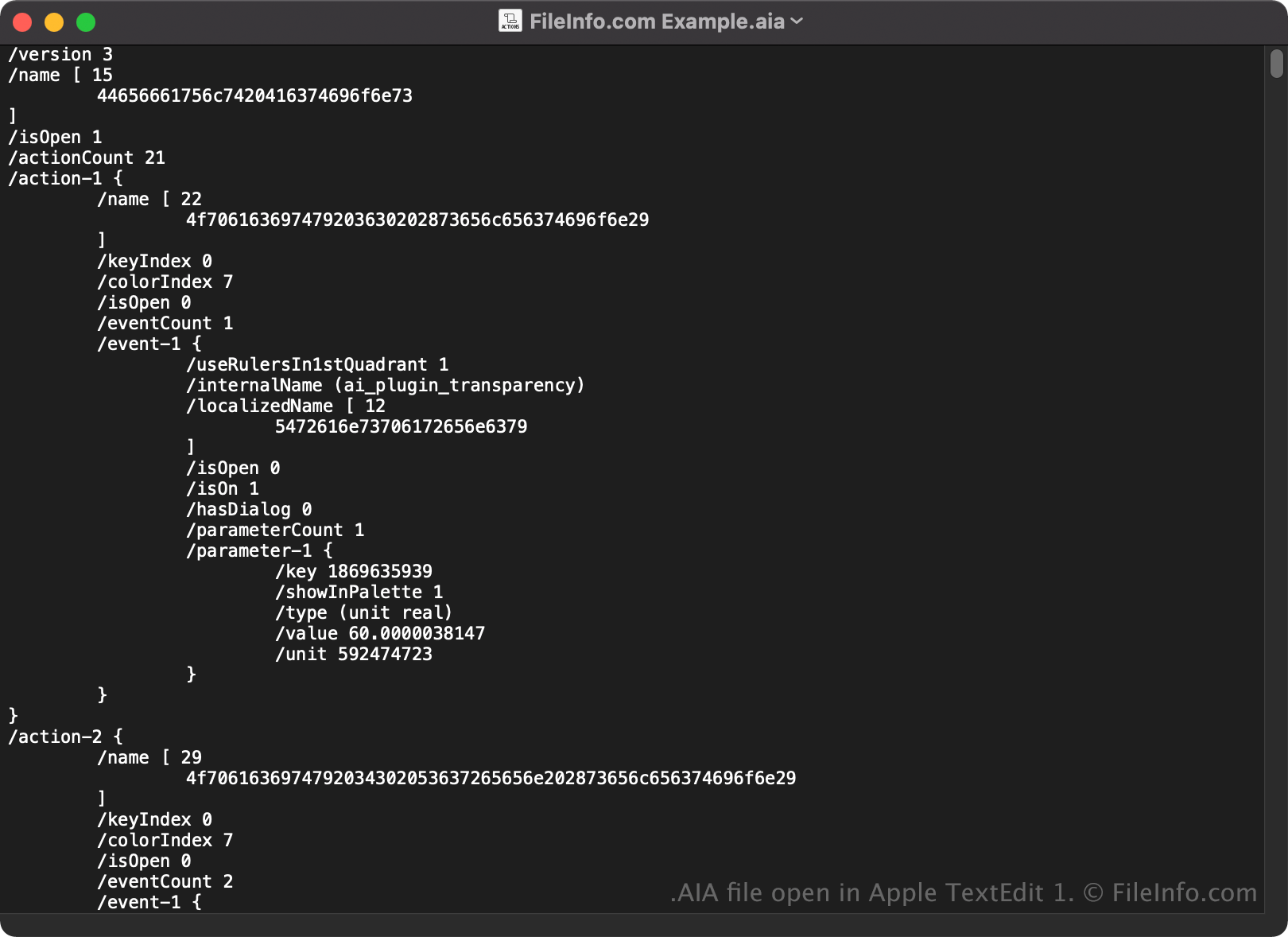
Poiché i file AIA vengono salvati in testo normale, puoi anche aprirli e visualizzarli con un editor di testo, come Microsoft Notepad o Apple TextEdit.
Quando viene aperto in un editor di testo o in un editor di codice sorgente, puoi modificare le proprietà del file AIA. Tuttavia, se modifichi il file in modo errato, potresti danneggiare involontariamente le azioni.