

.XLTM Estensione file
Modello di foglio di calcolo con macro abilitate di Microsoft Excel
| Sviluppatore | Microsoft |
| Popolarità |
3,6 | 16 Voti |
Che cos'è un file XLTM?
Un file XLTM è un modello di foglio di calcolo con macro abilitate creato da Microsoft Excel. Oltre a una o più macro, può contenere impostazioni, informazioni sul layout e dati del foglio di calcolo. Gli utenti di Excel salvano i fogli di calcolo come file XLTM quando vogliono creare più fogli di calcolo (principalmente .XLSM) con le stesse informazioni e lo stesso layout.
Maggiori informazioni
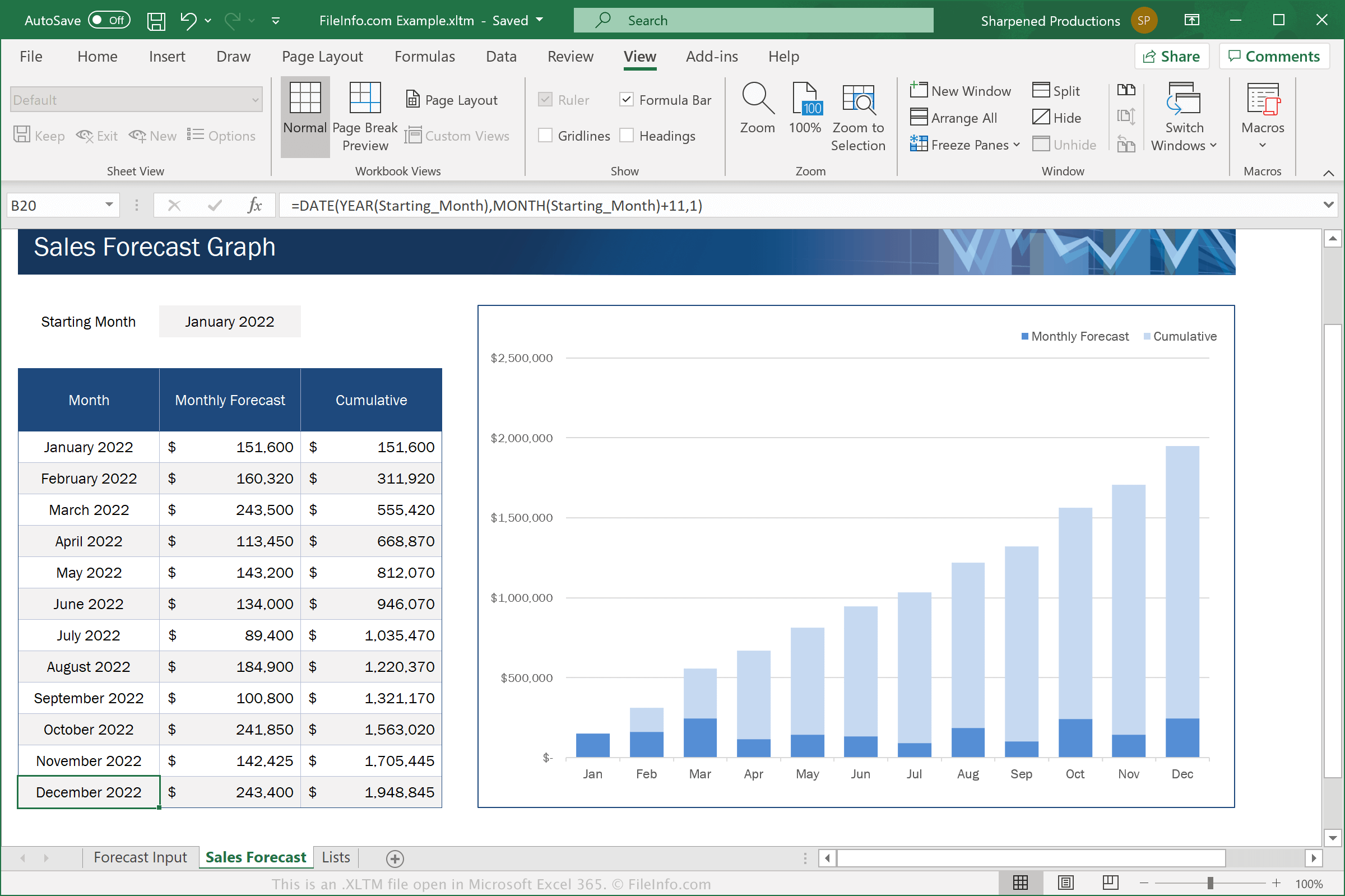
Excel è un'applicazione per fogli di calcolo inclusa nella suite Microsoft Office. Il software include modelli .XLTX per varie categorie, come Aziendale, Personale, Budget e Grafici
I file XLTM sono simili ai file XLTX. Tuttavia, i file XLTM supportano le macro, ovvero una serie di comandi raggruppati da un utente per poter eseguire rapidamente un'attività ripetitiva o complessa, come formattare un documento, inserire dati o eseguire calcoli.
Per salvare un foglio di calcolo come file XLTM con Microsoft Excel, seleziona , quindi scegli "Excel Macro-Enabled Template" dal menu a discesa dei formati.
NOTA: Se vuoi creare un foglio di calcolo da un modello XLTM che supporta ancora le macro, devi salvarlo come file XLSM. Se invece vuoi creare un foglio di calcolo da un modello XLTM che non deve supportare le macro, puoi salvarlo come file .XLSX.
Come aprire un file XLTM
Puoi aprire i file XLTM in Microsoft Excel (Windows, Mac, iOS, Android). Excel 2007 e le versioni successive possono aprire i file XLSM per impostazione predefinita, mentre le versioni precedenti possono aprire i file XLSM se hai installato Microsoft Office Compatibility Pack. Per motivi di sicurezza, Excel non abilita le macro dei file XLTM per impostazione predefinita. Per abilitare le macro in un file XLTM, fai clic su quando richiesto.
Dopo aver aperto il file XLTM in Excel, puoi modificare il modello contenuto nel file XLTM oppure usare il file XLTM per creare un nuovo foglio di calcolo.
Avviso
Sebbene i file XLTM siano in genere modelli di foglio di calcolo Microsoft Excel legittimi, possono anche essere utilizzati per distribuire ed eseguire attacchi malware sui computer delle vittime. Per proteggerti dagli attacchi XLSM dannosi, non aprire né abilitare mai le macro all'interno di un file XLSM, a meno che tu non possa verificarne la legittimità e la provenienza.