

.XLTM Rozszerzenie pliku
Szablon arkusza kalkulacyjnego Microsoft Excel z obsługą makr
| Deweloper | Microsoft |
| Popularność |
3,6 | 16 Głosów |
Czym jest plik XLTM?
Plik XLTM to szablon arkusza kalkulacyjnego z obsługą makr, utworzony przez Microsoft Excel. Oprócz co najmniej jednego makra może przechowywać ustawienia, informacje o układzie i dane arkusza kalkulacyjnego. Użytkownicy programu Excel zapisują arkusze kalkulacyjne jako pliki XLTM, gdy chcą utworzyć wiele arkuszy kalkulacyjnych (głównie .XLSM) z takimi samymi informacjami i układem.
Więcej informacji
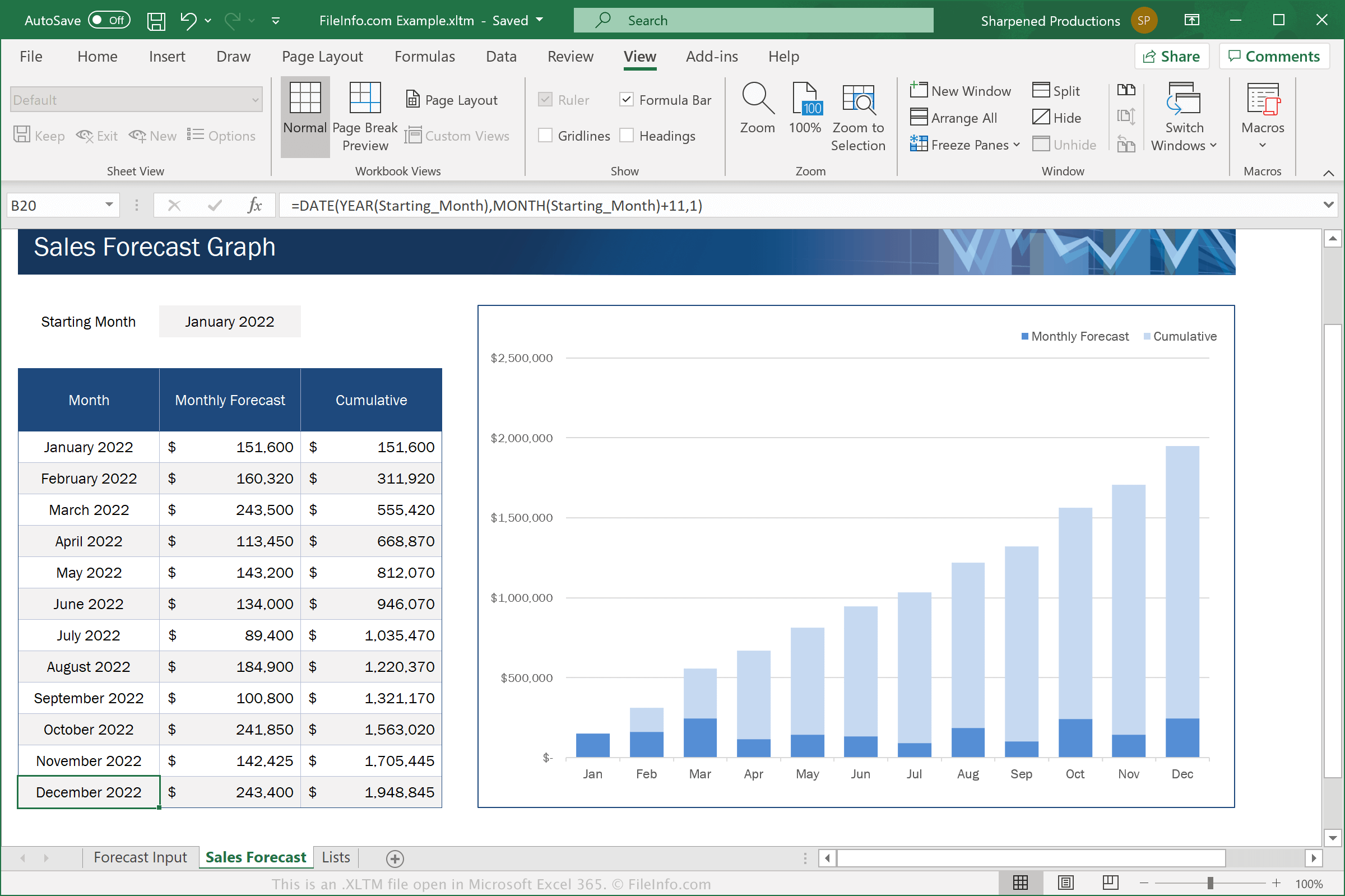
Excel to aplikacja do obsługi arkuszy kalkulacyjnych wchodząca w skład pakietu Microsoft Office. Program zawiera szablony .XLTX dla różnych kategorii, takich jak Biznes, Osobiste, Budżety i Wykresy
Pliki XLTM są podobne do plików XLTX. Jednak pliki XLTM obsługują makra, czyli serię poleceń zgrupowanych przez użytkownika, aby można było szybko wykonać powtarzalne lub złożone zadanie, takie jak formatowanie dokumentu, wprowadzanie danych lub wykonywanie obliczeń.
Aby zapisać arkusz kalkulacyjny jako plik XLTM w programie Microsoft Excel, wybierz , a następnie wybierz z menu rozwijanego formatu opcję „Excel Macro-Enabled Template”.
UWAGA: Jeśli chcesz utworzyć arkusz kalkulacyjny z szablonu XLTM, który nadal obsługuje makra, musisz zapisać go jako plik XLSM. Jeśli jednak chcesz utworzyć arkusz kalkulacyjny z szablonu XLTM, który nie musi obsługiwać makr, możesz zapisać go jako plik .XLSX.
Jak otworzyć plik XLTM
Pliki XLTM można otwierać w programie Microsoft Excel (Windows, Mac, iOS, Android). Program Excel 2007 i nowsze wersje mogą domyślnie otwierać pliki XLSM, a wcześniejsze wersje mogą otwierać pliki XLSM po zainstalowaniu pakietu Microsoft Office Compatibility Pack. Ze względów bezpieczeństwa program Excel domyślnie nie włącza makr w plikach XLTM. Aby włączyć makra w pliku XLTM, kliknij przycisk , gdy pojawi się monit.
Po otwarciu pliku XLTM w programie Excel możesz edytować zawarty w nim szablon albo użyć pliku XLTM do utworzenia nowego arkusza kalkulacyjnego.
Ostrzeżenie
Chociaż pliki XLTM są zazwyczaj prawidłowymi szablonami arkuszy kalkulacyjnych programu Microsoft Excel, mogą również służyć do rozpowszechniania złośliwego oprogramowania i przeprowadzania ataków na komputery ofiar. Aby chronić się przed złośliwymi atakami z użyciem plików XLSM, nigdy nie otwieraj pliku XLSM ani nie włączaj w nim makr, jeśli nie możesz zweryfikować jego wiarygodności i źródła.