

.XLTM Přípona souboru
Šablona tabulky Microsoft Excel s podporou maker
| Vývojář | Microsoft |
| Popularita |
3,6 | 16 hlasů |
Co je soubor XLTM?
Soubor XLTM je makro umožňující šablona tabulky vytvořená v aplikaci Microsoft Excel. Kromě jednoho nebo více maker může obsahovat nastavení, informace o rozvržení a data tabulky. Uživatelé Excelu ukládají tabulky jako soubory XLTM, když chtějí vytvořit více tabulek (především .XLSM) se stejnými informacemi a rozvržením.
Další informace
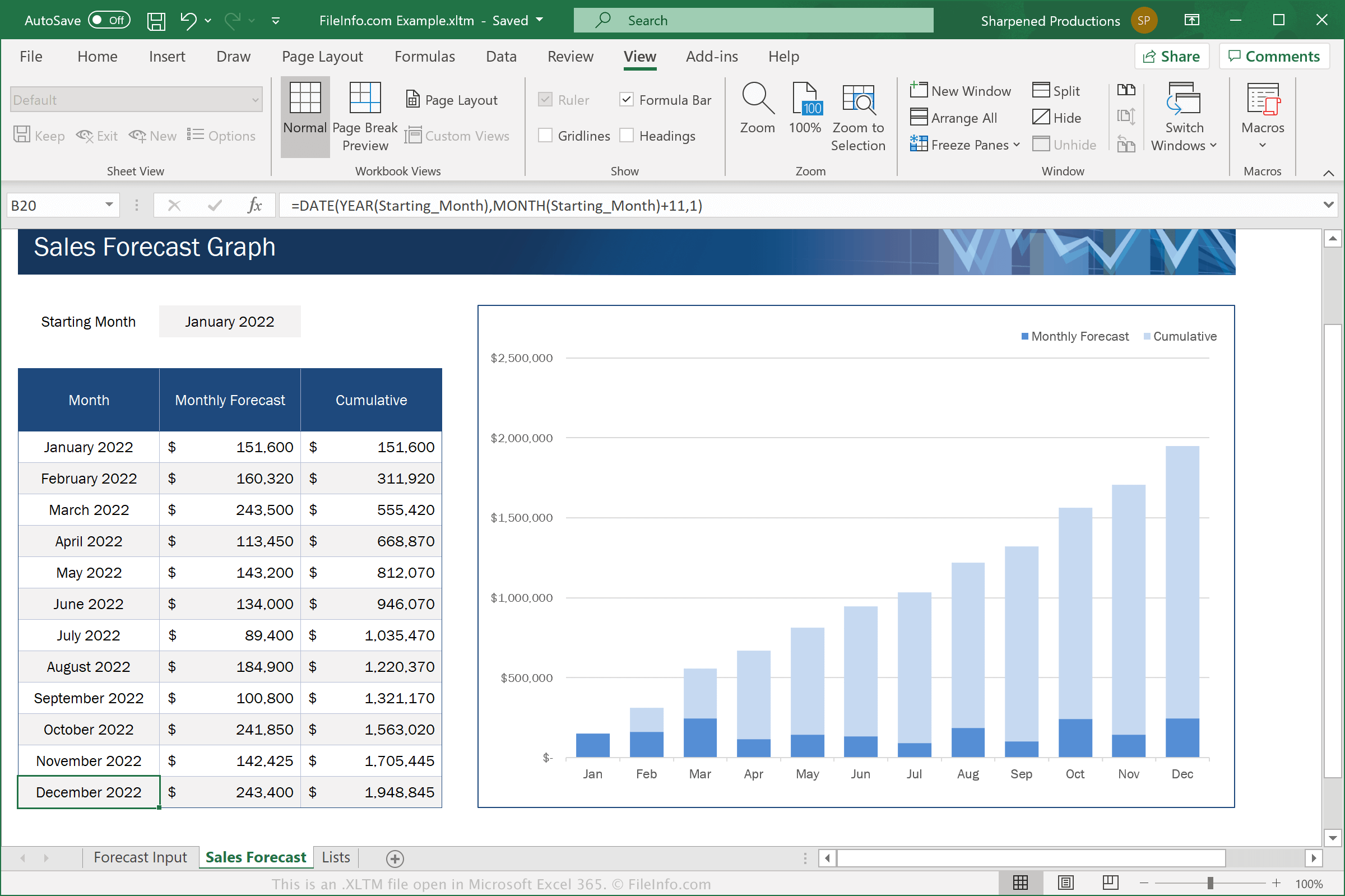
Excel je tabulková aplikace obsažená v sadě Microsoft Office. Software obsahuje šablony .XLTX pro různé kategorie, například Business, Personal, Budgets a Charts
Soubory XLTM jsou podobné souborům XLTX. Soubory XLTM však podporují makra, což je řada příkazů, které uživatel seskupil, aby mohl rychle provést opakující se nebo složitou úlohu, například formátování dokumentu, zadávání dat nebo provádění výpočtů.
Chcete-li uložit tabulku jako soubor XLTM v aplikaci Microsoft Excel, vyberte a v rozevírací nabídce formátů zvolte „Excel Macro-Enabled Template“.
POZNÁMKA: Pokud chcete vytvořit tabulku ze šablony XLTM, která stále podporuje makra, musíte ji uložit jako soubor XLSM. Pokud však chcete vytvořit tabulku ze šablony XLTM, která podporu maker nepotřebuje, můžete ji uložit jako soubor .XLSX.
Jak otevřít soubor XLTM
Soubory XLTM můžete otevřít v aplikaci Microsoft Excel (Windows, Mac, iOS, Android). Excel 2007 a novější verze mohou ve výchozím nastavení otevírat soubory XLSM a starší verze je mohou otevírat, pokud máte nainstalovaný Microsoft Office Compatibility Pack. Z bezpečnostních důvodů Excel ve výchozím nastavení nepovoluje makra v souborech XLTM. Chcete-li povolit makra v souboru XLTM, po zobrazení výzvy klikněte na .
Po otevření souboru XLTM v Excelu můžete upravit šablonu, kterou soubor XLTM obsahuje, nebo můžete soubor XLTM použít k vytvoření nové tabulky.
Upozornění
Ačkoli jsou soubory XLTM obvykle legitimní šablony tabulek Microsoft Excel, mohou být také použity k šíření malwaru a provádění útoků na počítače obětí. Chcete-li se chránit před škodlivými útoky prostřednictvím souborů XLSM, nikdy neotevírejte soubor XLSM ani v něm nepovolujte makra, pokud nemůžete ověřit jeho legitimitu a zdroj.