

.XLTM Extensão de arquivo
Modelo de planilha habilitado para macros do Microsoft Excel
| Desenvolvedor | Microsoft |
| Popularidade |
3,6 | 16 Votos |
O que é um arquivo XLTM?
Um arquivo XLTM é um modelo de planilha habilitado para macros criado pelo Microsoft Excel. Além de uma ou mais macros, ele pode armazenar configurações, informações de layout e dados da planilha. Os usuários do Excel salvam planilhas como arquivos XLTM quando pretendem criar várias planilhas (principalmente .XLSM) com as mesmas informações e o mesmo layout.
Mais informações
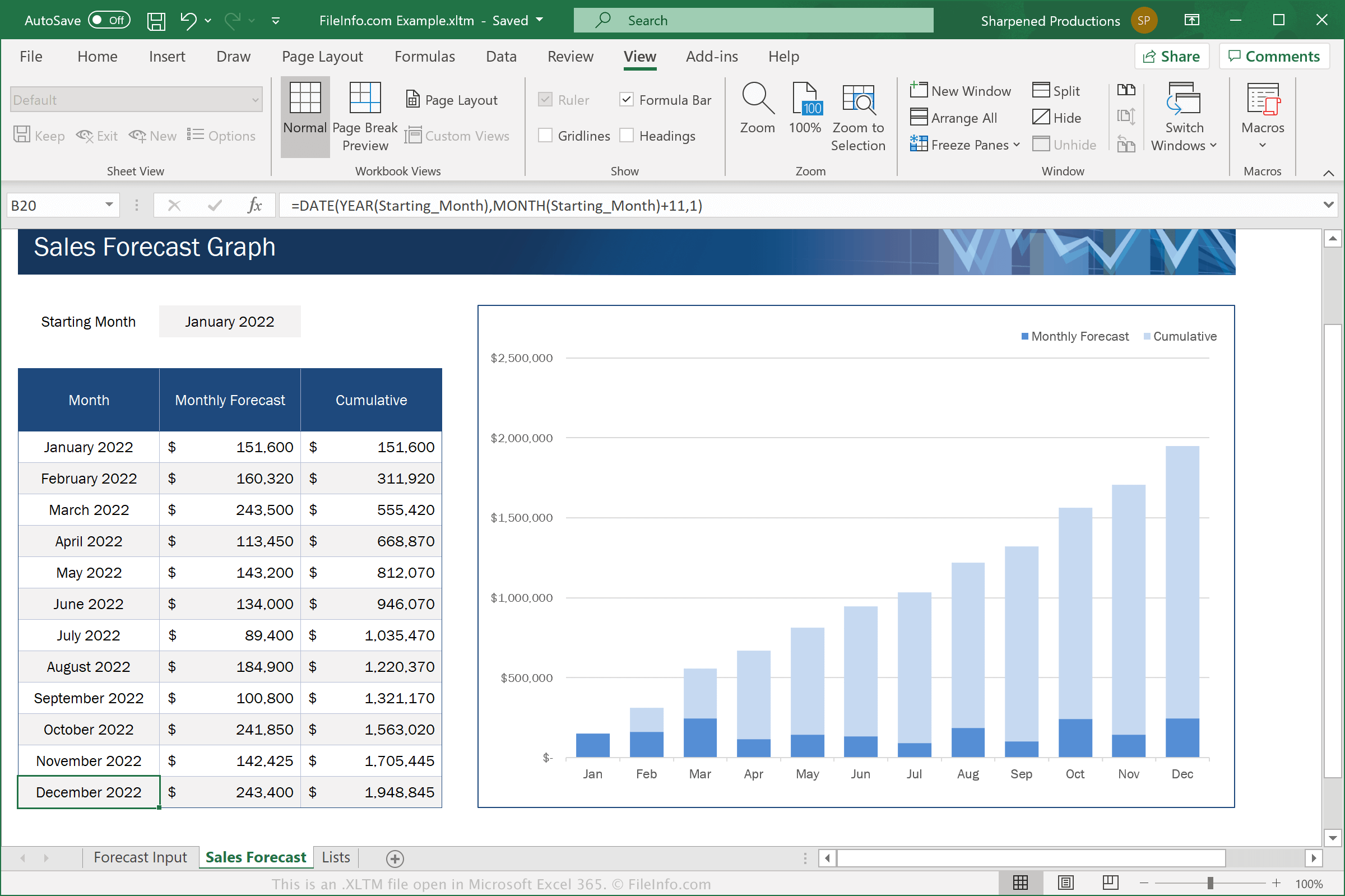
O Excel é um aplicativo de planilha incluído no pacote Microsoft Office. O software vem com modelos .XLTX para várias categorias, como Negócios, Pessoal, Orçamentos e Gráficos
Os arquivos XLTM são semelhantes aos arquivos XLTX. No entanto, os arquivos XLTM são compatíveis com macros, que são uma série de comandos agrupados por um usuário para que ele possa executar rapidamente uma tarefa repetitiva ou complexa, como formatar um documento, inserir dados ou realizar cálculos.
Para salvar uma planilha como um arquivo XLTM com o Microsoft Excel, selecione e escolha "Excel Macro-Enabled Template" no menu suspenso de formatos.
NOTA: Se quiser criar uma planilha a partir de um modelo XLTM que ainda seja compatível com macros, você deverá salvá-la como um arquivo XLSM. Porém, se quiser criar uma planilha a partir de um modelo XLTM que não precise ser compatível com macros, poderá salvá-la como um arquivo .XLSX.
Como abrir um arquivo XLTM
Você pode abrir arquivos XLTM no Microsoft Excel (Windows, Mac, iOS, Android). O Excel 2007 e versões posteriores podem abrir arquivos XLSM por padrão, e versões anteriores podem abrir arquivos XLSM se você tiver instalado o Microsoft Office Compatibility Pack. Por motivos de segurança, o Excel não habilita as macros dos arquivos XLTM por padrão. Para habilitar as macros em um arquivo XLTM, clique em quando solicitado.
Depois de abrir seu arquivo XLTM no Excel, você pode editar o modelo que ele contém ou usá-lo para criar uma nova planilha.
Aviso
Embora os arquivos XLTM geralmente sejam modelos de planilha legítimos do Microsoft Excel, eles também podem ser usados para distribuir e executar ataques de malware nos computadores das vítimas. Para se proteger contra ataques maliciosos de XLSM, nunca abra nem habilite macros em um arquivo XLSM, a menos que possa verificar sua legitimidade e origem.