

.PVS Extension de fichier
Fichier de configuration Parallels Desktop
| Développeur | Parallels |
| Popularité |
3,5 | 4 Votes |
Qu'est-ce qu'un fichier PVS ?
Un fichier PVS est un fichier de configuration pour une machine virtuelle (VM) créée par Parallels Desktop for Mac, une application de virtualisation qui permet aux Mac d’exécuter d’autres systèmes d’exploitation. Il est formaté en XML et stocke des paramètres de la VM tels que son nom, la mémoire qui lui est attribuée, son comportement au démarrage et à l’arrêt, ainsi que sa configuration matérielle.
Plus d'informations

Lorsque vous créez une VM dans Parallels Desktop, le logiciel génère un fichier PVM pour stocker toutes les informations nécessaires à la VM. Un fichier PVM est un paquet macOS qui contient plusieurs fichiers, notamment le disque dur virtuel de la VM (.HDD), les fichiers journaux (.LOG), les images disque (.ISO) et les fichiers de données (.DAT). Dans ce paquet, Parallels crée également un fichier config.pvs, qui stocke tous les paramètres de configuration de la VM, comme l’allocation de mémoire, les options réseau et les périphériques connectés.
Emplacement des fichiers PVS
Vous pouvez trouver le fichier PVS d’une VM dans son paquet PVM, que Parallels Desktop enregistre par défaut à l’emplacement suivant :
Macintosh HD/Users/[username]/Documents/Parallels/
Pour afficher son contenu, cliquez avec le bouton droit de la souris sur le fichier PVM dans le Finder, puis sélectionnez . Cette action affiche les fichiers internes du paquet, notamment le fichier config.pvs.
Noms de fichiers .PVS courants
config.pvs - Nom par défaut attribué aux fichiers PVS trouvés dans les fichiers PVM.
Comment ouvrir un fichier PVS
Vous ne devez pas essayer d’ouvrir les fichiers PVS. À la place, Parallels Desktop for Mac charge automatiquement les informations du fichier PVS lors de l’exécution d’une machine virtuelle. Vous pouvez afficher et modifier les paramètres de configuration enregistrés dans un fichier PVS en sélectionnant ou en cliquant sur l’icône en forme d’engrenage « Configuration ».
Ouverture d’un fichier PVS avec un éditeur de texte
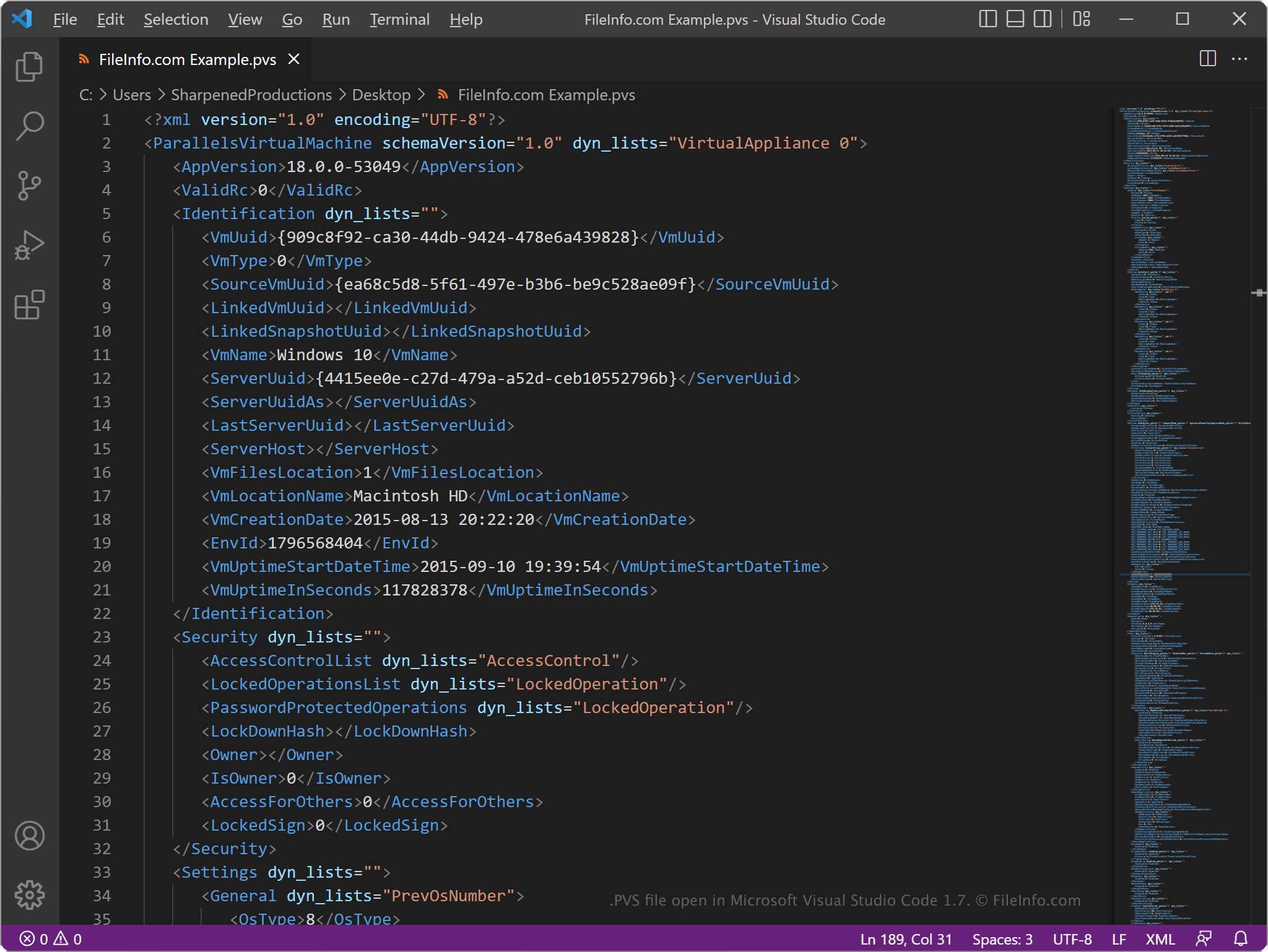
Comme les fichiers PVS stockent les informations en texte brut, vous pouvez les ouvrir avec un éditeur de texte, comme Microsoft Notepad (Windows) ou Apple TextEdit (Mac), ou avec un éditeur de code source. Vous devrez peut-être renommer l’extension de fichier .pvs en .txt pour que l’éditeur de texte la reconnaisse.
Lorsqu’il est ouvert dans un éditeur de texte ou un éditeur de code source, vous pouvez modifier les éléments et les paramètres du fichier PVS. Toutefois, si vous modifiez le fichier de manière incorrecte, vous risquez par inadvertance d’empêcher la VM de fonctionner correctement.