

.STEP Dateiendung
STEP-3D-Modell
| Entwickler | International Organization for Standardization |
| Beliebtheit |
3,5 | 127 Stimmen |
Was ist eine STEP-Datei?
Eine STEP-Datei ist eine 3D-Modell-Datei im STEP-Format (Standard for the Exchange of Product Data), einem ISO-standardisierten Austauschformat. Sie enthält dreidimensionale Modelldaten, die in einem Textformat gespeichert sind, das von mehreren computergestützten Konstruktionsprogrammen (CAD) erkannt wird.
Weitere Informationen
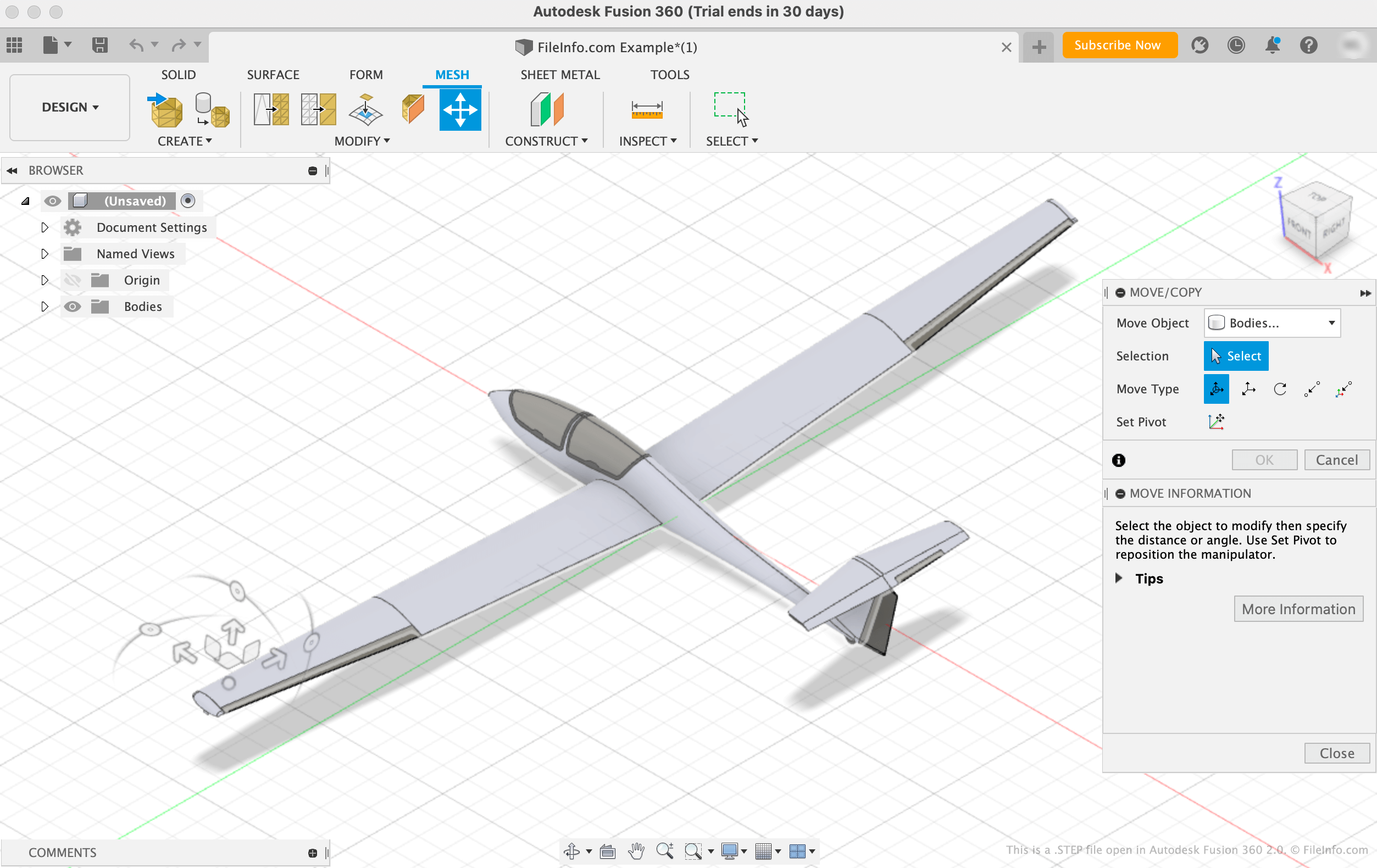
Die International Organization for Standardization (ISO) entwickelte das STEP-Format, um den Austausch von Modellen zwischen Benutzern mit unterschiedlichen CAD-Systemen in der CAD-Branche zu erleichtern. Seit seiner Veröffentlichung im Jahr 1994 hat sich STEP zu einem standardisierten, weit verbreiteten Format entwickelt, das CAD-Benutzer zum Speichern und Übertragen von Modellen zwischen Benutzern und Programmen verwenden können.
Obwohl STEP-Dateien in CAD-Programmen als 3D-Modelle angezeigt werden, bestehen sie aus Klartext, der die Struktur eines Modells beschreibt. Der in STEP-Dateien enthaltene Text ist im ASCII-Format verfasst und entspricht den STEP-Anwendungsprotokollen ISO 10303-2xx.
HINWEIS: STEP-Modell-Dateien verwenden häufig die .STP-Dateierweiterung.
So öffnen Sie eine STEP-Datei
Sie können eine STEP-Datei in verschiedenen CAD-Programmen öffnen, darunter Autodesk Fusion 360 (plattformübergreifend), IMSI TurboCAD (Windows, Mac), FreeCAD (plattformübergreifend) und Dassault Systemes CATIA (Windows, Linux).
So öffnen Sie beispielsweise eine STEP-Datei in Autodesk Fusion 360:
- Wählen Sie in der Menüleiste des Programms aus
- Wenn das Fenster „Open“ angezeigt wird, wählen Sie aus
- Navigieren Sie zu Ihrer STEP-Datei und öffnen Sie sie
Eine STEP-Datei mit einem Texteditor öffnen
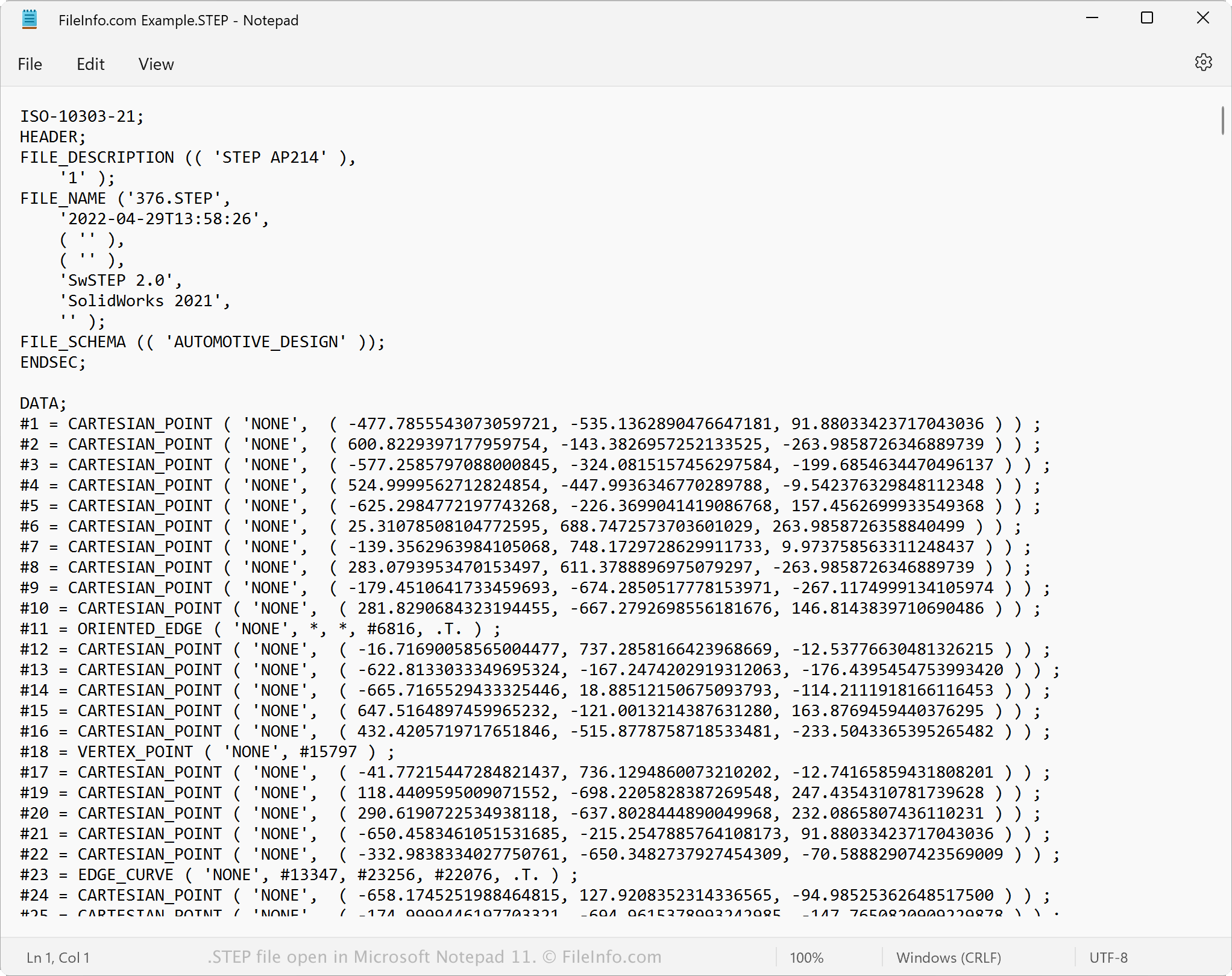
Da STEP-Dateien als Klartext gespeichert werden, können Sie eine STEP-Datei mit einem Texteditor wie Microsoft Notepad oder Apple TextEdit öffnen. Sie können die Modelldaten und Metadaten anzeigen, einschließlich des ursprünglichen Dateinamens, des Erstellungsdatums und der Anwendung, mit der die Datei erstellt wurde.
Wenn Sie eine STEP-Datei in einem Texteditor oder Quelltexteditor öffnen, können Sie ihre Eigenschaften ändern. Wenn Sie die Datei jedoch falsch bearbeiten, kann sie dabei versehentlich beschädigt werden.
So konvertieren Sie eine STEP-Datei
Verschiedene CAD-Anwendungen, darunter Autodesk Fusion 360, Dassault Systemes SolidWorks und IMSI TurboCAD, können STEP-Dateien in andere Formate konvertieren.
Autodesk Fusion 360 kann STEP-Dateien beispielsweise in verschiedene Dateitypen konvertieren, darunter die folgenden Formate:
- .OBJ – Wavefront-3D-Objekt
- .3MF – 3D Manufacturing File
- .ASM – Pro/ENGINEER-Baugruppendatei
- .DWG – AutoCAD-Zeichnung
- .DXF – Drawing Exchange Format
- .IGES – IGES-Zeichnungsdatei
- .STL – Stereolithografie-Datei
- .FBX – Autodesk-FBX-Austauschdatei
- .F3D – Fusion-360-Archiv
- .USD – Universal Scene Description Format