

.STEP Přípona souboru
3D model STEP
| Vývojář | International Organization for Standardization |
| Popularita |
3,5 | 127 hlasů |
Co je soubor STEP?
Soubor STEP je soubor 3D modelu ve formátu STEP (Standard for the Exchange of Product Data), což je výměnný formát podle normy ISO. Obsahuje data trojrozměrného modelu uložená v textovém formátu, který rozpoznává několik programů pro počítačem podporované navrhování (CAD).
Další informace
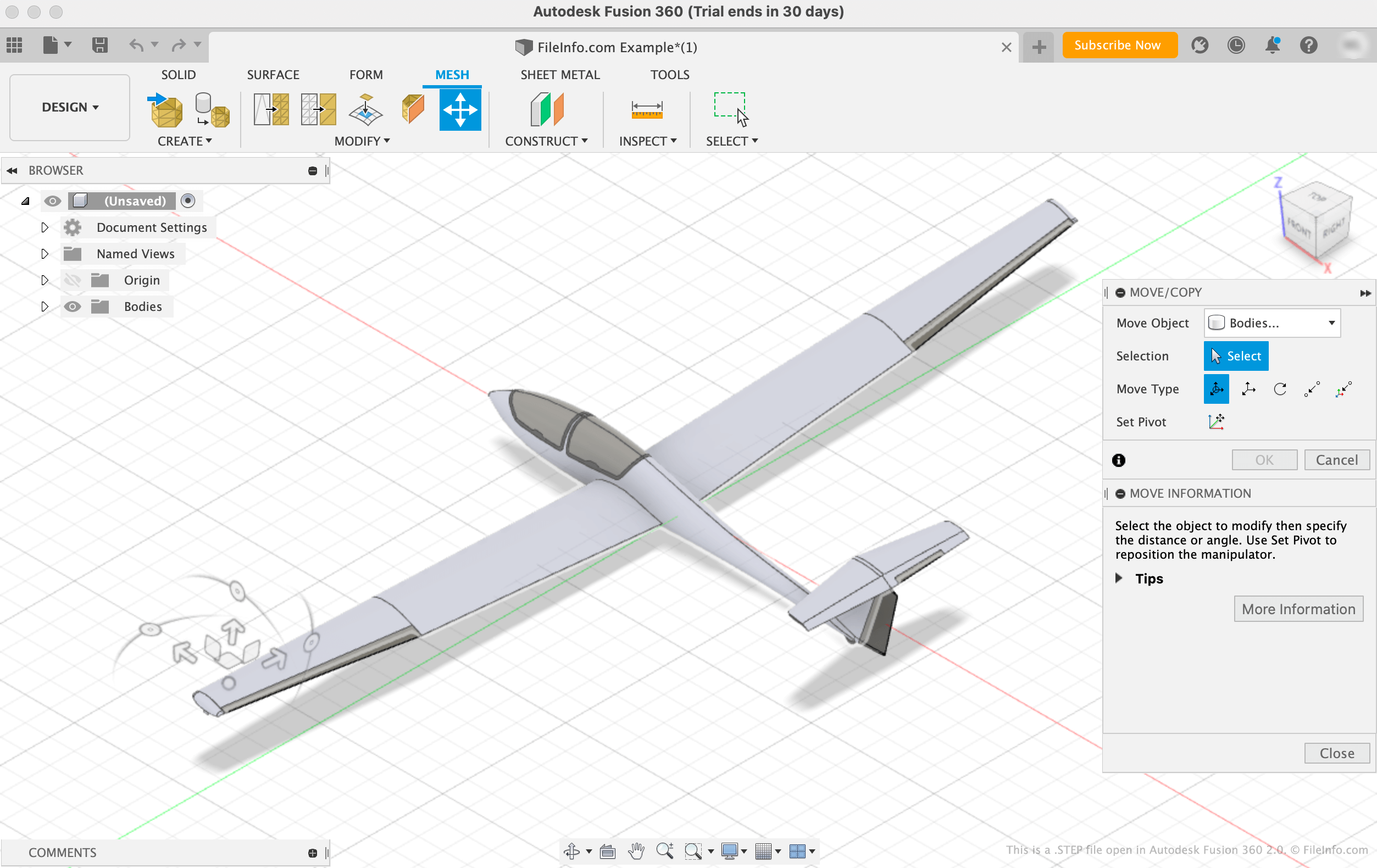
Mezinárodní organizace pro normalizaci (ISO) vyvinula formát STEP, aby usnadnila sdílení modelů mezi uživateli s různými systémy CAD v oblasti CAD. Od svého vydání v roce 1994 se STEP stal standardizovaným a široce podporovaným formátem, který mohou uživatelé CAD používat k ukládání a přenosu modelů mezi uživateli a programy.
Ačkoli se soubory STEP v programech CAD zobrazují jako 3D modely, ve skutečnosti se skládají z prostého textu, který popisuje strukturu modelu. Text obsažený v souborech STEP je zapsán ve formátu ASCII, který odpovídá aplikačním protokolům STEP ISO 10303-2xx.
POZNÁMKA: Soubory modelů STEP často používají příponu .STP.
Jak otevřít soubor STEP
Soubor STEP můžete otevřít v různých programech CAD, včetně programů Autodesk Fusion 360 (pro různé platformy), IMSI TurboCAD (Windows, Mac), FreeCAD (pro různé platformy) a Dassault Systemes CATIA (Windows, Linux).
Například soubor STEP otevřete v programu Autodesk Fusion 360 takto:
- Na liště nabídky programu vyberte
- Po zobrazení okna Open vyberte
- Vyhledejte a otevřete soubor STEP
Otevření souboru STEP v textovém editoru
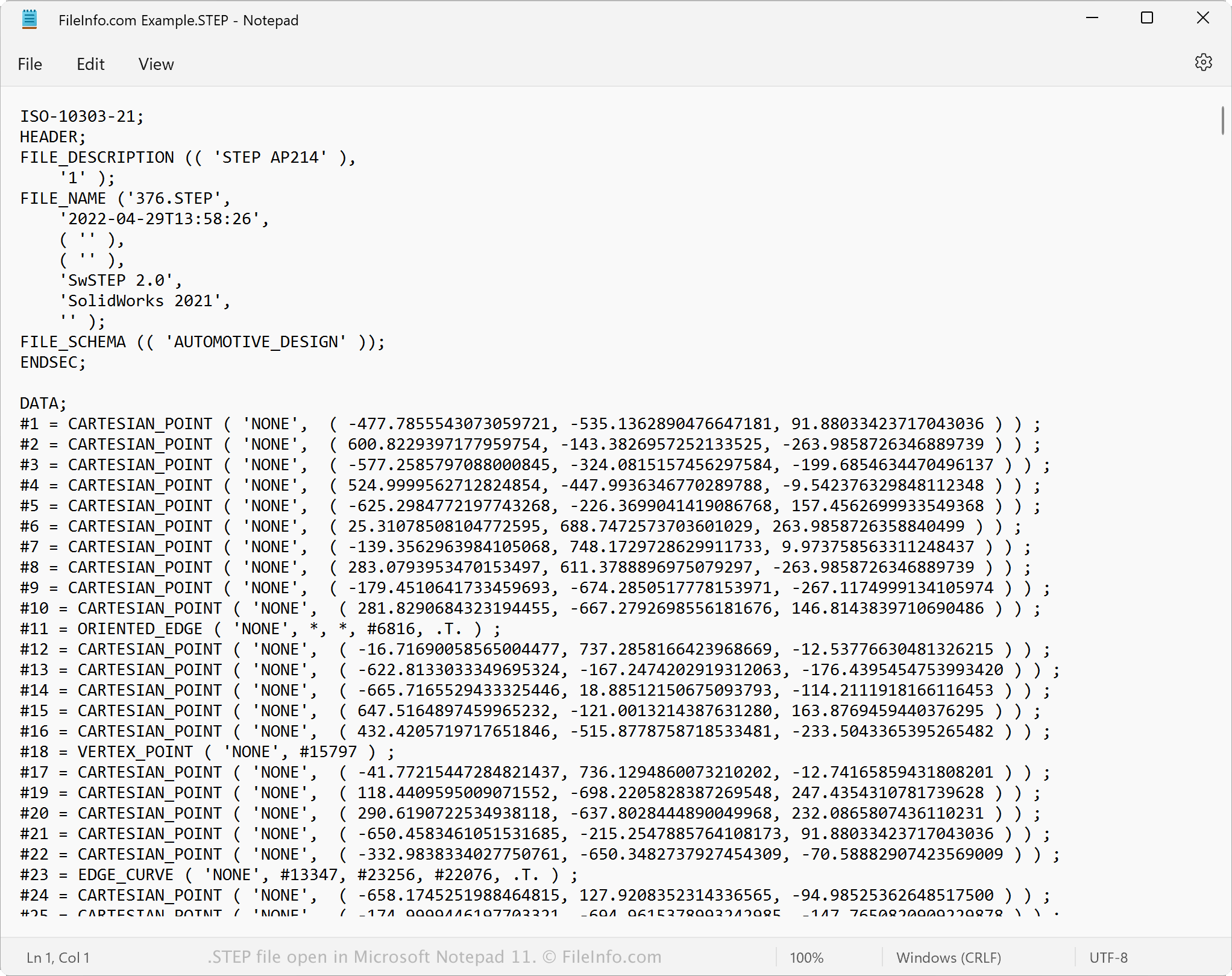
Protože jsou soubory STEP uloženy jako prostý text, můžete je otevřít v textovém editoru, například Microsoft Notepad nebo Apple TextEdit. Můžete zobrazit data modelu a metadata včetně původního názvu souboru, data vytvoření a aplikace, která soubor vytvořila.
Po otevření v textovém editoru nebo editoru zdrojového kódu můžete upravit vlastnosti souboru STEP. Pokud však soubor upravíte nesprávně, můžete jej nechtěně poškodit.
Jak převést soubor STEP
Různé aplikace CAD, včetně programů Autodesk Fusion 360, Dassault Systemes SolidWorks a IMSI TurboCAD, mohou převádět soubory STEP do jiných formátů.
Například Autodesk Fusion 360 může převádět soubory STEP do různých typů souborů včetně následujících formátů:
- .OBJ - 3D objekt Wavefront
- .3MF - výrobní soubor 3D
- .ASM - soubor sestavy Pro/ENGINEER
- .DWG - výkres AutoCAD
- .DXF - Drawing Exchange Format
- .IGES - soubor výkresu IGES
- .STL - soubor stereolitografie
- .FBX - výměnný soubor Autodesk FBX
- .F3D - archiv Fusion 360
- .USD - formát Universal Scene Description