.LCF 文件扩展名

Archicad Library Container File

开发者 GRAPHISOFT
受欢迎程度
4.2  |  20 
 

什么是 LCF 文件?

An LCF file is a library container file that stores a complete hierarchy of libraries used by GRAPHISOFT Archicad, an architectural design program. It may contain individual objects and folder structures, .PLA files, and other LCF files accessible by a user designing a building.

更多信息

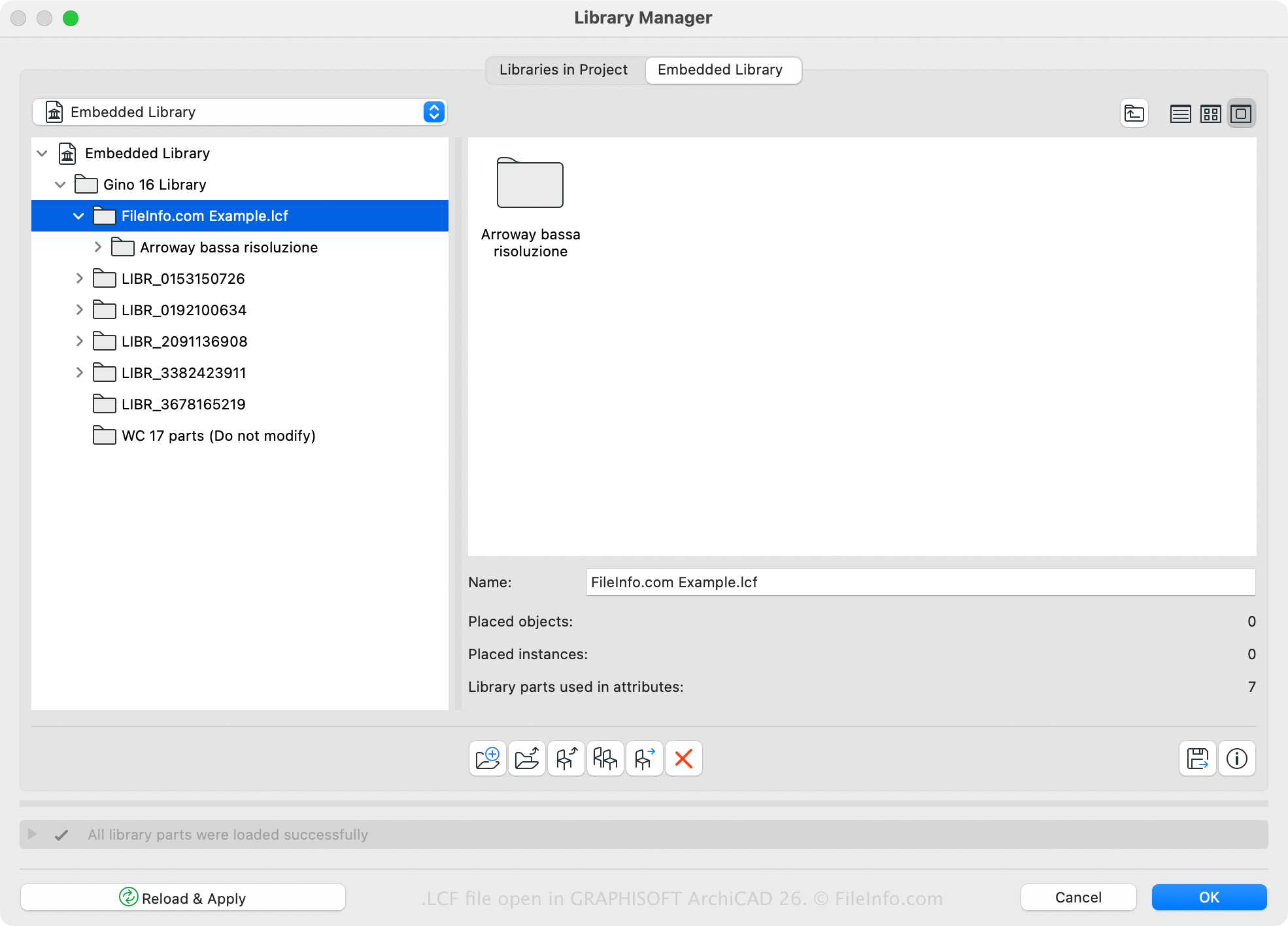
在 Graphisoft Archicad 26 中打开的 .lcf 文件截图
在 Graphisoft Archicad 26 中打开的 LCF 文件

GRAPHISOFT Archicad is a building information modeling (BIM) application with various modeling capabilities. Architects commonly use the software to design building structures, including interiors, exteriors, and landscapes.

Archicad has a default LCF library, but you may also create or open custom libraries with the software. For example, you can save all libraries and library objects that are loaded with an Archicad project into a single LCF file using the Archicad Library Manager (accessible by selecting File → Libraries and Objects → Library Manager...). One advantage of saving libraries in the LCF format is that they load two to three times faster than individual libraries.

You can also create an LCF file with Archicad by following these steps:

  1. Select File → Libraries and Objects → Create Container.
  2. Choose the folders to be included in the library container and click Create.
  3. Name the LCF file and click Save.

如何打开 LCF 文件

You can open an LCF file with GRAPHISOFT Archicad (Windows, macOS). To open an LCF file, select File → Libraries and Objects → Extract a Container, choose the LCF file, and click Open.

使用File Viewer Plus打开 400 多种文件格式。免费下载

可打开或引用 LCF 文件的程序

Windows
Mac
分类: CAD
更新时间: 2023-03-23

验证者 FileInfo.com

FileInfo.com 团队 独立研究了本页面列出的 Archicad Library Container 文件格式和 Mac and Windows 应用。 我们的目标是达到 100% 的准确率,并且仅发布我们已验证过的文件类型信息。

如果您想为此页面提出新增或更新建议,请告诉我们