

.LCF Rozszerzenie pliku
Plik kontenera bibliotek Archicad
| Deweloper | GRAPHISOFT |
| Popularność |
4,2 | 20 Głosów |
Czym jest plik LCF?
Plik LCF to plik kontenera bibliotek, w którym przechowywana jest pełna hierarchia bibliotek używanych przez GRAPHISOFT Archicad, program do projektowania architektonicznego. Może zawierać pojedyncze obiekty i struktury folderów, pliki .PLA oraz inne pliki LCF dostępne dla użytkownika projektującego budynek.
Więcej informacji
GRAPHISOFT Archicad to aplikacja do modelowania informacji o budynku (BIM) z różnymi funkcjami modelowania. Architekci często używają tego oprogramowania do projektowania konstrukcji budynków, w tym ich wnętrz, elementów zewnętrznych i krajobrazu.
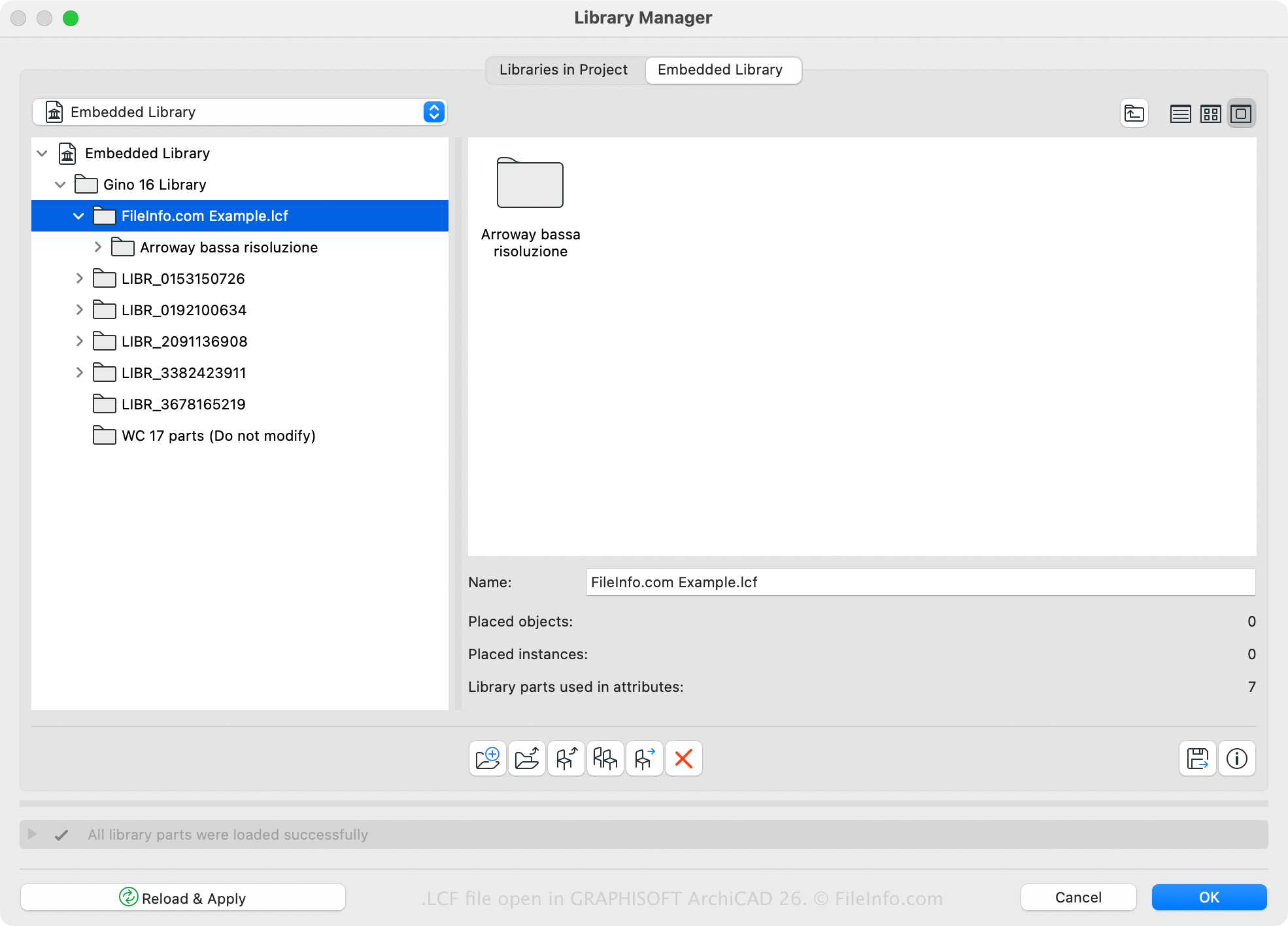
Archicad ma domyślną bibliotekę LCF, ale za pomocą tego oprogramowania można także tworzyć lub otwierać biblioteki niestandardowe. Można na przykład zapisać wszystkie biblioteki i obiekty bibliotek załadowane wraz z projektem Archicad w jednym pliku LCF za pomocą menedżera bibliotek Archicad (dostępnego po wybraniu opcji ). Jedną z zalet zapisywania bibliotek w formacie LCF jest to, że ładują się one od dwóch do trzech razy szybciej niż pojedyncze biblioteki.
Plik LCF można także utworzyć w Archicadzie, wykonując następujące czynności:
- Wybierz opcję .
- Wybierz foldery, które mają zostać uwzględnione w kontenerze bibliotek, i kliknij opcję .
- Nadaj plikowi LCF nazwę i kliknij opcję .
Jak otworzyć plik LCF
Plik LCF można otworzyć za pomocą programu GRAPHISOFT Archicad (Windows, macOS). Aby otworzyć plik LCF, wybierz opcję , wybierz plik LCF i kliknij opcję .