

.LCF Přípona souboru
Soubor kontejneru knihoven Archicad
| Vývojář | GRAPHISOFT |
| Popularita |
4,2 | 20 hlasů |
Co je soubor LCF?
Soubor LCF je soubor kontejneru knihoven, který uchovává kompletní hierarchii knihoven používaných programem GRAPHISOFT Archicad pro architektonický návrh. Může obsahovat jednotlivé objekty a struktury složek, soubory .PLA i další soubory LCF přístupné uživateli, který navrhuje budovu.
Další informace
GRAPHISOFT Archicad je aplikace pro informační modelování budov (BIM) s různými možnostmi modelování. Architekti tento software běžně používají k navrhování stavebních konstrukcí včetně interiérů, exteriérů a krajiny.
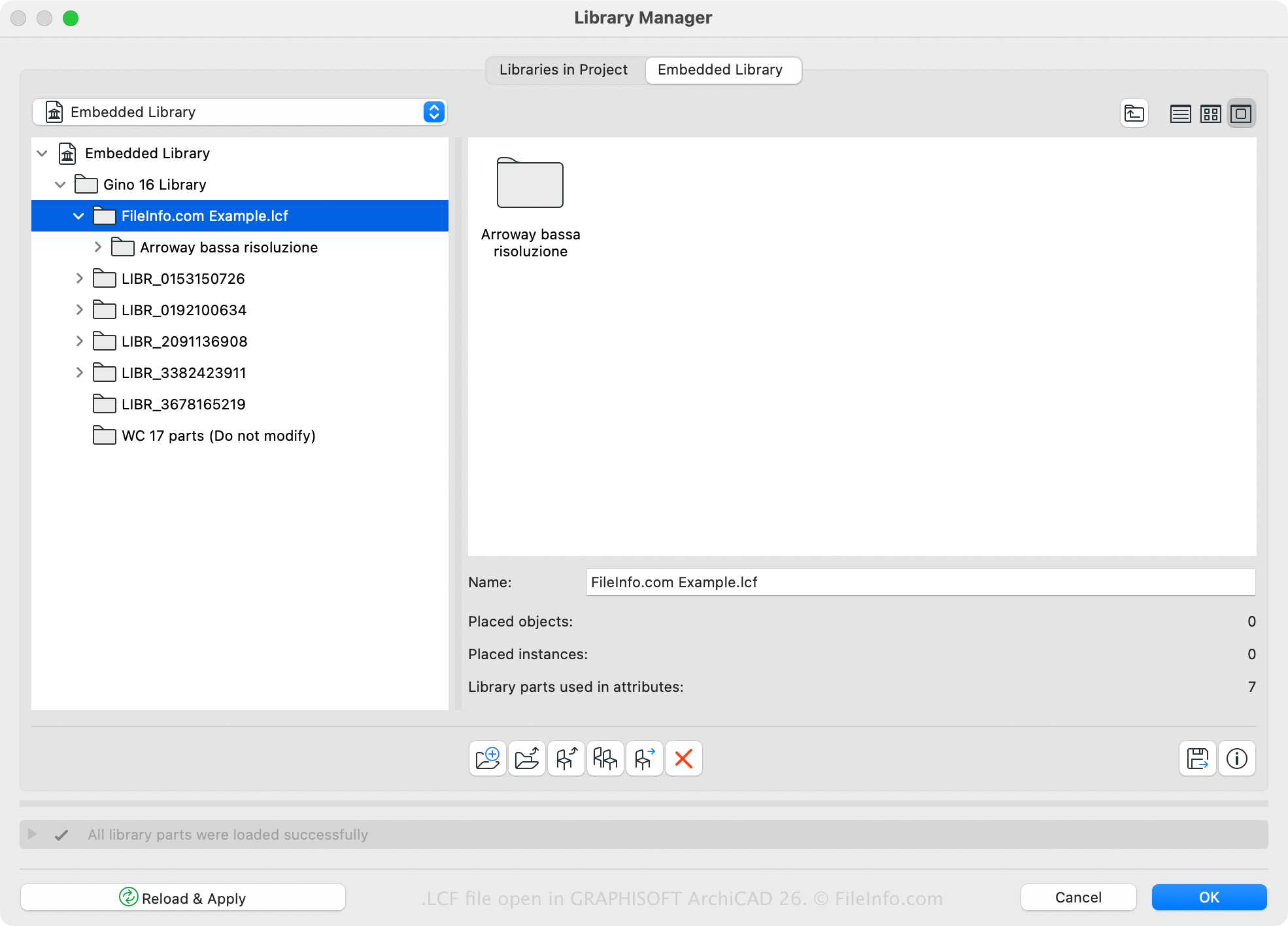
Archicad obsahuje výchozí knihovnu LCF, ale pomocí softwaru můžete také vytvářet nebo otevírat vlastní knihovny. Například můžete všechny knihovny a objekty knihoven načtené s projektem Archicadu uložit do jediného souboru LCF pomocí Správce knihoven Archicadu (přístupného výběrem možnosti ). Jednou z výhod ukládání knihoven ve formátu LCF je, že se načítají dvakrát až třikrát rychleji než jednotlivé knihovny.
Soubor LCF můžete v Archicadu vytvořit také pomocí následujících kroků:
- Vyberte .
- Vyberte složky, které mají být zahrnuty do kontejneru knihoven, a klikněte na .
- Pojmenujte soubor LCF a klikněte na .
Jak otevřít soubor LCF
Soubor LCF můžete otevřít pomocí programu GRAPHISOFT Archicad (Windows, macOS). Chcete-li otevřít soubor LCF, vyberte , zvolte soubor LCF a klikněte na .