

.LCF Bestandsextensie
Archicad-bibliotheekcontainerbestand
| Ontwikkelaar | GRAPHISOFT |
| Populariteit |
4,2 | 20 stemmen |
Wat is een LCF-bestand?
Een LCF-bestand is een bibliotheekcontainerbestand waarin een complete hiërarchie van bibliotheken wordt opgeslagen die wordt gebruikt door GRAPHISOFT Archicad, een programma voor architectonisch ontwerp. Het kan afzonderlijke objecten en mappenstructuren, .PLA-bestanden en andere LCF-bestanden bevatten die toegankelijk zijn voor een gebruiker die een gebouw ontwerpt.
Meer informatie
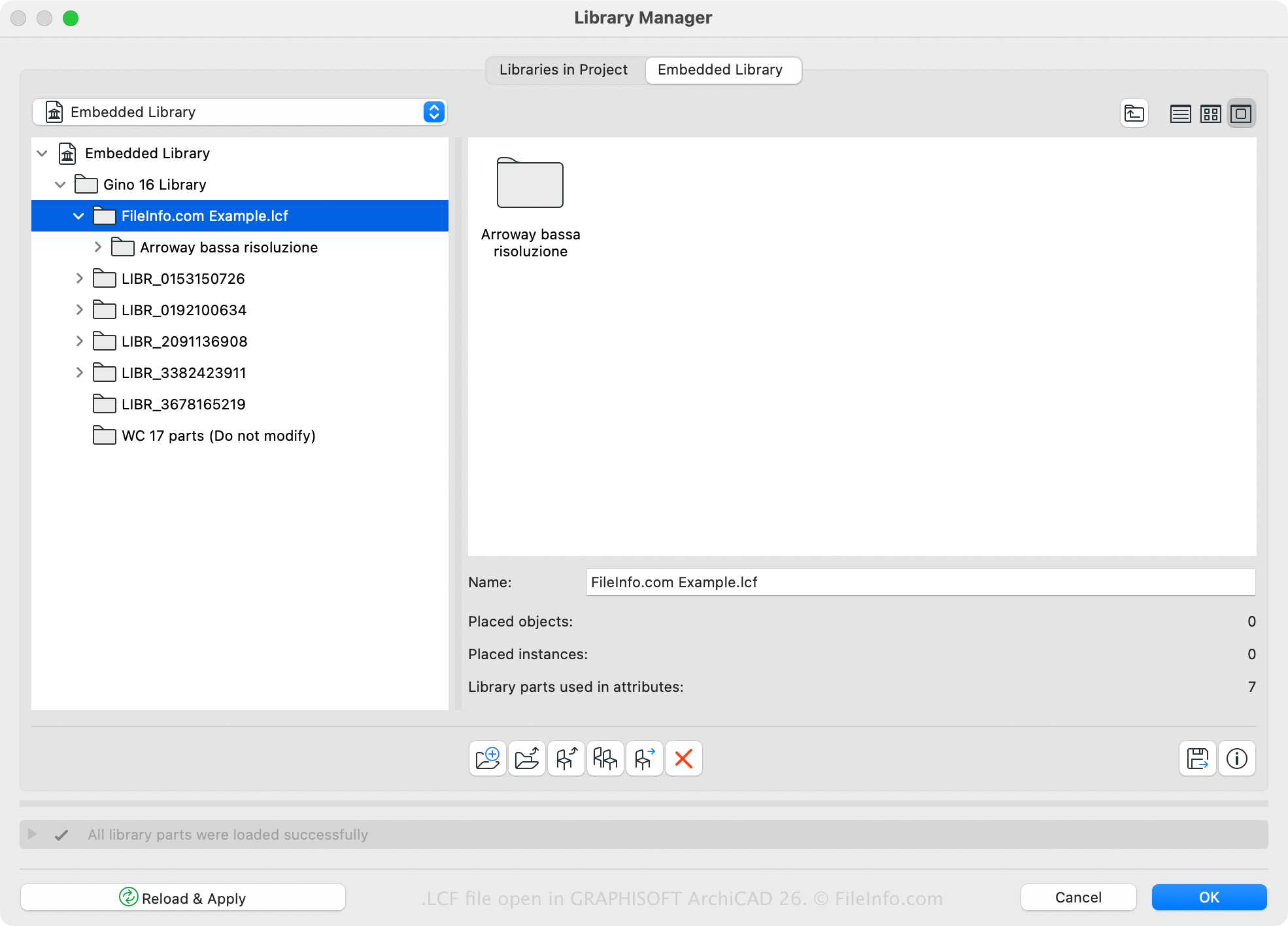
GRAPHISOFT Archicad is een toepassing voor bouwwerkinformatiemodellering (BIM) met verschillende modelleermogelijkheden. Architecten gebruiken de software vaak om gebouwstructuren te ontwerpen, waaronder interieurs, exterieurs en landschappen.
Archicad heeft een standaardbibliotheek in LCF-formaat, maar je kunt met de software ook aangepaste bibliotheken maken of openen. Je kunt bijvoorbeeld alle bibliotheken en bibliotheekobjecten die met een Archicad-project zijn geladen, opslaan in één LCF-bestand met Archicad Library Manager (toegankelijk door te selecteren). Een voordeel van het opslaan van bibliotheken in de LCF-indeling is dat ze twee tot drie keer sneller worden geladen dan afzonderlijke bibliotheken.
Je kunt ook met Archicad een LCF-bestand maken door deze stappen te volgen:
- Selecteer .
- Kies de mappen die in de bibliotheekcontainer moeten worden opgenomen en klik op .
- Geef het LCF-bestand een naam en klik op .
Een LCF-bestand openen
Je kunt een LCF-bestand openen met GRAPHISOFT Archicad (Windows, macOS). Als je een LCF-bestand wilt openen, selecteer je , kies je het LCF-bestand en klik je op .