

.LCF Dateiendung
Archicad-Bibliothekscontainerdatei
| Entwickler | GRAPHISOFT |
| Beliebtheit |
4,2 | 20 Stimmen |
Was ist eine LCF-Datei?
Eine LCF-Datei ist eine Bibliothekscontainerdatei, in der eine vollständige Hierarchie von Bibliotheken gespeichert wird, die von GRAPHISOFT Archicad, einem Programm für architektonische Entwürfe, verwendet werden. Sie kann einzelne Objekte und Ordnerstrukturen, .PLA-Dateien und andere LCF-Dateien enthalten, auf die ein Benutzer beim Entwerfen eines Gebäudes zugreifen kann.
Weitere Informationen
GRAPHISOFT Archicad ist eine Anwendung zur Gebäudedatenmodellierung (BIM) mit verschiedenen Modellierungsfunktionen. Architekten verwenden die Software häufig zum Entwerfen von Gebäudestrukturen, einschließlich Innenräumen, Außenbereichen und Landschaften.
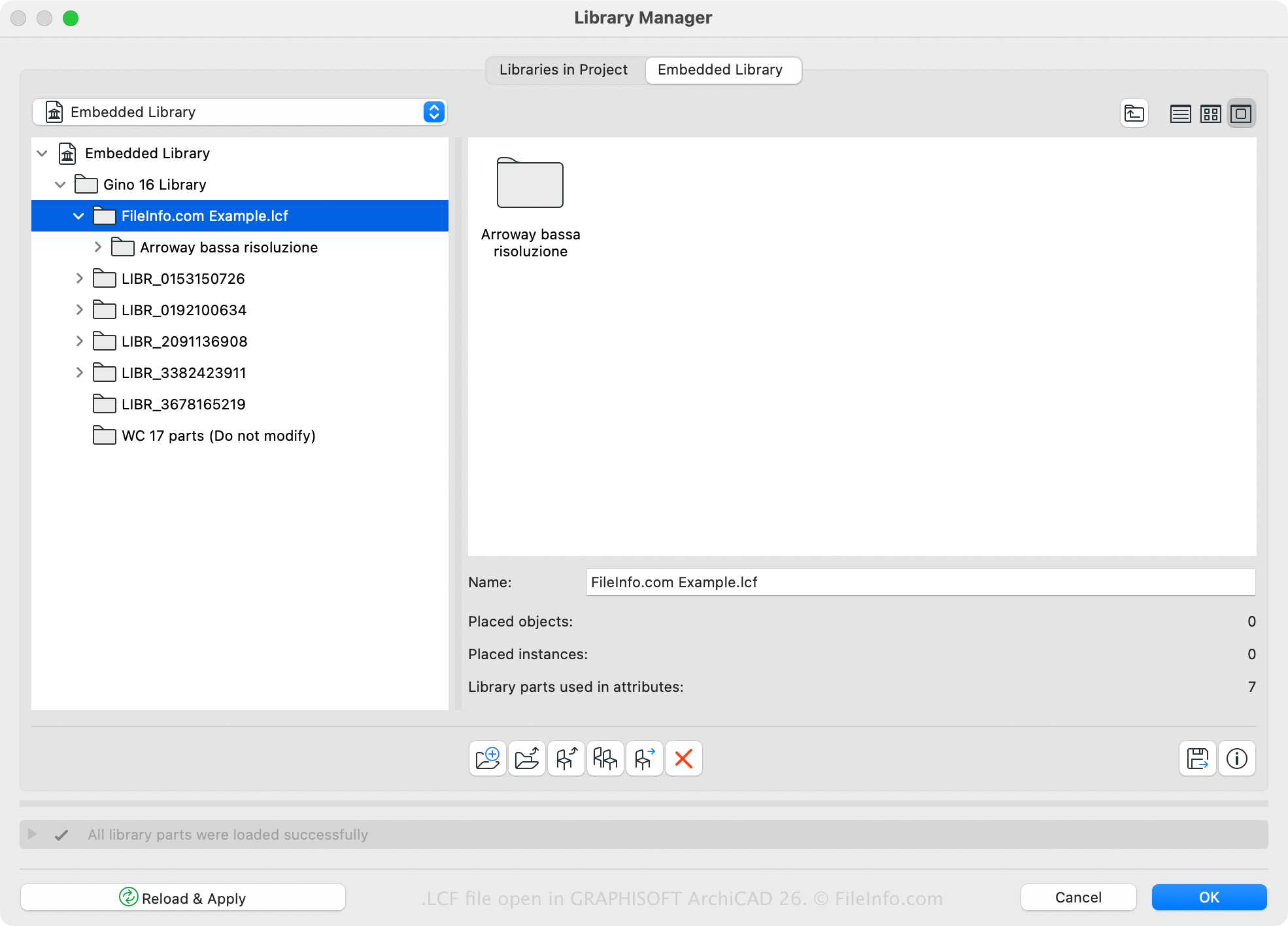
Archicad verfügt über eine standardmäßige LCF-Bibliothek. Sie können mit der Software jedoch auch benutzerdefinierte Bibliotheken erstellen oder öffnen. Beispielsweise können Sie alle Bibliotheken und Bibliotheksobjekte, die mit einem Archicad-Projekt geladen werden, mithilfe des Archicad-Bibliotheksmanagers in einer einzelnen LCF-Datei speichern (zugänglich durch Auswahl von ). Ein Vorteil des Speicherns von Bibliotheken im LCF-Format besteht darin, dass sie zwei- bis dreimal schneller geladen werden als einzelne Bibliotheken.
Sie können mit Archicad auch eine LCF-Datei erstellen, indem Sie die folgenden Schritte ausführen:
- Wählen Sie aus.
- Wählen Sie die Ordner aus, die in den Bibliothekscontainer aufgenommen werden sollen, und klicken Sie auf .
- Geben Sie der LCF-Datei einen Namen und klicken Sie auf .
So öffnen Sie eine LCF-Datei
Sie können eine LCF-Datei mit GRAPHISOFT Archicad (Windows, macOS) öffnen. Um eine LCF-Datei zu öffnen, wählen Sie aus, wählen Sie die LCF-Datei aus und klicken Sie auf .