

.XEF Rozszerzenie pliku
Zaszyfrowany plik WinAce
| Deweloper | E-merge |
| Popularność |
3,0 | 3 Głosy |
Plik XEF to plik, który został zaszyfrowany przez E-merge WinAce, wycofane z użycia narzędzie do archiwizacji i szyfrowania. Zawiera dokument, obraz, film lub inny typ pliku, który został zaszyfrowany, aby zapobiec nieautoryzowanemu dostępowi. Aby otworzyć plik XEF, musisz znać hasło użyte do jego zaszyfrowania.
Więcej informacji
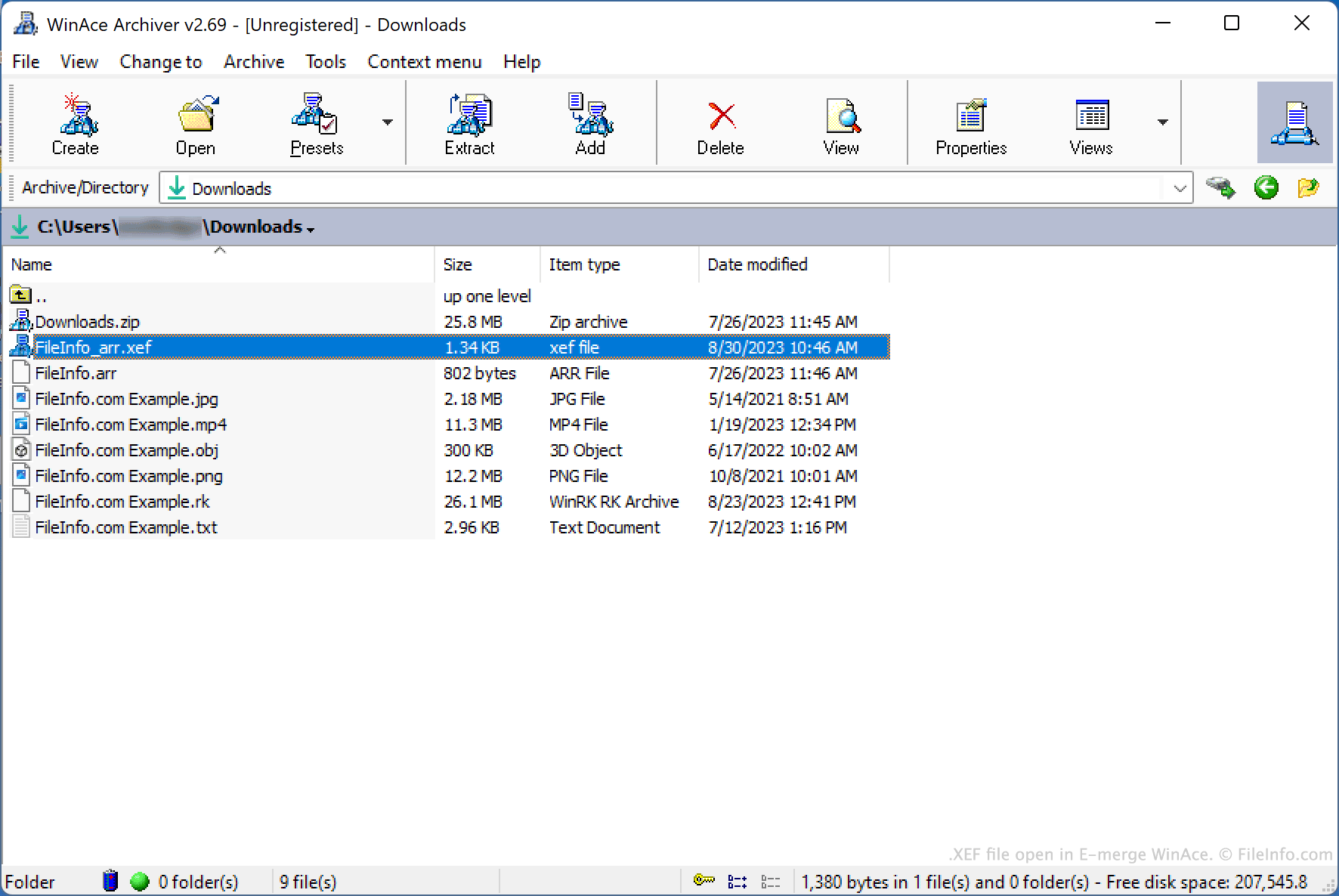
WinAce to narzędzie do archiwizacji i szyfrowania plików dostępne dla systemu Windows. Umożliwiało użytkownikom pakowanie plików w skompresowanych archiwach (zwykle zapisywanych w zastrzeżonym dla WinAce formacie archiwum .ACE) oraz szyfrowanie pojedynczych plików przy użyciu różnych metod szyfrowania.
Aby zaszyfrować plik za pomocą WinAce, użytkownicy:
- Wybierali plik w eksploratorze plików WinAce.
- Wybierali polecenie z paska menu WinAce.
- Określali hasło i metodę szyfrowania.
- Klikali przycisk .
WinAce tworzył następnie zaszyfrowaną kopię pliku użytkownika i zapisywał ją jako plik XEF.
Opcjonalnie użytkownik mógł wybrać, czy w nazwie zaszyfrowanego pliku ma być zawarta nazwa oryginalnego pliku, lub ustawić losową nazwę zaszyfrowanego pliku. Mógł także wybrać opcję usunięcia przez WinAce oryginalnego, niezaszyfrowanego pliku w ramach procesu szyfrowania.
Jak otworzyć plik XEF
Plik XEF można odszyfrować za pomocą programu E-merge WinAce (Windows), aby przywrócić zawarty w nim zaszyfrowany plik. Chociaż program WinAce został wycofany z użycia, nadal można go pobrać z internetu.
Aby otworzyć plik XEF za pomocą WinAce:
- Otwórz WinAce, a następnie w eksploratorze plików programu przejdź do pliku XEF i wybierz go.
- Wybierz polecenie z paska menu WinAce.
- W oknie wprowadź hasło użyte do zaszyfrowania pliku XEF.
- Kliknij przycisk .
WinAce odszyfruje następnie plik XEF i utworzy kopię oryginalnego, niezaszyfrowanego pliku.