

.XEF Dateiendung
Verschlüsselte WinAce-Datei
| Entwickler | E-merge |
| Beliebtheit |
3,0 | 3 Stimmen |
Eine XEF-Datei ist eine Datei, die mit E-merge WinAce, einem nicht mehr weiterentwickelten Archivierungs- und Verschlüsselungsprogramm, verschlüsselt wurde. Sie enthält ein Dokument, Bild, Video oder einen anderen Dateityp, der verschlüsselt wurde, um unbefugten Zugriff zu verhindern. Zum Öffnen einer XEF-Datei müssen Sie das Passwort kennen, mit dem sie verschlüsselt wurde.
Weitere Informationen
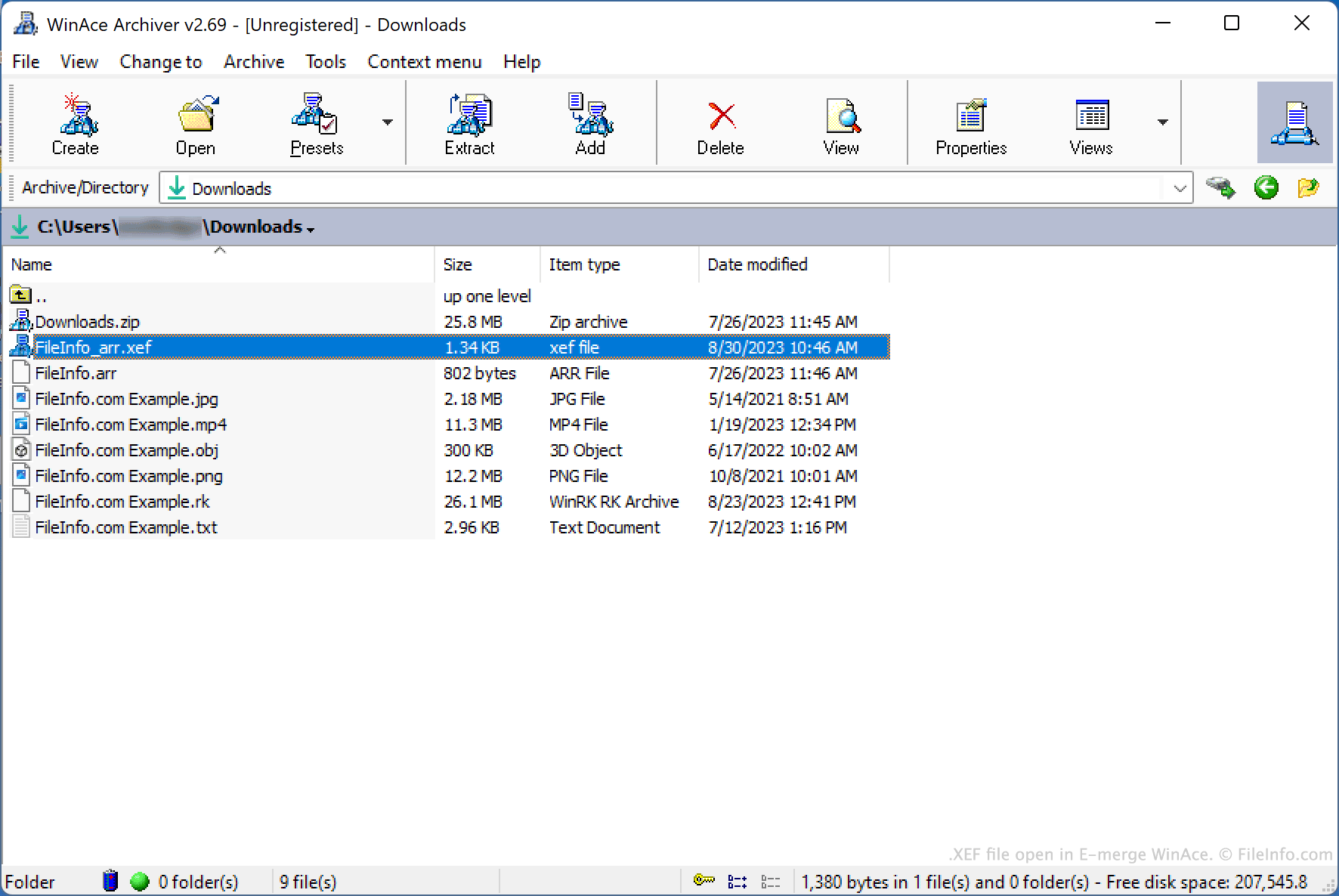
WinAce ist ein Archivierungs- und Dateiverschlüsselungsprogramm, das für Windows verfügbar war. Es ermöglichte Benutzern, Dateien in komprimierten Archiven zu bündeln, die normalerweise im proprietären .ACE-Archivformat von WinAce gespeichert wurden, und einzelne Dateien mit verschiedenen Verschlüsselungsmethoden zu verschlüsseln.
Um eine Datei mit WinAce zu verschlüsseln, gingen Benutzer wie folgt vor:
- Sie wählten die Datei im Datei-Explorer von WinAce aus.
- Sie wählten in der Menüleiste von WinAce aus.
- Sie legten das gewünschte Passwort und die Verschlüsselungsmethode fest.
- Sie klickten auf .
WinAce erstellte anschließend eine verschlüsselte Kopie der Datei des Benutzers und speicherte sie als XEF-Datei.
Optional konnten Benutzer festlegen, ob der Name der ursprünglichen Datei in den Namen der verschlüsselten Datei aufgenommen oder der Name der verschlüsselten Datei zufällig gewählt werden sollte. Sie konnten außerdem festlegen, dass WinAce die ursprüngliche, unverschlüsselte Datei im Rahmen des Verschlüsselungsvorgangs löschen sollte.
So öffnen Sie eine XEF-Datei
Sie können eine XEF-Datei mit E-merge WinAce (Windows) entschlüsseln, um die darin enthaltene verschlüsselte Datei wiederherzustellen. Obwohl WinAce nicht mehr weiterentwickelt wird, ist es weiterhin online zum Download verfügbar.
So öffnen Sie eine XEF-Datei mit WinAce:
- Öffnen Sie WinAce und navigieren Sie im Datei-Explorer des Programms zu Ihrer XEF-Datei und wählen Sie sie aus.
- Wählen Sie in der Menüleiste von WinAce aus.
- Geben Sie im Fenster das Passwort ein, mit dem Ihre XEF-Datei verschlüsselt wurde.
- Klicken Sie auf .
WinAce entschlüsselt anschließend Ihre XEF-Datei und erstellt eine Kopie der ursprünglichen, unverschlüsselten Datei.