

.CDM Rozszerzenie pliku
Konceptualny model danych
| Deweloper | SAP |
| Popularność |
2,0 | 1 Głos |
Plik CDM to model danych utworzony przez SAP PowerDesigner, program do modelowania i projektowania rozwiązań dla przedsiębiorstw. Przechowuje diagram modelu danych zawierający elementy danych, encje, relacje, łącza asocjacyjne, notatki i kształty. Pliki CDM przechowują również metadane, takie jak twórca, data utworzenia i daty modyfikacji modelu.
Więcej informacji
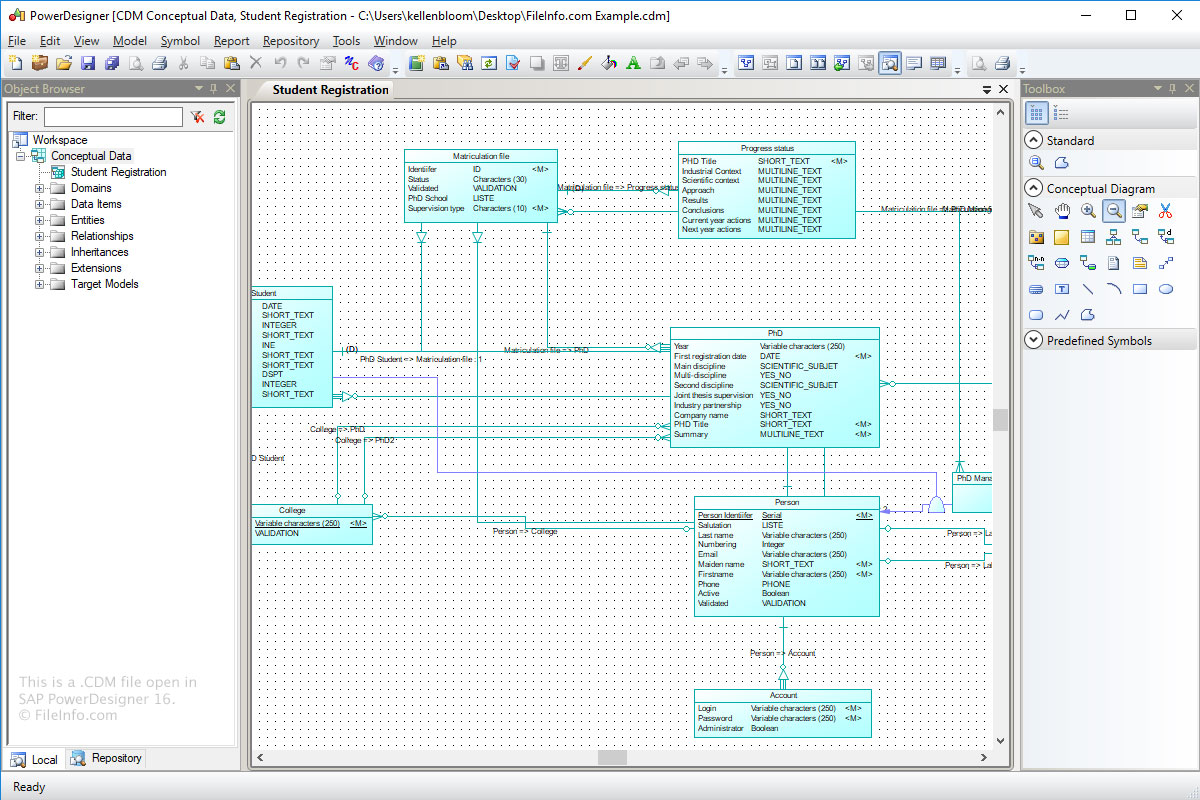
Format Conceptual Data Model (CDM) służy do przechowywania koncepcyjnej struktury systemu informacyjnego. Pliki CDM są bardziej abstrakcyjną wersją Logical Data Model (pliku LDM) lub Physical Data Model (pliku .PDM).
Aby utworzyć plik CDM za pomocą programu Power Designer:
- Wybierz .
- Kliknij kategorię "Information".
- Wybierz element kategorii "Conceptual Data" i kliknij .
- Wybierz .
Jak otworzyć plik CDM
Pliki CDM można otwierać w systemie Windows za pomocą programu SAP PowerDesigner. Aby otworzyć plik CDM w programie Power Designer, wybierz .
Programy otwierające pliki CDM
Niestandardowy moduł danych dBASE
| Deweloper | dBASE |
| Popularność |
2,0 | 1 Głos |
Plik CDM to niestandardowy moduł danych utworzony przez dBASE, zintegrowane środowisko programistyczne z funkcjami zarządzania bazami danych. Zawiera obiekty danych, w tym obiekty Database, Query, Session i StoredProc, oraz ich właściwości. Użytkownicy dBASE tworzą niestandardowe moduły danych, aby kontrolować obiekty w dziedziczonych modułach danych (plikach .DMD) (np. można ustawić właściwości obiektów w pliku CDM, które odziedziczą również obiekty w dziedziczonych plikach DMD).
Więcej informacji
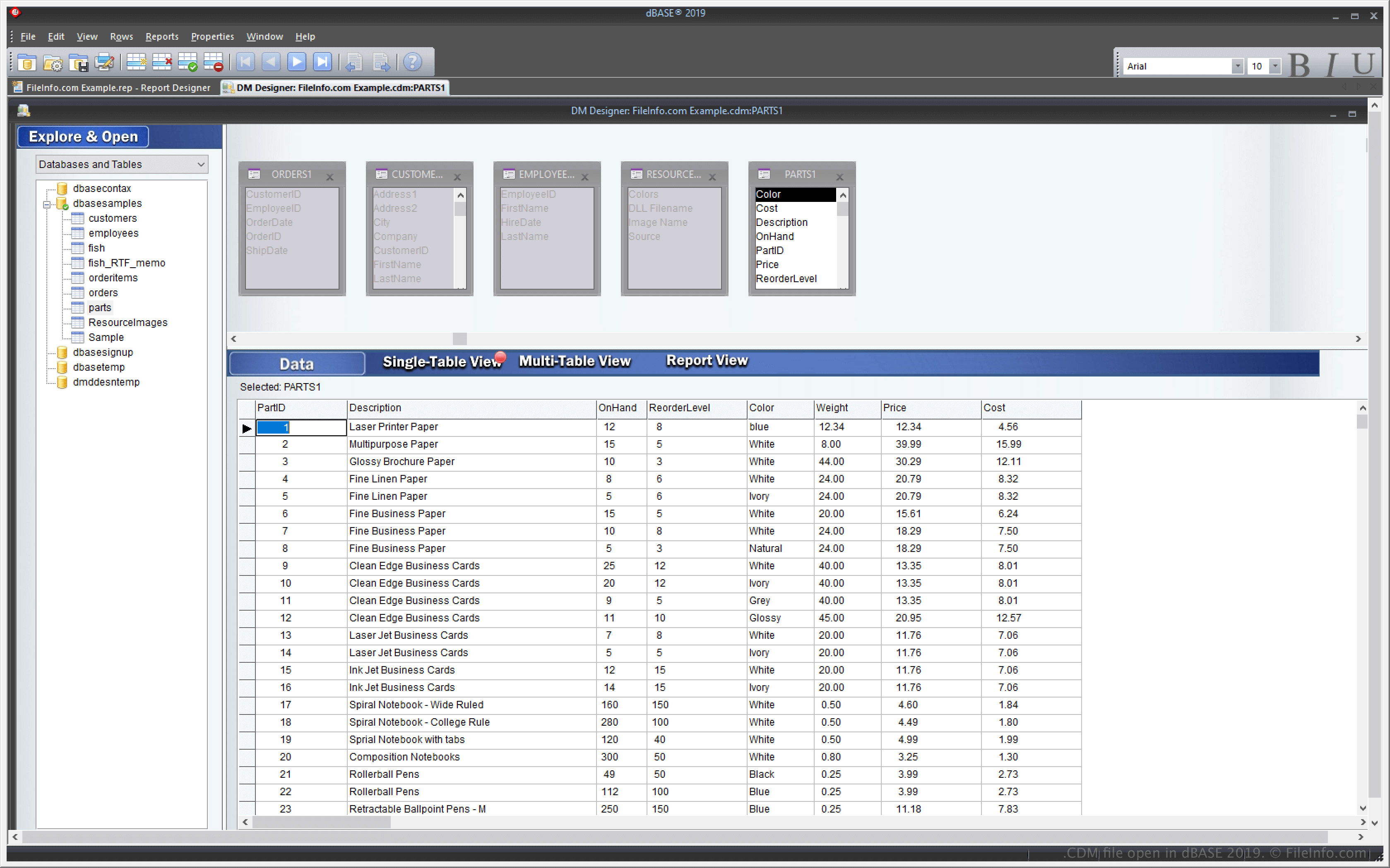
dBASE to aplikacja dla systemu Windows z funkcjami zarządzania bazami danych oraz tworzenia i kompilowania programów. Jedną z funkcji dBASE jest możliwość tworzenia niestandardowego modułu danych, którego można używać do tworzenia i kontrolowania wielu innych plików modułów danych (DMD).
Funkcja niestandardowego modułu danych pozwala zmodyfikować jeden plik CDM, a wiele innych plików DMD opartych na tym pliku CDM również zmieni się odpowiednio. Aby utworzyć pliki DMD na podstawie pliku CDM, wybierz , a następnie wybierz .dmd z menu rozwijanego.
Jak otworzyć plik CDM
Pliki CDM można otwierać w systemie Windows za pomocą programu dBASE. Na przykład plik CDM można otworzyć, wybierając .
Otwieranie pliku CDM w edytorze tekstu
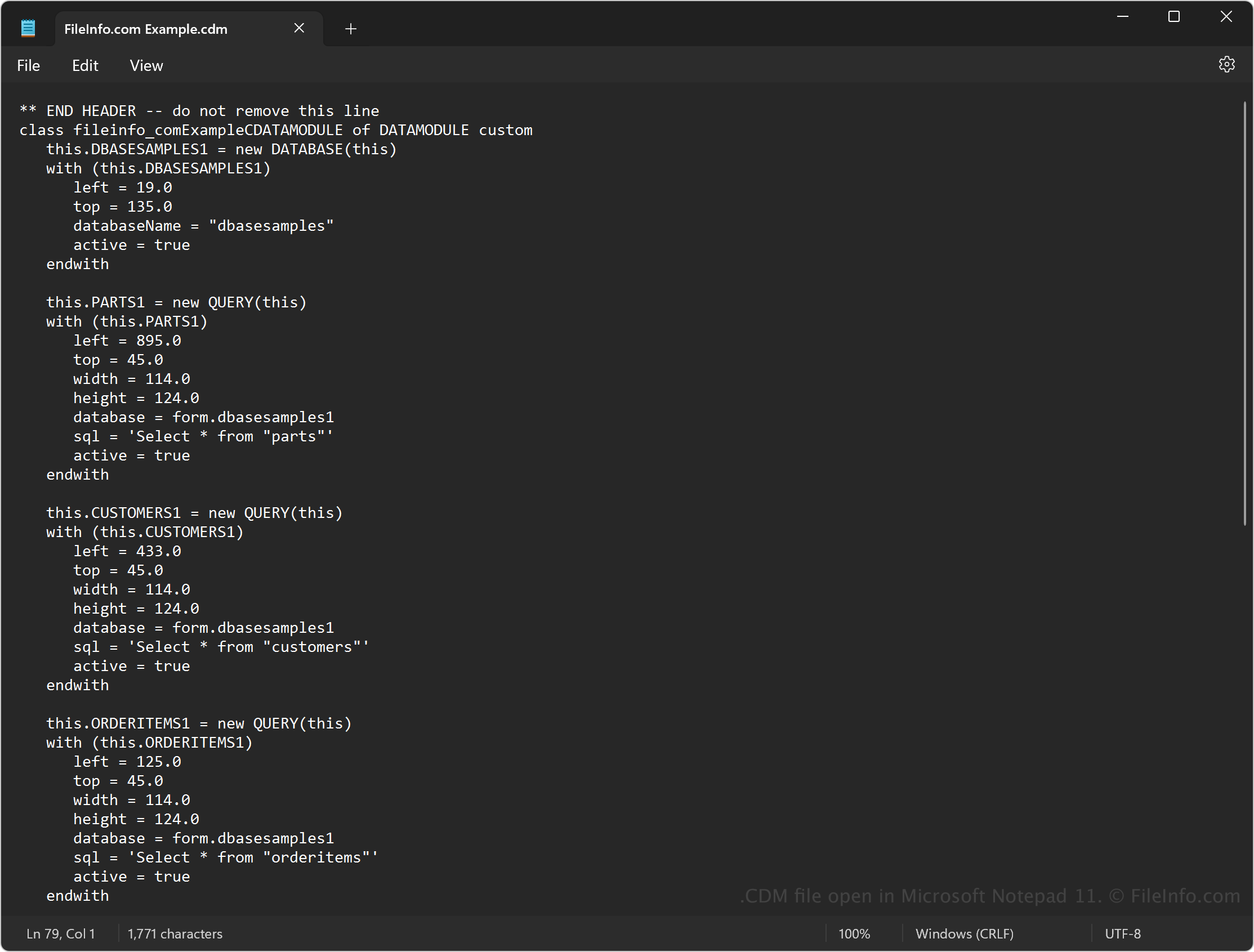
Ponieważ pliki CDM zawierają zwykły tekst, można je również otwierać za pomocą edytora tekstu, takiego jak Microsoft Notepad (Windows) lub Apple TextEdit (Mac). Aby edytor tekstu rozpoznał plik, może być konieczna zmiana jego rozszerzenia .cdm na .txt.
Po otwarciu w edytorze tekstu można zmodyfikować kod źródłowy modułu danych. Nie będzie on jednak wyglądać tak samo, jak po otwarciu pliku w programie dBASE. Ponadto nieprawidłowa edycja pliku spowoduje uszkodzenie modułu danych.