

.CDM Bestandsextensie
Conceptueel datamodel
| Ontwikkelaar | SAP |
| Populariteit |
2,0 | 1 stem |
Een CDM-bestand is een datamodel dat is gemaakt met SAP PowerDesigner, een programma voor bedrijfsmodellering en -ontwerp. Het bevat een diagram van een datamodel met gegevensitems, entiteiten, relaties, koppelingsverbindingen, notities en vormen. CDM-bestanden bevatten ook metagegevens, zoals de maker, de aanmaakdatum en de wijzigingsdatums van het model.
Meer informatie
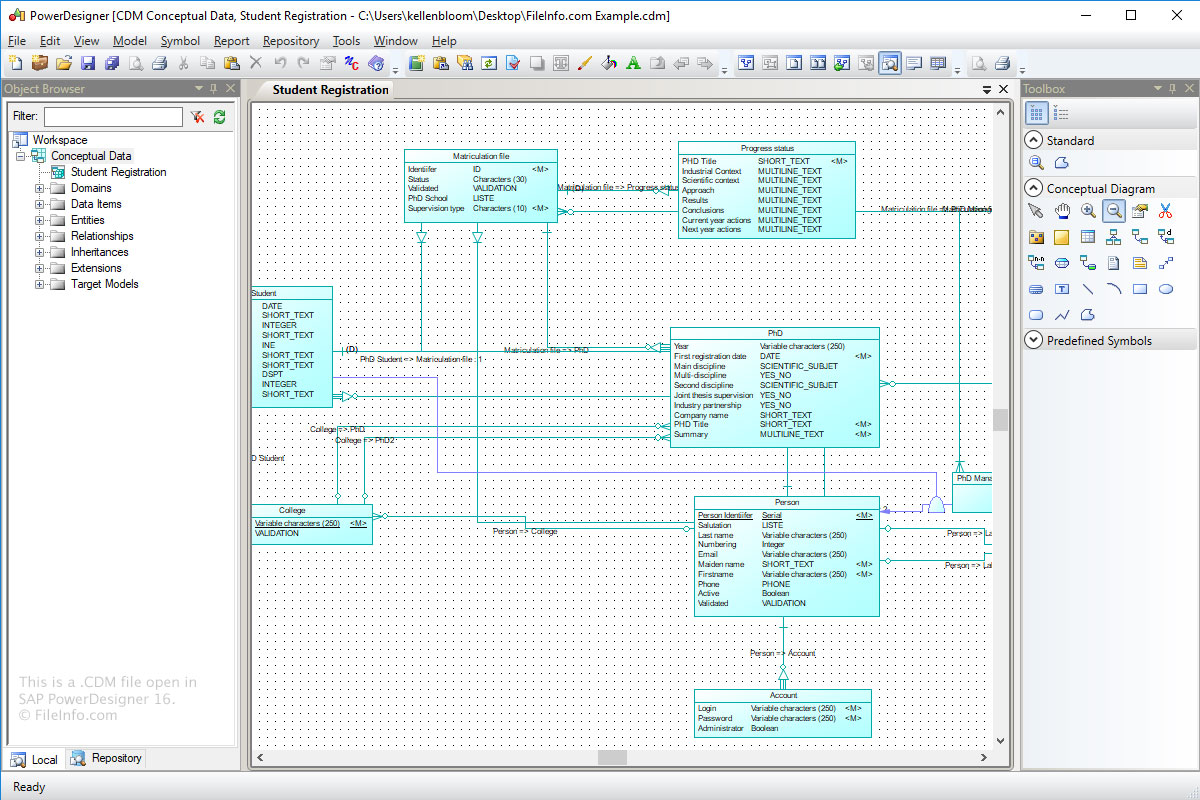
Het doel van de indeling Conceptueel datamodel (CDM) is het opslaan van de conceptuele structuur van een informatiesysteem. CDM-bestanden zijn een abstractere versie van een logisch datamodel (LDM-bestand) of fysiek datamodel (.PDM-bestand).
Een CDM-bestand maken met Power Designer:
- Selecteer .
- Klik op de categorie "Information".
- Kies het categorie-item "Conceptual Data" en klik op .
- Selecteer .
Een CDM-bestand openen
Je kunt CDM-bestanden openen met SAP PowerDesigner in Windows. Als je een CDM-bestand wilt openen met Power Designer, selecteer je .
Programma's die CDM-bestanden openen
Aangepaste dBASE-gegevensmodule
| Ontwikkelaar | dBASE |
| Populariteit |
2,0 | 1 stem |
Een CDM-bestand is een aangepaste gegevensmodule die is gemaakt door dBASE, een IDE met mogelijkheden voor databasebeheer. Het bevat gegevensobjecten, waaronder Database-, Query-, Session- en StoredProc-objecten, en hun eigenschappen. dBASE-gebruikers maken aangepaste gegevensmodules om de objecten in overgeërfde gegevensmodulebestanden (.DMD) te beheren (je kunt bijvoorbeeld de eigenschappen instellen voor objecten in een CDM-bestand, die objecten in overgeërfde DMD-bestanden ook zullen overnemen).
Meer informatie
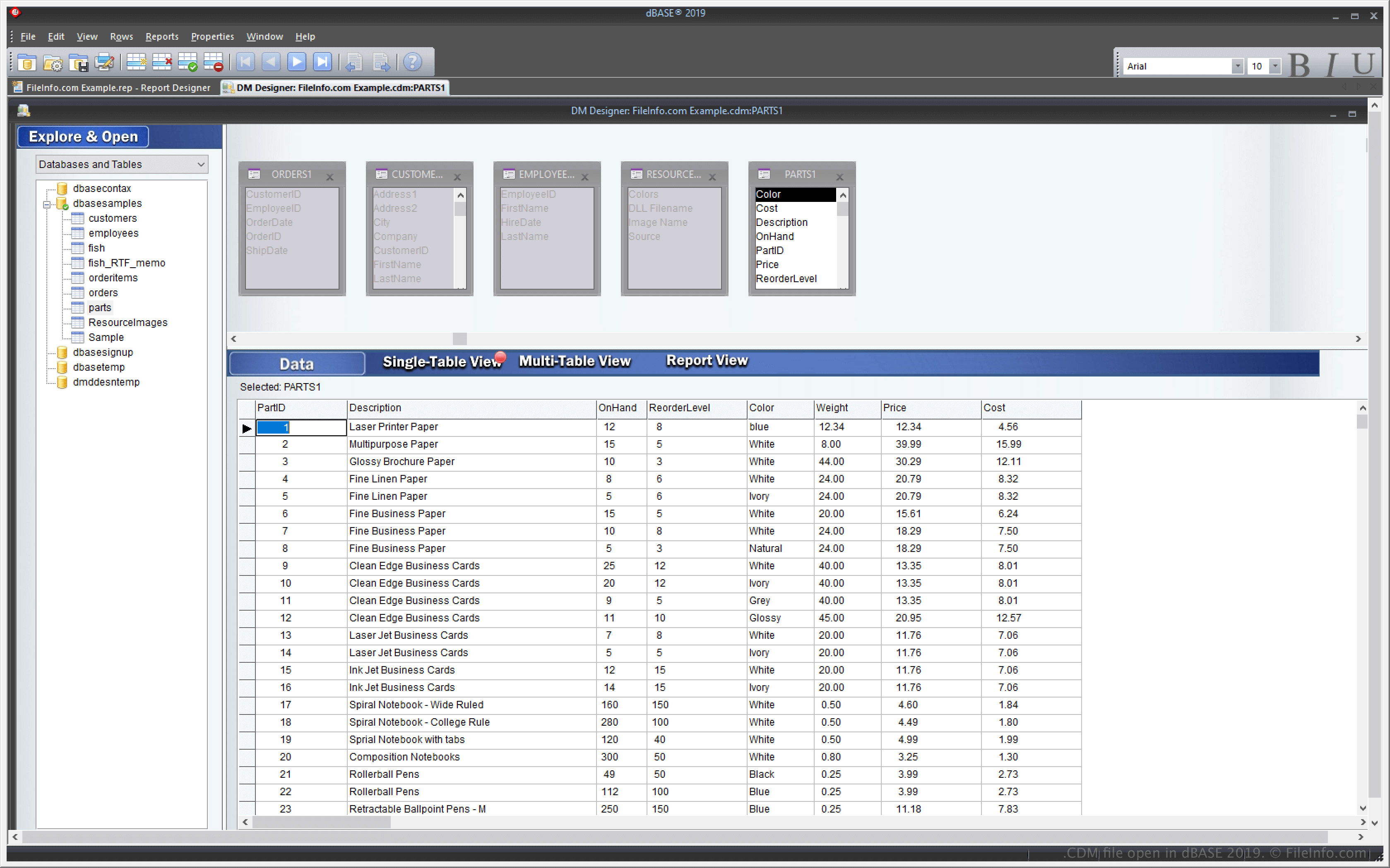
dBASE is een Windows-toepassing met functies voor het beheren van databases en het bouwen en compileren van programma's. Een van de functies van dBASE is de mogelijkheid om een aangepaste gegevensmodule te maken die je kunt gebruiken om meerdere andere gegevensmodulebestanden (DMD) te maken en te beheren.
Met de functie voor aangepaste gegevensmodules kun je één CDM-bestand wijzigen, waarna de meerdere andere DMD-bestanden die op dat CDM-bestand zijn gebaseerd, ook overeenkomstig worden gewijzigd. Om DMD-bestanden te maken die op een CDM-bestand zijn gebaseerd, selecteer je en kies je vervolgens .dmd in het vervolgkeuzemenu.
Een CDM-bestand openen
Je kunt CDM-bestanden openen met dBASE in Windows. Je kunt bijvoorbeeld een CDM-bestand openen door te selecteren.
Een CDM-bestand openen met een teksteditor
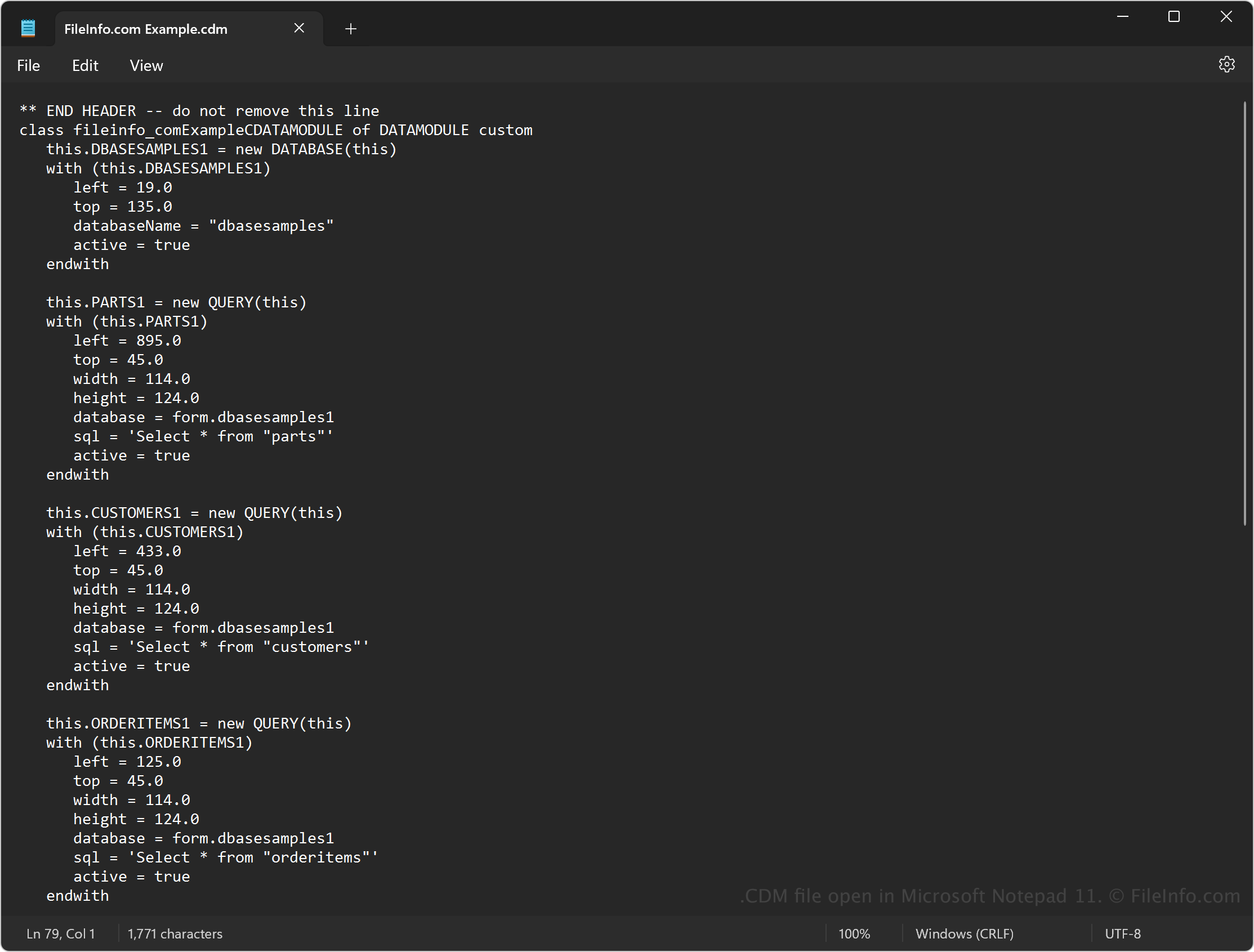
Omdat CDM-bestanden gewone tekst bevatten, kun je de bestanden ook openen met een teksteditor, zoals Microsoft Notepad (Windows) of Apple TextEdit (Mac). Mogelijk moet je de bestandsextensie .cdm wijzigen in .txt, zodat de teksteditor het bestand herkent.
Wanneer je een bestand in een teksteditor opent, kun je de broncode in de gegevensmodule wijzigen. Het bestand ziet er dan echter niet hetzelfde uit als wanneer je het met dBASE opent. Als je het bestand onjuist bewerkt, raakt de gegevensmodule bovendien beschadigd.