

.CDM Dateiendung
Konzeptionelles Datenmodell
| Entwickler | SAP |
| Beliebtheit |
2,0 | 1 Stimme |
Eine CDM-Datei ist ein Datenmodell, das mit SAP PowerDesigner, einem Programm für Unternehmensmodellierung und -design, erstellt wurde. Sie speichert ein Datenmodelldiagramm, das Datenelemente, Entitäten, Beziehungen, Verknüpfungsbeziehungen, Notizen und Formen enthält. CDM-Dateien speichern außerdem Metadaten wie den Ersteller, das Erstellungsdatum und die Änderungsdaten des Modells.
Weitere Informationen
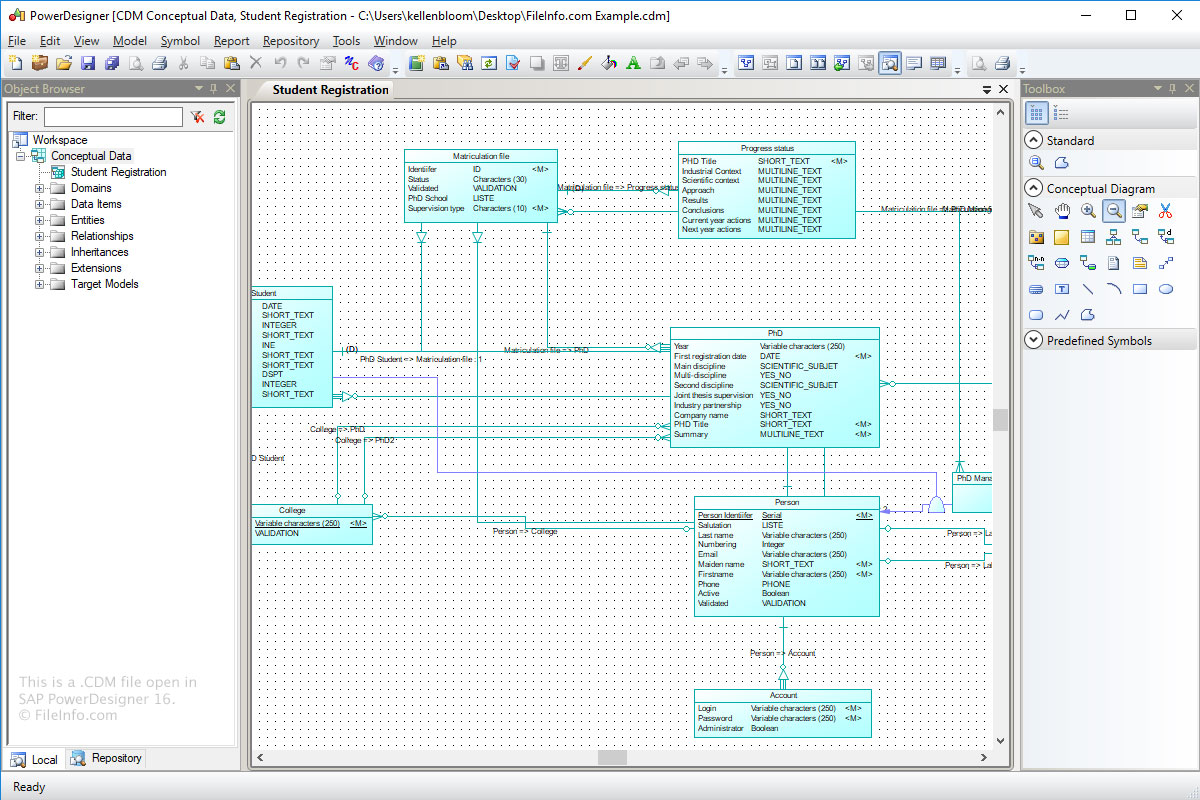
Das Format „Conceptual Data Model“ (CDM) dient zum Speichern der konzeptionellen Struktur eines Informationssystems. CDM-Dateien sind eine abstraktere Version eines logischen Datenmodells (LDM-Datei) oder eines physischen Datenmodells (.PDM-Datei).
So erstellen Sie mit Power Designer eine CDM-Datei:
- Wählen Sie .
- Klicken Sie auf die Kategorie „Information“.
- Wählen Sie das Kategorieelement „Conceptual Data“ und klicken Sie auf .
- Wählen Sie .
So öffnen Sie eine CDM-Datei
Sie können CDM-Dateien unter Windows mit SAP PowerDesigner öffnen. Um eine CDM-Datei mit Power Designer zu öffnen, wählen Sie .
Programme, die .CDM-Dateien öffnen
Benutzerdefiniertes dBASE-Datenmodul
| Entwickler | dBASE |
| Beliebtheit |
2,0 | 1 Stimme |
Eine CDM-Datei ist ein benutzerdefiniertes Datenmodul, das von dBASE erstellt wurde, einer integrierten Entwicklungsumgebung mit Funktionen zur Datenbankverwaltung. Sie enthält Daten-Objekte, darunter Database-, Query-, Session- und StoredProc-Objekte, sowie deren Eigenschaften. dBASE-Benutzer erstellen benutzerdefinierte Datenmodule, um die Objekte in geerbten Datenmodul(.DMD)dateien zu steuern (beispielsweise können Sie die Eigenschaften von Objekten in einer CDM-Datei festlegen, die auch von Objekten in geerbten DMD-Dateien übernommen werden).
Weitere Informationen
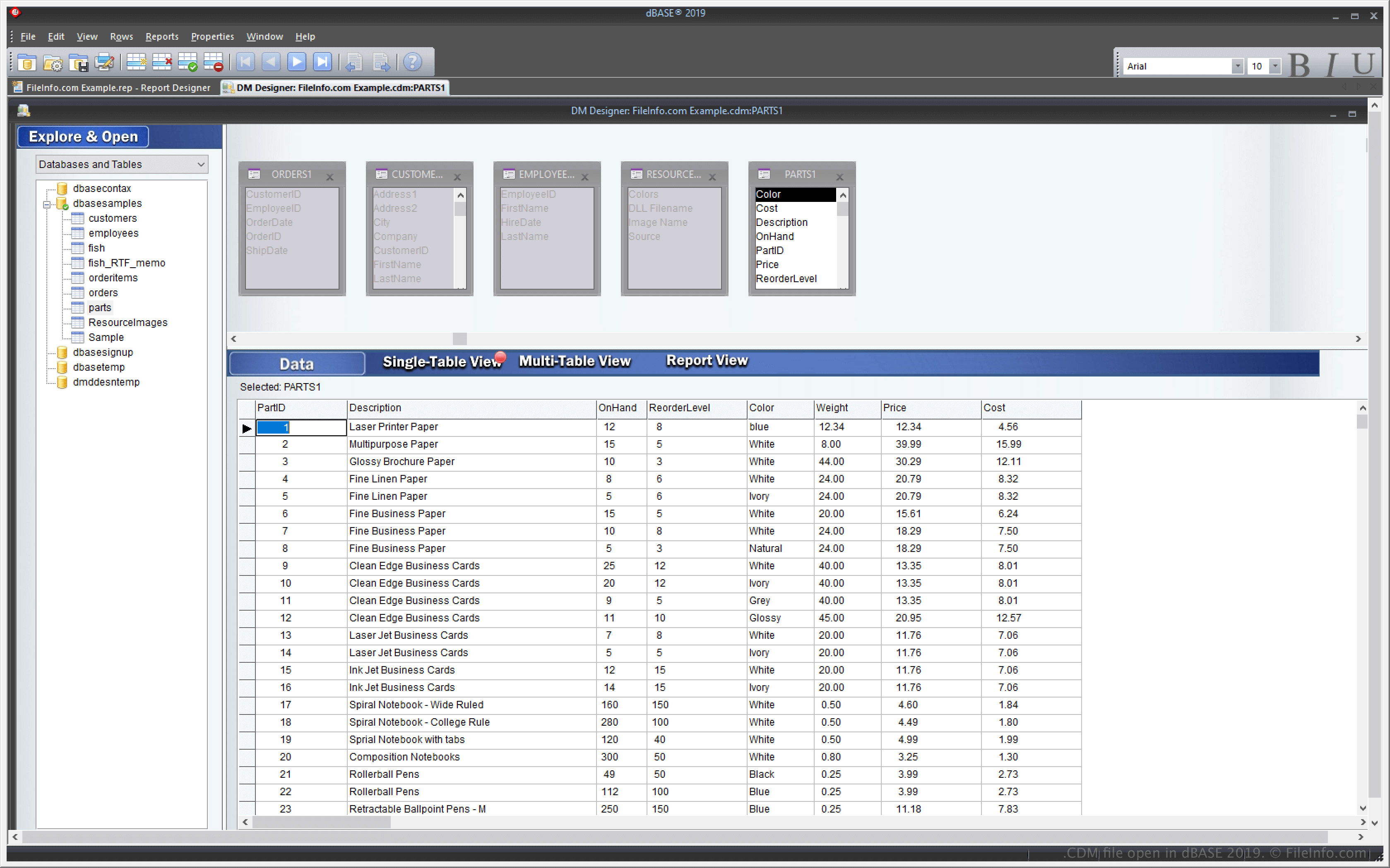
dBASE ist eine Windows-Anwendung mit Funktionen zum Verwalten von Datenbanken sowie zum Erstellen und Kompilieren von Programmen. Eine der Funktionen von dBASE ist die Möglichkeit, ein benutzerdefiniertes Datenmodul zu erstellen, mit dem Sie mehrere andere Datenmoduldateien (DMD) erstellen und steuern können.
Mit der Funktion für benutzerdefinierte Datenmodule können Sie eine CDM-Datei ändern. Die mehreren anderen DMD-Dateien, die auf dieser CDM-Datei basieren, werden dann ebenfalls entsprechend geändert. Um DMD-Dateien auf Grundlage einer CDM-Datei zu erstellen, wählen Sie und wählen Sie anschließend .dmd aus dem Dropdown-Menü.
So öffnen Sie eine CDM-Datei
Sie können CDM-Dateien mit dBASE unter Windows öffnen. Beispielsweise können Sie eine CDM-Datei öffnen, indem Sie auswählen.
Eine CDM-Datei mit einem Texteditor öffnen
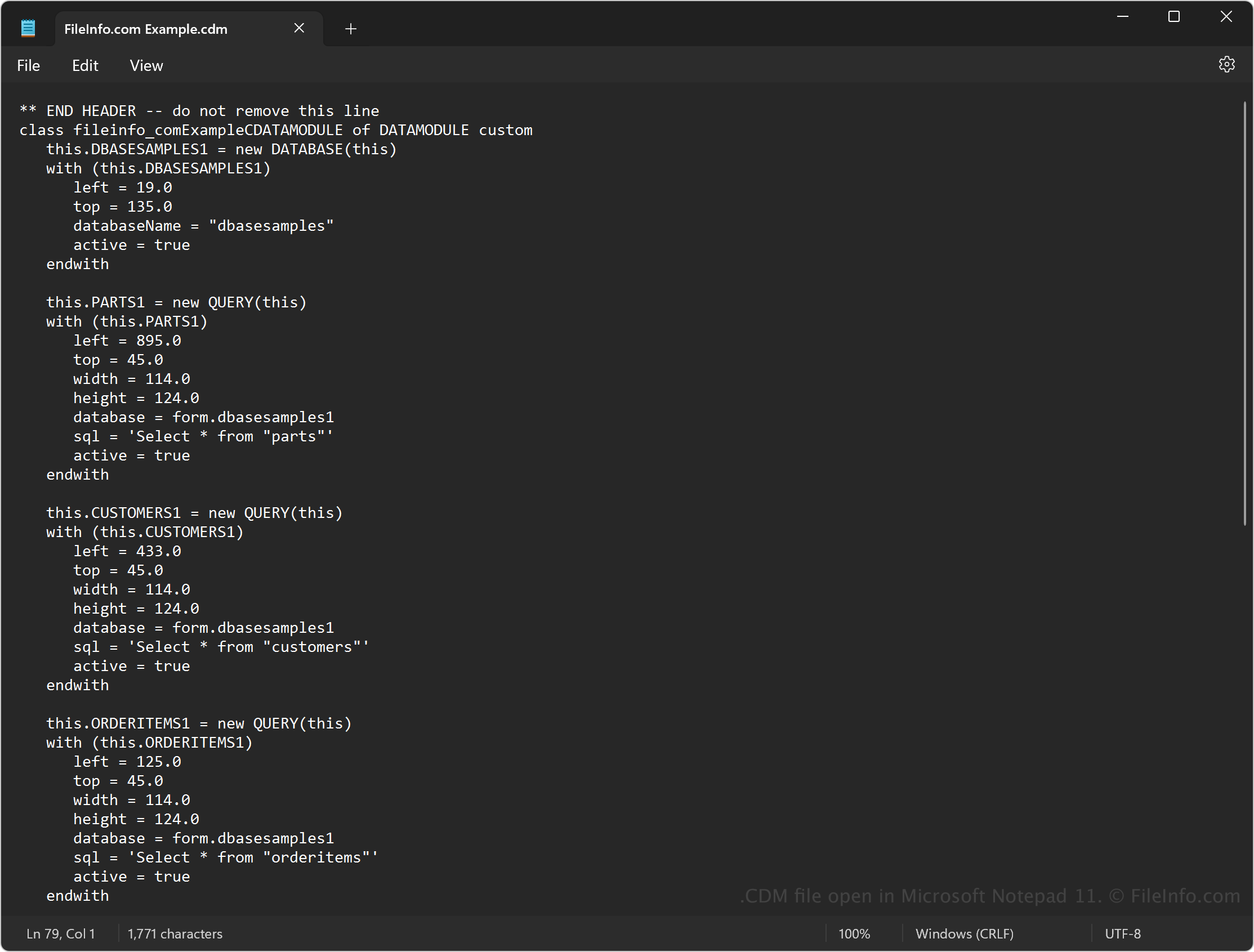
Da CDM-Dateien einfachen Text enthalten, können Sie die Dateien auch mit einem Texteditor öffnen, beispielsweise mit Microsoft Notepad (Windows) oder Apple TextEdit (Mac). Möglicherweise müssen Sie die Dateierweiterung .cdm in .txt umbenennen, damit der Texteditor sie erkennt.
Wenn Sie die Datei in einem Texteditor öffnen, können Sie den Quellcode im Datenmodul ändern. Er wird jedoch nicht genauso angezeigt wie beim Öffnen der Datei mit dBASE. Außerdem wird das Datenmodul beschädigt, wenn Sie die Datei falsch bearbeiten.