.CDM 파일 확장자
NTI CD-Maker Image
| 개발사 | NTI |
| 인기도 |
3.7 | 10 투표 |
CDM 파일이란 무엇인가요?
Disk image created by NTI CD-Maker (now NTI Media Maker), a program used for burning and copying CDs; referred to by the software as a "Virtual CD-Image," which stores the data necessary for burning a disc.
추가 정보
참고: NTI Media Maker still uses CDM files for disc images.
CDM 파일을 여는 프로그램
Conceptual Data Model
| 개발사 | SAP |
| 인기도 |
2.0 | 1 투표 |
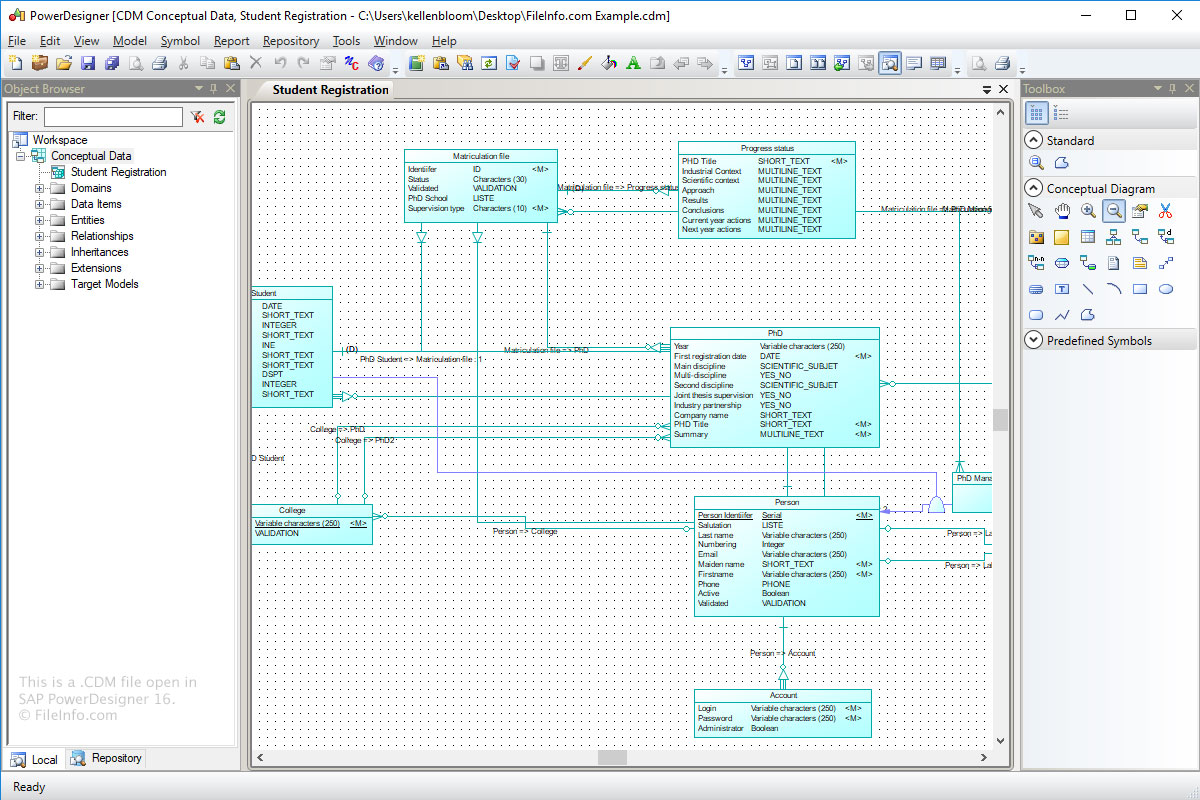
A CDM file is a data model created by SAP PowerDesigner, an enterprise modeling and design program. It stores a data model diagram that includes data items, entities, relationships, association links, notes, and shapes. CDM files also store metadata, such as the creator, creation date, and modification dates of the model.
추가 정보
The purpose of the Conceptual Data Model (CDM) format is to store the conceptual structure of an information system. CDM files are a more abstract version of a Logical Data Model (LDM file) or Physical Data Model (.PDM file).
To create a CDM file with Power Designer:
- Select File → New Model.
- Click the "Information" category.
- Choose the "Conceptual Data" category item and click OK.
- Select File → Save.
CDM 파일을 여는 방법
You can open CDM files with SAP PowerDesigner in Windows. To open a CDM file with Power Designer, select File → Open.
CDM 파일을 여는 프로그램
dBASE Custom Data Module
| 개발사 | dBASE |
| 인기도 |
2.0 | 1 투표 |
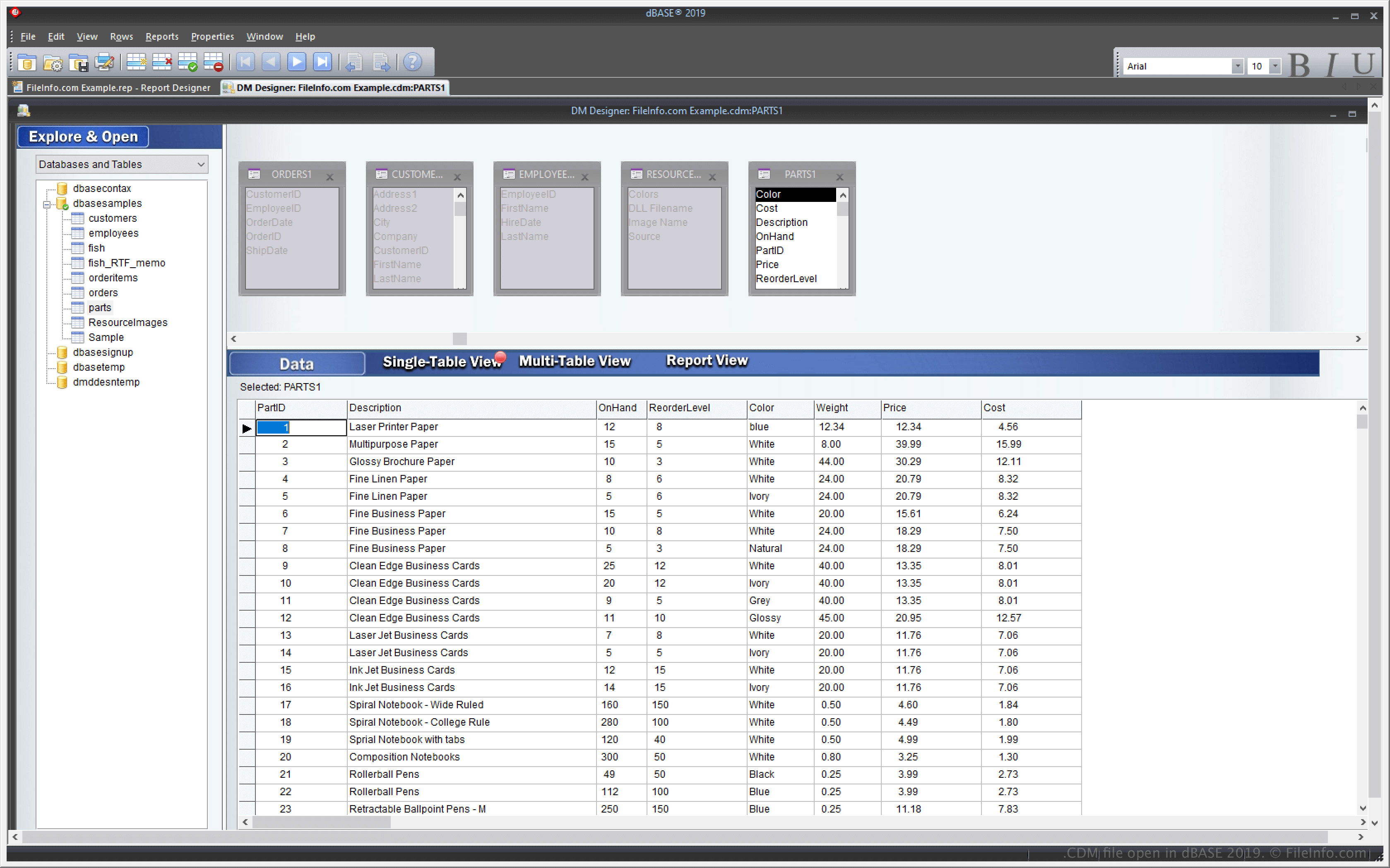
A CDM file is a custom data module created by dBASE, an IDE with database management capabilities. It contains data objects, including Database, Query, Session, and StoredProc objects, and their properties. dBase users create custom data modules to control the objects in inherited data modules (.DMD) files (e.g., you can set the properties for objects in a CDM file that objects in inherited DMD files will also inherit).
추가 정보
dBASE is a Windows application with features for managing databases and building and compiling programs. One of dBASE's features is the ability to create a custom data module that you can use to create and control multiple other data module (DMD) files.
The custom data module feature allows you to modify one CDM file, and the multiple other DMD files based on that CDM file will also change accordingly. To create DMD files based on a CDM file, select File → Inherit New → Datamodule, then choose .dmd from the dropdown menu.
CDM 파일을 여는 방법
You can open CDM files with dBASE in Windows. For example, you can open a CDM file by selecting File → Open.
Opening a CDM file with a text editor
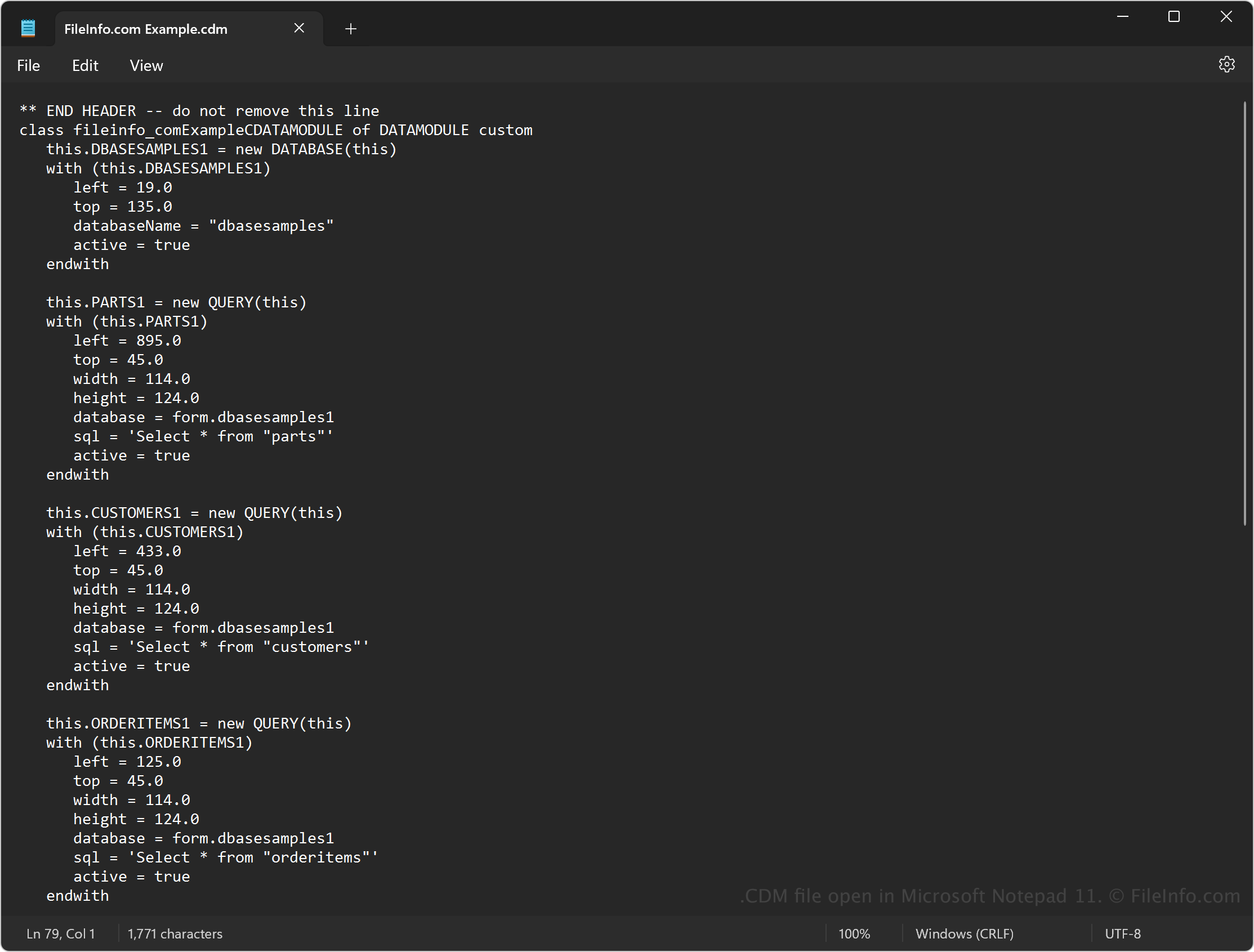
Since CDM files contain plain text, you can also open the files with a text editor, such as Microsoft Notepad (Windows) or Apple TextEdit (Mac). You may need to rename the .cdm file extension to .txt for the text editor to recognize it.
When opened in a text editor, you can modify the source code in the data module. However, it will not appear the same as if you open the file with dBASE. Also, incorrectly editing the file will corrupt the data module.