

.CDM Přípona souboru
Konceptuální datový model
| Vývojář | SAP |
| Popularita |
2,0 | 1 hlas |
Soubor CDM je datový model vytvořený programem SAP PowerDesigner, podnikovým programem pro modelování a návrh. Ukládá diagram datového modelu, který obsahuje datové položky, entity, vztahy, vazby asociací, poznámky a tvary. Soubory CDM také ukládají metadata, například autora, datum vytvoření a data úprav modelu.
Další informace
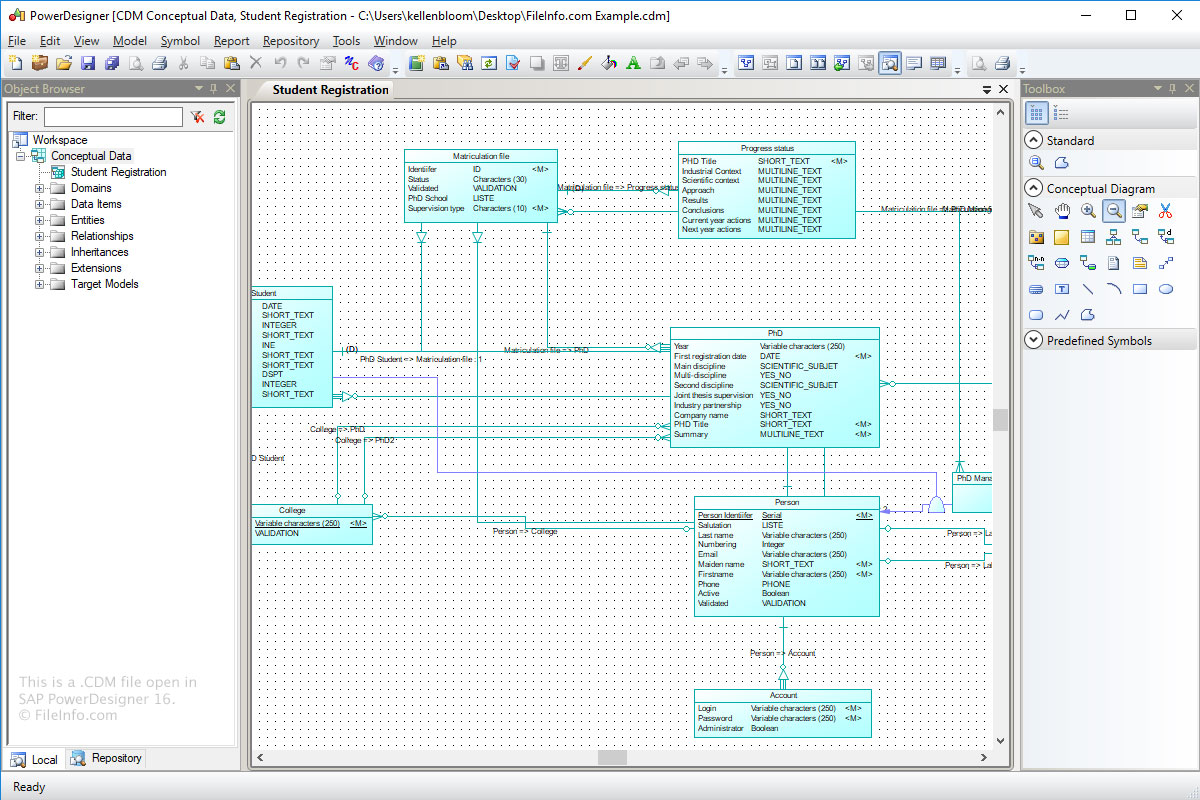
Účelem formátu Conceptual Data Model (CDM) je ukládat koncepční strukturu informačního systému. Soubory CDM jsou abstraktnější verzí logického datového modelu (soubor LDM) nebo fyzického datového modelu (soubor .PDM).
Soubor CDM vytvoříte v programu Power Designer takto:
- Vyberte .
- Klikněte na kategorii "Information".
- Vyberte položku kategorie "Conceptual Data" a klikněte na .
- Vyberte .
Jak otevřít soubor CDM
Soubory CDM můžete v systému Windows otevřít programem SAP PowerDesigner. Chcete-li otevřít soubor CDM v programu Power Designer, vyberte .
Programy, které otevírají soubory CDM
Vlastní datový modul dBASE
| Vývojář | dBASE |
| Popularita |
2,0 | 1 hlas |
Soubor CDM je vlastní datový modul vytvořený programem dBASE, což je IDE s funkcemi pro správu databází. Obsahuje datové objekty, včetně objektů Database, Query, Session a StoredProc, a jejich vlastnosti. Uživatelé programu dBASE vytvářejí vlastní datové moduly pro řízení objektů v zděděných datových modulech (.DMD) (například můžete nastavit vlastnosti objektů v souboru CDM, které zdědí také objekty ve zděděných souborech DMD).
Další informace
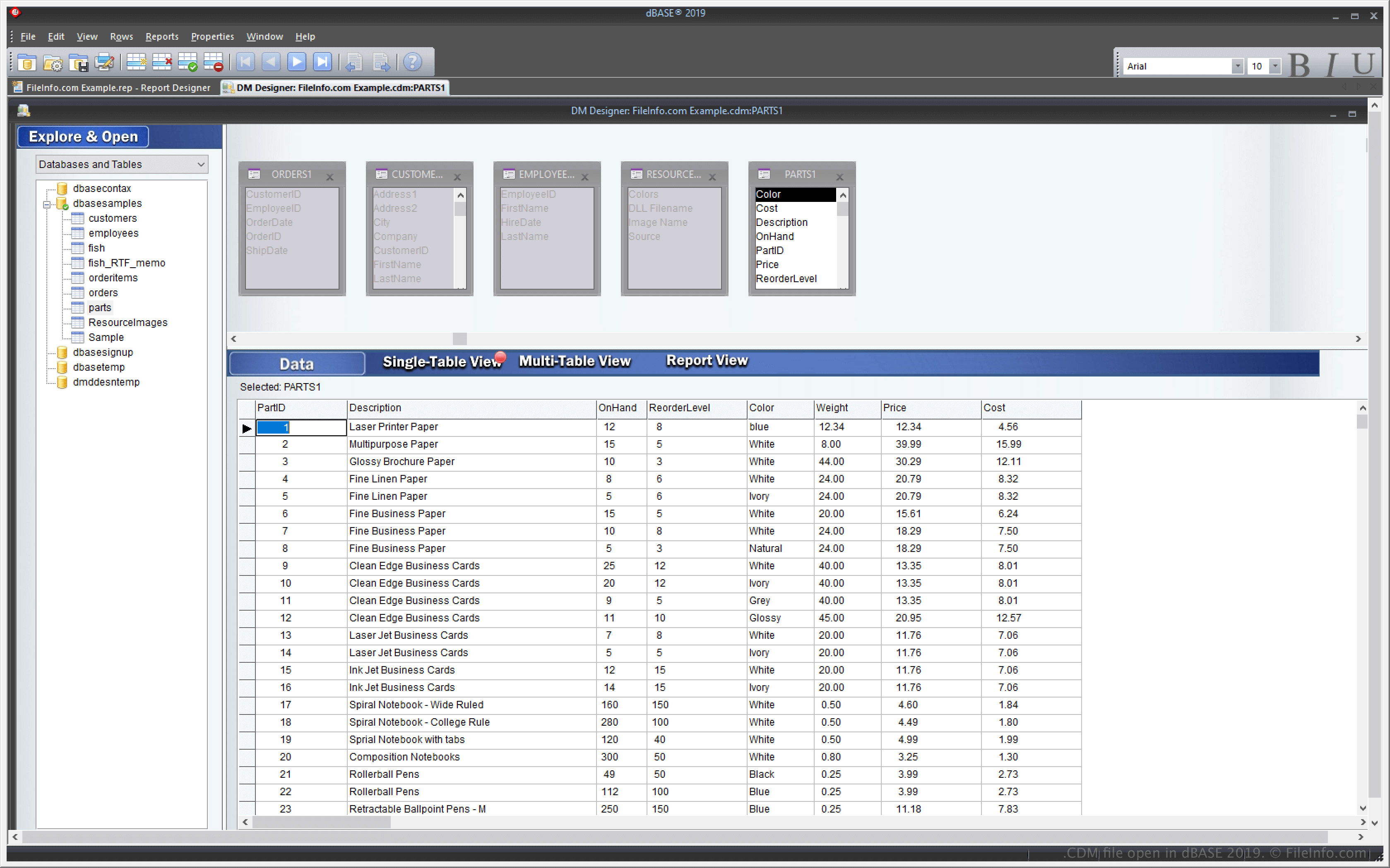
Program dBASE je aplikace pro Windows s funkcemi pro správu databází a vytváření a kompilaci programů. Jednou z funkcí programu dBASE je možnost vytvořit vlastní datový modul, který můžete použít k vytváření a řízení více dalších datových modulů (souborů DMD).
Funkce vlastního datového modulu umožňuje upravit jeden soubor CDM a více dalších souborů DMD založených na tomto souboru CDM se také odpovídajícím způsobem změní. Chcete-li vytvořit soubory DMD založené na souboru CDM, vyberte a poté z rozbalovací nabídky vyberte .dmd.
Jak otevřít soubor CDM
Soubory CDM můžete otevřít v systému Windows pomocí programu dBASE. Soubor CDM můžete například otevřít výběrem možnosti .
Otevření souboru CDM v textovém editoru
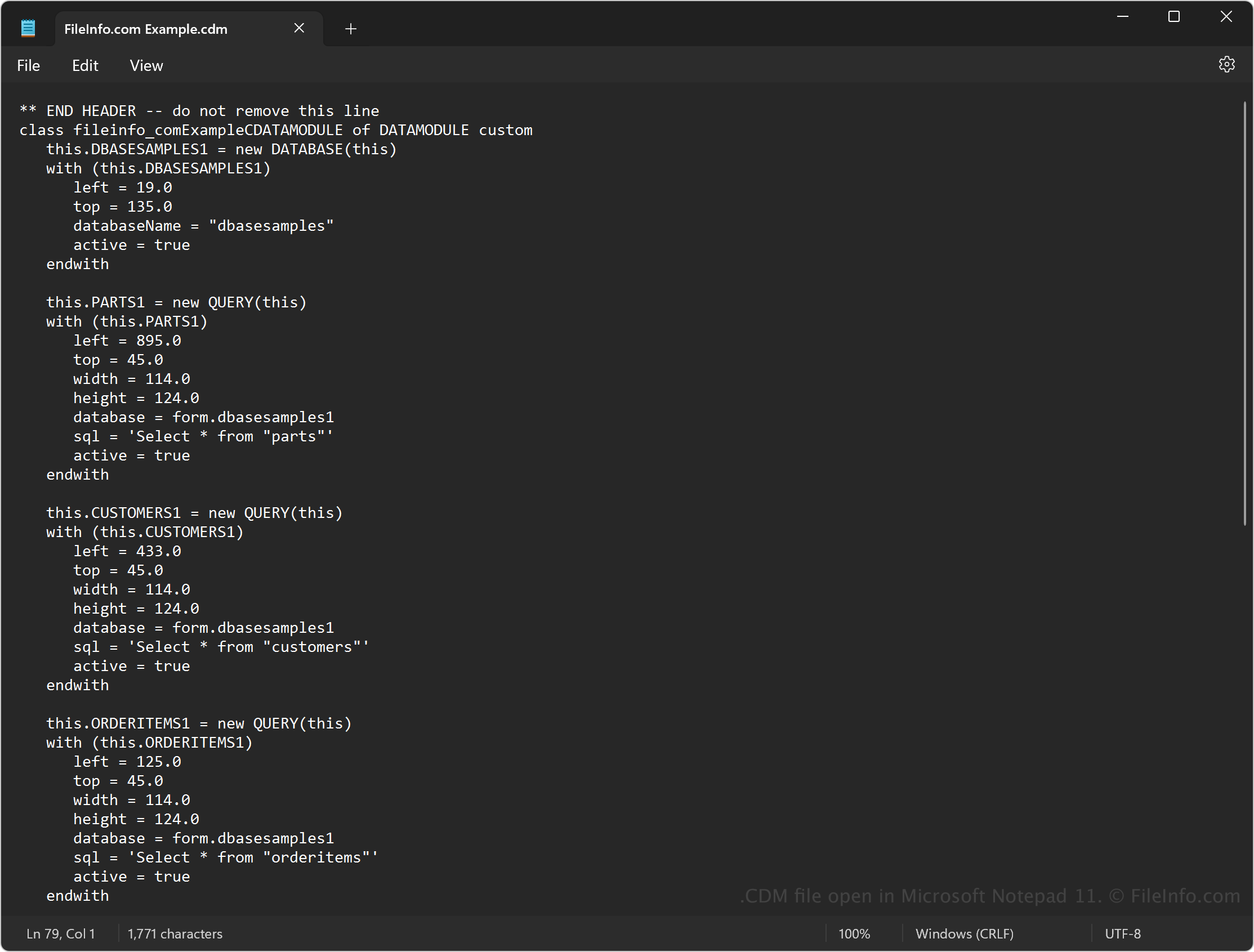
Protože soubory CDM obsahují prostý text, můžete je otevřít také v textovém editoru, například v programu Microsoft Notepad (Windows) nebo Apple TextEdit (Mac). Aby textový editor příponu rozpoznal, možná budete muset změnit příponu souboru .cdm na .txt.
Po otevření v textovém editoru můžete upravit zdrojový kód v datovém modulu. Soubor však nebude vypadat stejně, jako když ho otevřete v programu dBASE. Nesprávná úprava souboru může také poškodit datový modul.