

.CDM Estensione file
Modello concettuale dei dati
| Sviluppatore | SAP |
| Popolarità |
2,0 | 1 Voto |
Un file CDM è un modello di dati creato da SAP PowerDesigner, un programma di modellazione e progettazione aziendale. Memorizza un diagramma del modello di dati che include elementi di dati, entità, relazioni, collegamenti di associazione, note e forme. I file CDM memorizzano anche i metadati, come il creatore, la data di creazione e le date di modifica del modello.
Maggiori informazioni
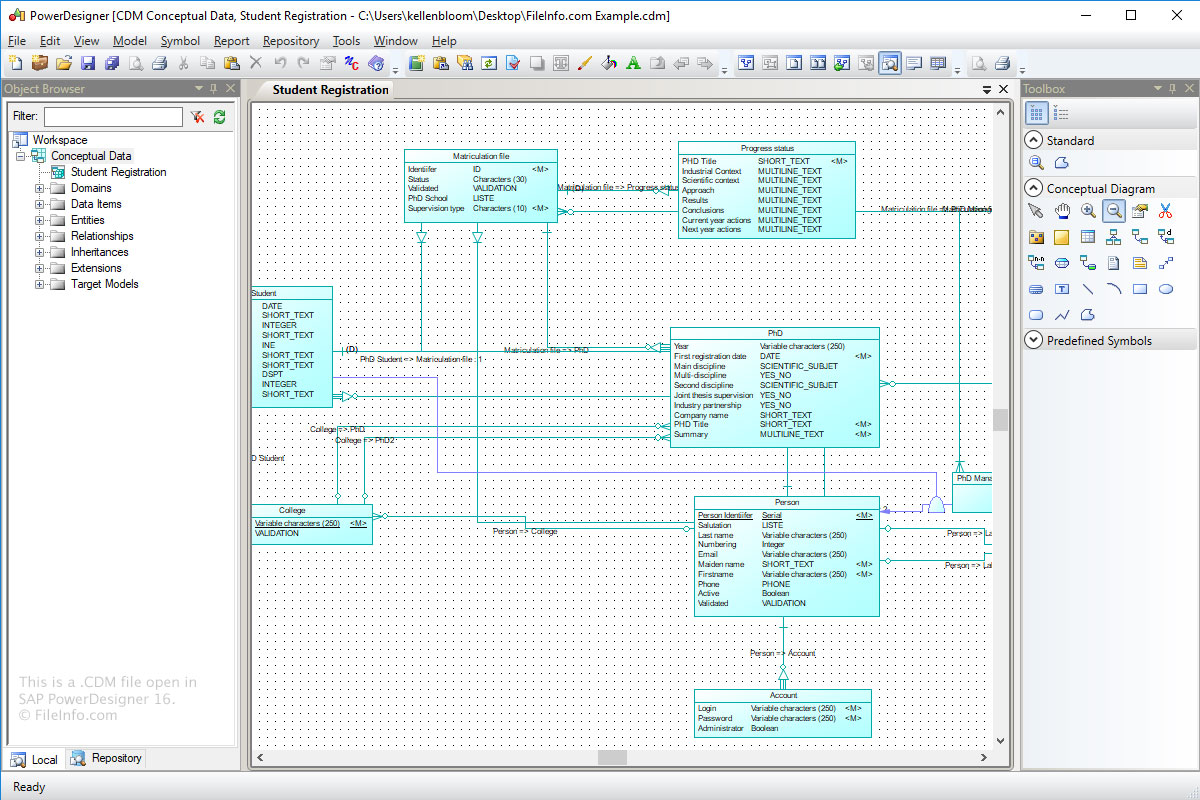
Lo scopo del formato Modello concettuale dei dati (CDM) è memorizzare la struttura concettuale di un sistema informativo. I file CDM sono una versione più astratta di un modello logico dei dati (file LDM) o di un modello fisico dei dati (file .PDM).
Per creare un file CDM con Power Designer:
- Seleziona .
- Fai clic sulla categoria "Information".
- Scegli la voce della categoria "Conceptual Data" e fai clic su .
- Seleziona .
Come aprire un file CDM
Puoi aprire i file CDM con SAP PowerDesigner in Windows. Per aprire un file CDM con Power Designer, seleziona .
Programmi che aprono i file CDM
Modulo dati personalizzato dBASE
| Sviluppatore | dBASE |
| Popolarità |
2,0 | 1 Voto |
Un file CDM è un modulo dati personalizzato creato da dBASE, un ambiente di sviluppo integrato con funzionalità di gestione dei database. Contiene oggetti dati, inclusi oggetti Database, Query, Session e StoredProc, e le relative proprietà. Gli utenti di dBASE creano moduli dati personalizzati per controllare gli oggetti nei moduli dati ereditati (file .DMD) (ad esempio, puoi impostare le proprietà degli oggetti in un file CDM che verranno ereditate anche dagli oggetti nei file DMD ereditati).
Maggiori informazioni
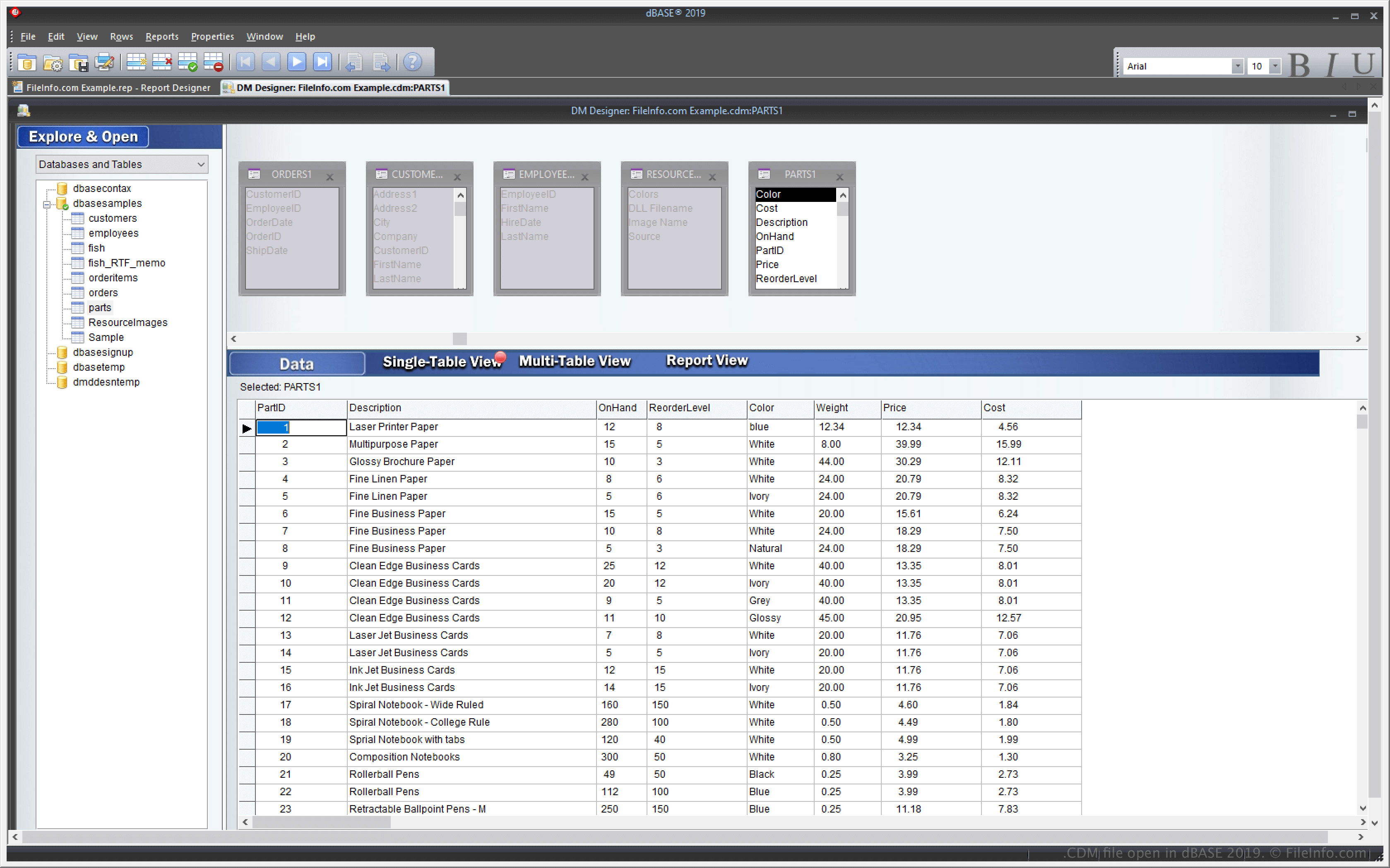
dBASE è un'applicazione Windows con funzionalità per gestire database e creare e compilare programmi. Una delle funzionalità di dBASE è la possibilità di creare un modulo dati personalizzato che puoi usare per creare e controllare più altri file di modulo dati (DMD).
La funzionalità del modulo dati personalizzato ti consente di modificare un file CDM; anche i vari file DMD basati su quel file CDM cambieranno di conseguenza. Per creare file DMD basati su un file CDM, seleziona , quindi scegli .dmd dal menu a discesa.
Come aprire un file CDM
Puoi aprire i file CDM con dBASE in Windows. Ad esempio, puoi aprire un file CDM selezionando .
Apertura di un file CDM con un editor di testo
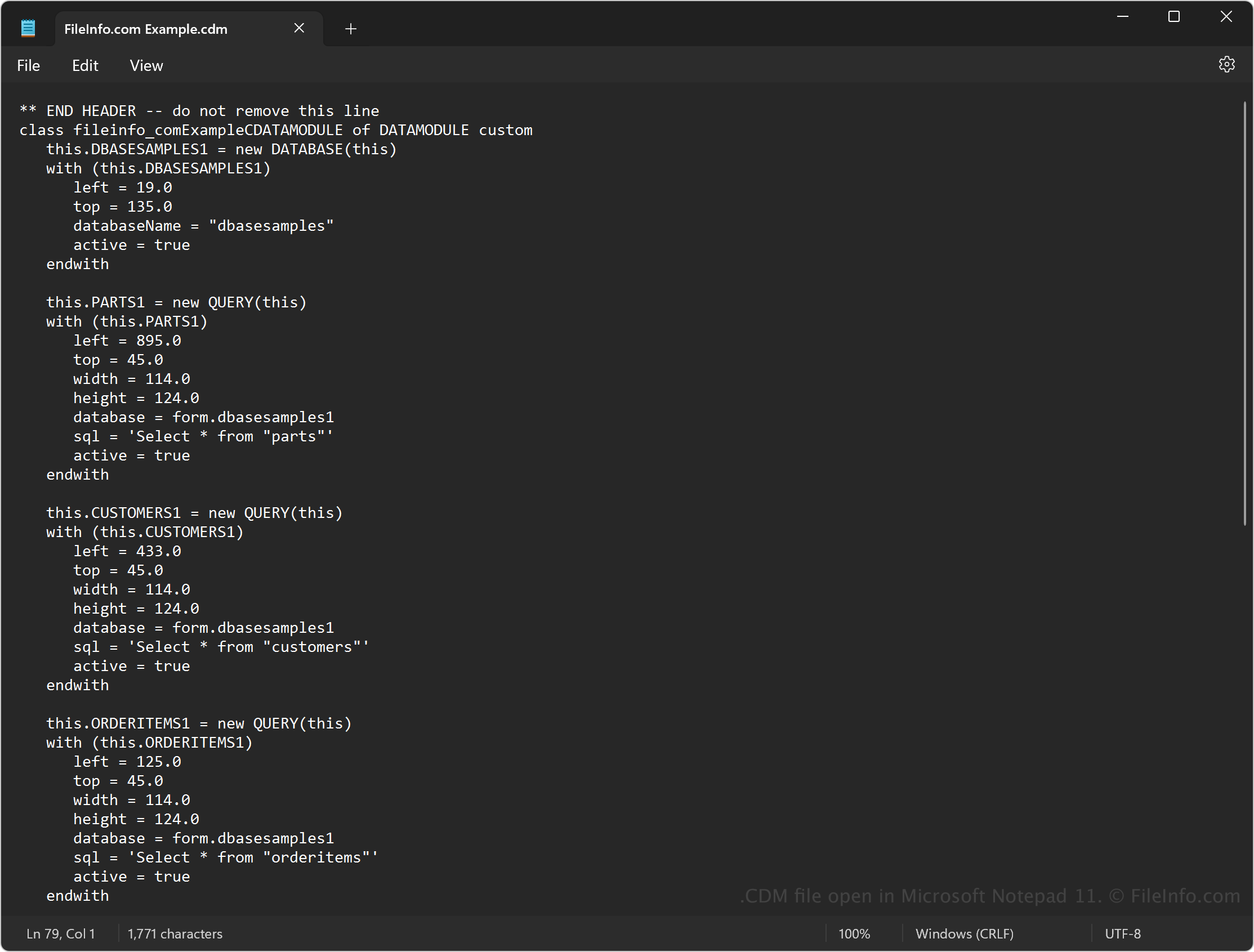
Poiché i file CDM contengono testo semplice, puoi anche aprirli con un editor di testo, come Microsoft Notepad (Windows) o Apple TextEdit (Mac). Potrebbe essere necessario rinominare l'estensione del file .cdm in .txt affinché l'editor di testo lo riconosca.
Quando viene aperto in un editor di testo, puoi modificare il codice sorgente nel modulo dati. Tuttavia, non apparirà come quando apri il file con dBASE. Inoltre, una modifica errata del file danneggerà il modulo dati.