

.ICS Bestandsextensie
Agendabestand
| Ontwikkelaar | Internet Engineering Task Force |
| Populariteit |
3,6 | 723 stemmen |
Wat is een ICS-bestand?
Een ICS-bestand is een agendabestand dat is opgeslagen in een universeel agendaformaat dat door verschillende e-mail- en agendaprogramma's wordt gebruikt, waaronder Microsoft Outlook, Google Calendar en Apple Calendar. Je kunt er agendagegevens mee delen op internet en via e-mail. Wanneer gebruikers bijvoorbeeld een vergaderverzoek naar anderen sturen, kunnen ze ICS-bestanden met hen delen, waarna zij de details van de vergadering in hun agenda kunnen importeren.
Meer informatie
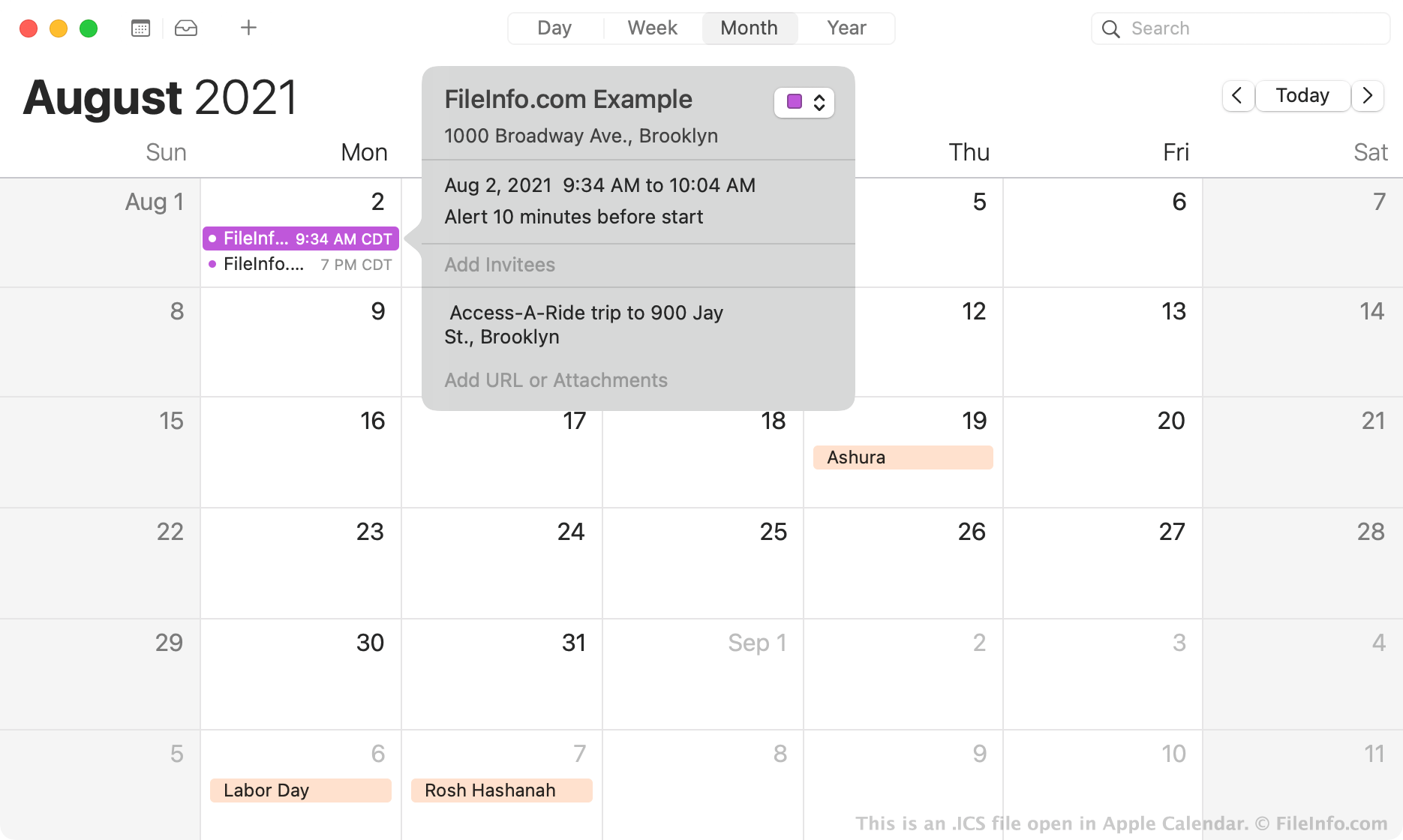
In 1998 creëerde de Internet Engineering Task Force de bestandsindeling iCalendar, oftewel ICS. ICS-bestanden zijn bestanden met platte tekst die informatie over een agenda-afspraak bevatten, waaronder de:
- Titel
- Samenvatting en beschrijving
- Begin- en eindtijden
- Locatie
- Trigger voor waarschuwing
De ICS-indeling is een universele agenda-bestandsindeling die door alle populaire agendatoepassingen wordt gemaakt en herkend, waaronder Microsoft Outlook, Apple Calendar, Google Calendar en Mozilla Thunderbird Lightning Calendar. Omdat alle populaire agendatoepassingen ICS-bestanden kunnen gebruiken om afspraakgegevens aan een agenda toe te voegen, zijn ICS-bestanden het meest voorkomende bestandstype voor het uitwisselen van agendagegevens. Vooral kantoormedewerkers en andere professionals gebruiken ICS-bestanden om elkaar vergaderverzoeken te sturen. Je kunt ook ICS-herinneringen ontvangen voor een aanstaande verjaardag, feestdag, reis, feest of andere evenementen.
Een ICS-bestand openen
Je kunt een ICS-bestand met verschillende toepassingen openen. Als je bijvoorbeeld een agendatoepassing zoals Microsoft Outlook, Google Calendar of Apple Calendar op je apparaat hebt geïnstalleerd, kun je dubbelklikken op een ICS-bestand om de afspraakgegevens die het bestand bevat in je agenda te importeren.
Indien nodig kun je een ICS-bestand ook handmatig in je agenda-app importeren. Zo importeer je bijvoorbeeld een afspraak in de webversie van Google Calendar:
- Klik op het tandwielpictogram dat rechtsboven in het programma wordt weergegeven.
- Selecteer .
- Selecteer en importeer je ICS-bestand. De afspraak(en) die het bevat, worden aan je agenda toegevoegd.
Als je problemen ondervindt bij het importeren van je ICS-bestand in een agendatoepassing, kun je het bestand in elke teksteditor openen, zoals Microsoft Notepad (Windows) of Apple TextEdit (Mac), om de afspraakgegevens die het bevat te bekijken. Je kunt bijvoorbeeld de begin- en eindtijden van de afspraak (inclusief tijdzone) bekijken in de regels DTSTART en DTEND van het bestand. Hoewel het openen van een ICS-bestand met een teksteditor niet de beste manier is om de details van een afspraak te bekijken, kun je de informatie zo wel bekijken zonder een agendatoepassing.
Een ICS-bestand converteren
Je kunt een ICS-bestand naar een CSV-bestand converteren met een gratis online ICS-naar-CSV-converter, zoals Indigoblue Free ICS to CSV Converter of ProjectWizards ICS to CSV Converter.
Door een ICS-bestand naar een CSV-bestand te converteren, kun je een agenda-afspraak importeren in Microsoft Excel of een ander spreadsheetprogramma.
Programma's die ICS-bestanden openen
IronCAD 3D-scène
| Ontwikkelaar | IronCAD |
| Populariteit |
3,1 | 63 stemmen |
Een ICS-bestand is een 3D-scène die is gemaakt met IronCAD, een 3D- en 2D-CAD-applicatie. Het bevat een of meer onderdelen of samenstellingen met kleuren, texturen, lichteffecten en andere eigenschappen. Gebruikers van IronCAD slaan 3D-scènes voornamelijk op als ICS-bestanden en 2D-tekeningen als .ICD-bestanden.
Meer informatie
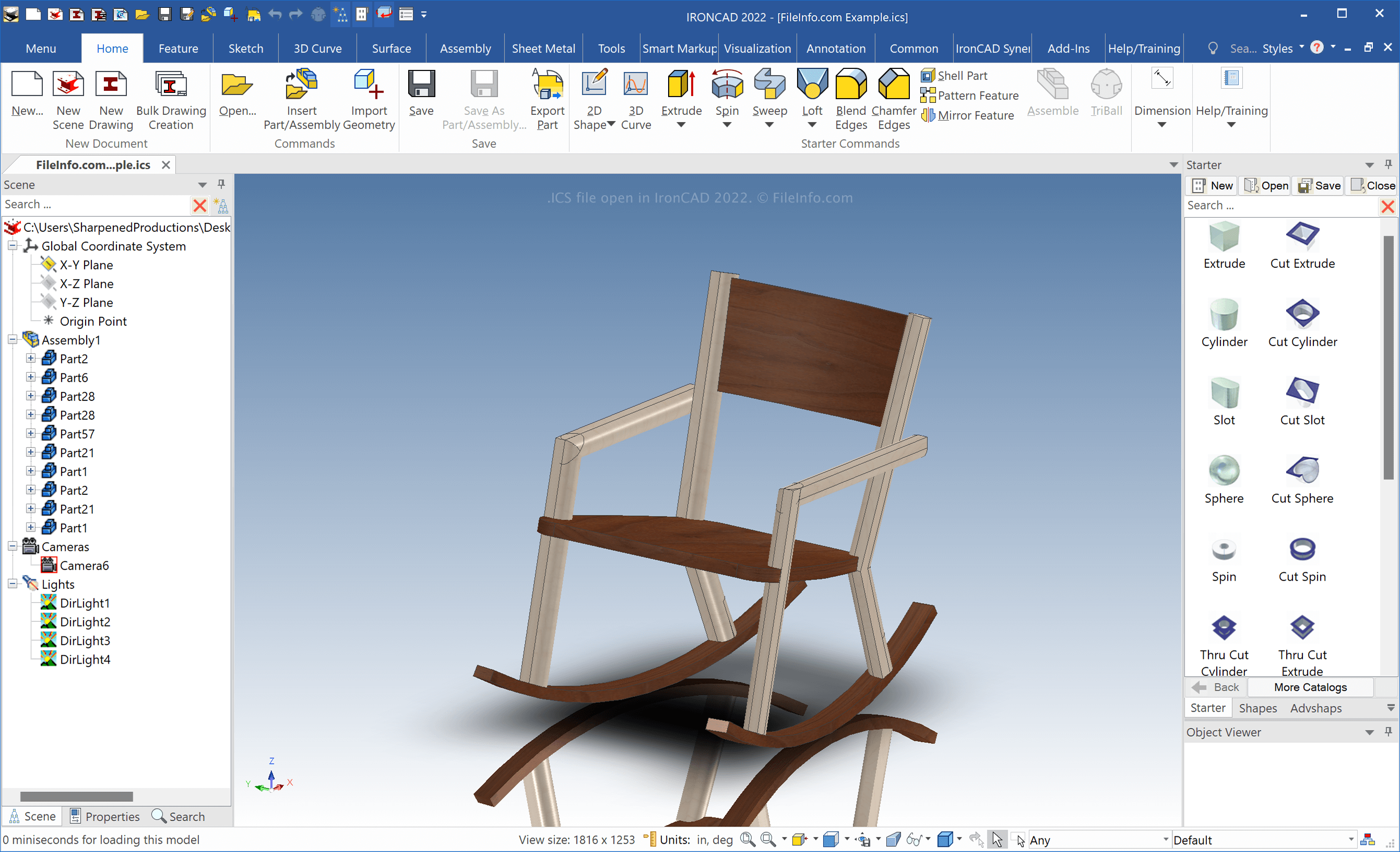
IronCAD is een CAD-applicatie voor Windows waarmee je 2D- en 3D-modellen van objecten uit de echte wereld kunt maken. Ingenieurs gebruiken IronCAD voornamelijk om verschillende objecten voor productie te ontwerpen, zoals mechanische onderdelen en meubels.
Wanneer je een 3D-scène opslaat met IronCAD, maakt de software een ICS-bestand om de inhoud ervan op te slaan. Om een ICS-bestand te maken, selecteer je . Nadat je de scène hebt aangepast, selecteer je of .
OPMERKING: IronCAD slaat ICS-bestanden standaard op in de volgende map:
Documents\IRONCAD [version]
Een ICS-bestand openen
Je kunt ICS-bestanden in Windows openen met IronCAD door:
- te selecteren
- Op het mappictogram op de bovenste werkbalk van het tabblad te klikken
Een ICS-bestand converteren
IronCAD kan ICS-bestanden naar veel bestandstypen converteren, waaronder de volgende indelingen:
- .SAT - ACIS SAT 3D-model
- .X_T - Parasolid-modelonderdeelbestand
- .MODEL - CATIA 3D-model
- .CATPART - CATIA V5-onderdeel
- .CATPRODUCT - CATIA V5-samenstelling
- .IGS - IGES-tekening
- .STP - STEP 3D-model
- .STL - Stereolithografiebestand
- .JPG - JPEG-afbeelding
- .PNG - Portable Network Graphic
- .TIF - Tagged Image
Om een ICS-bestand met IronCAD te exporteren, selecteer je .