

.ICS Estensione file
File di calendario
| Sviluppatore | Internet Engineering Task Force |
| Popolarità |
3,6 | 723 Voti |
Che cos'è un file ICS?
Un file ICS è un file di calendario salvato in un formato di calendario universale utilizzato da diversi programmi di posta elettronica e calendario, tra cui Microsoft Outlook, Google Calendar e Apple Calendar. Consente agli utenti di condividere informazioni del calendario sul Web e tramite posta elettronica. Ad esempio, quando gli utenti inviano una richiesta di riunione ad altre persone, possono condividere con loro file ICS, che i destinatari possono importare nei propri calendari per aggiungere i dettagli della riunione.
Maggiori informazioni
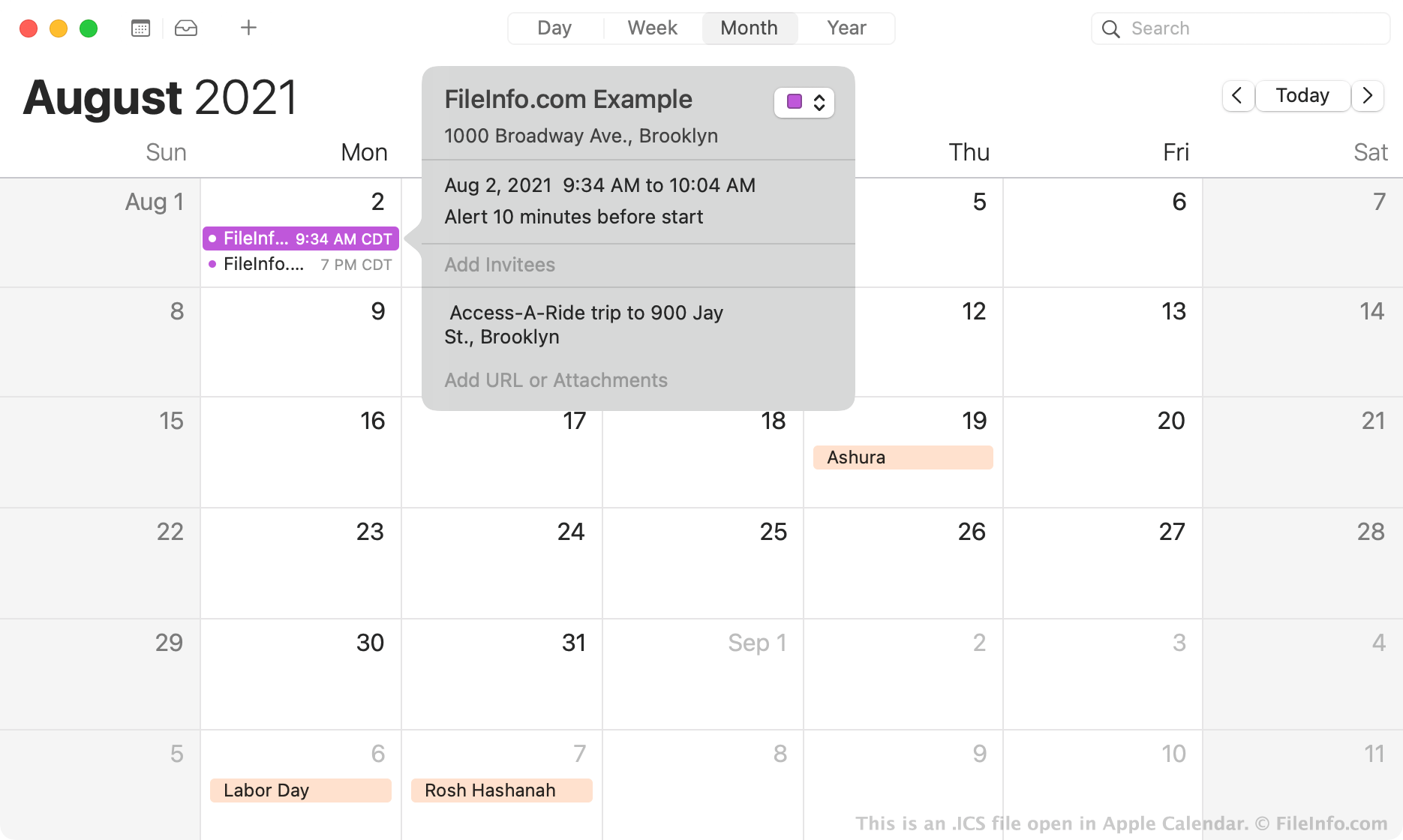
Nel 1998, l'Internet Engineering Task Force ha creato il formato di file iCalendar, o ICS. I file ICS sono file di testo semplice che contengono informazioni su un evento del calendario, tra cui:
- Titolo
- Riepilogo e descrizione
- Ora di inizio e di fine
- Posizione
- Attivazione dell'avviso
Il formato ICS è un formato di file di calendario universale che tutte le applicazioni di calendario più diffuse, tra cui Microsoft Outlook, Apple Calendar, Google Calendar e Mozilla Thunderbird Lightning Calendar, possono creare e riconoscere. Poiché tutte le applicazioni di calendario più diffuse possono utilizzare i file ICS per aggiungere i dettagli degli eventi a un calendario, i file ICS sono il tipo di file più comune utilizzato per scambiare informazioni del calendario. Nella maggior parte dei casi, impiegati e altri professionisti utilizzano i file ICS per inviarsi richieste di riunione. Potresti anche ricevere promemoria ICS per un compleanno, una festività, un viaggio, una festa o altri eventi imminenti.
Come aprire un file ICS
Puoi aprire un file ICS con diverse applicazioni. Ad esempio, se sul dispositivo è installata un'applicazione di calendario, come Microsoft Outlook, Google Calendar o Apple Calendar, puoi fare doppio clic su un file ICS per importare nel calendario i dettagli dell'evento che contiene.
Se necessario, puoi anche importare manualmente un file ICS nella tua app di calendario. Ad esempio, per importare un evento nella versione Web di Google Calendar:
- Fai clic sull'icona a forma di ingranaggio visualizzata nell'angolo superiore destro del programma.
- Seleziona .
- Seleziona e importa il file ICS. Gli eventi che contiene verranno aggiunti al tuo calendario.
Se hai difficoltà a importare il file ICS in un'applicazione di calendario, puoi aprirlo in un qualsiasi editor di testo, come Microsoft Notepad (Windows) o Apple TextEdit (Mac), per visualizzare le informazioni sull'evento che contiene. Ad esempio, puoi vedere le ore di inizio e di fine dell'evento, incluso il fuso orario, elencate nelle righe DTSTART e DTEND del file. Sebbene aprire un file ICS con un editor di testo non sia il modo migliore per visualizzare i dettagli di un evento, consente di visualizzare le informazioni senza utilizzare un'applicazione di calendario.
Come convertire un file ICS
Puoi convertire un file ICS in un file CSV con un convertitore online gratuito da ICS a CSV, come Indigoblue Free ICS to CSV Converter o ProjectWizards ICS to CSV Converter.
Convertendo un file ICS in un file CSV, puoi importare un evento del calendario in Microsoft Excel o in un altro programma per fogli di calcolo.
Programmi che aprono i file ICS
Scena 3D IronCAD
| Sviluppatore | IronCAD |
| Popolarità |
3,1 | 63 Voti |
Maggiori informazioni
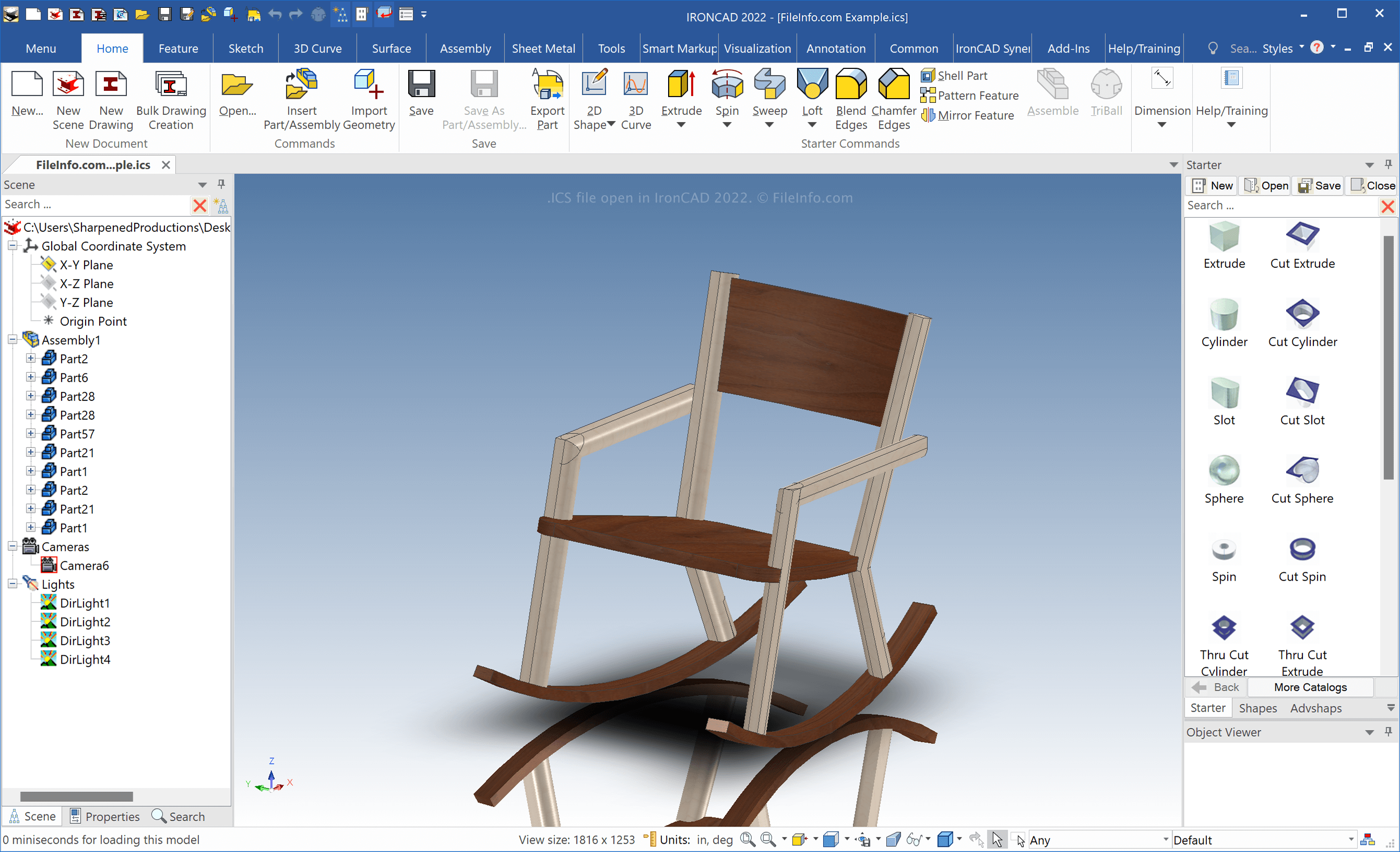
IronCAD è un'applicazione CAD per Windows che può creare modelli 2D e 3D di oggetti reali. Gli ingegneri usano principalmente IronCAD per progettare vari oggetti destinati alla produzione, come parti meccaniche e mobili.
Quando salvi una scena 3D con IronCAD, il software crea un file ICS per memorizzarne i contenuti. Per creare un file ICS, seleziona . Dopo aver modificato la scena, seleziona o .
NOTA: IronCAD salva per impostazione predefinita i file ICS nella seguente directory:
Documents\IRONCAD [version]
Come aprire un file ICS
Puoi aprire i file ICS con IronCAD in Windows:
- Selezionando
- Facendo clic sull'icona della cartella nella scheda della barra degli strumenti superiore
Come convertire un file ICS
IronCAD può convertire i file ICS in molti tipi di file, inclusi i seguenti formati:
- .SAT - Modello 3D ACIS SAT
- .X_T - File di parte modello Parasolid
- .MODEL - Modello 3D CATIA
- .CATPART - Parte CATIA V5
- .CATPRODUCT - Assieme CATIA V5
- .IGS - Disegno IGES
- .STP - Modello 3D STEP
- .STL - File di stereolitografia
- .JPG - Immagine JPEG
- .PNG - Grafica di rete portatile
- .TIF - Immagine con tag
Per esportare un file ICS con IronCAD, seleziona .