

.ICS Extension de fichier
Fichier de calendrier
| Développeur | Internet Engineering Task Force |
| Popularité |
3,6 | 723 Votes |
Qu'est-ce qu'un fichier ICS ?
Un fichier ICS est un fichier de calendrier enregistré dans un format de calendrier universel utilisé par plusieurs programmes de messagerie et de calendrier, notamment Microsoft Outlook, Google Calendar et Apple Calendar. Il permet aux utilisateurs de partager des informations de calendrier sur le Web et par e-mail. Par exemple, lorsque des utilisateurs envoient une demande de réunion à d'autres personnes, ils peuvent leur transmettre des fichiers ICS, que ces dernières peuvent importer dans leur calendrier pour y ajouter les détails de la réunion.
Plus d'informations
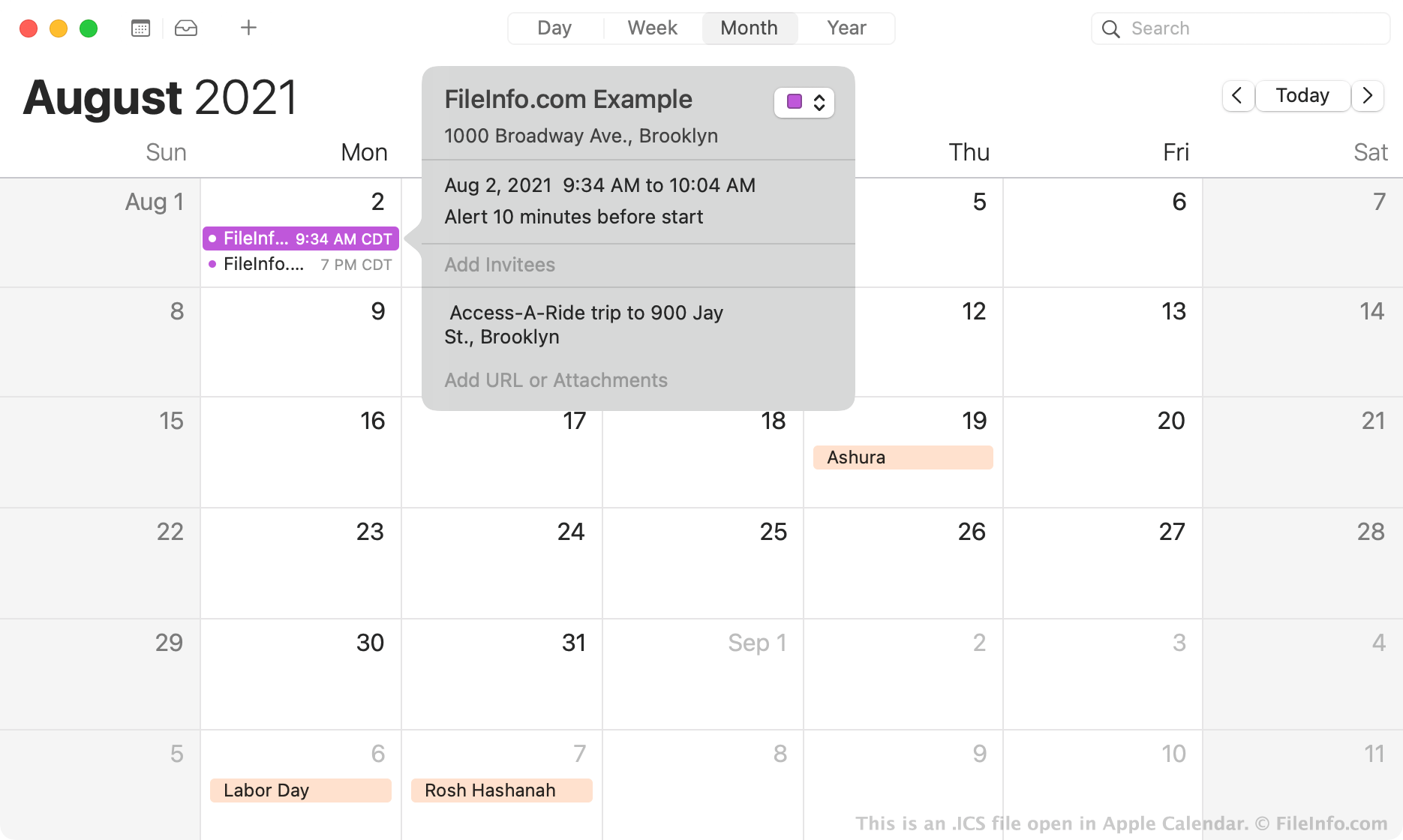
En 1998, l'Internet Engineering Task Force a créé le format de fichier iCalendar, ou ICS. Les fichiers ICS sont des fichiers en texte brut qui contiennent des informations sur un événement du calendrier, notamment :
- Titre
- Résumé et description
- Heures de début et de fin
- Lieu
- Déclencheur de l'alerte
Le format ICS est un format de fichier de calendrier universel que toutes les applications de calendrier populaires, notamment Microsoft Outlook, Apple Calendar, Google Calendar et Mozilla Thunderbird Lightning Calendar, peuvent créer et reconnaître. Comme toutes les applications de calendrier populaires peuvent utiliser les fichiers ICS pour ajouter les détails d'un événement à un calendrier, les fichiers ICS sont le type de fichier le plus couramment utilisé pour échanger des informations de calendrier. Le plus souvent, les employés de bureau et autres professionnels utilisent les fichiers ICS pour s'envoyer des demandes de réunion. Vous pouvez également recevoir des rappels ICS pour un anniversaire, un jour férié, un voyage, une fête ou d'autres événements à venir.
Comment ouvrir un fichier ICS
Vous pouvez ouvrir un fichier ICS avec différentes applications. Par exemple, si une application de calendrier, telle que Microsoft Outlook, Google Calendar ou Apple Calendar, est installée sur votre appareil, vous pouvez double-cliquer sur un fichier ICS pour importer dans votre calendrier les détails de l'événement qu'il contient.
Si nécessaire, vous pouvez également importer manuellement un fichier ICS dans votre application de calendrier. Par exemple, pour importer un événement dans la version Web de Google Calendar :
- Cliquez sur l'icône en forme d'engrenage située dans le coin supérieur droit du programme.
- Sélectionnez .
- Sélectionnez et importez votre fichier ICS. Le ou les événement(s) qu'il contient seront ajoutés à votre calendrier.
Si vous rencontrez des difficultés pour importer votre fichier ICS dans une application de calendrier, vous pouvez l'ouvrir dans n'importe quel éditeur de texte, tel que Microsoft Notepad (Windows) ou Apple TextEdit (Mac), afin d'afficher les informations sur l'événement qu'il contient. Par exemple, vous pouvez voir les heures de début et de fin de l'événement (y compris le fuseau horaire) indiquées dans les lignes DTSTART et DTEND du fichier. Même si ouvrir un fichier ICS avec un éditeur de texte n'est pas la meilleure façon d'afficher les détails d'un événement, cela vous permet de consulter les informations sans utiliser d'application de calendrier.
Comment convertir un fichier ICS
Vous pouvez convertir un fichier ICS en fichier CSV avec un convertisseur ICS vers CSV en ligne gratuit, tel que Indigoblue Free ICS to CSV Converter ou ProjectWizards ICS to CSV Converter.
En convertissant un fichier ICS en fichier CSV, vous pouvez importer un événement de calendrier dans Microsoft Excel ou un autre tableur.
Programmes qui ouvrent les fichiers ICS
Scène 3D IronCAD
| Développeur | IronCAD |
| Popularité |
3,1 | 63 Votes |
Un fichier ICS est une scène 3D créée par IronCAD, une application de CAO en 3D et en 2D. Il contient une ou plusieurs pièces ou assemblages qui incluent des couleurs, des textures, des effets d’éclairage et d’autres propriétés. Les utilisateurs d’IronCAD enregistrent principalement les scènes 3D au format ICS et les dessins 2D au format .ICD.
Plus d'informations
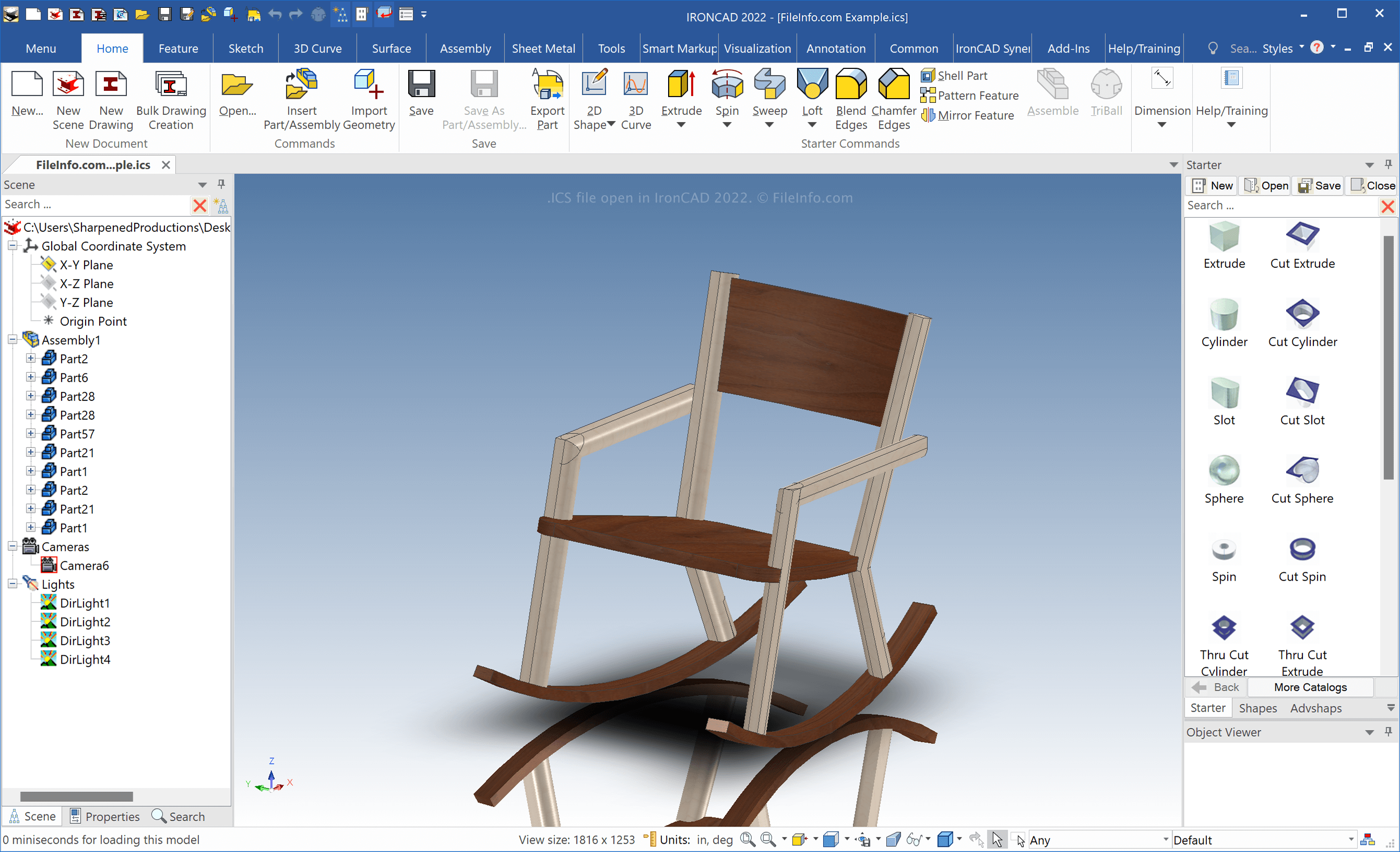
IronCAD est une application de CAO pour Windows qui peut créer des modèles 2D et 3D d’objets réels. Les ingénieurs utilisent principalement IronCAD pour concevoir divers objets destinés à la production, comme des pièces mécaniques et des meubles.
Lorsque vous enregistrez une scène 3D avec IronCAD, le logiciel crée un fichier ICS pour en stocker le contenu. Pour créer un fichier ICS, sélectionnez . Après avoir modifié la scène, sélectionnez ou .
REMARQUE : IronCAD enregistre par défaut les fichiers ICS dans le répertoire suivant :
Documents\IRONCAD [version]
Comment ouvrir un fichier ICS
Vous pouvez ouvrir les fichiers ICS avec IronCAD sous Windows en :
- sélectionnant
- cliquant sur l’icône de dossier dans l’onglet de la barre d’outils supérieure
Comment convertir un fichier ICS
IronCAD peut convertir les fichiers ICS dans de nombreux types de fichiers, notamment les formats suivants :
- .SAT - Modèle 3D ACIS SAT
- .X_T - Fichier de pièce de modèle Parasolid
- .MODEL - Modèle 3D CATIA
- .CATPART - Pièce CATIA V5
- .CATPRODUCT - Assemblage CATIA V5
- .IGS - Dessin IGES
- .STP - Modèle 3D STEP
- .STL - Fichier de stéréolithographie
- .JPG - Image JPEG
- .PNG - Image PNG
- .TIF - Image balisée
Pour exporter un fichier ICS avec IronCAD, sélectionnez .