

.CUBE Bestandsextensie
Luminar-opzoektabel
| Ontwikkelaar | Skylum Software |
| Populariteit |
2,0 | 1 stem |
Een CUBE-bestand is een opzoektabel die door verschillende versies van Luminar wordt gebruikt, een programma voor het bewerken van digitale foto's. Het bevat instellingen om de kleuren van een afbeelding opnieuw toe te wijzen en de toon ervan aan te passen. Luminar bevat standaard-CUBE-bestanden en fotografen kunnen aangepaste CUBE-bestanden maken of laden.
Meer informatie
Fotografen gebruiken Luminar om digitale foto's te bewerken. Het programma wordt uitgegeven door Skylum Software en is beschikbaar voor Windows en macOS.
In Luminar 2018 kreeg het programma de mogelijkheid om opzoektabellen (LUT's) te laden en toe te passen. Met de tool van het programma kunnen fotografen een opzoektabel selecteren om de kleuren van een afbeelding automatisch opnieuw toe te wijzen aan een nieuwe reeks kleuren die in de LUT is gedefinieerd. Fotografen kunnen vervolgens de instellingen , en van de tool gebruiken om deze nieuwe toewijzing verder aan te passen.
Luminar-LUT's worden opgeslagen als CUBE-bestanden. Verschillende latere versies van Luminar, waaronder Luminar AI en Neo, gebruiken ook LUT's die als CUBE-bestanden zijn opgeslagen. Om CUBE-bestanden in deze versies te laden, gebruiken fotografen echter de tool of , niet de tool .
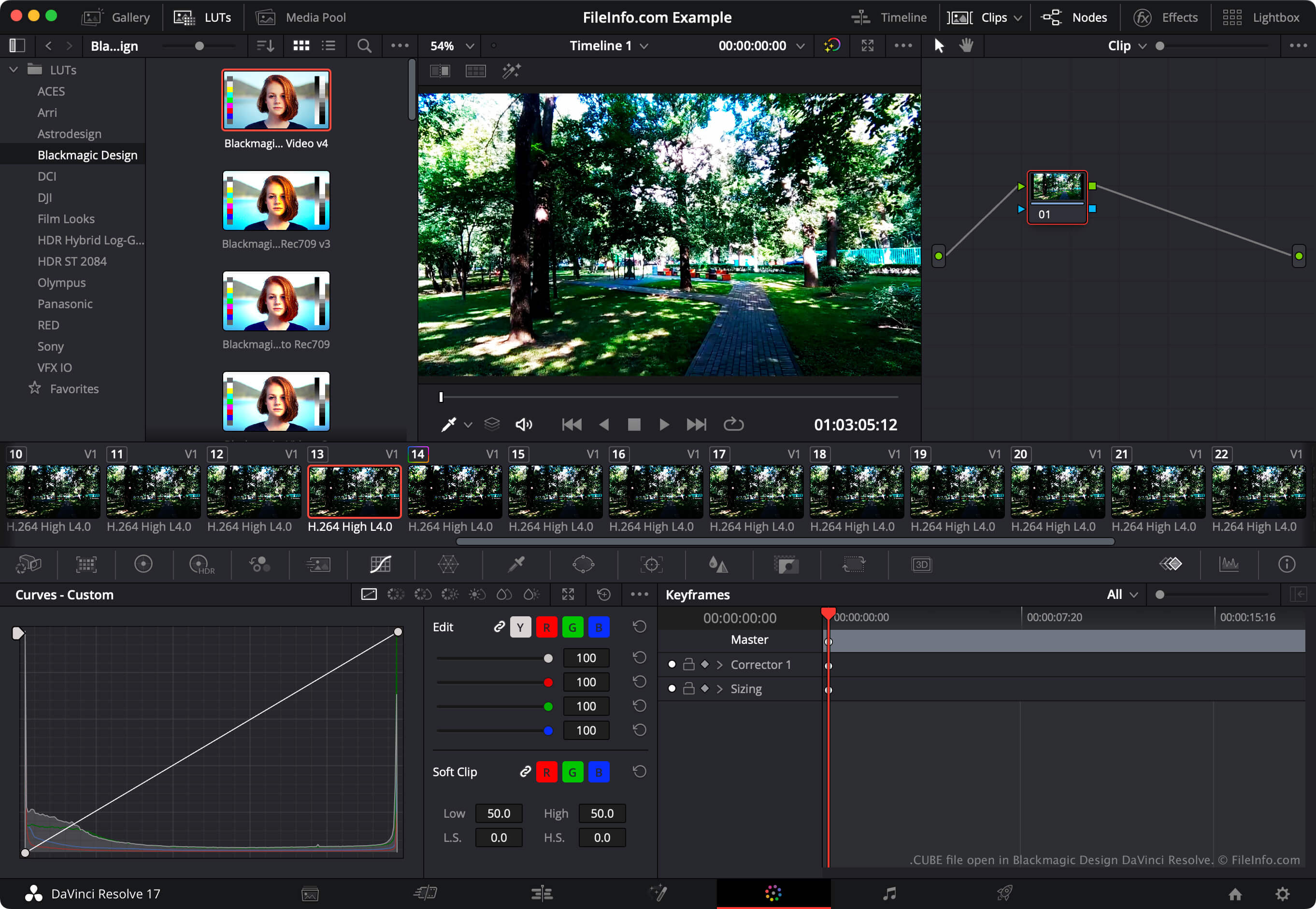
OPMERKING: Het videobewerkingsprogramma DaVinci Resolve kan ook LUT-opzoektabellen importeren en exporteren.
Een CUBE-bestand openen
Je kunt een CUBE-bestand openen met Luminar 2018 en latere versies (Windows, Mac). Selecteer daarvoor de LUT-tool van jouw versie van Luminar (zoals , of ). Selecteer vervolgens . Ga ten slotte naar je CUBE-bestand en open het. Daarna past Luminar de LUT in je CUBE-bestand toe.
Als je een CUBE-bestand met Blackmagic Design DaVinci Resolve wilt gebruiken, plaats je het bestand in de map waaruit DaVinci Resolve LUT's laadt en werk je vervolgens de LUT-lijst van de app bij:
- Open een project en selecteer .
- Selecteer .
- Klik op .
- Plaats je CUBE-bestand in een van de submappen van de map LUT.
- Klik op .
- Klik op .
De LUT in je CUBE-bestand verschijnt vervolgens in het paneel van DaVinci Resolve, in de submap waarin je het bestand hebt geplaatst.