

.CUBE Extensão de arquivo
Tabela de consulta do Luminar
| Desenvolvedor | Skylum Software |
| Popularidade |
2,0 | 1 Voto |
Um arquivo CUBE é uma tabela de consulta usada por várias versões do Luminar, um editor de fotos digitais. Ele contém configurações usadas para remapear as cores de uma imagem e ajustar sua tonalidade. O Luminar inclui arquivos CUBE padrão, e os fotógrafos podem criar ou carregar arquivos CUBE personalizados.
Mais informações
Os fotógrafos usam o Luminar para editar fotos digitais. O programa é publicado pela Skylum Software e está disponível para Windows e macOS.
No Luminar 2018, o programa ganhou a capacidade de carregar e aplicar tabelas de consulta (LUTs). Usando a ferramenta do programa, os fotógrafos podem selecionar uma tabela de consulta para remapear automaticamente as cores de uma imagem para um novo conjunto de cores, definido na LUT. Em seguida, os fotógrafos podem usar as configurações , e da ferramenta para ajustar esse remapeamento.
As LUTs do Luminar são salvas como arquivos CUBE. Várias versões posteriores do Luminar, incluindo o Luminar AI e o Neo, também usam LUTs salvas como arquivos CUBE. No entanto, para carregar arquivos CUBE nessas versões, os fotógrafos usam a ferramenta ou , e não a ferramenta .
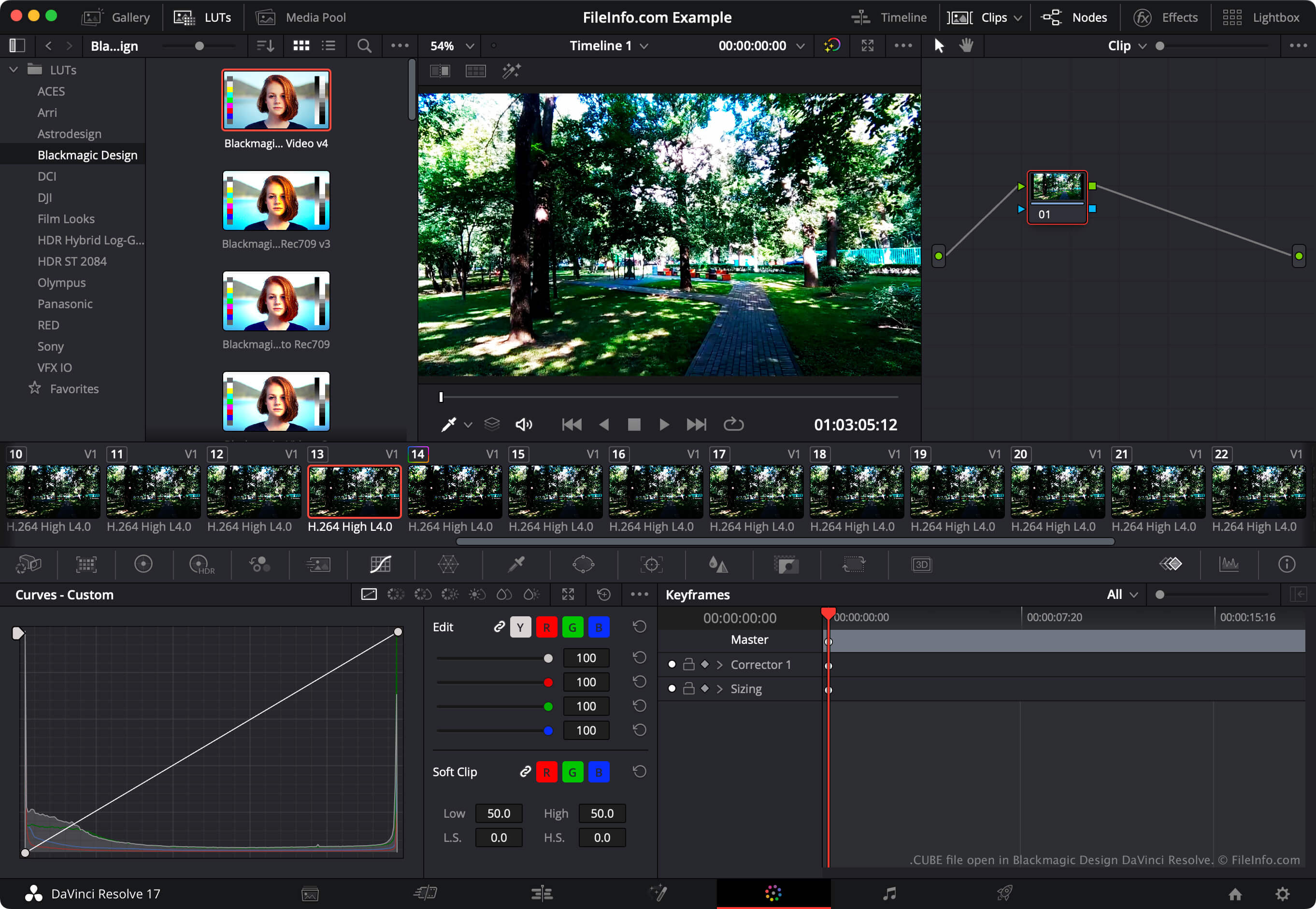
NOTA: O programa de edição de vídeo DaVinci Resolve também pode importar e exportar tabelas de consulta LUT.
Como abrir um arquivo CUBE
Você pode abrir um arquivo CUBE com o Luminar 2018 e versões posteriores (Windows, Mac). Para fazer isso, selecione a ferramenta de LUT da sua versão do Luminar (como , ou ). Em seguida, selecione . Por fim, navegue até o arquivo CUBE e abra-o. Depois disso, o Luminar aplicará a LUT contida no arquivo CUBE.
Para usar um arquivo CUBE com o Blackmagic Design DaVinci Resolve, coloque o arquivo no diretório do qual o DaVinci Resolve carrega LUTs e atualize a lista de LUTs do aplicativo:
- Abra um projeto e selecione .
- Selecione .
- Clique em .
- Coloque o arquivo CUBE em qualquer um dos subdiretórios do diretório LUT.
- Clique em .
- Clique em .
A LUT contida no arquivo CUBE aparecerá no painel do DaVinci Resolve (dentro do subdiretório no qual você a colocou).