

.CUBE Extension de fichier
Table de correspondance Luminar
| Développeur | Skylum Software |
| Popularité |
2,0 | 1 Vote |
Un fichier CUBE est une table de correspondance utilisée par différentes versions de Luminar, un éditeur de photos numériques. Il contient des paramètres utilisés pour remapper les couleurs d'une image et ajuster sa tonalité. Luminar inclut des fichiers CUBE par défaut, et les photographes peuvent créer ou charger des fichiers CUBE personnalisés.
Plus d'informations
Les photographes utilisent Luminar pour retoucher des photos numériques. Le programme est publié par Skylum Software et est disponible pour Windows et macOS.
Dans Luminar 2018, le programme a acquis la possibilité de charger et d'appliquer des tables de correspondance (LUT). À l'aide de l'outil du programme, les photographes peuvent sélectionner une table de correspondance afin de remapper automatiquement les couleurs d'une image vers un nouvel ensemble de couleurs défini dans la LUT. Les photographes peuvent ensuite utiliser les paramètres , et de l'outil pour affiner ce remappage.
Les LUT de Luminar sont enregistrées dans des fichiers CUBE. Plusieurs versions ultérieures de Luminar, notamment Luminar AI et Neo, utilisent également des LUT enregistrées dans des fichiers CUBE. Toutefois, pour charger des fichiers CUBE dans ces versions, les photographes utilisent l'outil ou , et non l'outil .
REMARQUE : Le programme de montage vidéo DaVinci Resolve peut également importer et exporter des tables de correspondance LUT.
Comment ouvrir un fichier CUBE
Vous pouvez ouvrir un fichier CUBE avec Luminar 2018 et les versions ultérieures (Windows, Mac). Pour ce faire, sélectionnez l'outil LUT de votre version de Luminar, tel que , ou . Sélectionnez ensuite . Enfin, accédez à votre fichier CUBE et ouvrez-le. Luminar appliquera alors la LUT contenue dans votre fichier CUBE.
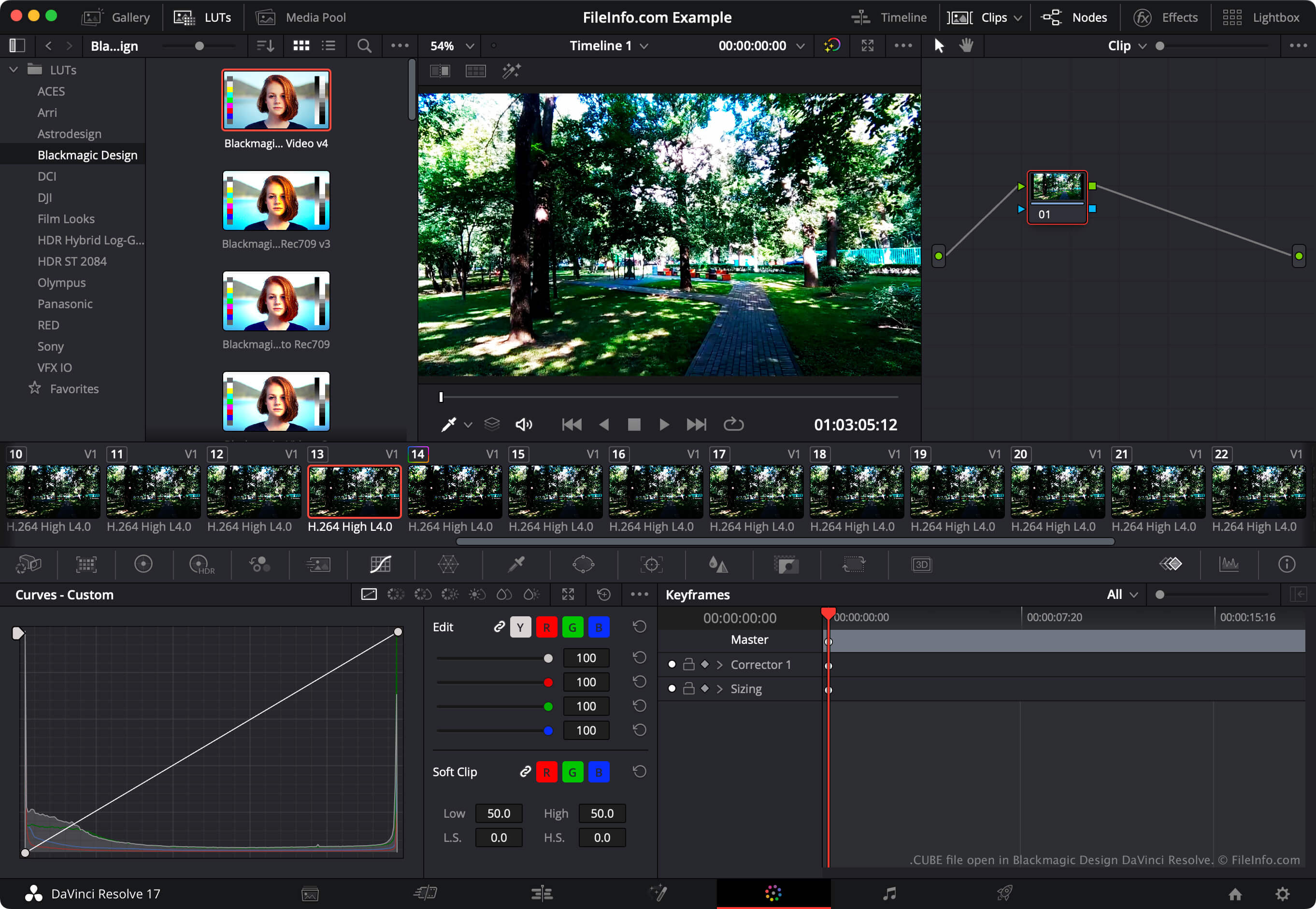
Pour utiliser un fichier CUBE avec Blackmagic Design DaVinci Resolve, placez le fichier dans le répertoire depuis lequel DaVinci Resolve charge les LUT, puis actualisez la liste des LUT de l'application :
- Ouvrez un projet et sélectionnez .
- Sélectionnez .
- Cliquez sur .
- Placez votre fichier CUBE dans l'un des sous-répertoires du répertoire LUT.
- Cliquez sur .
- Cliquez sur .
La LUT contenue dans votre fichier CUBE apparaîtra alors dans le panneau de DaVinci Resolve, dans le sous-répertoire où vous l'avez placée.