

.CUBE Rozszerzenie pliku
Tabela wyszukiwania Luminar
| Deweloper | Skylum Software |
| Popularność |
2,0 | 1 Głos |
Plik CUBE to tabela wyszukiwania używana przez różne wersje programu Luminar, edytora zdjęć cyfrowych. Zawiera ustawienia służące do mapowania kolorów obrazu i dostosowywania jego tonacji. Luminar zawiera domyślne pliki CUBE, a fotografowie mogą tworzyć lub wczytywać niestandardowe pliki CUBE.
Więcej informacji
Fotografowie używają programu Luminar do edycji zdjęć cyfrowych. Program jest publikowany przez firmę Skylum Software i jest dostępny dla systemów Windows i macOS.
W programie Luminar 2018 dodano możliwość wczytywania i stosowania tabel wyszukiwania (LUT). Korzystając z narzędzia , fotografowie mogą wybrać tabelę wyszukiwania, aby automatycznie zmapować kolory obrazu na nowy zestaw kolorów zdefiniowany w tabeli LUT. Następnie mogą użyć ustawień , i narzędzia , aby dopracować to mapowanie.
Tabele LUT programu Luminar są zapisywane jako pliki CUBE. Kilka kolejnych wersji programu Luminar, w tym Luminar AI i Neo, również używa tabel LUT zapisanych jako pliki CUBE. Aby jednak wczytać pliki CUBE w tych wersjach, fotografowie korzystają z narzędzia lub , a nie z narzędzia .
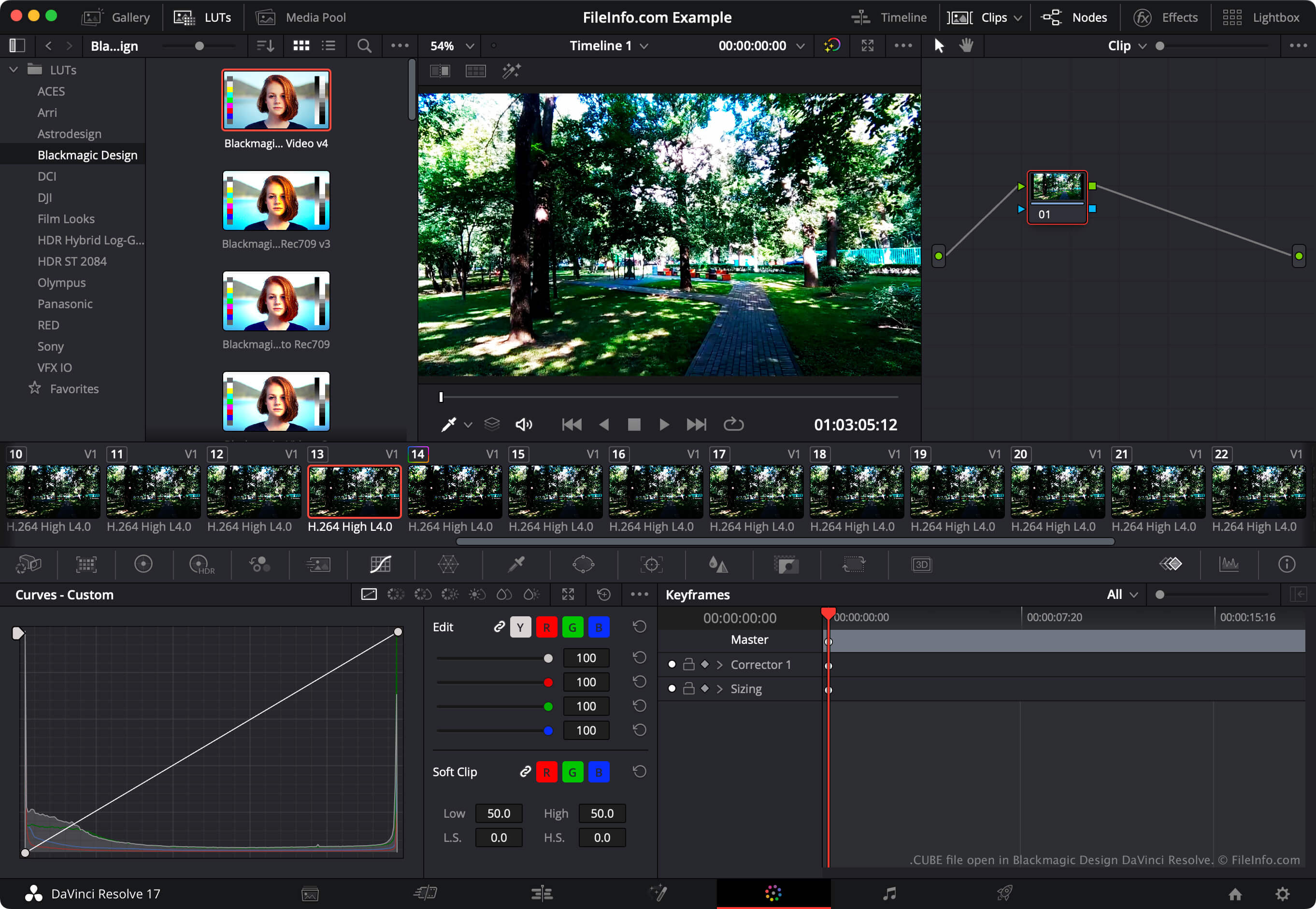
UWAGA: Program do edycji wideo DaVinci Resolve również może importować i eksportować tabele wyszukiwania LUT.
Jak otworzyć plik CUBE
Plik CUBE można otworzyć w programie Luminar 2018 i nowszych wersjach (Windows, Mac). W tym celu wybierz narzędzie LUT dostępne w używanej wersji programu Luminar (takie jak , lub ). Następnie wybierz . Na koniec przejdź do pliku CUBE i otwórz go. Luminar zastosuje wtedy zawartą w pliku CUBE tabelę LUT.
Aby użyć pliku CUBE w programie Blackmagic Design DaVinci Resolve, umieść go w katalogu, z którego DaVinci Resolve wczytuje tabele LUT, a następnie zaktualizuj listę tabel LUT aplikacji:
- Otwórz projekt i wybierz .
- Wybierz .
- Kliknij .
- Umieść plik CUBE w dowolnym podkatalogu katalogu LUT.
- Kliknij .
- Kliknij .
Zawarta w pliku CUBE tabela LUT pojawi się wtedy w panelu programu DaVinci Resolve, w podkatalogu, w którym ją umieszczono.