

.CUBE Estensione file
Tabella di ricerca di Luminar
| Sviluppatore | Skylum Software |
| Popolarità |
2,0 | 1 Voto |
Un file CUBE è una tabella di ricerca utilizzata da varie versioni di Luminar, un editor di foto digitali. Contiene impostazioni utilizzate per rimappare i colori di un'immagine e regolarne la tonalità. Luminar include file CUBE predefiniti e i fotografi possono creare o caricare file CUBE personalizzati.
Maggiori informazioni
I fotografi utilizzano Luminar per modificare le foto digitali. Il programma è pubblicato da Skylum Software ed è disponibile per Windows e macOS.
In Luminar 2018, il programma ha acquisito la possibilità di caricare e applicare tabelle di ricerca (LUT). Utilizzando lo strumento del programma, i fotografi possono selezionare una tabella di ricerca per rimappare automaticamente i colori di un'immagine a un nuovo insieme di colori, definito nella LUT. I fotografi possono quindi utilizzare le impostazioni , e dello strumento per perfezionare questa rimappatura.
Le LUT di Luminar vengono salvate come file CUBE. Anche diverse versioni successive di Luminar, tra cui Luminar AI e Neo, utilizzano LUT salvate come file CUBE. Tuttavia, per caricare i file CUBE in queste versioni, i fotografi utilizzano lo strumento o , non lo strumento .
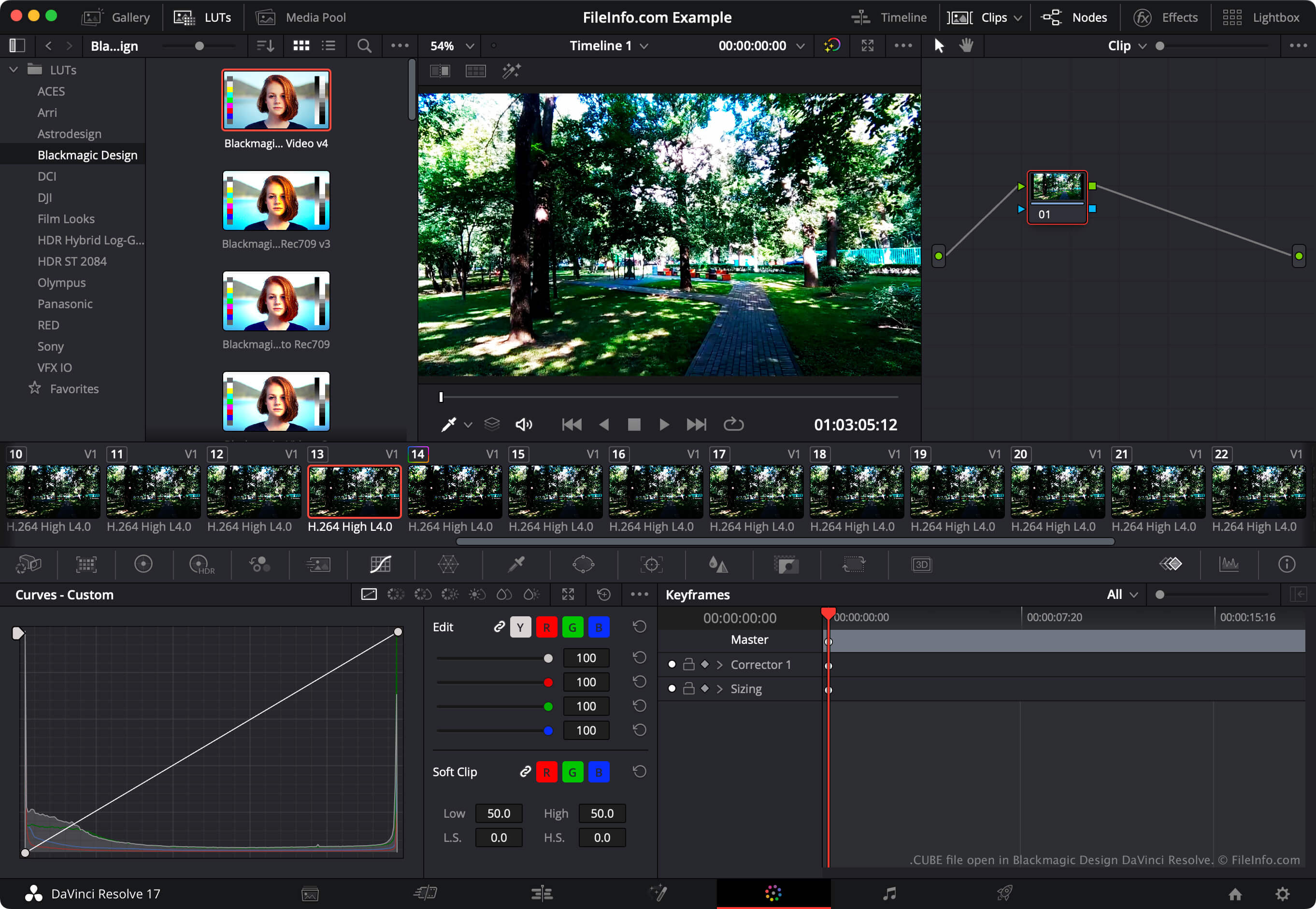
NOTA: Il programma di editing video DaVinci Resolve può anche importare ed esportare tabelle di ricerca LUT.
Come aprire un file CUBE
Puoi aprire un file CUBE con Luminar 2018 e versioni successive (Windows, Mac). Per farlo, seleziona lo strumento LUT della tua versione di Luminar, ad esempio , o . Quindi seleziona . Infine, individua e apri il file CUBE. Dopodiché, Luminar applicherà la LUT contenuta nel file CUBE.
Per utilizzare un file CUBE con Blackmagic Design DaVinci Resolve, inserisci il file nella directory da cui DaVinci Resolve carica le LUT, quindi aggiorna l'elenco delle LUT dell'app:
- Apri un progetto e seleziona .
- Seleziona .
- Fai clic su .
- Inserisci il file CUBE in una delle sottodirectory della directory LUT.
- Fai clic su .
- Fai clic su .
La LUT contenuta nel file CUBE apparirà quindi nel pannello di DaVinci Resolve, all'interno della sottodirectory in cui l'hai inserita.