.PTB 파일 확장자

Power Tab File

개발사 Power Tab Community
인기도
3.1  |  16 투표
 

PTB 파일이란 무엇인가요?

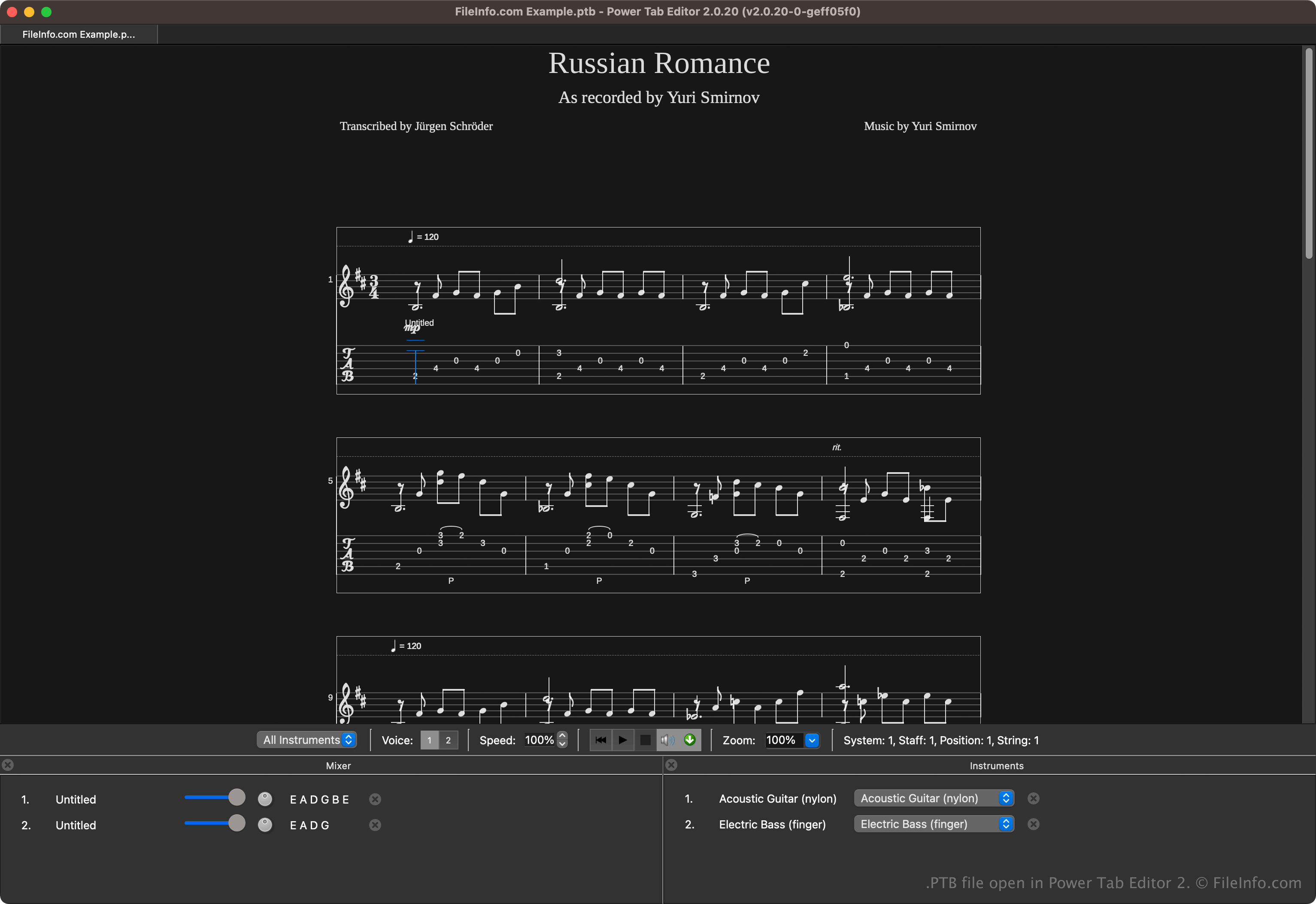
A PTB file contains guitar or bass tablature created by Power Tab Editor, a program for creating, editing, and sharing guitar and bass tablature for musicians. It stores detailed information on how to play a song or musical piece, with tablature indicating the exact notes, finger positions, and timing. PTB files may also include standard musical notation, lyrics, and other notes about the song.

추가 정보

Power Tab Editor 2에서 열린 .ptb 파일의 스크린샷
Power Tab Editor 2에서 열린 PTB 파일

Power Tab Editor allows musicians to write and share tablature in an accessible format. The format is widely shared in the music community since it is helpful for beginners and experienced players who want a more straightforward way to learn music without reading traditional sheet music.

Brad Larsen initially developed and released Power Tab Editor in the late 1990s. Although the program became popular among guitarists and bassists, development eventually ceased in the early 2000s. However, fans of the software continued developing it after acquiring its source code and released a second open-source version, which saves tablature as .PT2 files instead of PTB files.

PTB 파일을 여는 방법

You can open PTB files with Power Tab Editor. To open a PTB file, select File → Open.

Several third-party applications can open PTB files, as well. Some options include TuxGuitar and Arobas Music Guitar Pro.

PTB 파일을 변환하는 방법

Several applications, including TuxGuitar, Power Tab Editor, and Arobas Music Guitar Pro can convert PTB files to other file types.

For example, TuxGuitar can convert PTB files to the following formats:

  • .PDF - Portable Document Format
  • .MUSICXML - MusicXML File
  • .TAB - Guitar ASCII Tablature File
  • .MID - MIDI File
  • .WAV - WAVE Audio
File Viewer Plus(으)로 400개 이상의 파일 형식을 여세요.무료 다운로드

PTB 파일을 여는 프로그램

Windows
무료
무료 체험판
Mac
무료
무료 체험판
Linux
카테고리: 데이터
업데이트: 2024-11-07

Sage 50 Backup File

개발사 Sage Software
인기도
3.5  |  8 투표
 

A PTB file is a backup file created by Sage 50, accounting software used to organize financial data. It contains an exact copy of the company data. PTB files are used to protect a user's financial data in case of data corruption or system errors.

추가 정보

To create the PTB file, select File → Back Up, choose your settings, and click "Back Up". Then name the file, choose the save location, and click Save.

To restore the PTB file, select File → Restore, follow the appropriate prompts, and finally, click Finish.

You can also restore a PTB file by renaming the extension from "ptb" to "zip" since PTB are compressed with Zip compression. You can then decompress the file and copy the data from the PTB file into the appropriate subdirectory.

참고: Sage 50 used to be known as Peachtree Accounting.

PTB 파일을 여는 프로그램

Windows
무료 체험판
카테고리: 백업
업데이트: 2017-06-15

PowerToys Settings Backup

개발사 Microsoft
인기도
4.0  |  2 투표
 

A PTB file is a backup file created by Microsoft PowerToys, a utility that allows users to customize Microsoft Windows. It contains a copy of a user's PowerToys settings. Users create and load PTB files from the app's PowerToys Settings window.

추가 정보

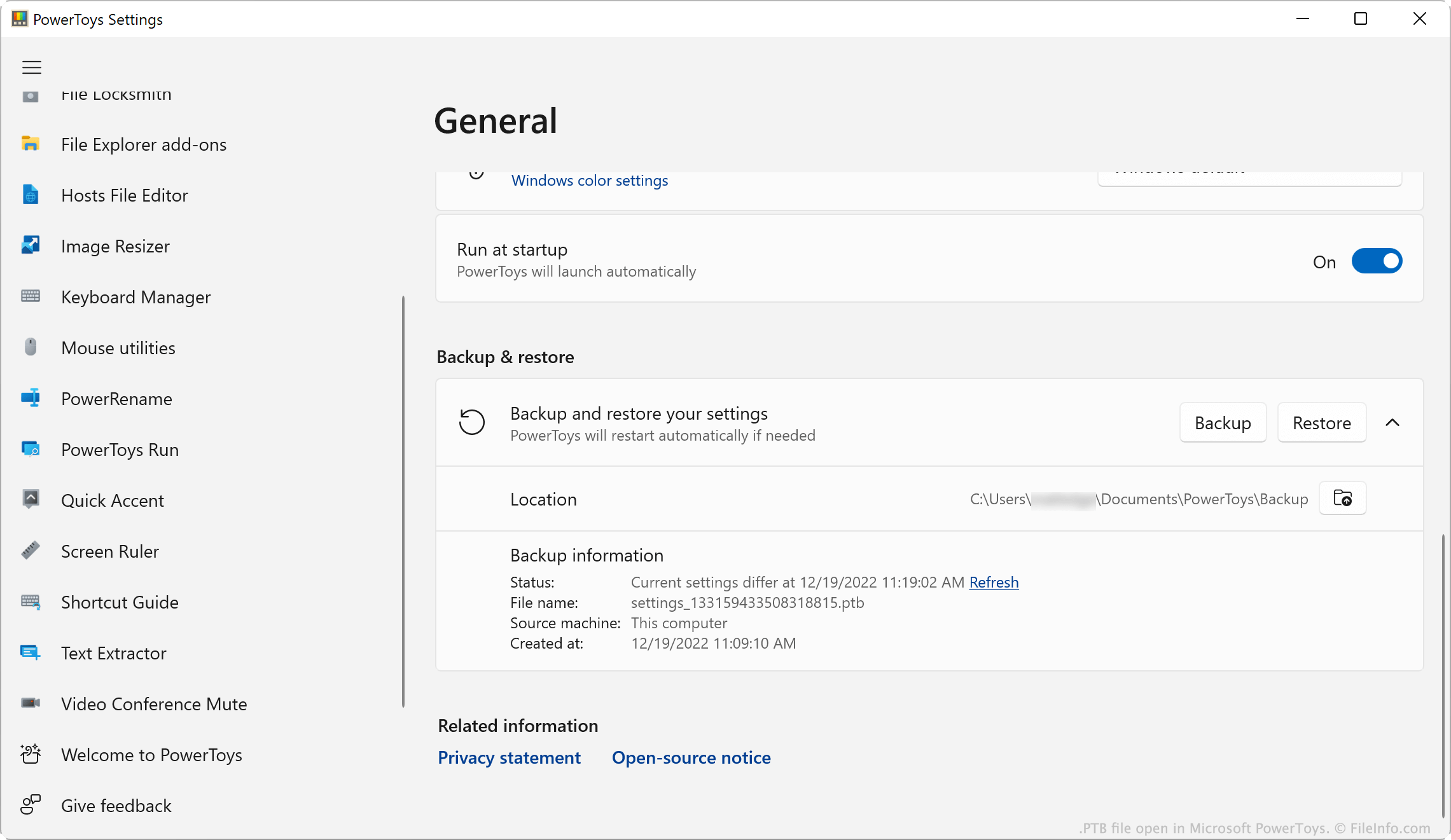
Microsoft PowerToys에서 열린 .ptb 파일의 스크린샷
Microsoft PowerToys에서 열린 PTB 파일

Microsoft PowerToys is a set of utilities that allows Windows 10 and 11 users to add and adjust Windows features. For example, PowerToys allows users to install add-ons for File Explorer, use a Color Picker to copy colors between windows, and use a Screen Ruler to measure pixels on their screen.

PowerToys users can modify settings for each of the app's utilities. If a user wants to back up their settings, they can do so by opening the PowerToys Settings menu and selecting General → Backup & restore → Backup. This saves a copy of the user's settings as a PTB file. Typically, PTB files are saved in the following directory:

C:/​Users/​YourUserName/​Documents/​PowerToys/​Backup

참고: PTB files are .ZIP archives that store settings as .JSON files. If you want to view the JSON files a PTB file contains, change the file's extension to .zip and open it as you would any ZIP file.

PTB 파일을 여는 방법

You can open a PTB file with Microsoft PowerToys (Windows). To do so:

  1. Place your PTB file in the ~/​PowerToys/​Backup directory and delete any other PTB files located there.
  2. Open PowerToys and, in the PowerToys Settings window, select General.
  3. Scroll to the Backup & restore section.
  4. Click Restore.

PowerToys will apply the settings saved in your PTB file.

PTB 파일을 여는 프로그램

Windows
카테고리: 설정
업데이트: 2022-12-19

검증자 FileInfo.com

FileInfo.com 팀 이 페이지에 나열된 모든 파일 형식과 소프트웨어 프로그램을 독자적으로 조사했습니다. 저희의 목표는 100% 정확성이며, 검증한 파일 유형에 대한 정보만 게시합니다.

이 페이지에 추가하거나 업데이트할 내용을 제안하고 싶으시면 알려 주세요.