

.PTB Rozszerzenie pliku
Plik Power Tab
| Deweloper | Power Tab Community |
| Popularność |
3,1 | 16 Głosów |
Czym jest plik PTB?
Plik PTB zawiera tabulaturę gitarową lub basową utworzoną za pomocą programu Power Tab Editor, służącego muzykom do tworzenia, edytowania i udostępniania tabulatur gitarowych i basowych. Przechowuje szczegółowe informacje o tym, jak zagrać piosenkę lub utwór muzyczny, a tabulatura wskazuje dokładne dźwięki, pozycje palców i rytm. Pliki PTB mogą również zawierać standardową notację muzyczną, tekst piosenki i inne informacje o utworze.
Więcej informacji
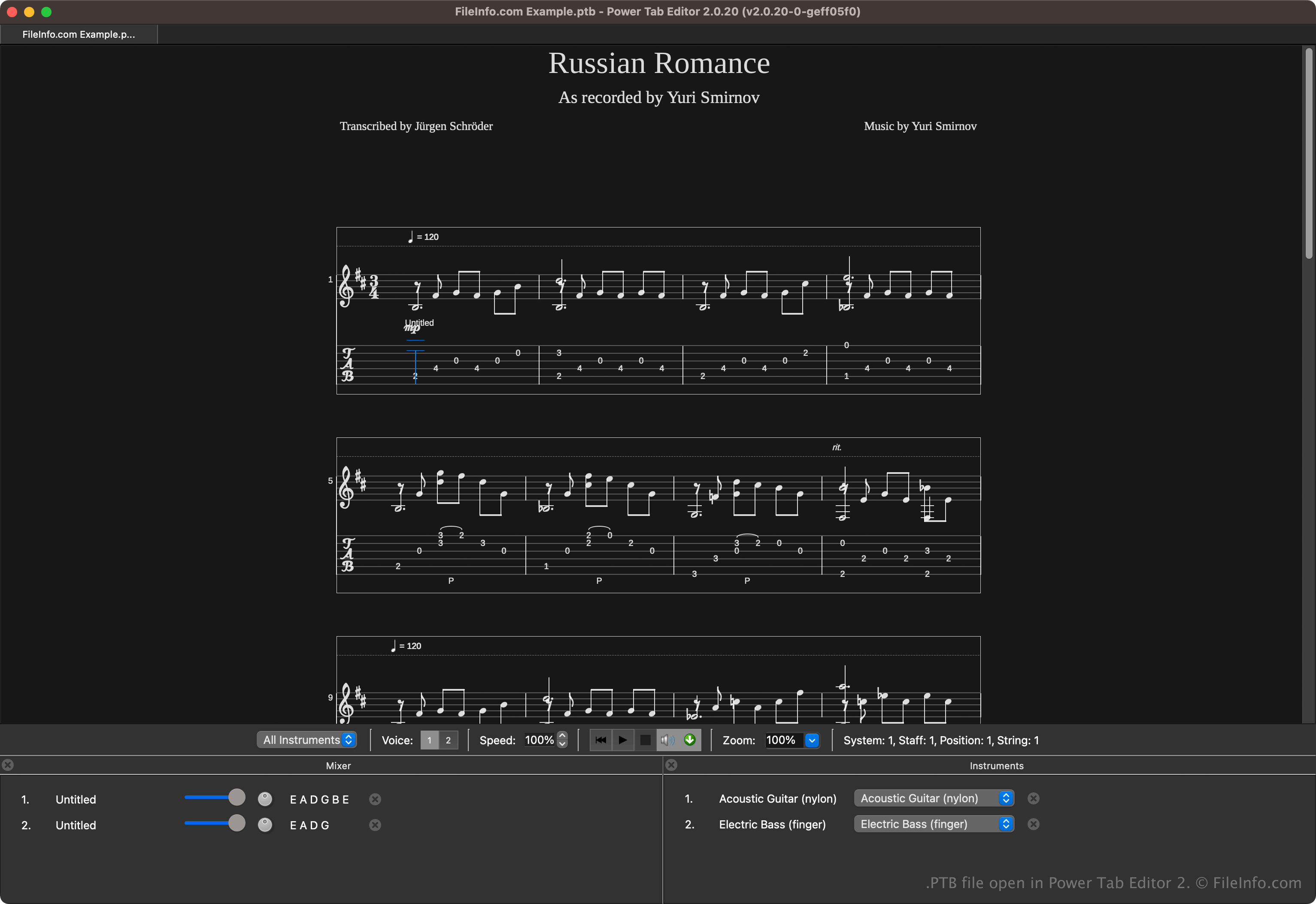
Program Power Tab Editor umożliwia muzykom pisanie i udostępnianie tabulatur w przystępnym formacie. Format ten jest szeroko udostępniany w społeczności muzycznej, ponieważ pomaga początkującym i doświadczonym muzykom, którzy chcą łatwiej uczyć się muzyki bez czytania tradycyjnych nut.
Brad Larsen początkowo opracował i wydał program Power Tab Editor pod koniec lat 90. XX wieku. Chociaż program zyskał popularność wśród gitarzystów i basistów, jego rozwój ostatecznie zakończył się na początku XXI wieku. Fani oprogramowania kontynuowali jednak jego rozwój po uzyskaniu kodu źródłowego i wydali drugą wersję o otwartym kodzie źródłowym, która zapisuje tabulaturę w plikach .PT2, a nie w plikach PTB.
Jak otworzyć plik PTB
Pliki PTB można otwierać za pomocą programu Power Tab Editor. Aby otworzyć plik PTB, wybierz .
Pliki PTB mogą również otwierać różne aplikacje innych firm. Należą do nich TuxGuitar i Arobas Music Guitar Pro.
Jak przekonwertować plik PTB
Kilka aplikacji, w tym TuxGuitar, Power Tab Editor i Arobas Music Guitar Pro, może konwertować pliki PTB na inne typy plików.
Na przykład TuxGuitar może konwertować pliki PTB do następujących formatów:
Programy otwierające pliki PTB
Kopia zapasowa ustawień PowerToys
| Deweloper | Microsoft |
| Popularność |
4,0 | 2 Głosy |
Plik PTB to plik kopii zapasowej utworzony przez Microsoft PowerToys — narzędzie, które pozwala użytkownikom dostosowywać system Microsoft Windows. Zawiera kopię ustawień PowerToys użytkownika. Użytkownicy tworzą i wczytują pliki PTB z okna Ustawienia PowerToys w aplikacji.
Więcej informacji
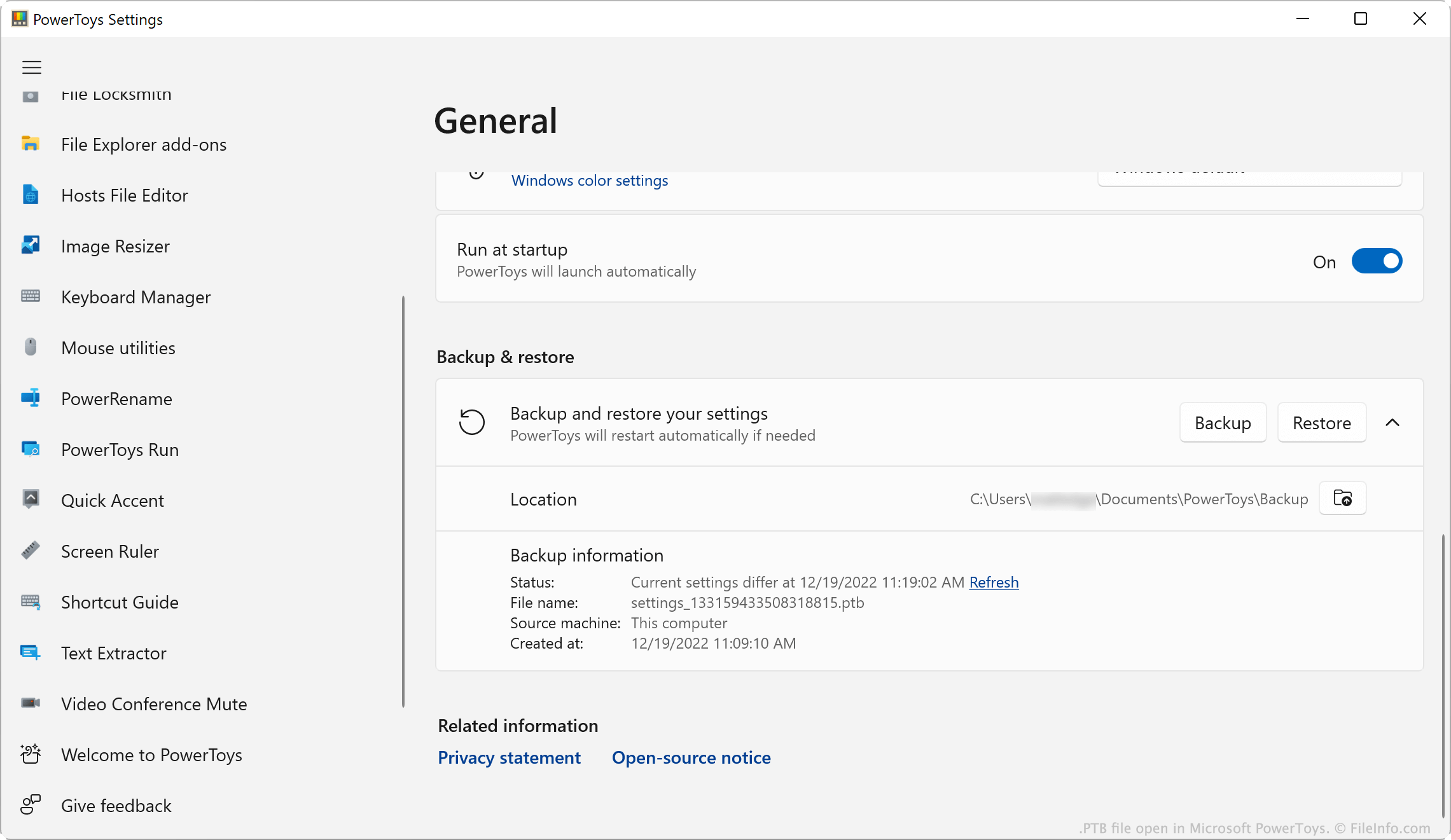
Microsoft PowerToys to zestaw narzędzi, który pozwala użytkownikom systemów Windows 10 i 11 dodawać funkcje systemu Windows i dostosowywać je. PowerToys pozwala na przykład instalować dodatki do Eksploratora plików, używać próbnika kolorów do kopiowania kolorów między oknami oraz używać linijki ekranowej do mierzenia pikseli na ekranie.
Użytkownicy PowerToys mogą modyfikować ustawienia każdego z narzędzi aplikacji. Jeśli użytkownik chce utworzyć kopię zapasową ustawień, może to zrobić, otwierając menu Ustawienia PowerToys i wybierając . Spowoduje to zapisanie kopii ustawień użytkownika jako pliku PTB. Pliki PTB są zazwyczaj zapisywane w następującym katalogu:
C:/Users/YourUserName/Documents/PowerToys/Backup
UWAGA: Pliki PTB to archiwa .ZIP, które przechowują ustawienia jako pliki .JSON. Jeśli chcesz wyświetlić pliki JSON zawarte w pliku PTB, zmień rozszerzenie pliku na .zip i otwórz go tak jak każdy plik ZIP.
Jak otworzyć plik PTB
Plik PTB można otworzyć za pomocą Microsoft PowerToys (Windows). Aby to zrobić:
- Umieść plik PTB w katalogu ~/PowerToys/Backup i usuń wszystkie inne znajdujące się tam pliki PTB.
- Otwórz PowerToys, a następnie w oknie Ustawienia PowerToys wybierz .
- Przewiń do sekcji .
- Kliknij .
PowerToys zastosuje ustawienia zapisane w pliku PTB.