

.PTB Extension de fichier
Fichier Power Tab
| Développeur | Power Tab Community |
| Popularité |
3,1 | 16 Votes |
Qu'est-ce qu'un fichier PTB ?
Un fichier PTB contient une tablature de guitare ou de basse créée par Power Tab Editor, un programme permettant aux musiciens de créer, modifier et partager des tablatures de guitare et de basse. Il stocke des informations détaillées sur la manière de jouer une chanson ou une pièce musicale, avec une tablature indiquant les notes exactes, la position des doigts et le rythme. Les fichiers PTB peuvent également inclure une notation musicale standard, les paroles et d'autres notes sur la chanson.
Plus d'informations
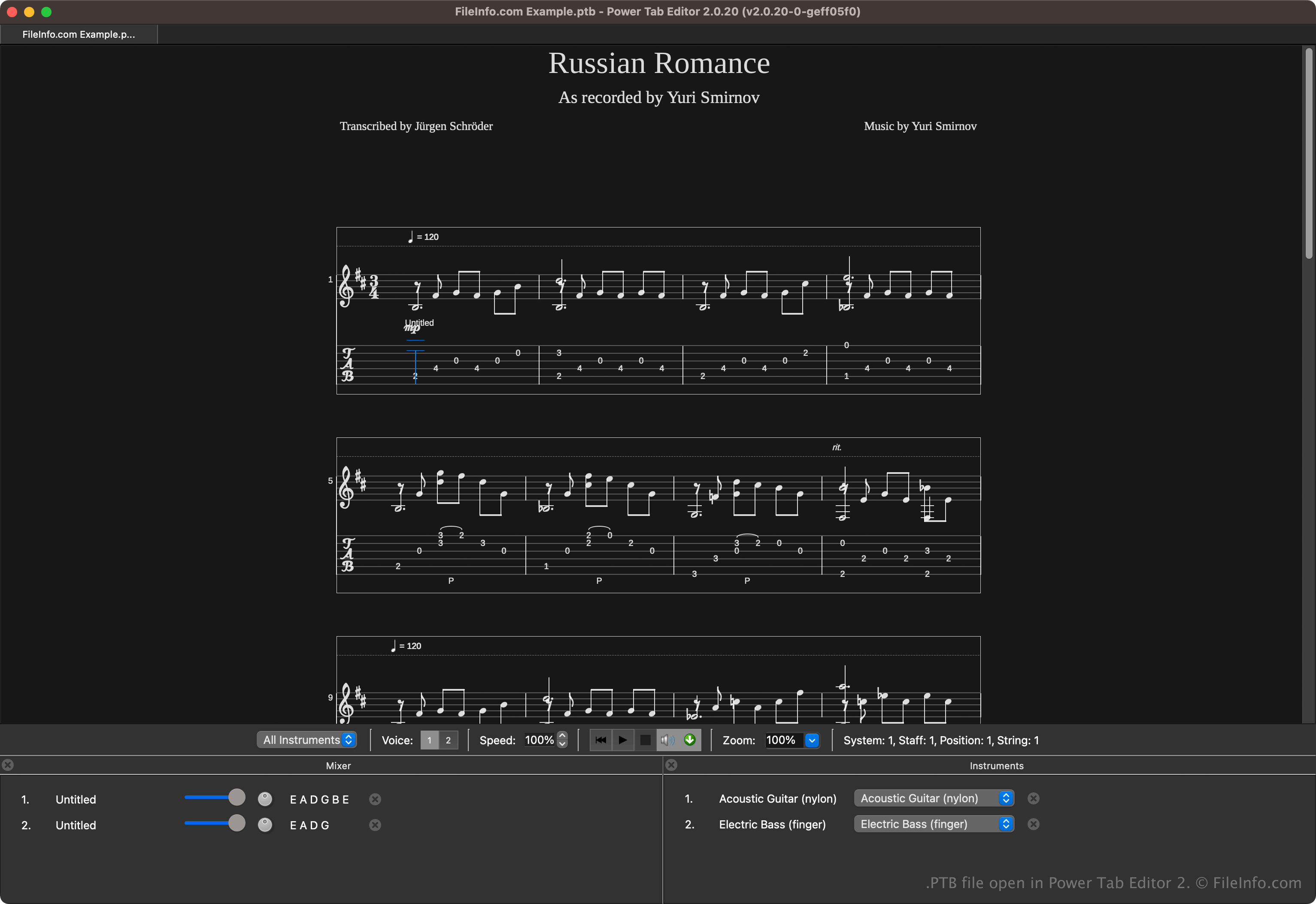
Power Tab Editor permet aux musiciens d'écrire et de partager des tablatures dans un format accessible. Ce format est largement partagé dans la communauté musicale, car il est utile aux débutants comme aux musiciens expérimentés qui souhaitent apprendre la musique plus facilement sans lire de partitions traditionnelles.
Brad Larsen a initialement développé et publié Power Tab Editor à la fin des années 1990. Bien que le programme soit devenu populaire auprès des guitaristes et des bassistes, son développement a finalement cessé au début des années 2000. Cependant, les passionnés du logiciel ont continué à le développer après avoir acquis son code source et ont publié une deuxième version open source, qui enregistre les tablatures dans des fichiers .PT2 au lieu de fichiers PTB.
Comment ouvrir un fichier PTB
Vous pouvez ouvrir les fichiers PTB avec Power Tab Editor. Pour ouvrir un fichier PTB, sélectionnez .
Plusieurs applications tierces peuvent également ouvrir les fichiers PTB. Parmi les options disponibles figurent TuxGuitar et Arobas Music Guitar Pro.
Comment convertir un fichier PTB
Plusieurs applications, notamment TuxGuitar, Power Tab Editor et Arobas Music Guitar Pro, peuvent convertir les fichiers PTB vers d'autres types de fichiers.
Par exemple, TuxGuitar peut convertir les fichiers PTB dans les formats suivants :
Programmes qui ouvrent les fichiers PTB
Sauvegarde des paramètres de PowerToys
| Développeur | Microsoft |
| Popularité |
4,0 | 2 Votes |
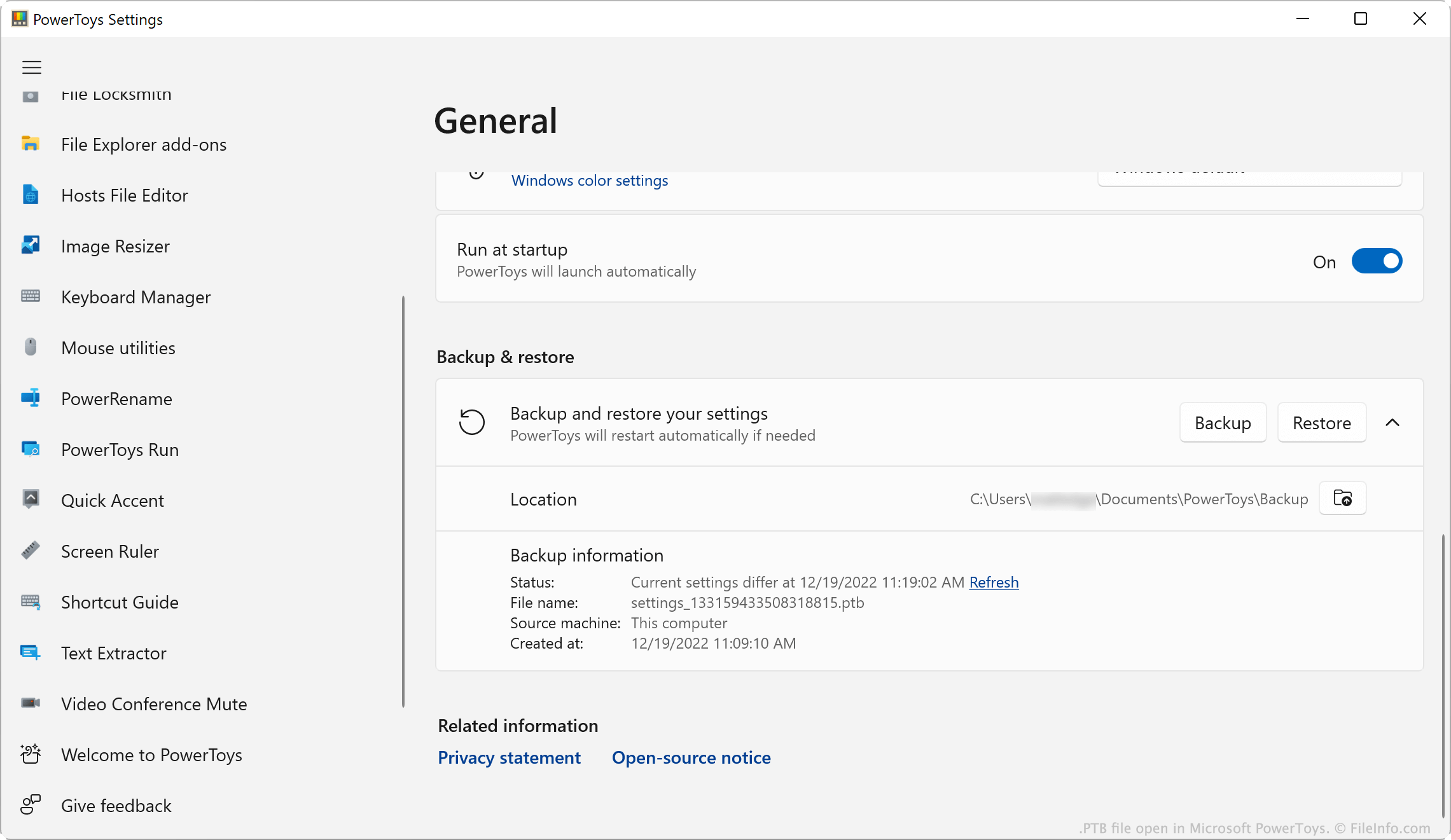
Un fichier PTB est un fichier de sauvegarde créé par Microsoft PowerToys, un utilitaire qui permet aux utilisateurs de personnaliser Microsoft Windows. Il contient une copie des paramètres PowerToys d'un utilisateur. Les utilisateurs créent et chargent des fichiers PTB depuis la fenêtre Paramètres de PowerToys de l'application.
Plus d'informations
Microsoft PowerToys est un ensemble d'utilitaires qui permet aux utilisateurs de Windows 10 et 11 d'ajouter et d'ajuster des fonctionnalités de Windows. Par exemple, PowerToys permet aux utilisateurs d'installer des modules complémentaires pour l'Explorateur de fichiers, d'utiliser un sélecteur de couleurs pour copier des couleurs entre les fenêtres et d'utiliser une règle à l'écran pour mesurer les pixels affichés à l'écran.
Les utilisateurs de PowerToys peuvent modifier les paramètres de chacun des utilitaires de l'application. Si un utilisateur souhaite sauvegarder ses paramètres, il peut le faire en ouvrant le menu Paramètres de PowerToys et en sélectionnant . Cela enregistre une copie des paramètres de l'utilisateur dans un fichier PTB. Généralement, les fichiers PTB sont enregistrés dans le répertoire suivant :
C:/Users/YourUserName/Documents/PowerToys/Backup
REMARQUE : Les fichiers PTB sont des archives .ZIP qui stockent les paramètres sous forme de fichiers .JSON. Si vous souhaitez afficher les fichiers JSON contenus dans un fichier PTB, remplacez l'extension du fichier par .zip et ouvrez-le comme n'importe quel fichier ZIP.
Comment ouvrir un fichier PTB
Vous pouvez ouvrir un fichier PTB avec Microsoft PowerToys (Windows). Pour ce faire :
- Placez votre fichier PTB dans le répertoire ~/PowerToys/Backup et supprimez tous les autres fichiers PTB qui s'y trouvent.
- Ouvrez PowerToys et, dans la fenêtre Paramètres de PowerToys, sélectionnez .
- Faites défiler la page jusqu'à la section .
- Cliquez sur .
PowerToys appliquera les paramètres enregistrés dans votre fichier PTB.