

.AFPACKAGE 파일 확장자
Affinity 패키지
| 개발사 | Canva |
| 인기도 |
2.0 | 2 표 |
AFPACKAGE 파일이란 무엇인가요?
AFPACKAGE 파일에는 리소스(글꼴, 연결된 이미지 등)와 함께 패키지된 Affinity 문서(.AF 파일)가 들어 있습니다. AF 파일을 패키지로 저장하면 Affinity에서 사용자가 문서를 리소스와 함께 전송할 수 있으므로, 다른 컴퓨터에 Affinity를 별도로 설치한 환경에서 문서를 열거나 인쇄할 때 동일하게 표시됩니다.
추가 정보
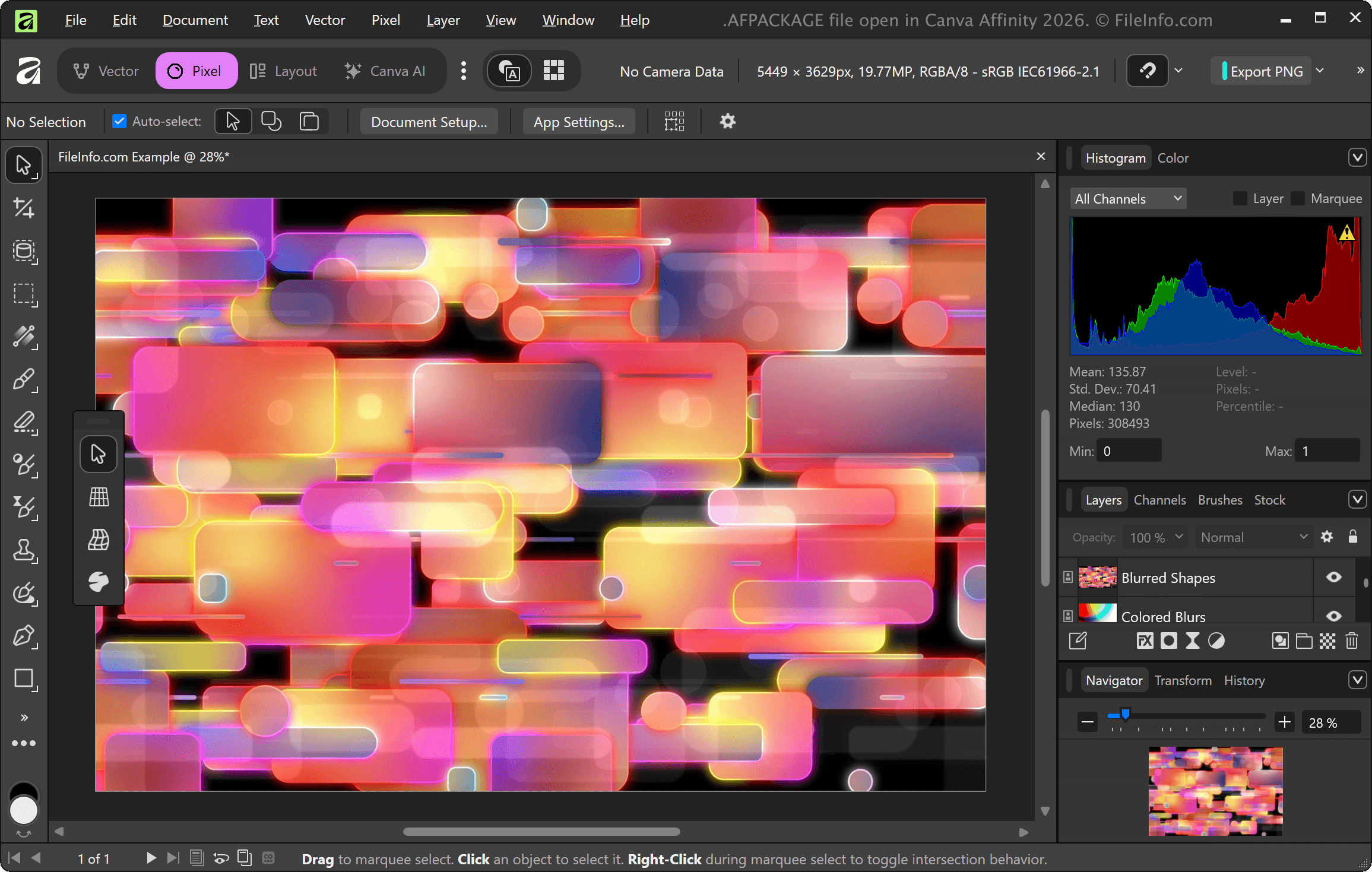
Affinity 문서 파일에는 프로젝트의 이미지 및 기타 에셋에 대한 링크가 포함되어 있는 경우가 많습니다. 문서의 링크와 이미지를 보존하려면 프로젝트를 AFPACKAGE 파일로 저장할 수 있습니다. 문서를 패키지로 저장하려면 Affinity 애플리케이션 메뉴 모음에서 를 선택합니다. 파일을 저장할 때 패키지에 포함할 글꼴과 이미지도 선택할 수 있습니다.
AFPACKAGE 파일을 여는 방법
을 선택하면 Canva Affinity로 AFPACKAGE 파일을 열 수 있습니다. 아직 Serif Affinity Photo, Affinity Designer 또는 Affinity Publisher에 액세스할 수 있다면 해당 앱으로도 AFPACKAGE 파일을 열 수 있습니다.
AFPACKAGE 파일을 변환하는 방법
Canva Affinity는 AFTEMPLATE 파일을 다음을 포함한 다양한 파일 형식으로 변환할 수 있습니다:
AFPACKAGE 파일을 여는 프로그램
Windows
무료 체험판
무료 체험판
무료 체험판
Mac
무료 체험판
무료 체험판
무료 체험판