

.AFPACKAGE Extensão de arquivo
Pacote do Affinity
| Desenvolvedor | Canva |
| Popularidade |
2,0 | 2 Votos |
O que é um arquivo AFPACKAGE?
Um arquivo AFPACKAGE contém um documento do Affinity (arquivo .AF) empacotado com seus recursos (fontes, imagens vinculadas etc.). Ao salvar arquivos AF como pacotes, o Affinity permite que o usuário transfira o documento com seus recursos para que eles apareçam da mesma forma ao abri-los ou imprimi-los usando uma instalação separada do Affinity em outro computador.
Mais informações
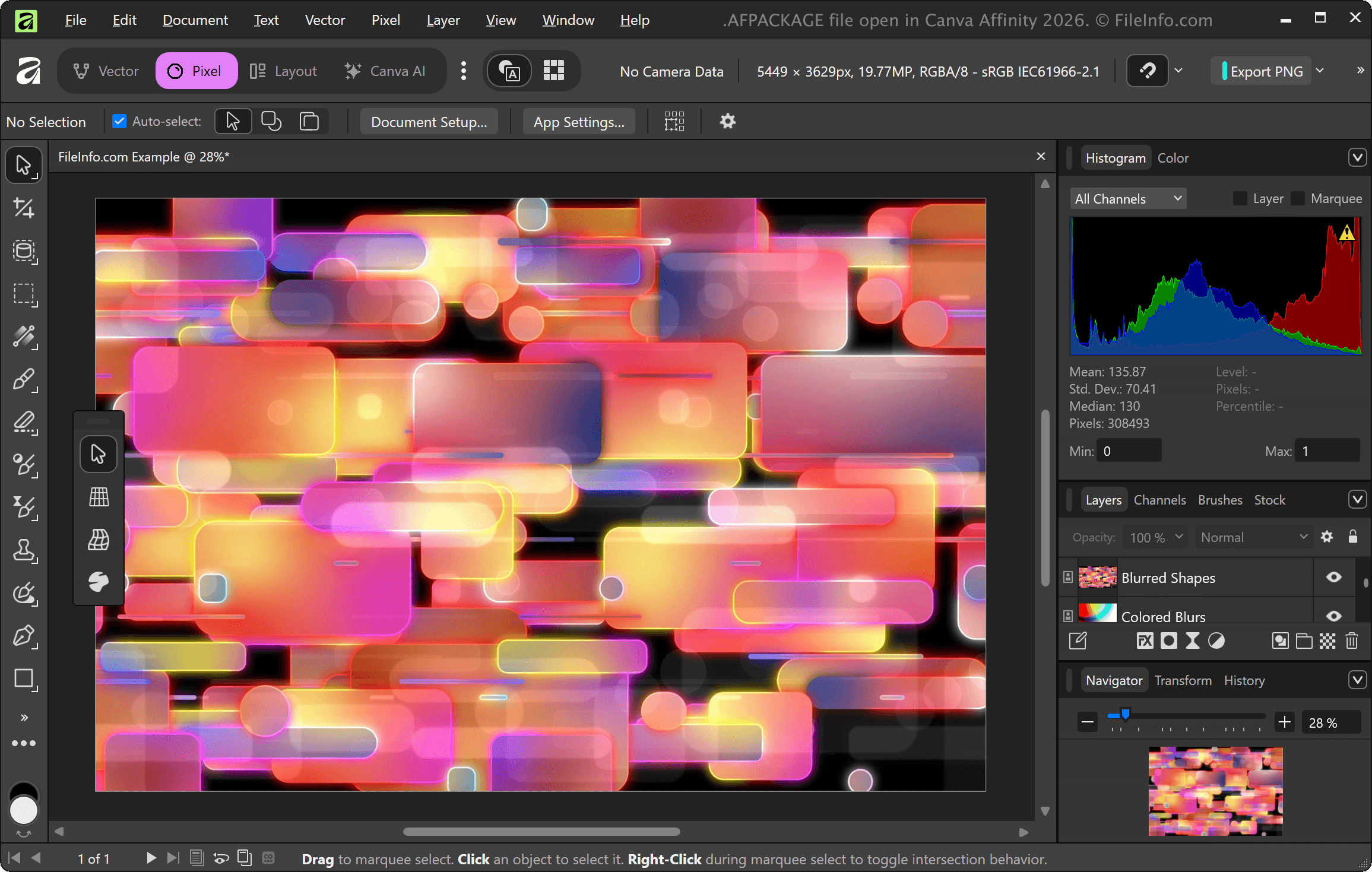
Os arquivos de documento do Affinity geralmente contêm links para imagens e outros recursos em um projeto. Para preservar os links e as imagens no documento, você pode salvar o projeto como um arquivo AFPACKAGE. Para salvar um documento como pacote, selecione na barra de menus do aplicativo Affinity. Ao salvar o arquivo, você também pode escolher as fontes e as imagens incluídas no pacote.
Como abrir um arquivo AFPACKAGE
Você pode abrir um arquivo AFPACKAGE com o Canva Affinity selecionando . Se ainda tiver acesso ao Serif Affinity Photo, ao Affinity Designer ou ao Affinity Publisher, também poderá abrir arquivos AFPACKAGE com esses aplicativos.
Como converter um arquivo AFPACKAGE
O Canva Affinity pode converter arquivos AFTEMPLATE em vários tipos de arquivo, incluindo os seguintes formatos:
- .AF - Documento do Affinity
- .PDF - Formato de Documento Portátil
- .JPG - Imagem JPEG
- .PNG - Gráficos de Rede Portáteis
- .GIF - Formato de Intercâmbio Gráfico
- .EPS - PostScript Encapsulado
- .SVG - Gráficos Vetoriais Escaláveis
- .TIFF - Formato de Arquivo de Imagem Marcado
- .HDR - Imagem de Alto Alcance Dinâmico
- .PSD - Documento do Adobe Photoshop