

.AFPHOTO 파일 확장자
Affinity Photo 문서
| 개발사 | Serif |
| 인기도 |
4.3 | 54 표 |
AFPHOTO 파일이란 무엇인가요?
AFPHOTO 파일은 래스터 그래픽 디자인 애플리케이션인 Serif Affinity Photo로 만든 이미지입니다. 이 파일에는 여러 이미지 레이어, 도형, 텍스트, 페인트 선, 그라디언트, 조명 및 색상 효과가 포함될 수 있는 이미지 구성이 저장됩니다.
추가 정보
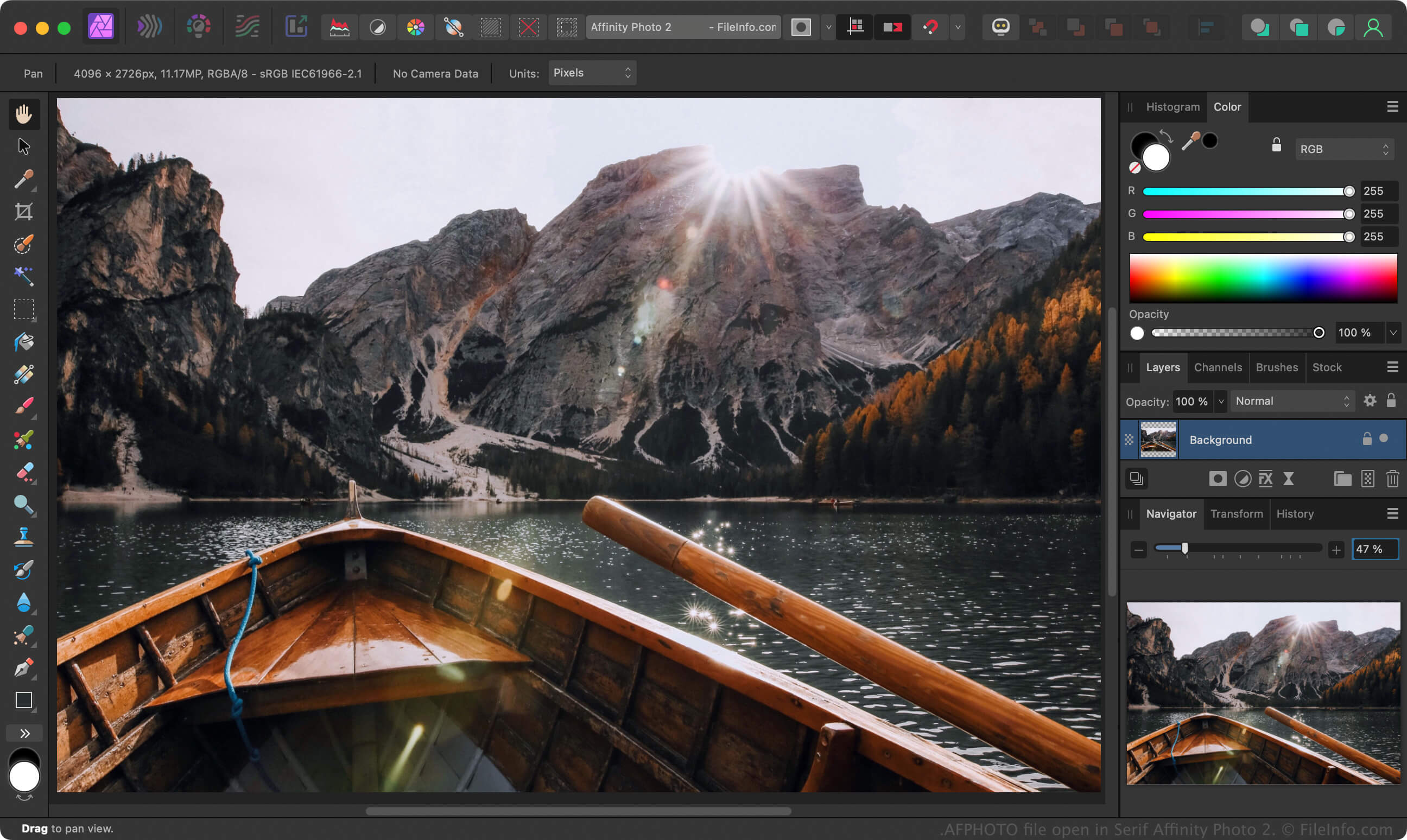
Affinity Photo는 전문 사진작가와 기타 디지털 아티스트가 사진을 수정하고 이미지를 만드는 데 사용하는 Adobe Photoshop의 대안입니다. Photoshop에서 사용자가 작업 중인 이미지를 .PSD 파일로 저장하는 것처럼 Affinity Photo는 작업 중인 이미지를 AFPHOTO 파일로 저장합니다.
Windows 및 Mac 버전의 Affinity Photo에서 AFPHOTO 파일을 만들려면 를 선택하고 이미지를 수정한 다음 또는 를 선택합니다. 진행 상황을 AFPHOTO 파일로 저장한 후 파일을 닫았다가 다시 열어 계속 편집할 수 있습니다.
참고: Canva는 2024년에 Serif를 인수하고 Affinity Photo를 Affinity로 대체했습니다.
AFPHOTO 파일을 여는 방법
Windows 및 macOS에서 Canva Affinity로 AFPHOTO 파일을 열 수 있습니다. Windows 또는 Mac 버전의 Affinity에서 AFPHOTO 파일을 열려면 을 선택합니다.
AFPHOTO 파일을 변환하는 방법
Canva Affinity는 AFPHOTO 파일을 다음과 같은 다양한 파일 형식으로 변환할 수 있습니다:
AFPHOTO 파일을 여는 프로그램
Windows
Mac