

.AFPHOTO Estensione file
Documento Affinity Photo
| Sviluppatore | Serif |
| Popolarità |
4,3 | 54 Voti |
Che cos'è un file AFPHOTO?
Un file AFPHOTO è un'immagine creata da Serif Affinity Photo, un'applicazione di progettazione di grafica raster. Memorizza una composizione dell'immagine, che può includere più livelli immagine, forme, testo, pennellate, sfumature ed effetti di illuminazione e colorazione.
Maggiori informazioni
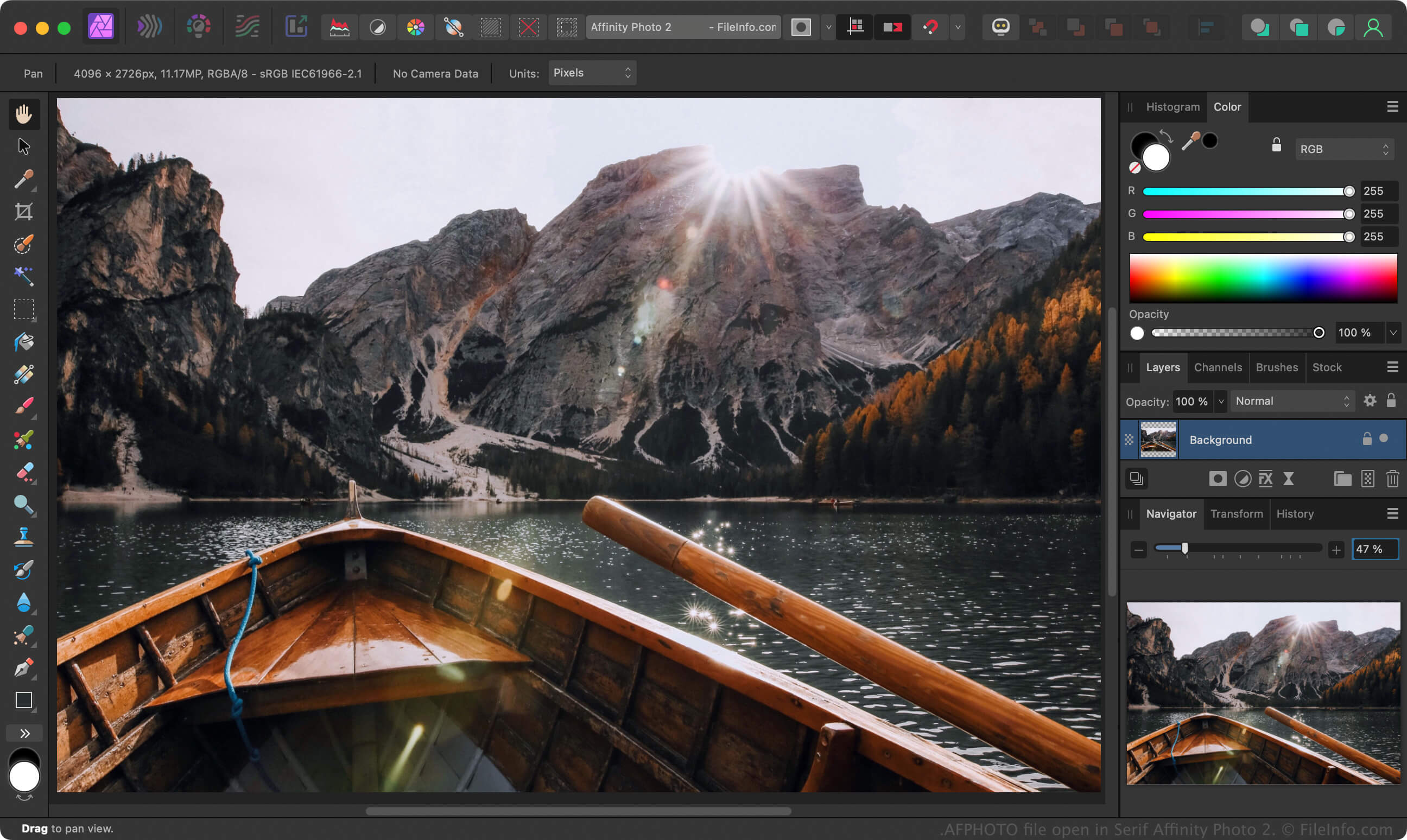
Affinity Photo è un'alternativa ad Adobe Photoshop che i fotografi professionisti e altri artisti digitali utilizzano per modificare fotografie e creare immagini. Proprio come Photoshop salva le immagini a cui gli utenti stanno lavorando come file .PSD, Affinity Photo salva le immagini in lavorazione in file AFPHOTO.
Per creare un file AFPHOTO con le versioni per Windows e Mac di Affinity Photo, seleziona , modifica l'immagine, quindi seleziona o . Dopo aver salvato il lavoro come file AFPHOTO, puoi chiuderlo e riaprirlo per continuare a modificarlo.
NOTA: Canva ha acquisito Serif nel 2024 e ha sostituito Affinity Photo con Affinity.
Come aprire un file AFPHOTO
Puoi aprire un file AFPHOTO con Canva Affinity in Windows e macOS. Per aprire un file AFPHOTO con la versione per Windows o Mac di Affinity, seleziona .
Come convertire un file AFPHOTO
Canva Affinity può convertire i file AFPHOTO in vari tipi di file, inclusi i seguenti formati:
- .PSD - Documento Adobe Photoshop
- .PDF - Portable Document Format
- .JPG - Immagine JPEG
- .PNG - Grafica di rete portatile
- .GIF - Graphical Interchange Format
- .EPS - PostScript incapsulato
- .SVG - Grafica vettoriale scalabile
- .TIFF - Tagged Image File Format
- .EXR - Immagine OpenEXR
- .HDR - Immagine ad alta gamma dinamica