

.PLC Estensione file
Bozza di progetto Teamwork di Archicad
| Sviluppatore | GRAPHISOFT |
| Popolarità |
2,5 | 2 Voti |
Un file PLC è una bozza di progetto Teamwork creata con il software di progettazione architettonica GRAPHISOFT Archicad. Memorizza tutti i dati del modello e le viste di Archicad per un progetto Teamwork .PLP, ma viene salvato sul computer locale dell'utente invece di essere ospitato su BIMcloud. I file PLC sono simili ai progetti singoli .PLN, ma sono collegati ai file PLP per inviare e ricevere aggiornamenti dal progetto Teamwork ospitato su BIMcloud.
Maggiori informazioni
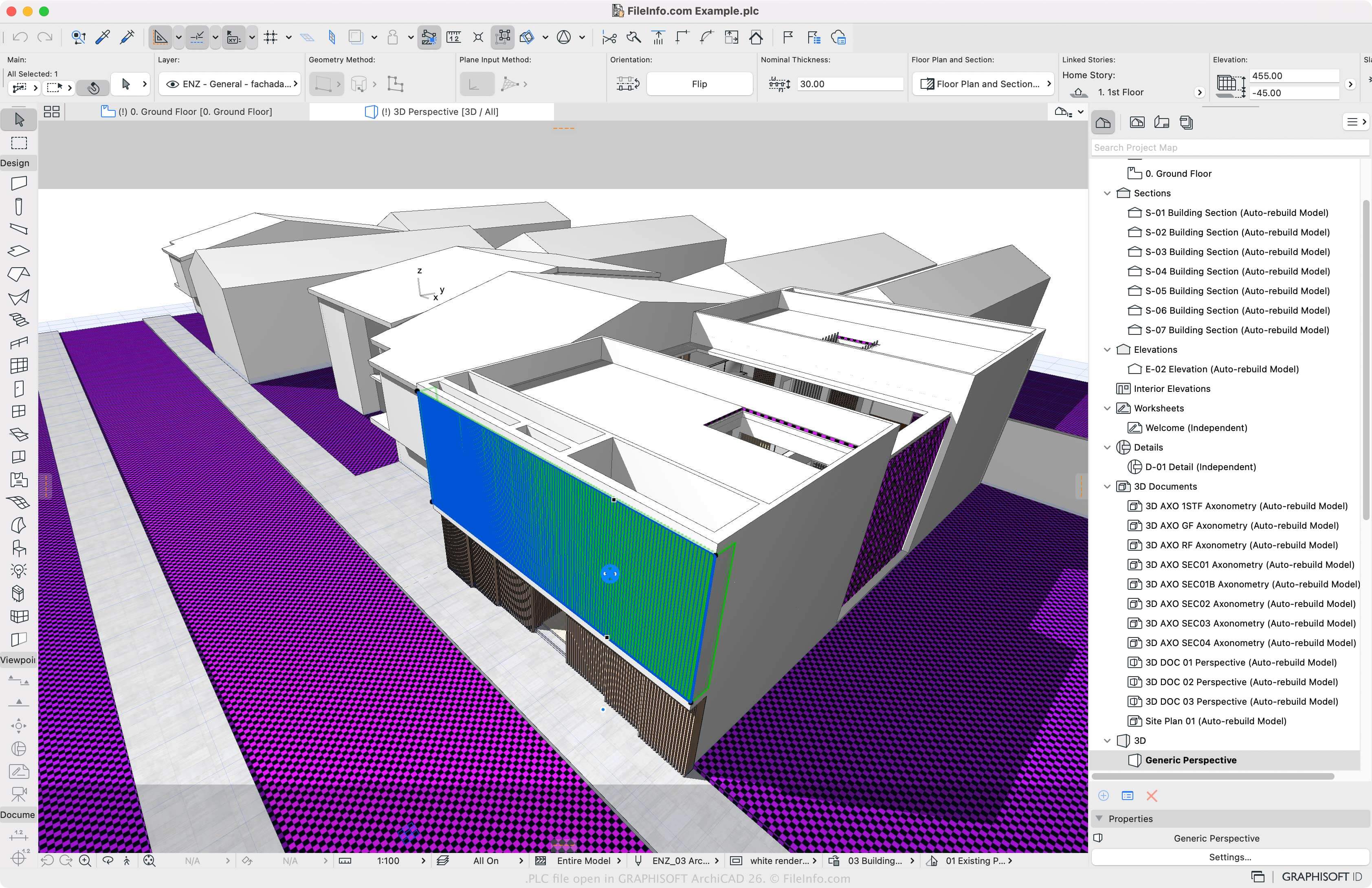
GRAPHISOFT Archicad è un'applicazione di modellazione delle informazioni di edificio (BIM) per progettare l'aspetto di varie strutture, come abitazioni, edifici per uffici e hotel. Con l'applicazione puoi modificare l'aspetto degli interni, degli esterni e dei paesaggi della struttura.
Archicad ti consente anche di lavorare da remoto con un team di altri utenti tramite lo spazio di archiviazione BIMcloud. Tramite BIMcloud puoi creare un file di progetto Teamwork PLP che ogni membro del team può modificare. Archicad consente inoltre a ogni utente che lavora al progetto di salvare facoltativamente una bozza del progetto Teamwork come file PLC sul proprio computer, così da poter modificare la bozza e poi inviarla al progetto Teamwork quando è pronta.
Come creare un file PLC con Archicad
Per creare un file PLC, devi prima aprire il file PLP selezionando oppure . Se non lo hai già fatto, ti verrà chiesto di accedere a BIMcloud; quindi potrai salvare una bozza del progetto Teamwork come file PLC sul tuo computer locale.
Come aprire un file PLC
Puoi aprire i file PLC solo con GRAPHISOFT Archicad in Windows e macOS. Per aprire un file PLC, seleziona .
Come convertire un file PLC
Graphisoft Archicad può convertire i file PLC in vari tipi di file, inclusi i seguenti formati:
- .PLN - Progetto singolo Archicad
- .PLA - Archivio di progetto Archicad
- .DWG - Disegno AutoCAD
- .DXF - Drawing Exchange Format
- .IFC - File Industry Foundation Classes
- .C4D - Modello Cinema 4D
- .3DS - Scena 3D Studio
- .SKP - Documento SketchUp
- .OBJ - File oggetto 3D Wavefront
- .STL - File Stereolithography
- .PDF - Portable Document Format
- .JPG - Immagine JPEG