

.CDT Estensione file
Modello CorelDRAW (legacy)
| Sviluppatore | Corel |
| Popolarità |
3,0 | 9 Voti |
Un file CDT è un modello creato da CorelDRAW, un programma di modifica delle immagini e impaginazione incluso in CorelDRAW Graphics Suite. Contiene le proprietà di un nuovo documento, tra cui le impostazioni di riempimento della grafica e degli oggetti e le proprietà della pagina, del righello, della griglia, delle linee guida e degli stili. Corel ha sostituito i file CDT con i file .CDRT.
Maggiori informazioni
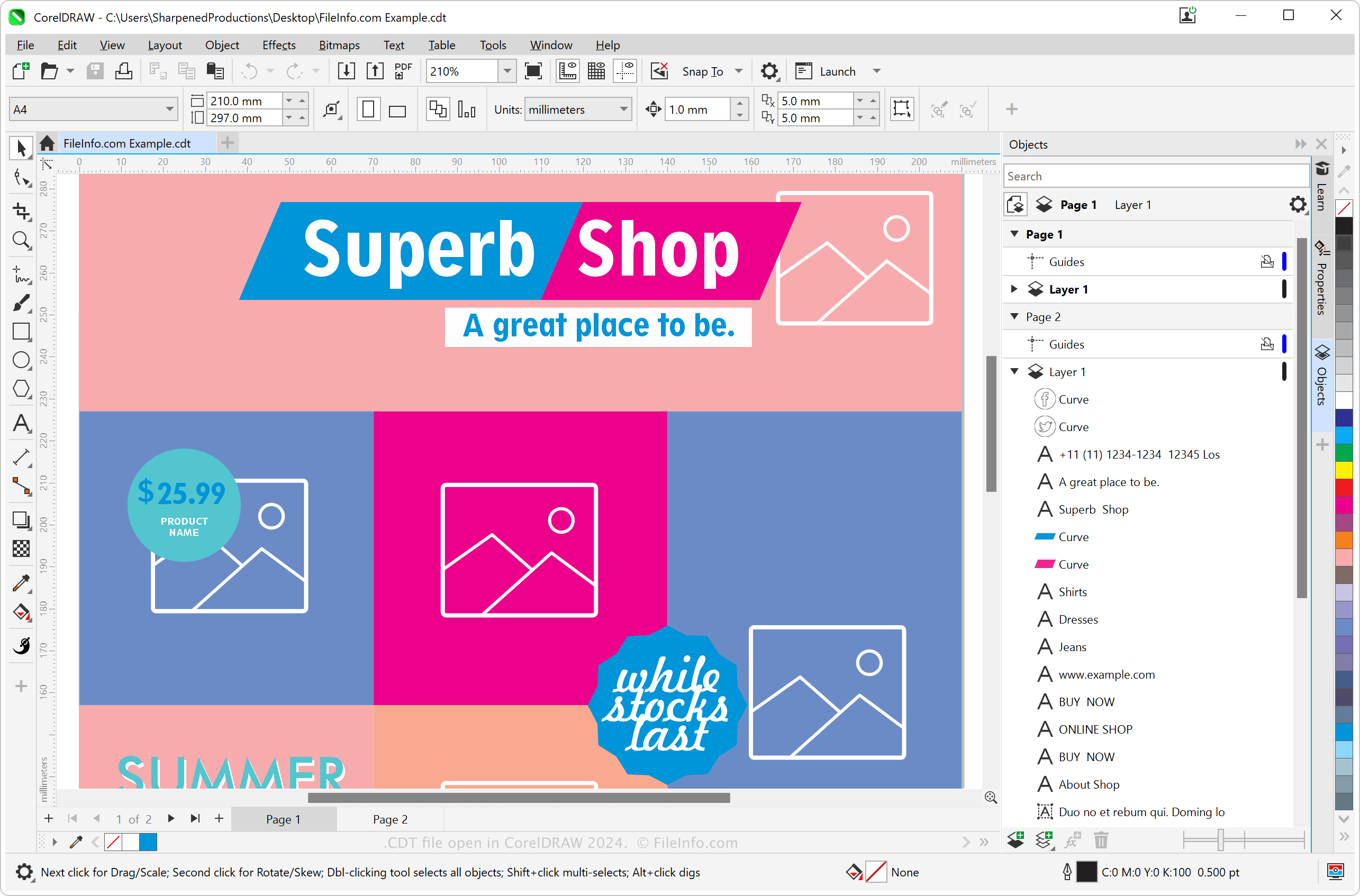
CorelDRAW è una delle varie app, insieme a PHOTO-PAINT, incluse in CorelDRAW Graphics Suite. Offre numerosi strumenti per modificare grafica e documenti e mette a disposizione modelli per gli utenti che vogliono creare più documenti CDR o immagini con la stessa impaginazione o lo stesso stile. Prima che i file CDT fossero sostituiti dai file CDRT, gli utenti di CorelDRAW creavano file CDT per comporre documenti come lettere, cartoline, immagini, icone, pagine web, banner web e brochure con formattazione e contenuti simili.
Come creare un file CDT con CorelDRAW
Anche se Corel ha sostituito i file CDT, è ancora possibile creare un modello CDT da un file CDR. Per creare un file CDT, seleziona . Puoi anche modificare uno dei numerosi modelli predefiniti di Corel disponibili online e poi salvarlo come file CDT. Per accedere a questi modelli nell'applicazione, seleziona .
Come aprire un file CDT
Puoi aprire un file CDT con l'applicazione CorelDRAW inclusa in CorelDRAW Graphics Suite per Windows e macOS. Per aprire un file CDT, seleziona oppure .
Puoi aprire i file CDT anche con Corel Presentations (Windows), Canvas X Pro (Windows) e Inkscape (multipiattaforma).
Come convertire un file CDT
CorelDRAW Graphics Suite può convertire i file CDT in molti formati. Per convertire un file CDT con CorelDRAW, seleziona e scegli uno dei seguenti formati:
- .JPG - Immagine JPEG
- .PNG - Grafica di rete portatile
- .SVG - File di grafica vettoriale scalabile
- .EPS - File PostScript incapsulato
- .DWG - Disegno AutoCAD
- .DXF - Drawing Exchange Format
- .PSD - Documento Adobe Photoshop
- .AI - Grafica Adobe Illustrator
- .DOC - Documento Microsoft Word (legacy)
- .PDF - Portable Document Format
Programmi che aprono i file CDT
Modello di ConceptDraw DIAGRAM (precedente)
| Sviluppatore | Computer Systems Odessa |
| Popolarità |
1,8 | 5 Voti |
Un file CDT è un modello di diagramma creato da CS Odessa ConceptDraw DIAGRAM, un'applicazione per la creazione di diagrammi. Memorizza un diagramma, in modo simile a un file .CDD, che contiene forme, linee, testo e simboli preimpostati, ma gli utenti lo usano principalmente per generare nuovi diagrammi con contenuti e design simili. Gli utenti di ConceptDraw DIAGRAM possono creare modelli CDT oppure CS Odessa può includerli nel software.
Maggiori informazioni
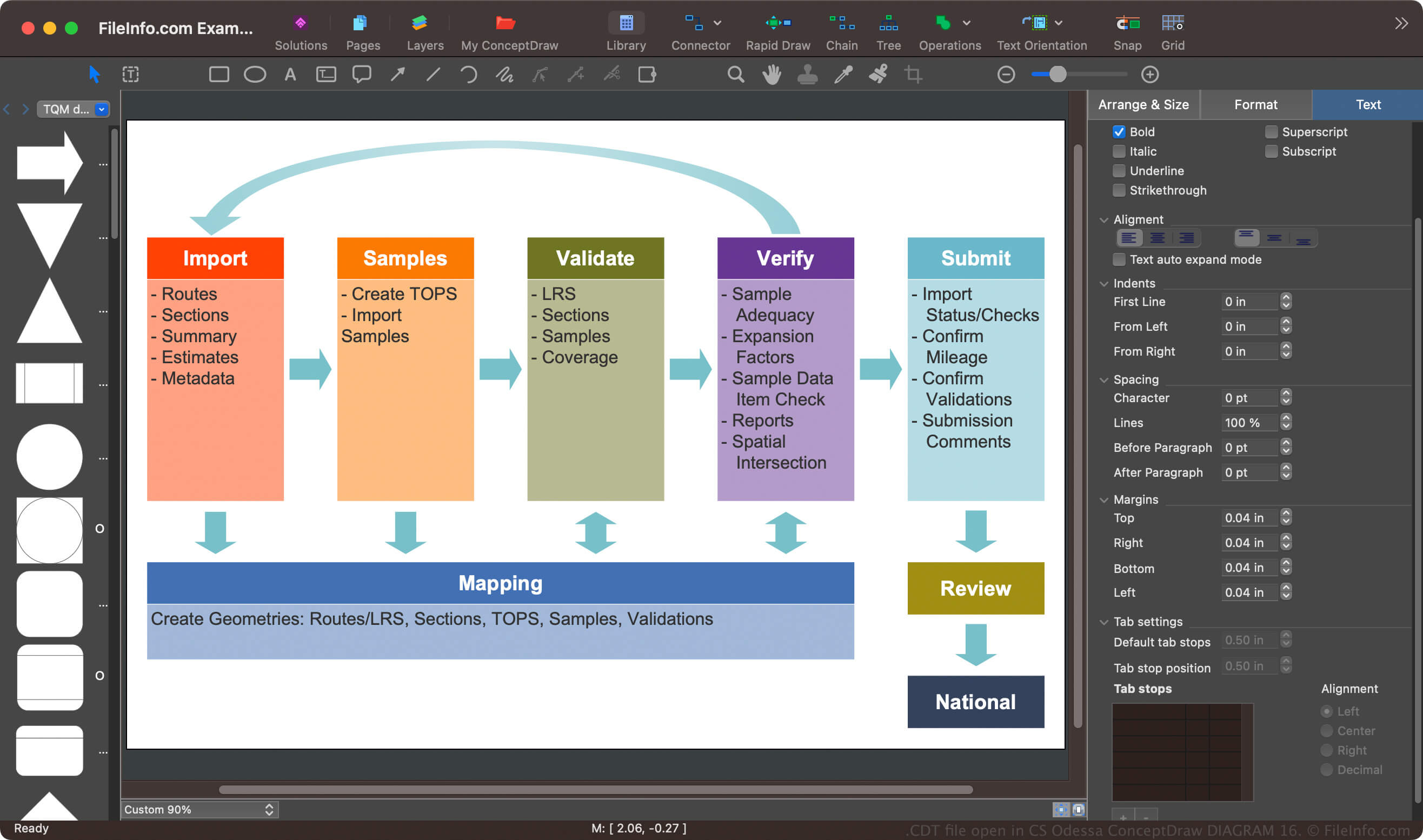
ConceptDraw DIAGRAM è un'applicazione per la creazione di diagrammi, destinata sia agli utenti amatoriali sia ai professionisti, per Windows e macOS. Puoi usare l'app per documentare processi semplici e complessi, come la cronologia della festa per l'anniversario dei tuoi genitori o le complessità del processo di distribuzione di un software aziendale.
Il formato CDT era il formato predefinito per il salvataggio dei modelli di diagramma in ConceptDraw PRO, prima che CS Odessa lo sostituisse con il formato .CDTZ al rilascio della versione 10 del software (e in seguito rinominasse l'app in ConceptDraw DIAGRAM). Tuttavia, il software può ancora salvare i modelli di diagramma come file CDT (seleziona , quindi scegli dal menu a discesa "File Format").
Come aprire un file CDT
Puoi aprire i file CDT con CS Odessa ConceptDraw DIAGRAM in Windows e macOS. Per aprire un file CDT, seleziona .
Come convertire un file CDT
CS Odessa ConceptDraw DIAGRAM può convertire i file CDT in vari tipi di file, inclusi i seguenti formati:
- .CDDZ - Documento ConceptDraw DIAGRAM
- .CDD - Documento ConceptDraw DIAGRAM (precedente)
- .PPTX - Presentazione Microsoft PowerPoint
- .VSDX - Disegno Microsoft Visio
- .VDX - File XML di disegno Visio
- .JPG - Immagine JPEG
- .PNG - Grafica di rete portatile
- .SVG - Grafica vettoriale scalabile
- .PDF - File in formato PDF
- .SWF - Filmato Shockwave Flash