.PEF 文件扩展名

Pentax Electronic File

开发者 Pentax
受欢迎程度
2.8  |  25 
 
🔍使用File Helper直接在您的网络浏览器中打开 .PEF 文件在线查看

什么是 PEF 文件?

A PEF file is a raw camera image created by Pentax digital cameras. It stores image information exactly how it was captured by the camera's CCD sensor, with no compression or color adjustment. Professional photographers typically use PEF files because they store higher-quality images.

更多信息

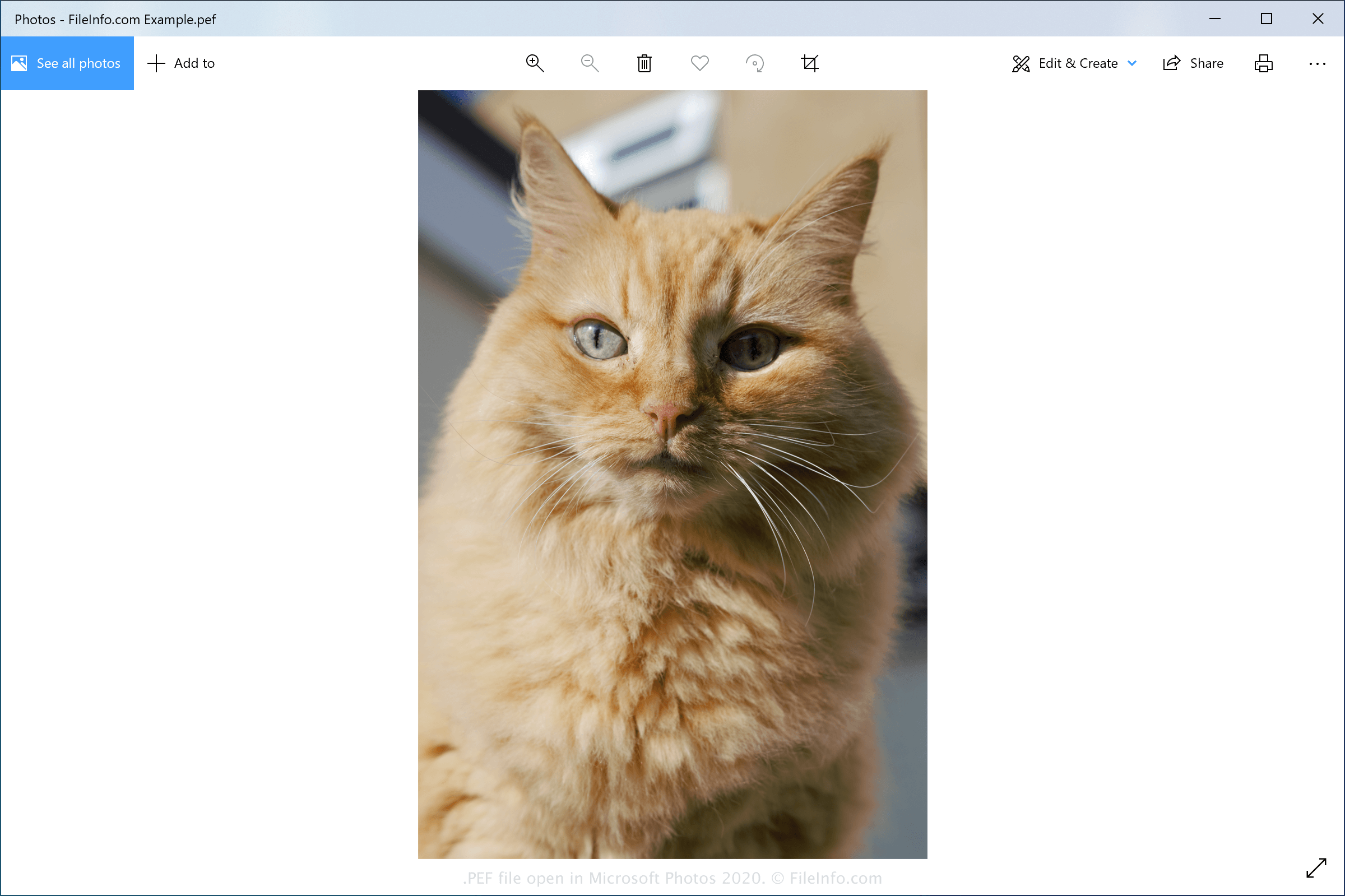
在 Microsoft Photos 2020 中打开的 .pef 文件截图
在 Microsoft Photos 2020 中打开的 PEF 文件

PEF files are saved in the Pentax Electronic format utilized by various Pentax camera models. Pentax cameras may store images in slightly different variations of the format. For example, images saved in the Pentax Electronic format may also be saved with a .PTX file extension.

The PEF format is one of many raw image formats utilized by various camera manufacturers. Other raw file types include:

如何打开 PEF 文件

You can open and edit PEF files with various image editing programs, including the software bundled with Pentax digital camera purchases. You can also open PEF files with Microsoft Photos (bundled with Windows) and Apple Preview (bundled with macOS).

Some third-party image editors that support PEF files include Microsoft Photos (bundled with Windows), Adobe Photoshop (Windows and macOS), ACD Systems ACDSee (Windows), and Corel PaintShop Pro (Windows).

可打开 PEF 文件的程序

PEF Braille Book File

开发者 DAISY Consortium
受欢迎程度
2.0  |  1 
 

File created in the Portable Embosser Format (PEF), an XML format used to store braille books in digital form; includes unambiguous embossing specifications; enables braille books to be stored and shared in an unambiguous exchange format.

更多信息

PEF was developed to handle some cases of ambiguity from other braille formats, such as ASCII braille.

PEF files can be opened and created using Braille Utils, a Java library for PEF manipulation. PEF files can also be generated from .ODT documents using odt2braille, a plugin for OpenOffice.org 3.0 or later.

可打开或引用 PEF 文件的程序

Windows
Mac
Linux
分类: 电子书
更新时间: 2011-06-16

验证者 FileInfo.com

FileInfo.com 团队 独立研究了本页面列出的所有文件格式和软件程序。 我们的目标是达到 100% 的准确率,并且仅发布我们已验证过的文件类型信息。

如果您想为此页面提出新增或更新建议,请告诉我们