.NRW 文件扩展名
Nikon Raw Image
| 开发者 | Nikon |
| 受欢迎程度 |
4.0 | 89 票 |
什么是 NRW 文件?
An NRW file is a camera raw image produced by high-end Nikon COOLPIX digital cameras. It stores image data in an uncompressed Nikon Raw (NRW) format that a camera or computer may process. Various image editors can open, edit, and convert NRW files, including Nikon ViewNX2 and Adobe Photoshop.
更多信息
NRW files are similar to .NEF files saved in the Nikon Electronic Format but are designed to support Windows Imaging Component (WIC) functions. Additionally, NRW files are often large (typically 22MB or more) since they store 12-bit RGB CCD-RAW camera information at a high resolution in an uncompressed format.
The large amount of image data saved in an NRW file enables you to edit the image's color, shadows, brightness, warmth, and contrast more accurately. Also, NRW files store image adjustments separately from the image data, which means you can undo changes you apply to the image.
注: To capture images in the NRW format on a COOLPIX camera, select the NRW or RAW option in the camera menu.
如何打开 NRW 文件
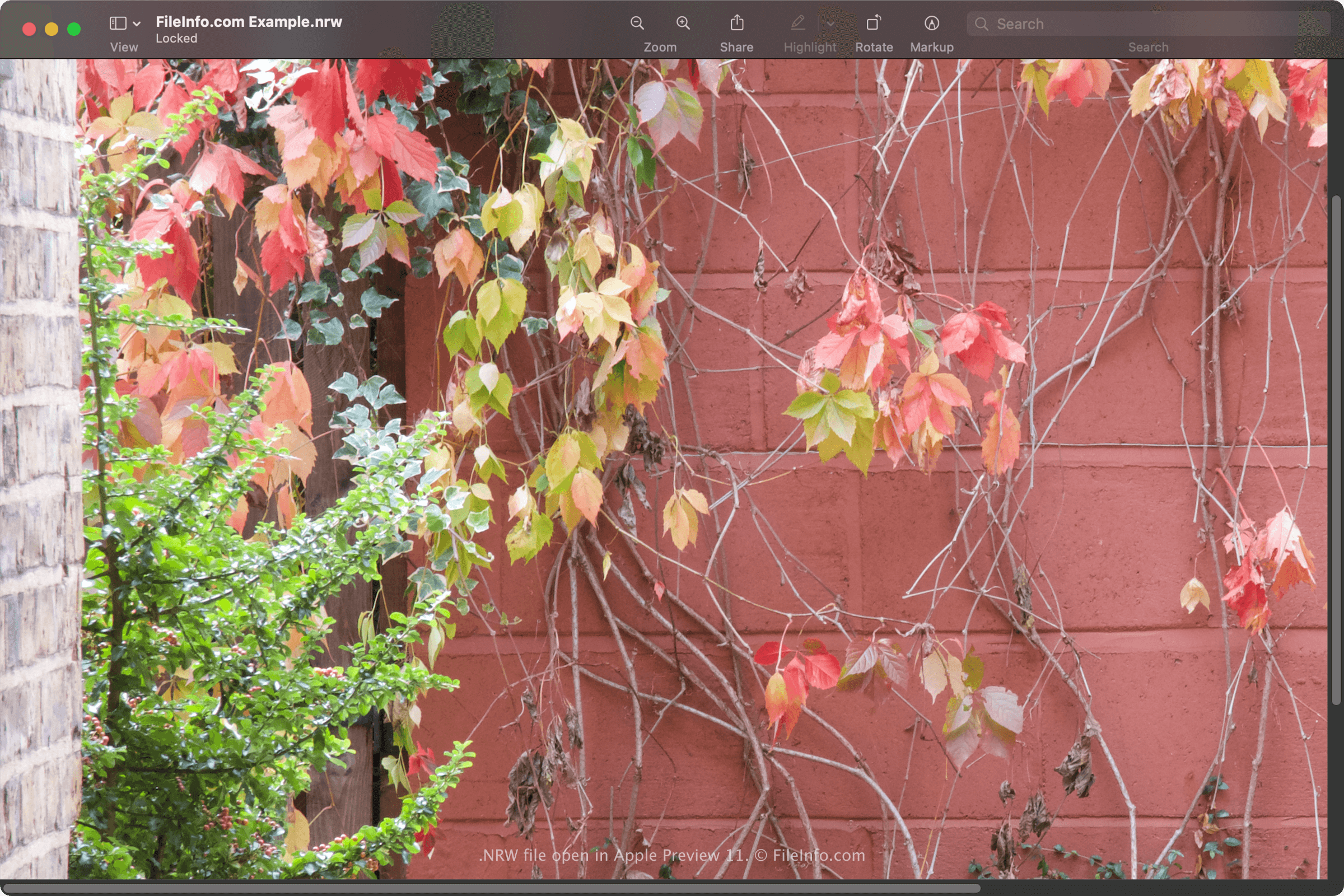
You can open an NRW file with various image editing programs, including Nikon's ViewNX2 software. You can also open NRW files with Microsoft Photos (bundled with Windows) and Apple Preview (bundled with macOS).
Some other image editors that support NRW files include Adobe Photoshop (Windows and macOS) and Corel PaintShop Pro (Windows).
如何转换 NRW 文件
Various image editors, including Adobe Photoshop and Apple Preview, can convert NRW images to other formats.
For example, Photoshop can convert NRW images to various file types, including the following formats: