

.EMZ 文件扩展名
Windows压缩增强型图元文件
| 开发者 | Microsoft |
| 受欢迎程度 |
3.5 | 261 票 |
什么是 EMZ 文件?
EMZ文件是使用.EMF文件通过.GZIP压缩算法压缩而成的增强型图元文件。压缩可以减少存储空间占用,并使文件更容易在应用程序之间传输。EMZ文件通常存储矢量图形,但也可能存储位图图像。
更多信息
Microsoft最初在20世纪90年代开发了Windows图元文件(.WMF)格式,用于存储矢量图形和位图数据。随后,Microsoft用增强型Windows图元文件(EMF)格式取代了WMF格式。EMF是一种与设备无关的32位格式。
Microsoft开发EMZ压缩格式,是为了减小EMF文件的大小、节省存储空间,并更方便地在应用程序之间传输EMF图形,尤其是在Microsoft Visio和Office套件之间传输。Office套件包括Word和PowerPoint。虽然EMF文件很常见,各种图像编辑器也可能导出EMF文件,但EMZ文件少见得多。
如何打开 EMZ 文件
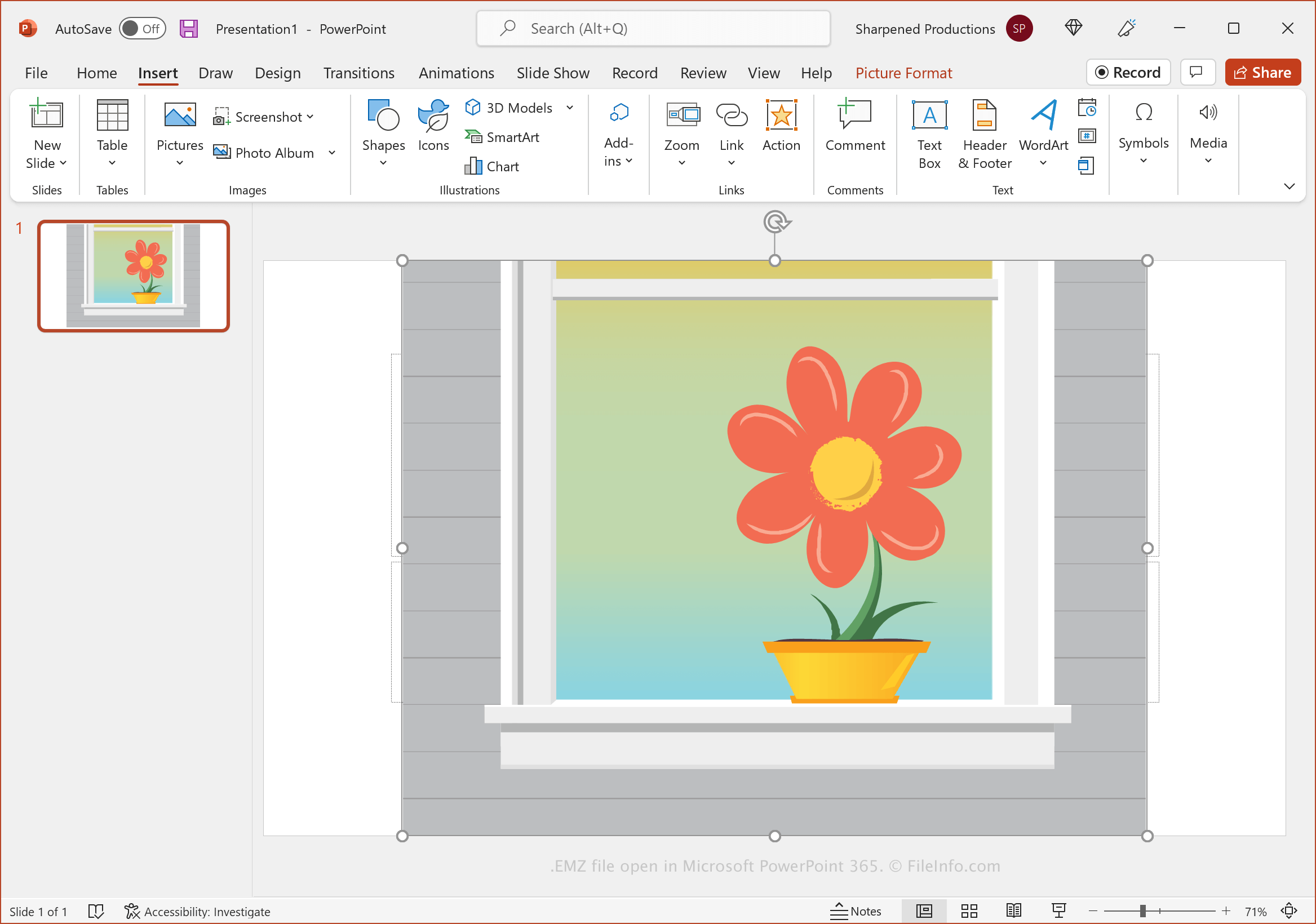
你可以在Windows中的Microsoft Visio、Word和PowerPoint中打开EMZ文件:选择选项卡,然后点击。你也可以直接将EMZ文件拖放到应用程序中打开的文档或演示文稿中。
如果你无法使用上述Office应用程序,可以使用GZIP解压缩工具解压EMZ文件,例如GNU zip(gzip.exe)、WinGZip或PeaZip。你可能需要将.emz文件扩展名重命名为.emf.gz,才能使用PeaZip提取EMF文件。解压EMZ文件后,你可以提取其中包含的EMF文件,然后使用支持EMF格式的程序打开它,例如XnViewMP(跨平台)、Adobe Illustrator和OpenOffice Draw(跨平台)。
如何转换 EMZ 文件
包括Microsoft Word和PowerPoint在内的多个应用程序都可以将EMZ文件转换为其他格式。
例如,Microsoft PowerPoint可以将EMZ文件转换为以下格式之一:
- .PDF - Portable Document Format
- .ODP - OpenDocument演示文稿
- .XPS - XML Paper Specification(仅限Windows)
- .JPEG - JPEG图像
- .PNG - Portable Network Graphic
- .GIF - Graphical Interchange Format(动画)
- .TIF - Tagged Image File Format
- .SVG - Scalable Vector Graphics
- .PPTX - Microsoft PowerPoint演示文稿
- .PPT - Microsoft PowerPoint演示文稿(旧版)