

.DINO Extensão de arquivo
Desenho do Dinopixel
| Desenvolvedor | Dinopixel |
| Popularidade |
3,5 | 2 Votos |
O que é um arquivo DINO?
Um arquivo DINO é um desenho criado pelo Dinopixel, um criador de arte em pixel online. Ele contém informações sobre o desenho, como as dimensões da tela, os traços de lápis e as cores, no formato Dinopixel (DINO). Os usuários salvam os desenhos como arquivos DINO para preservar seu progresso (baixando-os para o computador) e depois os carregam novamente no programa Dinopixel no navegador para continuar editando-os.
Mais informações
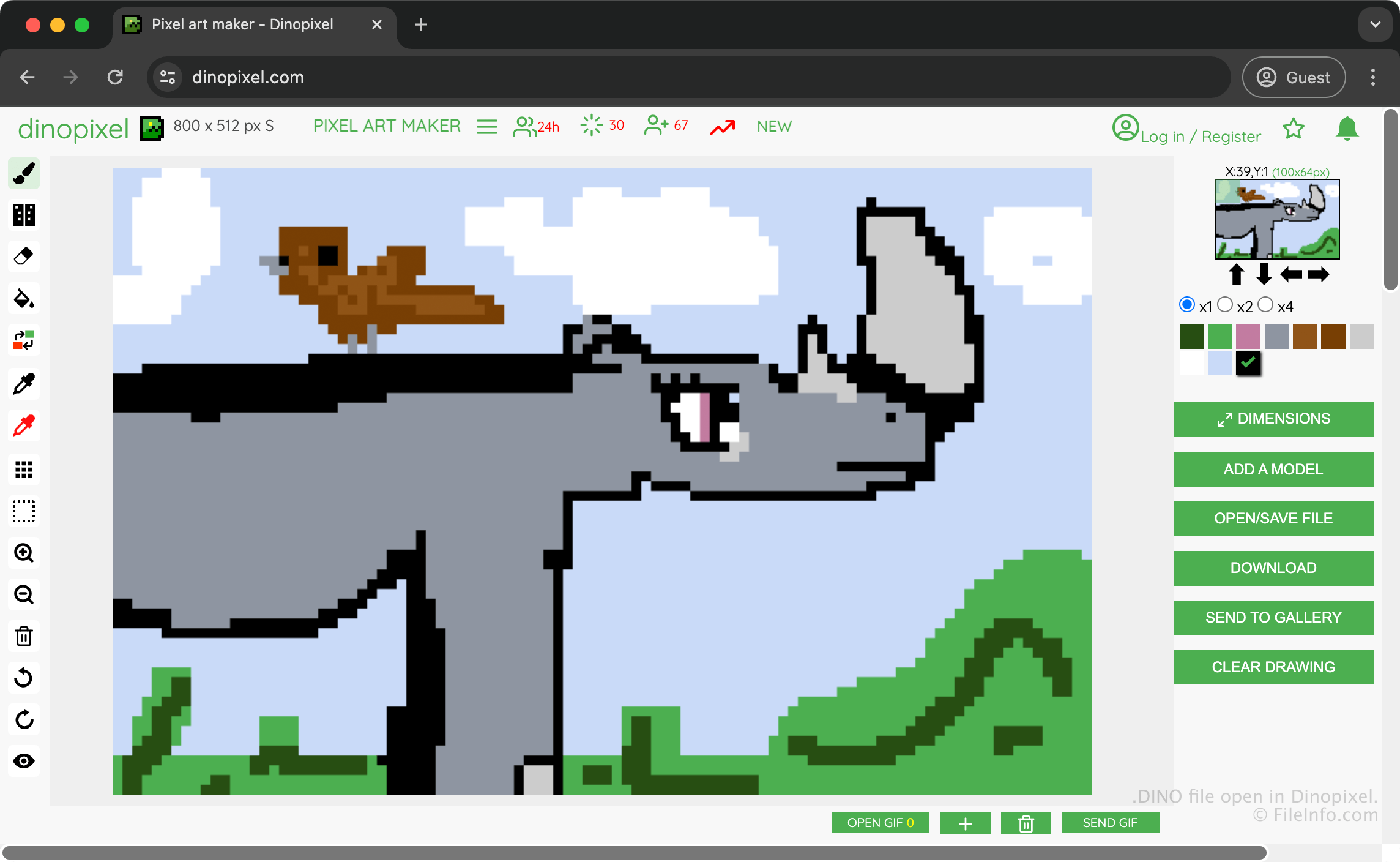
O Dinopixel é um aplicativo gratuito baseado em navegador que permite criar arte em pixel que pode ser carregada na galeria do Dinopixel para compartilhar com outros usuários. Por exemplo, você pode criar uma arte de rinoceronte, salvá-la como um arquivo DINO para preservar seu progresso e depois convertê-la em uma imagem PNG para compartilhá-la com outras pessoas.
Para criar um arquivo DINO e salvar sua arte, selecione e depois escolha . O aplicativo então baixa o arquivo DINO para sua pasta de downloads.
Como abrir um arquivo DINO
Você pode abrir um arquivo DINO com o Dinopixel em um navegador. Para abrir um arquivo DINO com o Dinopixel, selecione e depois escolha . Em seguida, será solicitado que você escolha o arquivo DINO que deseja carregar do computador para o site.
Como converter um arquivo DINO
O Dinopixel pode converter arquivos DINO para o formato Portable Network Graphics (.PNG). Para converter um arquivo DINO com o Dinopixel, selecione .
Programas que abrem arquivos DINO
Projeto do DinosaurMod
| Desenvolvedor | GabsTheCuriousKid |
| Popularidade |
3,0 | 1 Voto |
Um arquivo DINO é um projeto criado pelo DinosaurMod, um ambiente de programação por blocos baseado na Web, no Scratch, no TurboWarp e no PenguinMod. Ele armazena um projeto de programação, incluindo sprites, scripts, fantasias, sons, variáveis e configurações do projeto usadas para criar jogos interativos, animações, simulações e outros aplicativos multimídia. Os arquivos DINO salvam todos os recursos de um projeto, que normalmente incluem arquivos .JSON e .SVG em um único arquivo compactado no formato Zip, permitindo que os usuários continuem editando seu trabalho ou o compartilhem com outras pessoas.
Mais informações
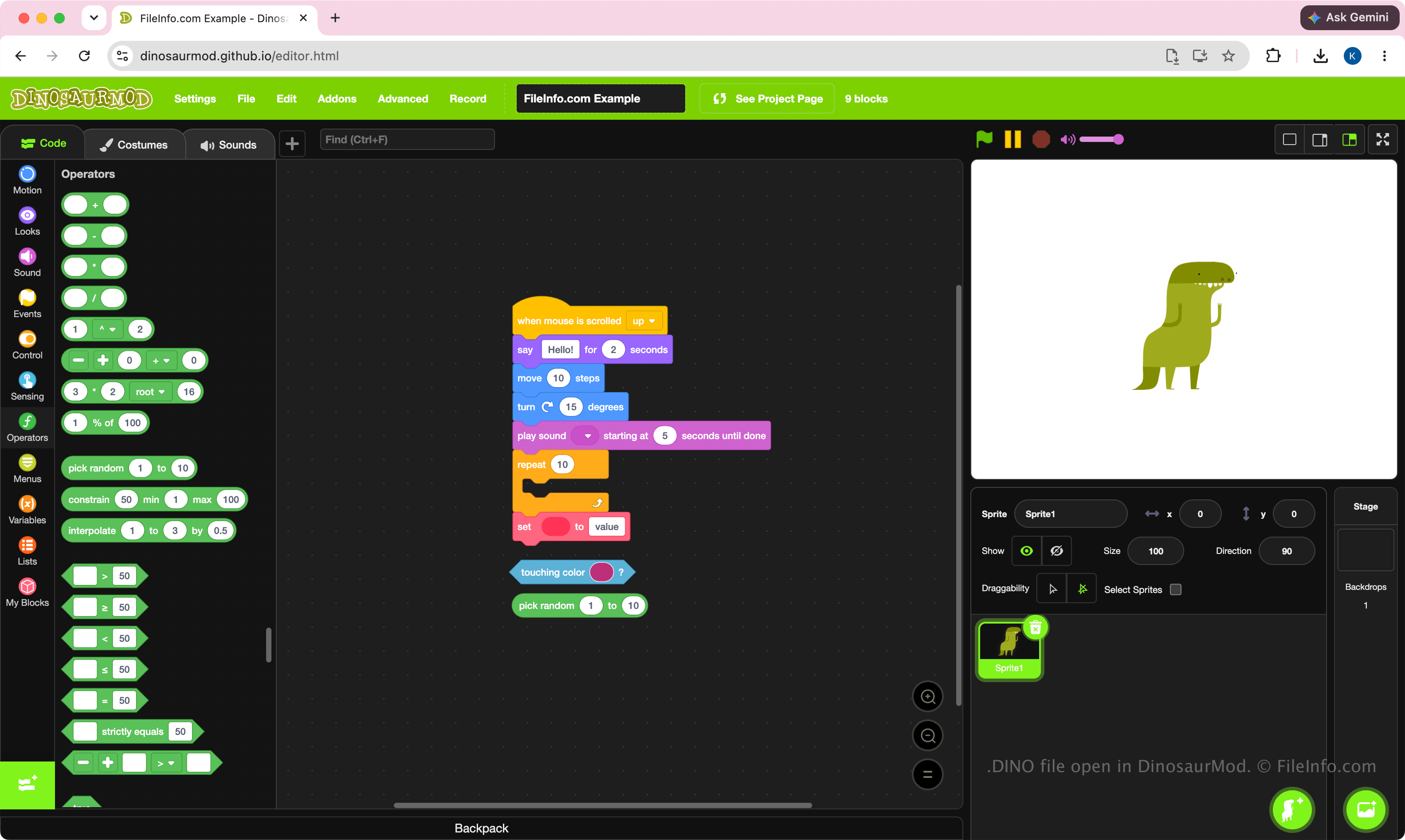
O DinosaurMod usa arquivos DINO como seu principal formato de projeto. Estudantes, educadores, entusiastas e programadores criam esses arquivos ao desenvolver projetos com a interface de programação visual baseada em blocos do DinosaurMod. O formato foi criado para preservar o estado completo de um projeto, facilitando a transferência de projetos entre computadores, o arquivamento deles ou a colaboração com outros usuários do DinosaurMod.
Como os arquivos DINO são projetos, eles foram feitos para edição, e não para execução por conta própria. Os usuários normalmente os criam durante o desenvolvimento de um projeto e depois executam ou publicam o trabalho concluído no DinosaurMod.
NOTA: Para criar um arquivo DINO, selecione .
Como abrir um arquivo DINO
Você pode abrir um arquivo DINO com o DinosaurMod em um navegador da Web. Para abrir o arquivo DINO, selecione . Depois de abrir o arquivo, você pode editar os blocos, sprites, fantasias, sons e outros recursos do projeto e, em seguida, salvar o projeto atualizado novamente em um arquivo DINO.
Como os arquivos DINO são compactados no formato Zip, você pode renomear a extensão do arquivo .dino para .zip e extrair o conteúdo com um utilitário para arquivos Zip, como o Microsoft File Explorer, o Apple Archive Utility ou o Corel WinZip.