

.DINO Rozszerzenie pliku
Rysunek Dinopixel
| Deweloper | Dinopixel |
| Popularność |
3,5 | 2 Głosy |
Czym jest plik DINO?
Plik DINO to rysunek utworzony w aplikacji Dinopixel, internetowym kreatorze pixel artu. Zawiera informacje o rysunku, takie jak wymiary płótna, pociągnięcia ołówkiem i kolory, w formacie Dinopixel (DINO). Użytkownicy zapisują rysunki jako pliki DINO, aby zachować postępy (pobierając je na komputer), a następnie przesyłają je z powrotem do programu Dinopixel w przeglądarce internetowej, aby kontynuować edycję.
Więcej informacji
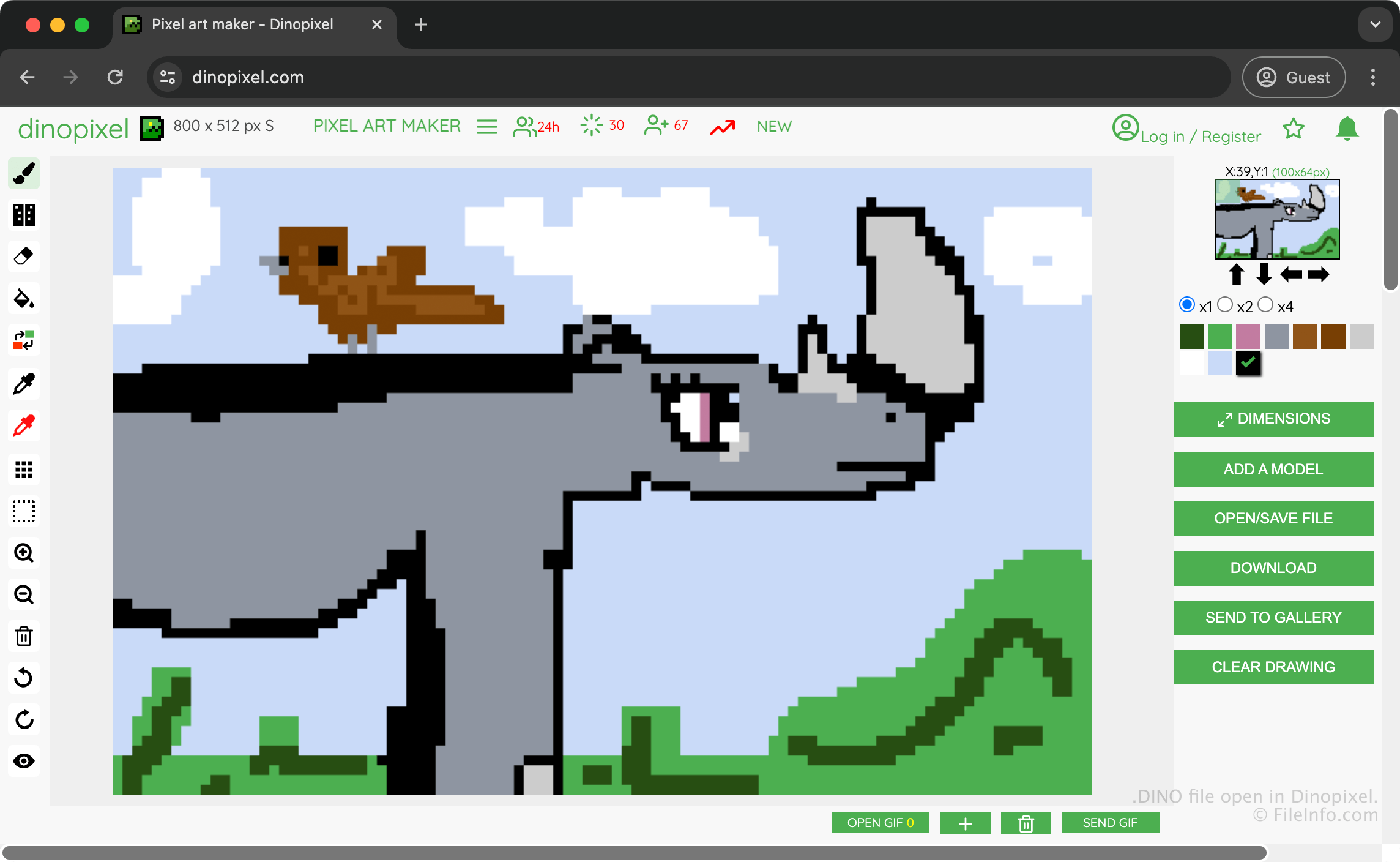
Dinopixel to bezpłatna aplikacja działająca w przeglądarce, która pozwala tworzyć pixel art i przesyłać go do galerii Dinopixel, aby udostępniać go innym użytkownikom. Możesz na przykład utworzyć rysunek nosorożca, zapisać go jako plik DINO, aby zachować postępy, a następnie przekonwertować go na obraz PNG i udostępnić innym.
Aby utworzyć plik DINO w celu zapisania rysunku, wybierz , a następnie wybierz . Aplikacja pobierze wtedy plik DINO do folderu pobierania.
Jak otworzyć plik DINO
Plik DINO można otworzyć w aplikacji Dinopixel w przeglądarce internetowej. Aby otworzyć plik DINO w aplikacji Dinopixel, wybierz , a następnie wybierz . Następnie pojawi się prośba o wybranie pliku DINO, który chcesz przesłać z komputera do witryny.
Jak przekonwertować plik DINO
Aplikacja Dinopixel może konwertować pliki DINO do formatu Portable Network Graphics (.PNG). Aby przekonwertować plik DINO za pomocą aplikacji Dinopixel, wybierz .
Programy otwierające pliki DINO
Projekt DinosaurMod
| Deweloper | GabsTheCuriousKid |
| Popularność |
3,0 | 1 Głos |
Plik DINO to projekt utworzony w DinosaurMod, internetowym środowisku programowania blokowego opartym na Scratch, TurboWarp i PenguinMod. Przechowuje projekt programistyczny, w tym duszki, skrypty, kostiumy, dźwięki, zmienne i ustawienia projektu używane do tworzenia interaktywnych gier, animacji, symulacji i innych aplikacji multimedialnych. Pliki DINO zapisują wszystkie zasoby projektu, które zazwyczaj obejmują pliki .JSON i .SVG w jednym, skompresowanym za pomocą Zip pliku, dzięki czemu użytkownicy mogą kontynuować edytowanie swojej pracy lub udostępniać ją innym.
Więcej informacji
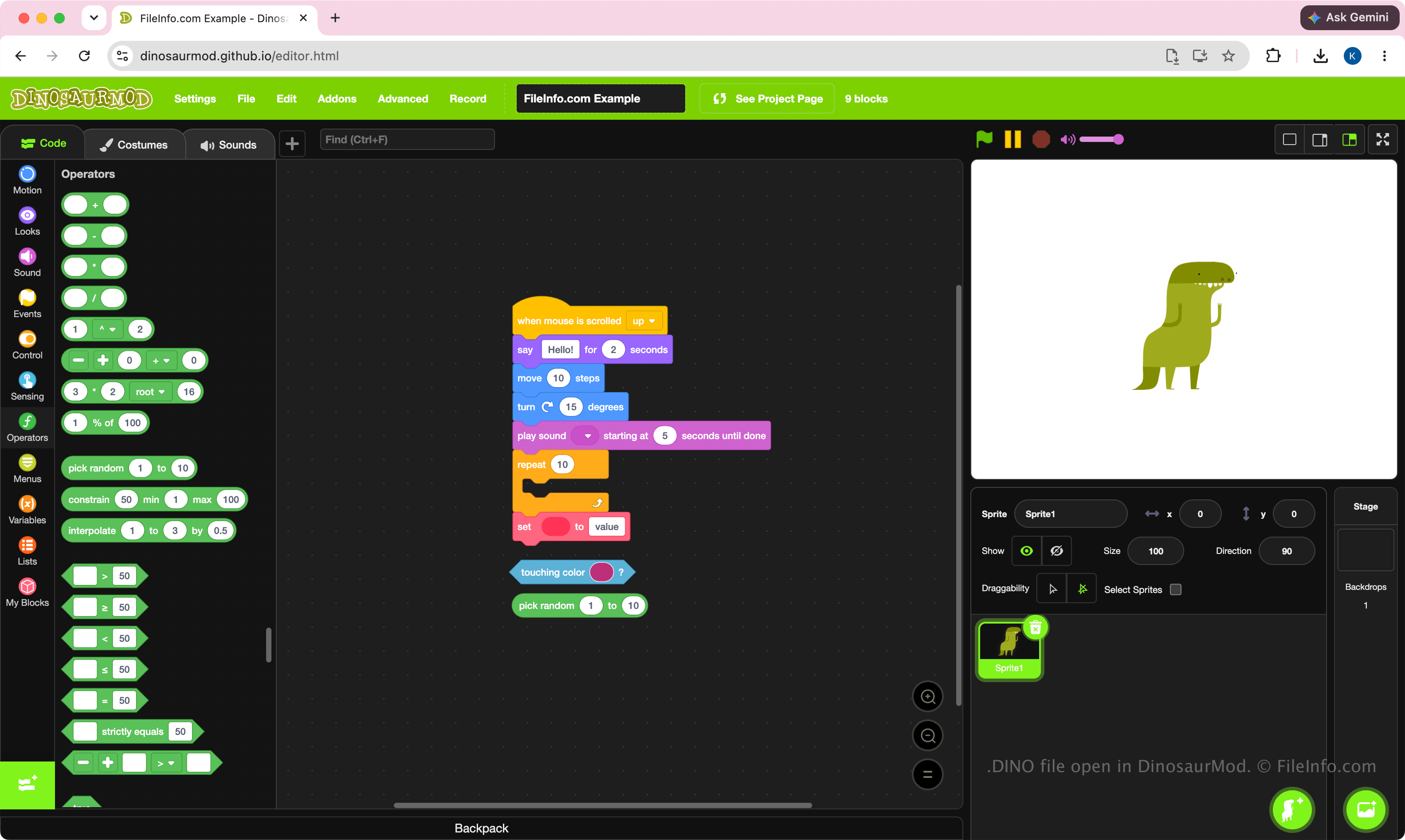
DinosaurMod używa plików DINO jako głównego formatu projektów. Uczniowie, nauczyciele, hobbyści i programiści tworzą te pliki podczas opracowywania projektów za pomocą wizualnego, blokowego interfejsu programistycznego DinosaurMod. Format ten został zaprojektowany tak, aby zachowywać pełny stan projektu, ułatwiając przenoszenie projektów między komputerami, archiwizowanie ich lub współpracę z innymi użytkownikami DinosaurMod.
Ponieważ pliki DINO są projektami, są przeznaczone do edycji, a nie do samodzielnego uruchamiania. Użytkownicy zazwyczaj tworzą je podczas opracowywania projektu, a następnie uruchamiają lub publikują gotową pracę w DinosaurMod.
UWAGA: Aby utworzyć plik DINO, wybierz .
Jak otworzyć plik DINO
Plik DINO można otworzyć w DinosaurMod w przeglądarce internetowej. Aby otworzyć plik DINO, wybierz . Po otwarciu pliku możesz edytować bloki projektu, duszki, kostiumy, dźwięki i inne zasoby, a następnie zapisać zaktualizowany projekt ponownie jako plik DINO.
Ponieważ pliki DINO są skompresowane za pomocą Zip, możesz zmienić nazwę rozszerzenia pliku .dino na .zip i wypakować zawartość za pomocą narzędzia Zip, takiego jak Eksplorator plików Microsoft, Apple Archive Utility lub Corel WinZip.