

.MRW Bestandsextensie
Minolta Raw-afbeelding
| Ontwikkelaar | Minolta |
| Populariteit |
3,2 | 10 stemmen |
Wat is een MRW-bestand?
Een MRW-bestand is een RAW-foto die is gemaakt door een digitale Minolta Dimage-camera. Het bevat ongecomprimeerde, onbewerkte afbeeldingsgegevens die precies zijn opgeslagen zoals ze door de CCD-sensor van een camera zijn vastgelegd. Omdat MRW-bestanden een grote hoeveelheid gegevens bevatten, zijn ze behoorlijk groot.
Meer informatie
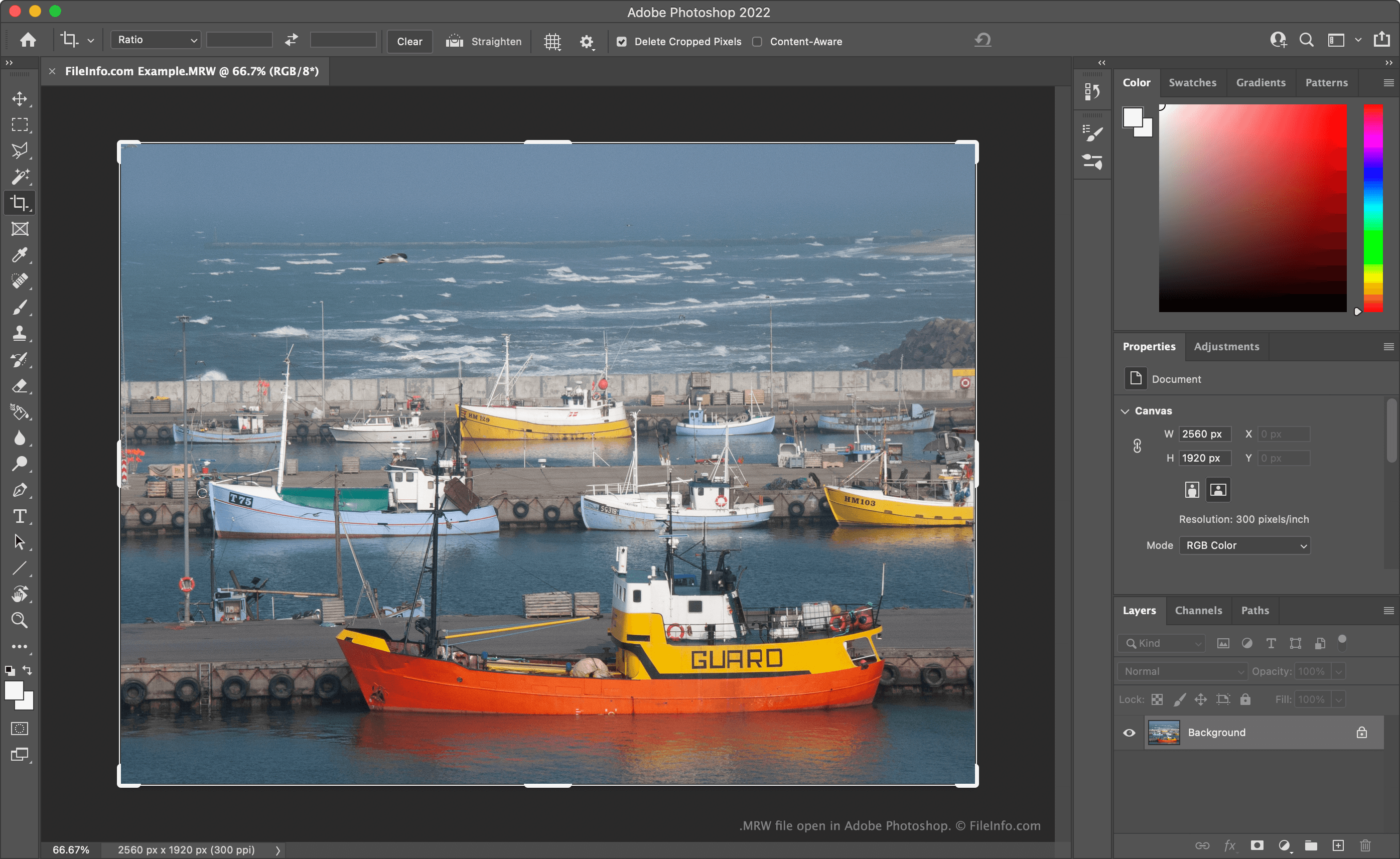
Veel digitale camera's voor professionals slaan foto's op als camera-rawbestanden. Deze bestanden bevatten alle gegevens die zijn vastgelegd toen een fotograaf een foto maakte. Door deze gegevens in hun oorspronkelijke vorm te behouden, kunnen fotografen elementen van de afbeelding, zoals de kleurtemperatuur en belichting, nauwkeuriger bewerken dan wanneer de gegevens waren verwerkt of gecomprimeerd.
Minolta Dimage-camera's, zoals de Dimage 7 en Dimage Z2, slaan camera-rawafbeeldingen op als MRW-bestanden. Toen Sony Minolta overnam, werd het MRW-formaat uitgefaseerd en vervangen door het .ARW-formaat.
Een MRW-bestand openen
Je kunt een MRW-bestand openen met Adobe Photoshop (Windows, Mac), XnViewMP (multiplatform) of Apple Photos (Mac). Je kunt MRW-bestanden ook openen met Microsoft Photos (Windows) nadat je de RAW Image Extension hebt geïnstalleerd.
OPMERKING: Omdat MRW-bestanden die door verschillende camera's zijn gemaakt, verschillend zijn geformatteerd, kunnen programma's sommige MRW-bestanden wel openen en andere niet.
Een MRW-bestand converteren
Je kunt Adobe Photoshop, Logipole Konvertor of XnViewMP gebruiken om MRW-bestanden naar andere afbeeldingsindelingen te converteren. XnViewMP kan MRW-bestanden bijvoorbeeld converteren naar de volgende indelingen (en vele andere):
- .JPEG - JPEG-afbeelding
- .GIF - Graphical Interchange Format
- .PNG - Portable Network Graphic
- .TIFF - Tagged Image
- .BMP - Bitmapafbeelding
- .PCX - Paintbrush-bitmapafbeelding
- .TGA - Targa-afbeelding
- .JP2 - JPEG 2000 Core-afbeelding
- .JXR - JPEG XR-afbeelding
- .WEBP - WebP-afbeelding
Houd er rekening mee dat het converteren van een MRW-bestand naar een niet-RAW-indeling de RAW-gegevens die het bevat verwijdert. Daarom wil je misschien een kopie van je MRW-bestand bewaren voor toekomstige bewerkingen.