

.MRW Přípona souboru
Obrázek Minolta RAW
| Vývojář | Minolta |
| Popularita |
3,2 | 10 hlasů |
Co je soubor MRW?
Soubor MRW je RAW fotografie vytvořená digitálním fotoaparátem Minolta Dimage. Obsahuje nekomprimovaná a nezpracovaná obrazová data uložená přesně tak, jak je zachytil snímač CCD fotoaparátu. Protože soubory MRW obsahují velké množství dat, mají poměrně velkou velikost.
Další informace
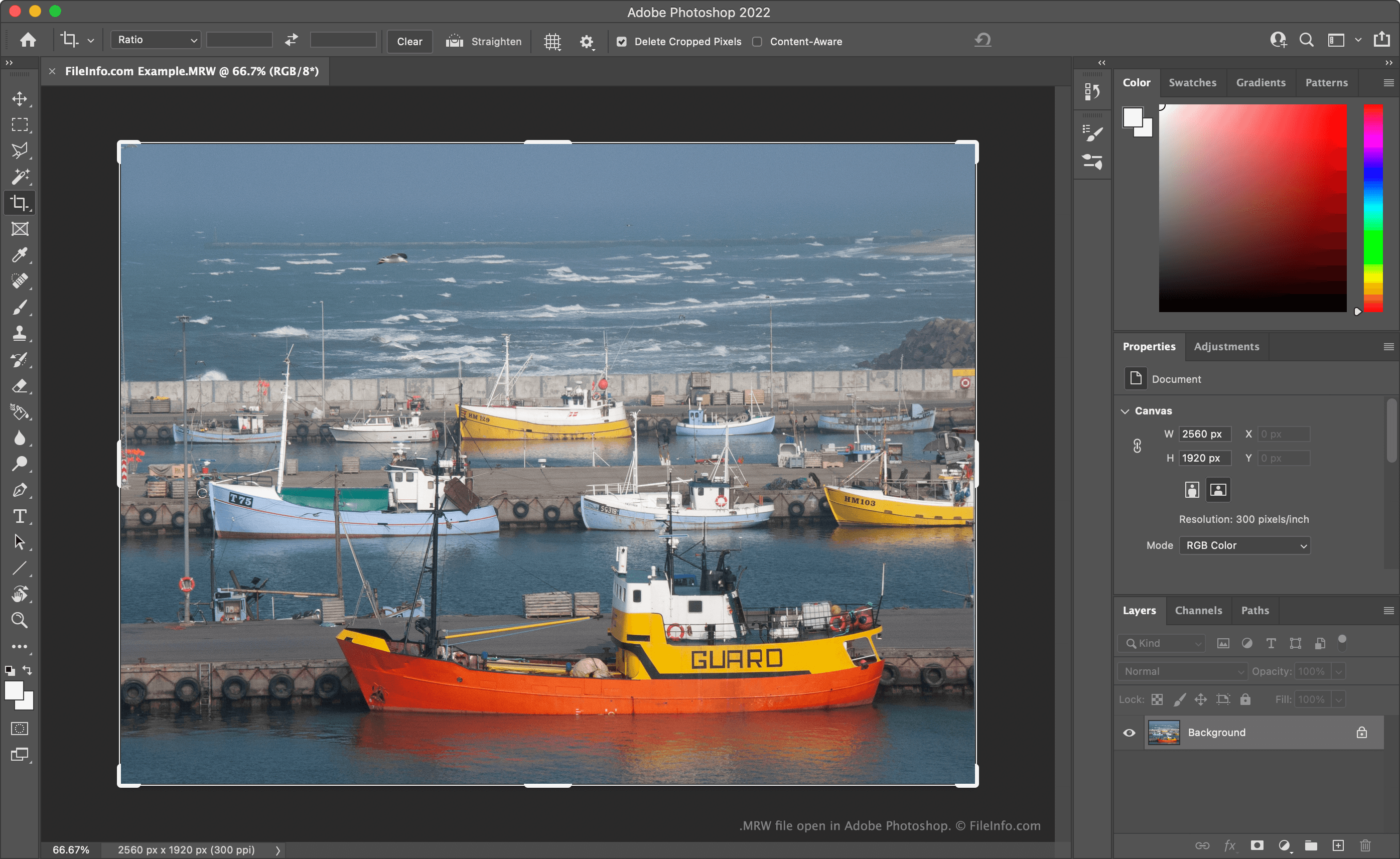
Mnoho digitálních fotoaparátů profesionální třídy ukládá fotografie jako RAW soubory fotoaparátu. Tyto soubory obsahují všechna data zachycená při pořízení snímku. Zachování těchto dat v nezpracované podobě umožňuje fotografům přesněji upravovat prvky snímku, jako je teplota barev a expozice, než kdyby byla data zpracována nebo komprimována.
Fotoaparáty Minolta Dimage, například Dimage 7 a Dimage Z2, ukládají RAW snímky fotoaparátu jako soubory MRW. Když společnost Sony získala Minoltu, formát MRW postupně vyřadila a nahradila ho formátem .ARW.
Jak otevřít soubor MRW
Soubor MRW můžete otevřít pomocí programů Adobe Photoshop (Windows, Mac), XnViewMP (pro více platforem) nebo Apple Photos (Mac). Soubory MRW můžete také otevřít pomocí programu Microsoft Photos (Windows) po instalaci rozšíření RAW Image Extension.
POZNÁMKA: Protože jsou soubory MRW vytvořené různými fotoaparáty formátovány odlišně, programy mohou některé soubory MRW otevřít, ale jiné ne.
Jak převést soubor MRW
K převodu souborů MRW do jiných obrazových formátů můžete použít programy Adobe Photoshop, Logipole Konvertor nebo XnViewMP. Například XnViewMP dokáže převést soubory MRW do následujících formátů (a mnoha dalších):
- .JPEG - obrázek JPEG
- .GIF - grafický formát GIF
- .PNG - grafický obrázek PNG
- .TIFF - obrázek TIFF
- .BMP - bitmapový obrázek
- .PCX - bitmapový obrázek Paintbrush
- .TGA - grafický obrázek Targa
- .JP2 - základní obrázek JPEG 2000
- .JXR - obrázek JPEG XR
- .WEBP - obrázek WebP
Mějte na paměti, že převodem souboru MRW do jiného než RAW formátu odstraníte RAW data, která obsahuje. Proto si možná budete chtít ponechat kopii souboru MRW pro budoucí úpravy.